WCC Google Analytics
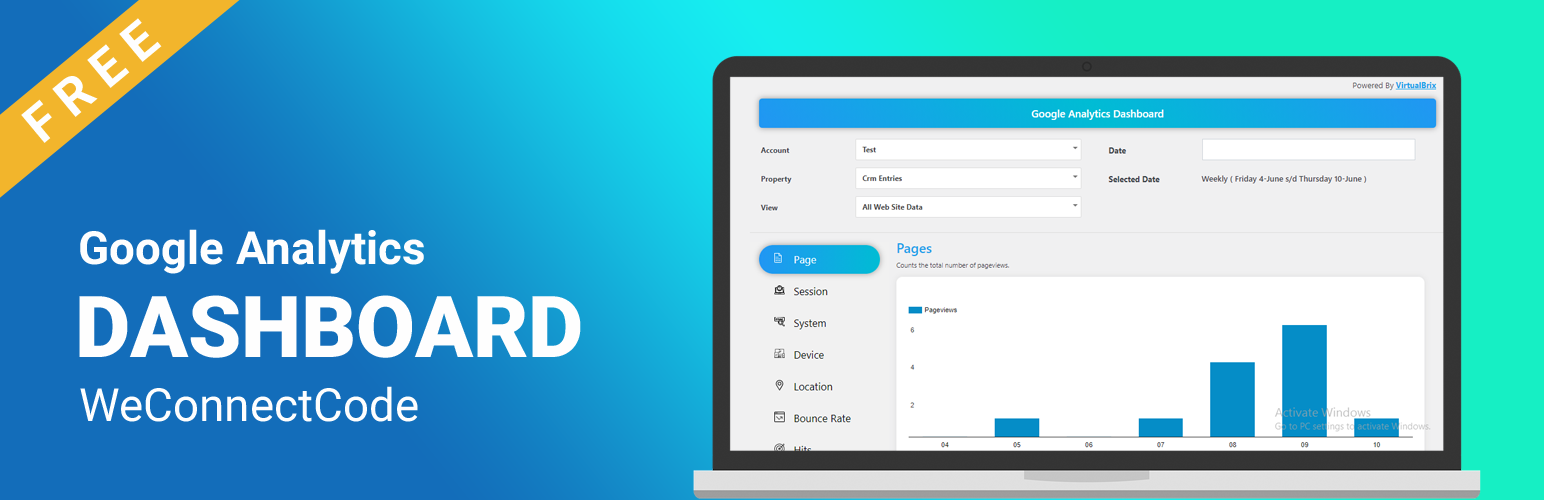
WCC Google Analytics
Description
WCC Google Analytics by We Connect Code.
Usage
Show Your Website Analytics Report.
Installation
- Upload the
pluginfolder to the/wp-content/plugins/directory - Activate the plugin through the ‘Plugins’ menu in WordPress
Screenshots

Dashboard - Page

Dashboard - Location

Dashboard - Session

Settings
Faq
Help Desk. Support is currently provided via our email help desk. Questions are generally answered within 24 hours, with the exception of weekends and holidays. We answer questions related to ACF, its usage and provide minor customization guidance. We cannot guarantee support for questions which include custom theme code, or 3rd party plugin conflicts & compatibility.
Support Forums. Our Community Forums provide a great resource for searching and finding previously answered and asked support questions. You may create a new thread on these forums, however, it is not guaranteed that you will receive an answer from our support team. This is more of an area for developers to talk to one another, post ideas, plugins and provide basic help.
Reviews
Changelog
1.0.0
- Initial release.