Web Vitals Block
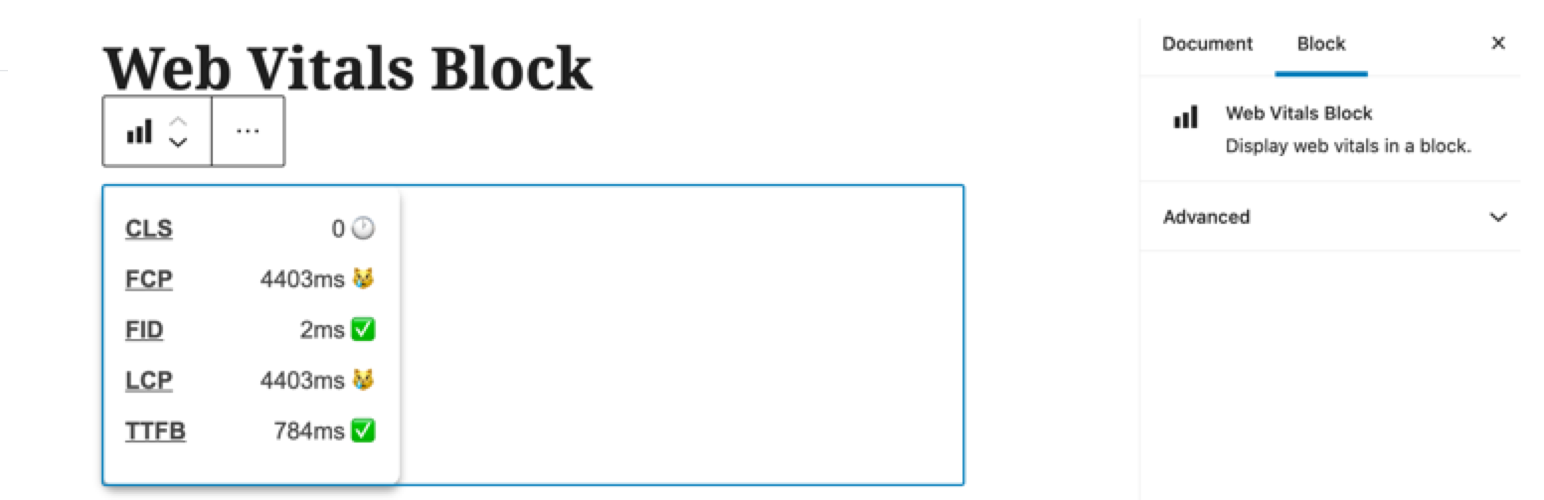
Web Vitals Block
Description
Display web vitals element in a block.
Installation
- Activate the plugin from the block directory by typing
web vitalsinto the block inserter.
Screenshots

The plugin in use - inserting a web vitals block.
Reviews
Changelog
1.2.0
Add toggle controls to enable/disable each vital.
1.1.0
- Update web-vitals-element to include support for Core Web Vitals ‘needs improvement’ threshold. See https://github.com/stefanjudis/web-vitals-element/pull/2.
1.0.2
- Clean up naming for block directory.
1.0.1
- Tag for update.
1.0.0
- Initial Release.
- Props to @stefanjudis for
web-vitals-element– https://github.com/stefanjudis/web-vitals-element
upon which this plugin is based.