Web-Art Login Shield with reCAPTCHA

Web-Art Login Shield with reCAPTCHA
Description
Web-Art Login Shield with reCAPTCHA protects WordPress authentication, Elementor Login widgets and Elementor Forms.
It provides optional Google reCAPTCHA v2/v3, IP lockouts, Advanced login URL protection, IP blocking and REST/XML-RPC protection. It preserves WordPress core authentication logic.
No ads, author telemetry or external dashboard. All modules are opt-in and disabled by default.
Key Features
reCAPTCHA v2/v3
- selectable v2 checkbox or v3 score-based verification
- protection for wp-login.php, Elementor Login and Elementor Forms
- server-side token, action, score and hostname validation where applicable
- configurable v3 score threshold
- one active type at a time
- configuration verification before activation
Elementor support
- protection for Elementor Login and Elementor Pro Forms
- native Elementor reCAPTCHA fields are skipped to avoid duplication
- v2 alignment controls
- login errors and lockouts remain inside the Login widget
- dynamic content and Elementor popup support
Login Protect
- per-IP failed-attempt counting and temporary lockouts
- safe concurrent-request handling
- active-lockout countdown
- local security event log with bounded retention
- optional REST API, Application Password and XML-RPC protection
- independent operation with or without reCAPTCHA
Advanced login URL
- optional custom login endpoint
- protection of default login routes while preserving required public actions
- logout and password-link compatibility
- emergency wp-config.php recovery constant
IP allowlists and blocking
- separate reCAPTCHA allowlist and Login Protect trusted IP list
- permanent IP blocking for public site requests with HTTP 403
- optional IP | reason notes
XML-RPC hardening
Optional blocking of:
- pingback.ping
- pingback.extensions.getPingbacks
- system.multicall
Security Model
Protected flows use fail-closed handling. If an enabled check cannot be completed safely, the request is rejected instead of bypassing protection.
Login Protect preserves active lockouts and safely handles concurrent requests. Setting Maximum login attempts or Lockout duration to 0 disables lockout enforcement.
All modules remain disabled until enabled. Recovery constants are available in wp-config.php for selected modules.
External Services
This plugin integrates with Google reCAPTCHA v2 and v3, services provided by Google LLC.
reCAPTCHA is disabled by default. Google scripts or verification requests are used only after an administrator enables reCAPTCHA or runs a settings-page verification test.
Google’s reCAPTCHA JavaScript (https://www.google.com/recaptcha/api.js) may load on protected wp-login.php requests, pages containing protected Elementor widgets or forms, and the settings page during a verification test. Allowlisted visitors bypass frontend loading where applicable.
When reCAPTCHA runs, the visitor’s browser connects directly to Google. Google may process browser, device and interaction information and may set the necessary _GRECAPTCHA cookie under its policies.
For server-side verification, the plugin sends the token, configured Secret Key and visitor IP address when available to Google’s siteverify endpoint. It does not include usernames, passwords, email addresses or form contents in that request.
The plugin sends no telemetry, analytics or usage data to its author.
Google policies:
- https://policies.google.com/privacy
- https://policies.google.com/terms
Privacy
Locally stored security data may include:
- IP addresses, failed-attempt counts and lockout timestamps
- a username or email associated with an IP lockout
- recent events containing an IP address, username or email, source, type and timestamp
- the latest reCAPTCHA configuration or transport error used for diagnostics
- permanent IP blocklist entries and optional notes
Inactive Login Protect entries become eligible for deletion after seven days. Active lockouts remain until expiry. The event log is limited to 30 entries and 30 days.
WordPress privacy tools export or erase records matched to the requested email address or associated account. Unmatched IP-only records remain subject to retention and administrator cleanup. Permanent blocklist entries remain until removed by an administrator.
Plugin data can be removed during uninstall when uninstall cleanup is enabled.
Legal
reCAPTCHA is a trademark of Google LLC.
Elementor is a trademark of Elementor Ltd.
This plugin is not affiliated with, endorsed by, or sponsored by Google LLC or Elementor Ltd.
Installation
- Install and activate the plugin.
- Open the plugin settings page.
- Select reCAPTCHA v2 or v3 if required.
- Enter the matching Site Key and Secret Key.
- Save the keys and run the verification test.
- Enable the required protection modules.
- If using Advanced login URL, securely store the generated login URL.
Screenshots
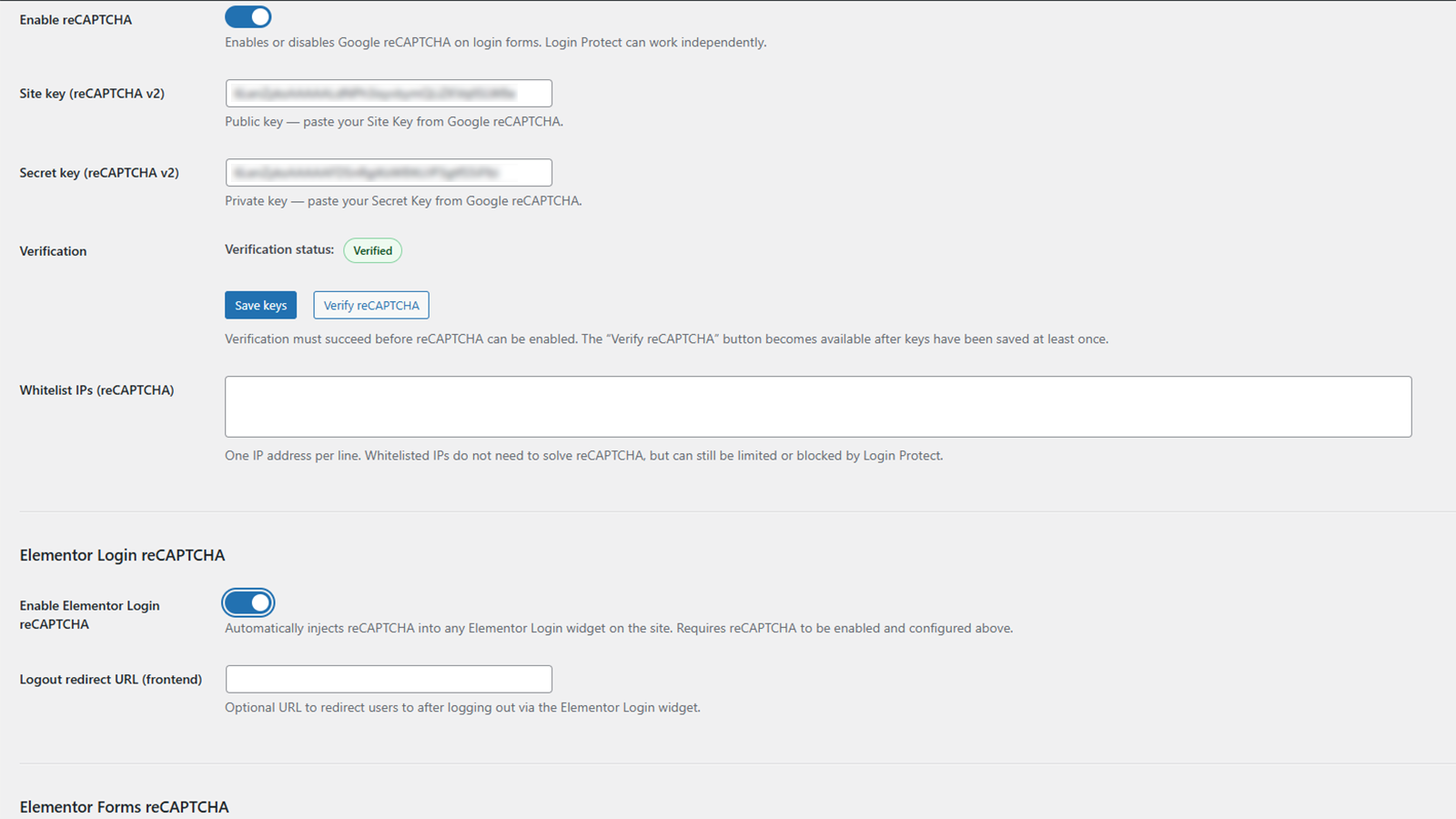
reCAPTCHA settings panel
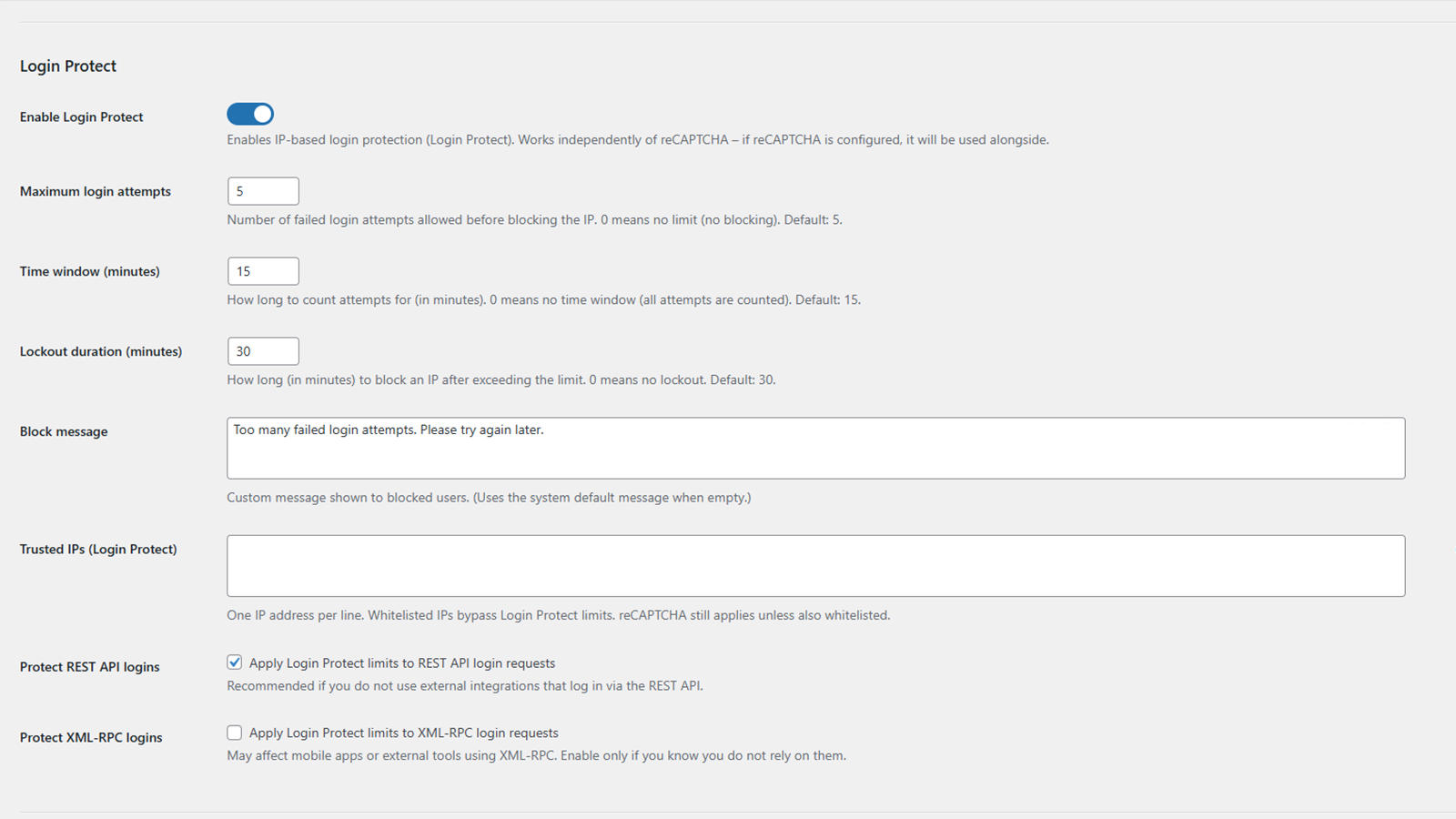
Login Protect settings panel
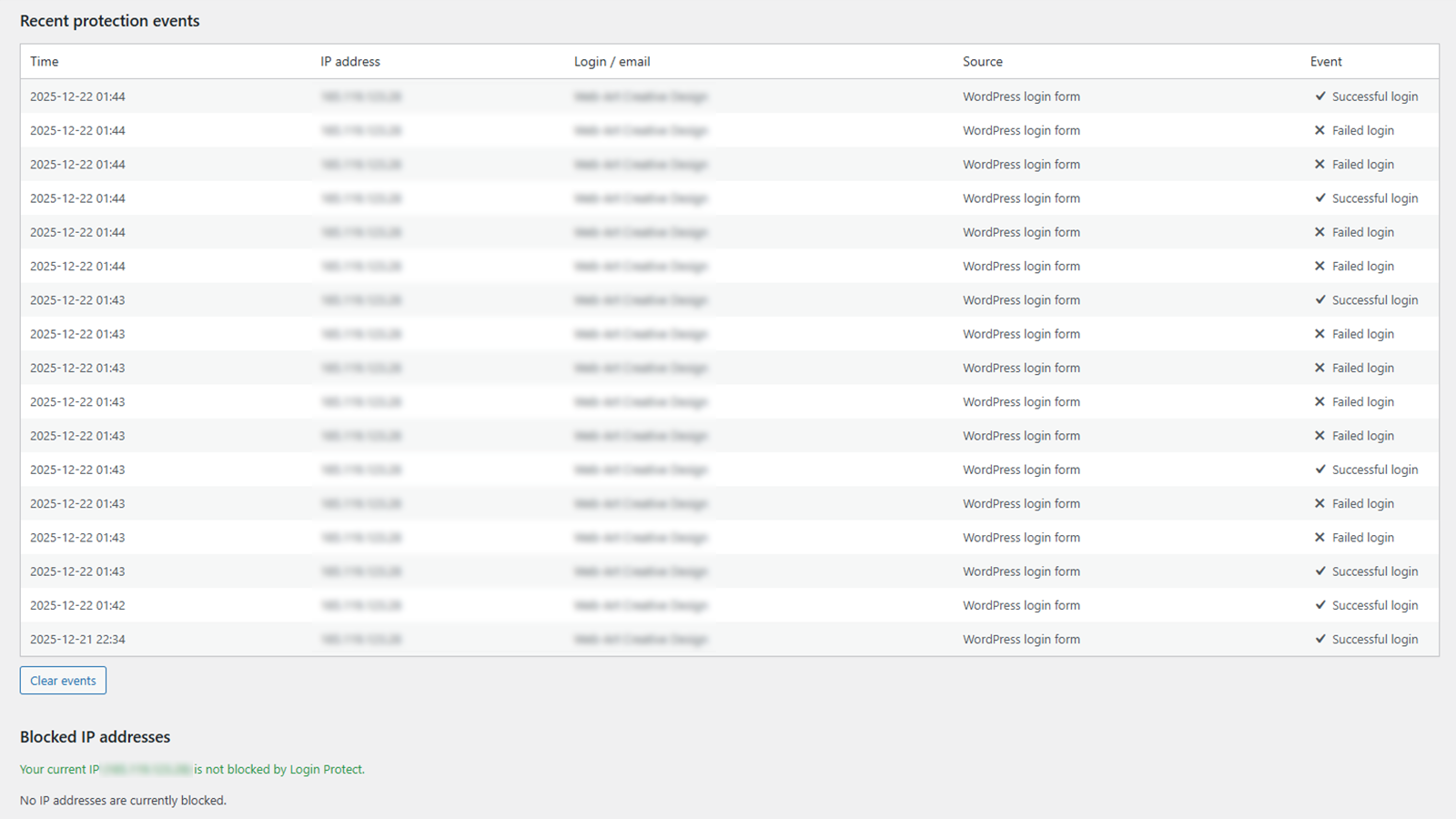
Security event log and blocked IP list
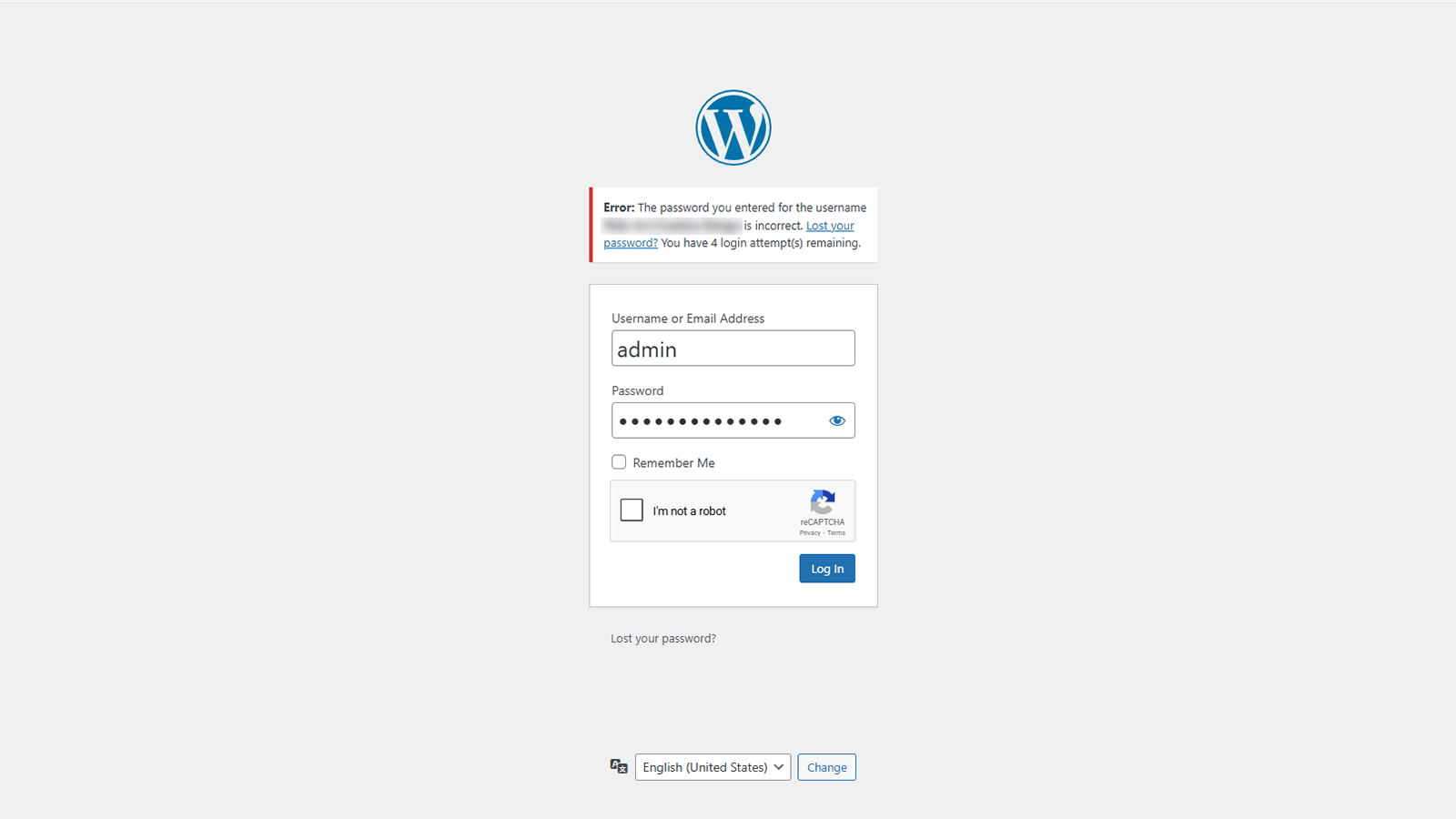
WordPress login screen
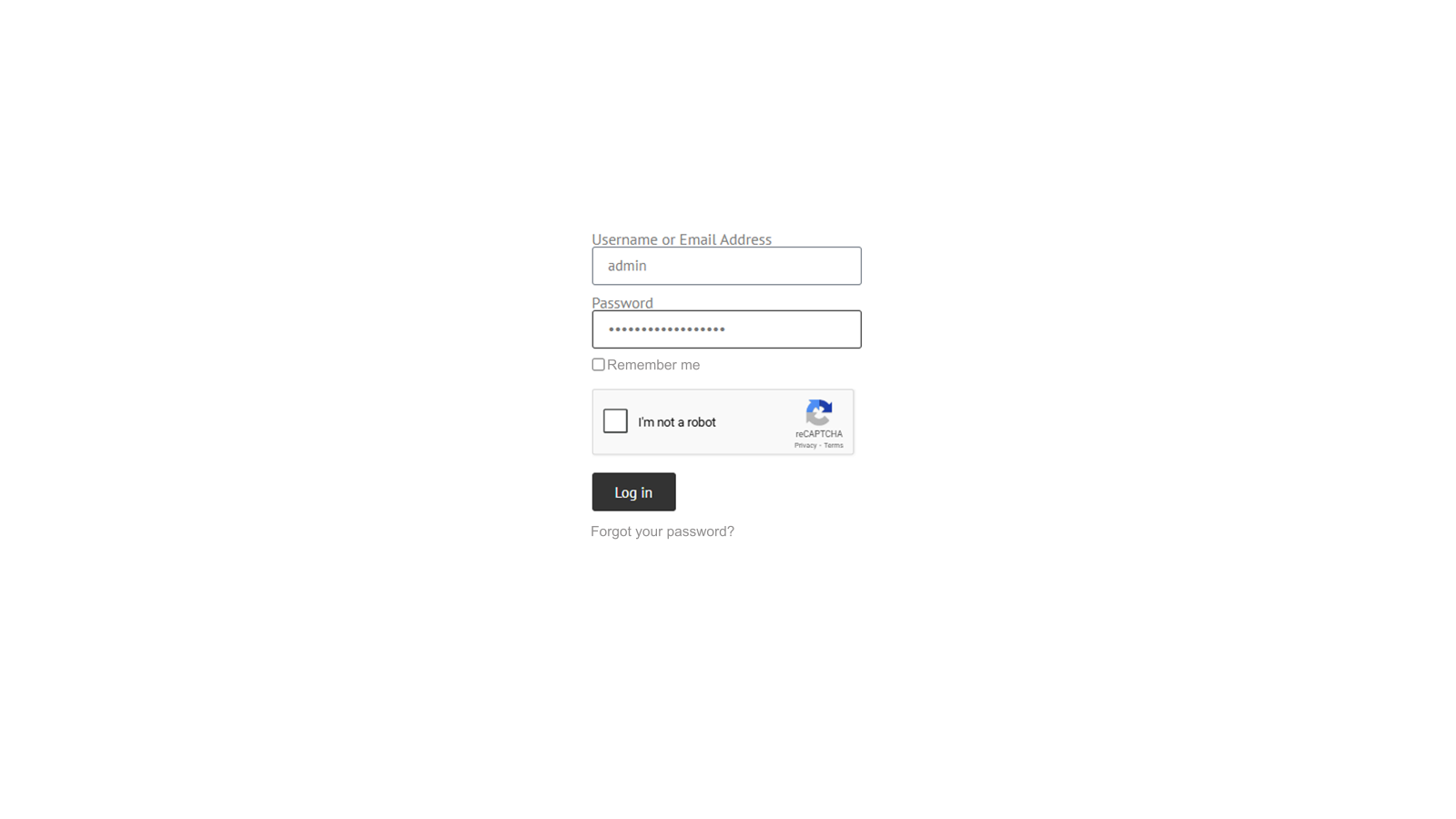
Elementor Login widget
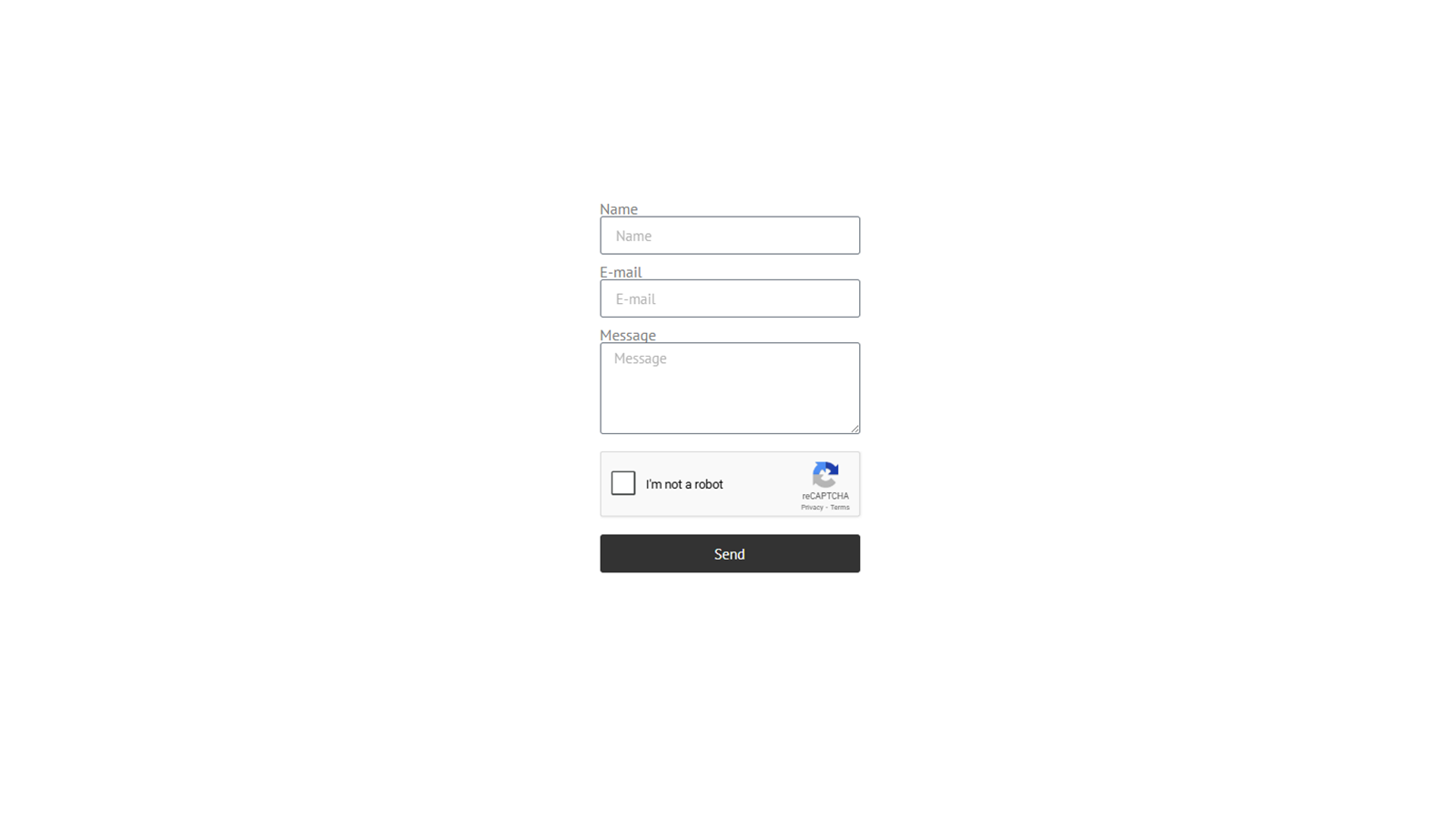
Elementor Form
Faq
A request is accepted only when its score meets the configured threshold and its action is valid.
The plugin skips its own handling when a native Elementor reCAPTCHA v2 or v3 field is present.
The affected protected request is rejected instead of bypassing enabled protection.
Yes. It covers native WordPress Application Password authentication without storing or logging application passwords.
Use LGRE_DISABLE_ADVANCED_LOGIN or LGRE_DISABLE_IP_BLOCKING in wp-config.php, then remove the constant after restoring access.
No. It uses validated REMOTE_ADDR by default. Trusted code may enable sanitized proxy headers through lgre_trust_proxy_headers.
Yes. Trusted code may use lgre_login_protect_credential_error_codes; added values are validated.
No. The plugin marks the custom login endpoint as non-cacheable using WordPress no-cache handling and explicit no-store headers. When LiteSpeed Cache is active, it additionally sends a request-local no-cache signal and performs targeted purging only for the custom login URL when cache-sensitive settings or plugin lifecycle state change. It does not modify LiteSpeed’s persistent Do Not Cache settings or other cache configuration. Existing persistent exclusions created by version 1.2.1 may remain and can be left in place or removed manually. External CDN rules such as Cache Everything may still require manually excluding the custom login URL.
Reviews
Great plugin
By 
Simple, reliable, and easy to use. The plugin does exactly what it should and works smoothly. Highly recommended!
A Good Login Security Plugin
By 
A very useful plugin for protecting the WordPress login page. One of its biggest advantages is the ability to set the number of failed login attempts allowed within a specific time period. It also includes an option to change the login URL. The plugin is regularly updated and provides additional protection with reCAPTCHA.
Super wtyczka
By 
Lightweight, powerful, and honest – exactly the protection I was looking for!
Web-Art Login Shield is a perfect example of what a modern WordPress security plugin should look like. I am incredibly impressed by the developers' approach – the plugin is free of ads, telemetry, and unnecessary bloatware, which is a rarity these days. It is an ideal solution for administrators who value performance and clean code. If you want to effectively secure your site against brute-force attacks without installing a "bloated" suite that slows down your server – Web-Art Login Shield is a total home run. I highly recommend it! We use this plugin in practice on the muzeumbilgoraj.pl websites.
informatykmzbwb
Nice
By 
Nice and usefull plugin, I would love if it would support recaptcha v3
One plugin, several useful features
By 
Nice combination of login masking, protection and reCAPTCHA. Most importantly – it integrates seamlessly with Elementor.
Lightweight and effective
By 
The plugin does exactly what it’s supposed to. It secures the login and allows for clean reCAPTCHA alignment in Elementor. It doesn't slow down the site and is simple to configure. A solid tool.
Lightweight, solid, and doesn’t bloat the site.
By 
Great plugin! It effectively secures Elementor forms and does a great job protecting the WordPress login page. It's a simple, lightweight tool that’s very easy to set up. Everything works perfectly and doesn't slow down the site at all. Highly recommended.
Changelog
1.2.2
- Compatibility: Removed automatic reading, writing and synchronization of LiteSpeed Cache persistent exclusion settings.
- Compatibility: Kept only request-local no-cache signaling and targeted purging of the custom login URL; the plugin does not perform global cache, Object Cache/Redis or CSS/JS purges.
- Reliability: Deactivation and uninstall no longer modify LiteSpeed Cache configuration; persistent exclusions created by version 1.2.1 are left untouched.
- Regression safety: Kept reCAPTCHA v2/v3, IP allowlist, Login Protect and Elementor authentication/form flows unchanged from version 1.2.1.
- Fix: Kept the successful lost-password confirmation on the custom login endpoint instead of resolving the default wp-login.php redirect to a 404 route.
- Fix: Preserved complete password-reset links on the custom login endpoint, including safe URL encoding of usernames with spaces so the reset key and action are not truncated by email clients.
1.2.1
- Fix: Prevented full-page caching of the custom login endpoint so reCAPTCHA and IP allowlist decisions remain consistent with the current request.
- Compatibility: Added lifecycle-managed LiteSpeed Cache exclusions for the custom login endpoint, runtime no-cache signaling, targeted URL purging, and cleanup after slug changes, disabling masking, deactivation, or deletion.
1.2.0
- Feature: Added Google reCAPTCHA v3 with selectable v2/v3 configuration, action and score validation for wp-login.php, Elementor Login and Elementor Forms; existing installations remain configured for v2 by default.
- Feature: Added scoped frontend loading for protected Elementor widgets and forms, including dynamically inserted content and Elementor popups.
- Feature: Extended optional REST API Login Protect coverage to native WordPress Application Password authentication.
- Security: Strengthened reCAPTCHA hostname validation and fail-closed handling across protected authentication and form submission flows.
- Security: Hardened Login Protect state management, concurrent authentication handling and lockout enforcement.
- Security: Improved Advanced Login routing and request validation across multisite, subdirectory and non-standard WordPress configurations.
- Compatibility: Improved independent reCAPTCHA rendering scopes for Elementor Login and Elementor Forms and skipped forms containing native Elementor reCAPTCHA fields.
- Compatibility: Kept authentication errors, remaining attempts and active lockouts inside Elementor Login widgets and ensured configured logout redirects remain in the current browser tab.
- Reliability: Added multisite network activation support, automatic initialization for newly created sites, lifecycle cleanup and configuration recovery.
- Privacy: Added scheduled retention cleanup, privacy export and erasure integration, and expanded documentation for external services and locally stored data.
- Performance: Moved large plugin options out of autoload where supported.
- Tweak: Updated the admin interface, diagnostics and translations.
1.1.1
- Compatibility: Tested with WordPress 7.0.
- Tweak: Updated plugin metadata for WordPress 7.0 compatibility.
1.1.0
- Feature: Added IP Blocking (Site-wide) with a permanent IP blocklist and HTTP 403 responses across the site.
- UX: Separated and standardized admin status labels for permanent and temporary IP blocks.
- UX: Documented optional IP | reason note support for the reCAPTCHA allowlist and Login Protect trusted IPs.
- Security: Login Protect lockouts on wp-login.php now return HTTP 429 with a Retry-After header for active lockouts on login attempts.
- UX: Added a wp-login.php lockout countdown notice and temporary submit blocking during an active lockout.
- Fix: Improved login-screen messaging when a new lockout is triggered.
- Hardening: Reduced unnecessary request inspection by limiting wp-login.php POST attempt detection to relevant contexts.
- Recovery: Added wp-config.php kill-switch constants for Advanced login URL and IP Blocking.
1.0.1
- Feature: Added left, center and right reCAPTCHA alignment options for Elementor Login and Elementor Forms.
- Security: Improved input sanitization for FastCGI and Nginx environments.
- Performance: Disabled reCAPTCHA rendering in the Elementor editor.
- Fix: Stabilized Elementor Forms reCAPTCHA alignment in multi-column layouts with column gaps.
- UX: Simplified and unified configuration status labels in the admin settings.
- Tweak: General code hardening and stricter type handling.
1.0.0
- Initial release.