Disable Updates – Updates Manager, Disable Automatic Updates, Disable All Updates
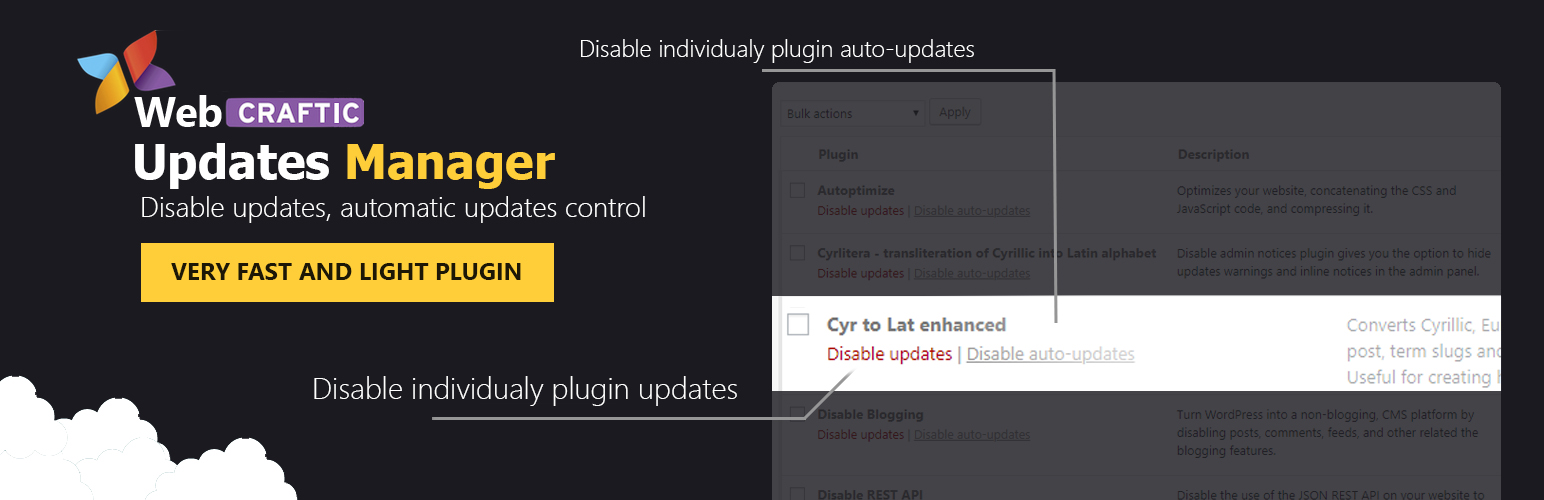
Disable Updates – Updates Manager, Disable Automatic Updates, Disable All Updates
Description
Disable Updates is a lightweight updates manager that gives you full control over how and when updates run on your site. You can disable all updates, turn off automatic updates, or manage updates individually for WordPress core, plugins, and themes.
Key Features
Disable Plugin Updates
You can disable plugin updates globally or manage them on a per-plugin basis. This allows you to prevent update notifications for all plugins or selectively disable updates only for specific plugins you want to keep unchanged.
The plugin also lets you disable automatic plugin updates, giving you full control over which plugins update automatically and which ones require manual approval.
Disable Theme Updates
You can disable theme updates entirely or control them individually for each theme. This is especially useful if you are using custom themes or child themes where updates could overwrite changes.
You can also disable automatic theme updates or allow automatic updates only for selected themes, depending on your workflow.
Disable WordPress Core Updates
Take control of WordPress core updates by disabling them completely or managing how they are applied. You can choose to disable all core updates or fine-tune automatic updates by release type.
Options include:
- Disable WordPress core updates entirely
- Disable automatic core updates
- Allow automatic updates for major releases
- Allow automatic updates for minor releases
- Allow automatic development updates
This gives you full control over how WordPress itself updates on your site.
Additional Features
- Disable translation updates
- Hide update notices for all users except admins
- Get email notifications when updates are available or on successful update
- Disable core update notification emails
- Force automatic updates
Support
We’re here to help. Feel free to open a new thread on the Support Forum.
Useful Resources
- If you like this plugin, you’re sure to love our other plugins as well.
- Our blog is a great place to learn more about WordPress.
- Get the most out of your website with our helpful WordPress YouTube Tutorials.
Installation
- In your WordPress admin, go to Plugins > Add New
- In the Search field, type “Disable Updates”
- Under “Disable Updates” by Themeisle, click the Install Now link
- Once the process is complete, click the Activate Plugin link
- Go to Settings Updates manager to configure the plugin
Screenshots

General settings for disabling updates

Disable plugin updates individually

Disable theme updates individually
Faq
Yes. Disable Updates plugin lets you disable all updates (core, plugins and themes) entirely.
Disabling updates stops WordPress from checking for and offering updates at all. Disabling automatic updates only prevents updates from being installed automatically, while still allowing you to see available updates and install them manually if you choose.
Yes. When you disable automatic updates only, WordPress will still show available updates for core, plugins, and themes in the dashboard. You can review and install updates manually whenever you’re ready.
Reviews
Can you make the plugin a bit more confusing?
By 
I think the plugin is not confusing enough, maybe the author could try hiding the SAVE button a bit better so I cannot find it at all.
Maybe add more grayed out setting so i can click them without them doing anything.
How about making the bulk actions a bit more useless? So I select all plugins, run each one, and none of them update any of the settings.
Works great!
By 
I've tested it on a couple sites and it seems to be working well - loving the control it gives you over each plugin. Seems to work better than any other similar plugin I've tried.
I'm now installing it on the rest of my sites and if all goes well will most likely be buying the pro version.
UPDATE: I just tried to find the Pro version, but it appears you can only get it by purchasing the complete Clearfy Pro/Business plugin.
I don't really need or want the other plugins included in Clearfy - just the Updates Manager Pro plugin. Is there any way to purchase just that by itself?
If not, can I purchase Clearfy Business and only install the Updates Manager on its own?
ok
By 
gute Arbeit
Great Plugin
By 
I've been using this Great Plugin for years, and still, it does a fantastic job! Thank you very much! 😉
Good
By 
works as described
By 
Nice plugin
By 
very useful
By 
worked great
By 
Works Perfectly
By 
Changelog
Version 1.3.0 (2026-01-12)
- Disable Updates joins Themeisle – The plugin has been acquired by Themeisle, ensuring continued development and support. No action is required.
- Moved all PRO features to the free version
- Simplified settings interface
- Removed status icons from Plugins list
- Enhanced security
1.2.0 (10.04.2025)
- Added: Compatibility with WordPress 6.8
- Fixed: Security issue
1.1.9 (05.12.2024)
- Added: Compatibility with WordPress 6.7
- Added: Compatibility with php 8.3
1.1.8 (21.03.2024)
- Added: Compatibility with WordPress 6.4
- Added: Compatibility with php 8.2
1.1.7 (21.11.2023)
- Added: Compatibility with WordPress 6.4
- Added: Compatibility with php 8.2
1.1.6 (22.03.2023)
- Fixed: Freemius framework conflict
- Added: Compatibility with WordPress 6.2
1.1.5 (30.05.2022)
- Added: Compatibility with WordPress 6.0
1.1.4 (24.03.2022)
- Added: Compatibility with WordPress 5.9
- Fixed: Minor bugs
1.1.3 (20.10.2021)
- Added: Compatibility with WordPress 5.8
- Fixed: Minor bugs
1.1.2 (16.12.2020)
- Added: Subscribe form
- Fixed: Minor bugs
1.1.1
- Added: Improved plugin security
- Added: Compatibility with WordPress 4.2 – 5.x
- Added: Multisite support
- Fixed: Minor bugs
1.0.7
- Fixed: Update core
- Fixed: It was not possible to close notifications about the incompatibility of plugins.
1.0.6
- Fixed: Update core
- Fixed: Small bugs
- Fixed: Translations
1.0.5
- Fixed: Compatibility with Clearfy plugin
- Fixed: Slowing down the plugins page when updates were disabled
- Fixed: The plugin interface did not work and the styles were not loaded due to security settings
- ADDED: Plugin options caching to reduce database queries for 90%. Clearfy became lighter and faster.
- ADDED: Compress and cache the plugin core files, to reduce the load on the admin panel
1.0.4
- Fixed bug: admin area loads slower – when theme and plugin updates: disabled
1.0.3
- Fixed: Core bugs
1.0.1
- Fixed bug whith update core
- Update core
- Add french translation
1.0.0
- Plugin release