Whaze Term Order for Posts
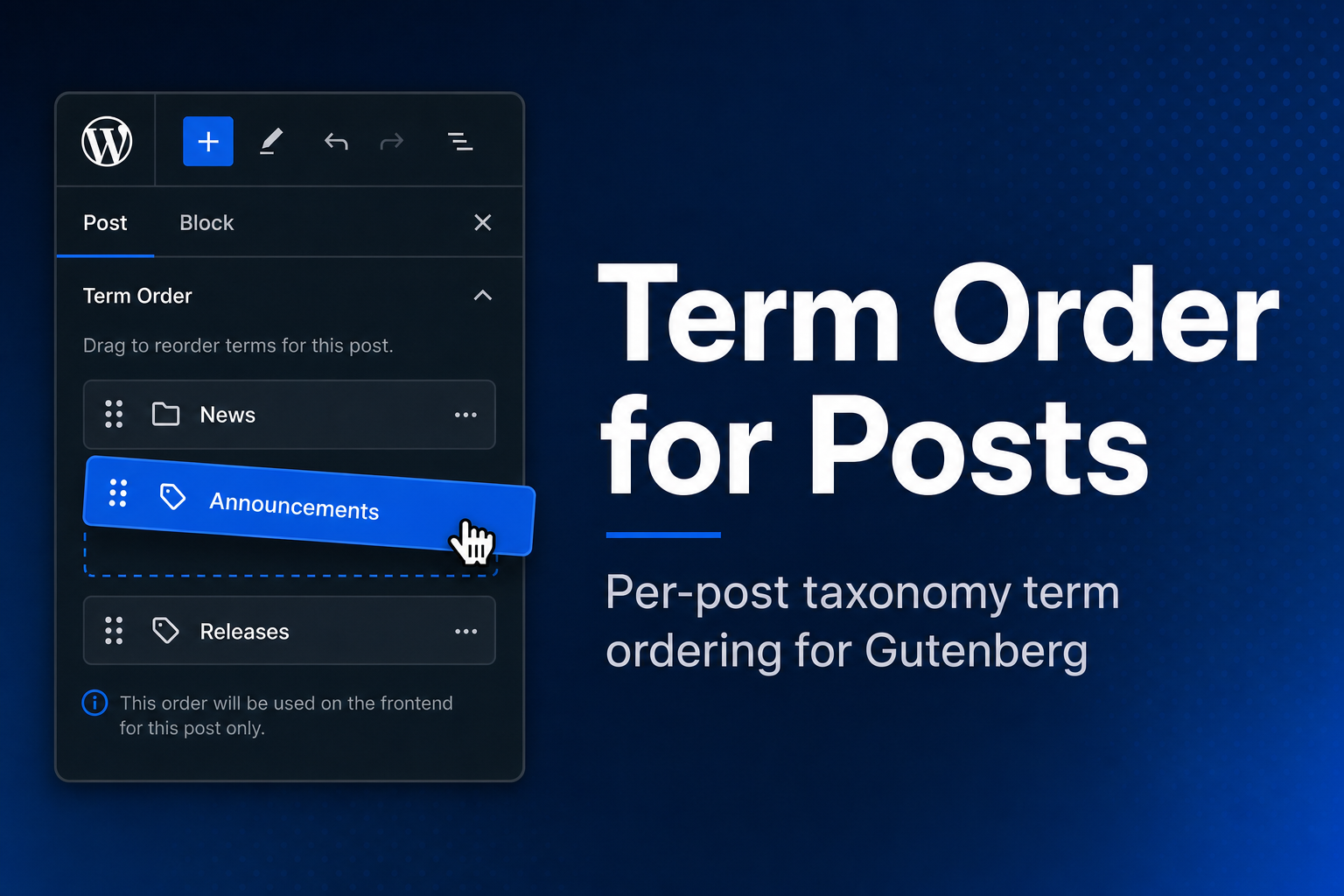
Whaze Term Order for Posts
Description
Whaze Term Order for Posts lets you enable per-post custom ordering of taxonomy terms directly from the Gutenberg editor sidebar. Configure which post types and taxonomies are managed via the admin settings page, or register them programmatically in code.
Admin settings page:
Go to Settings Term Order for Posts to enable term ordering for any post type / taxonomy combination — no code required.
For developers (optional):
Register a post type / taxonomy combination programmatically:
add_action( 'init', function () {
    whaze_term_order_for_posts_register( 'post', 'category' );
    whaze_term_order_for_posts_register( 'movie', 'genre' );
} );
Retrieve ordered terms in templates or REST:
$terms = whaze_term_order_for_posts_get_terms( get_the_ID(), 'category' );
Features:
- Settings page to configure post type / taxonomy pairs — no code needed.
- Drag-and-drop, keyboard and “move up / move down” buttons in the block editor sidebar, with screen reader announcements.
- “Reset to default order” button.
- Order saved with the post (and its revisions), for any post type — including post types without custom fields support.
- Opt-in auto-apply: custom order applied to native blocks, theme functions using
get_the_terms()and the REST API (term ID lists, term endpoints,_embed). - Primary term helper and optional “first ordered category” in
%category%permalinks. - REST API field
term_order, WP-CLI commands and Abilities API support (WordPress 6.9+). - Falls back to default WordPress term order when no custom order is set; cleaned up automatically when terms are removed.
- Fully translatable.
Installation
- Upload the plugin folder to
/wp-content/plugins/. - Activate the plugin through the Plugins screen in WordPress.
- Go to Settings Term Order for Posts to enable term ordering for your post types and taxonomies.
Faq
Yes. Select any registered post type and taxonomy in the settings page, or pass them to whaze_term_order_for_posts_register().
whaze_term_order_for_posts_get_terms() falls back to the standard wp_get_object_terms() result — the plugin is completely transparent. The auto-apply option also has no effect when no custom order is stored.
It hooks into get_the_terms(), which is called by native blocks (core/post-terms), classic theme helpers (the_category(), the_tags(), get_the_term_list(), etc.), and any code that goes through that function. It also orders the term ID lists of REST API post responses, the /wp/v2/<taxonomy>?post=<id> endpoints and _embed. Direct calls to wp_get_post_terms() or wp_get_object_terms() are not affected — use whaze_term_order_for_posts_get_terms() for those.
Yes. The order is stored as post meta and is therefore scoped to each site in the network.
whaze_term_order_for_posts_ordered_termsfilters the sorted terms of a post.whaze_term_order_for_posts_registrationsfilters the enabled post type / taxonomy pairs (runs once oninit, priority 99).whaze_term_order_for_posts_get_primary_term( $post_id, $taxonomy )returns the first ordered term.
Registrations must be made before init priority 99.
Yes: wp whaze-term-order get|set|reset|migrate. Run wp help whaze-term-order for details.
Reviews
Changelog
1.3.0
- Fix: assigned terms missing from the stored order were dropped by
whaze_term_order_for_posts_get_terms(). - Fix: appending terms or setting them by slug/name (WP-CLI, imports) no longer wipes the stored order.
- Fix: the order can now be saved for post types without custom fields support.
- Fix: the ordering panel never appeared for taxonomies whose slug contains an underscore (e.g.
product_cat). - Fix: settings could not be saved while the auto-apply option was disabled.
- Fix: block editor translations are loaded from translate.wordpress.org language packs.
- Fix: taxonomies not available in the REST API are no longer offered in the settings page.
- Fix: keyboard focus is kept when a term is moved to the top or bottom of the list with the move buttons.
- Fix: the order is kept when restoring a revision created before 1.3.0.
- New: move up / move down buttons, screen reader announcements and a “Reset to default order” button.
- New: order stored as a revisioned array (1.2.x data is read transparently;
wp whaze-term-order migrateconverts it). - New: auto-apply now also covers the REST API.
- New: primary term helper and optional ordered-category permalinks.
- New: WP-CLI commands, Abilities API, developer filters, Playground preview.
- Dev: the order meta is no longer exposed in REST
meta; use theterm_orderfield. Registrations made afterinitpriority 99 are rejected with a notice. - Requires WordPress 6.6 and PHP 8.1. Tested up to WordPress 7.1.
1.2.0
- Add opt-in auto-apply option: enable custom term order automatically for native blocks, classic theme functions, and any code using
get_the_terms()— no template changes required.
1.1.0
- Add admin settings page (Settings Term Order for Posts) to configure post type / taxonomy pairs without writing code.
- Programmatic registrations via
whaze_term_order_for_posts_register()remain fully supported and are shown as read-only in the settings page.
1.0.0
- Initial release.