WHWS Display In Stock Products First For WooCommerce
WHWS Display In Stock Products First For WooCommerce
Description
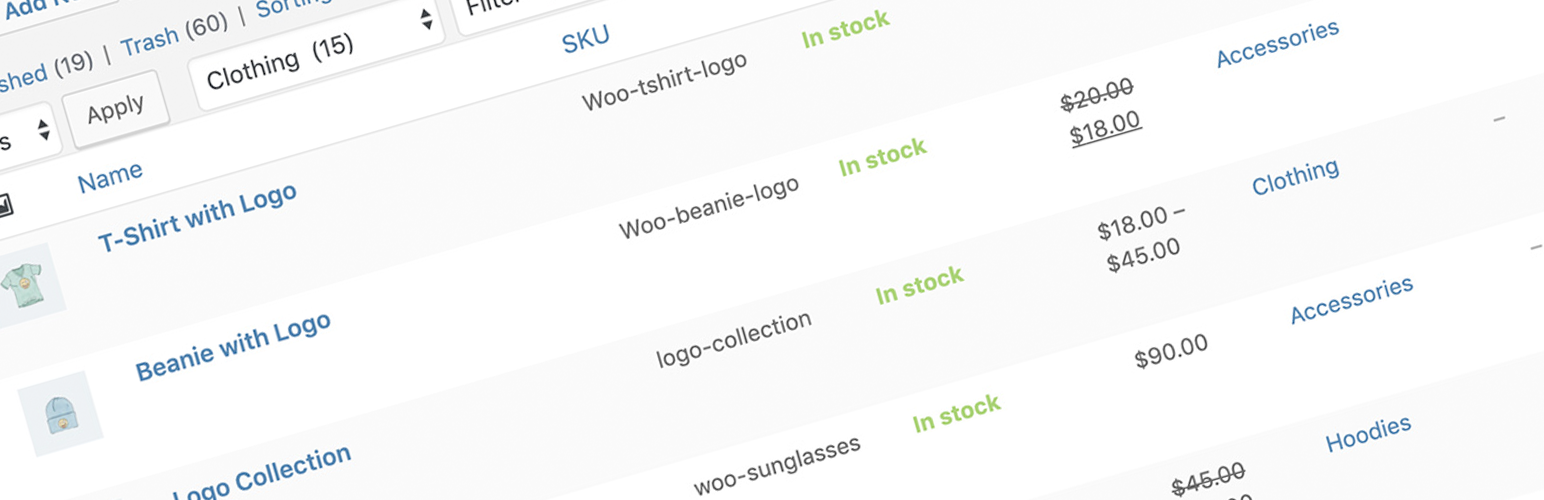
Use this handy little plugin to change the default sort order and display in stock products first in your WooCommerce store.
Installation
This section describes how to install the plugin and get it working.
- Download and install the plugin from WordPress dashboard.
- Activate the plugin through the ‘Plugins’ menu in WordPress.
Reviews
Good solution easy to use
By 
Very good plugin to sort out of stock products on the end of the list. It just need to be activated and all pruducts will be on last page.
breaks the header and breadcrumb
By 
Idea is good but not complete
Very Useful Plugin
By 
Thanks
Works in 6.2.2
By 
Does what is says. Sorting shows in stock products first, then the products that are out of stock. Thanks.
Works! Thank you.
By 
Works according to my expectations, i.e. sorting by the date of adding products and additionally by availability. Great job!
Problems with WP 6.1
By 
Works perfectly!
By 
Changelog
0.1
- Initial release.
0.2
- (Improvement) The plugin ignored default product sorting setting in WooCommerce, now you can set it at (Appearance > Customize > WooCommerce > Product Catalog).
- (Fix) Out of stock products showed up after changing ‘Sort by’ on frontend.