WHWS Display User Meta Shortcode
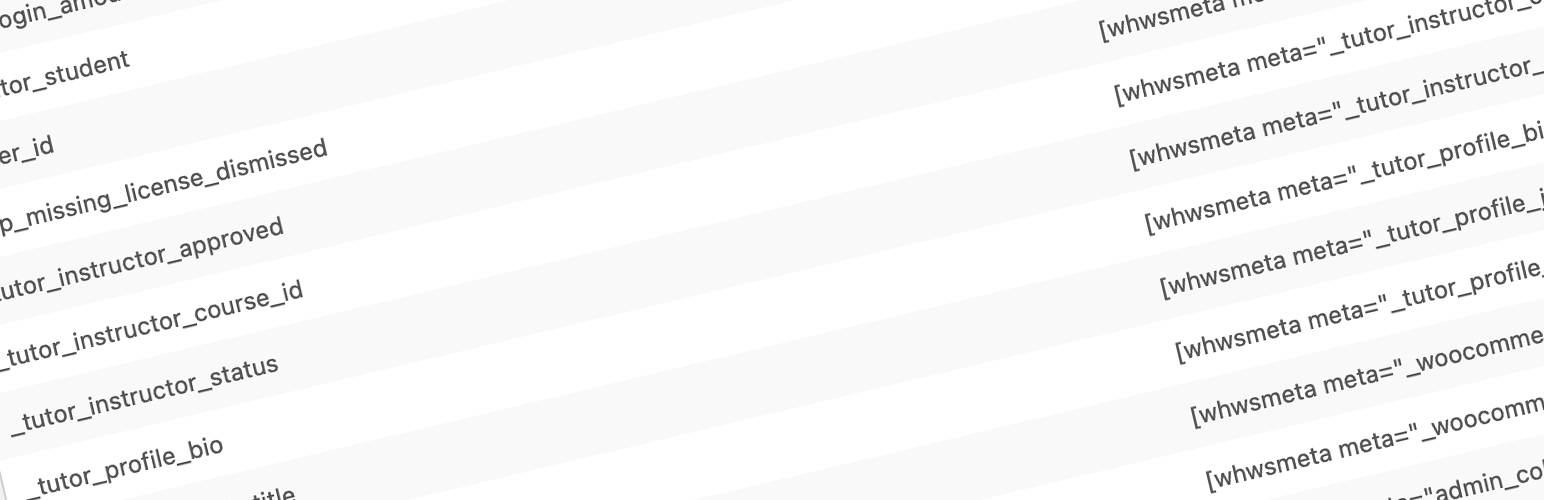
WHWS Display User Meta Shortcode
Description
Use this handy little plugin to display various user meta information for the currently logged in user with a simple shortcode. Array data in user meta are displayed as comma-separated list.
Installation
This section describes how to install the plugin and get it working.
- Download and install the plugin from WordPress dashboard.
- Activate the plugin through the ‘Plugins’ menu in WordPress.
- Open ‘User Meta’ in menu and pick your meta tag from the list. (Click on the selected shortcode to copy to Clipboard.)
- Paste the shortcode into your post or page.
Screenshots

Shortcode list page.
Reviews
A very useful, simple, functional plugin
By 
A very useful, simple, functional plugin, especially for those who are not familiar with PHP.
Very useful for displaying user meta anywhere on the site using short code.
Thank you very much
Simple, effective and light!
By 
Works perfectly!
great plugin!
By 
Great job! Your plugin is very helpful. I'm using it to my client projects. Thank you for sharing this.
WORKS PERFECTLY
By 
I am not fluent in php (yet), so this little plugin is an awesome remedy for the issue of displaying certain user metadata on user's pages.
Thank you @davidmanch!
Changelog
0.1
Initial release.
0.1.2
Small fixes to plugin details on repo.
0.2
Added ‘User Meta’ page into admin menu with all available user meta tags.
0.3
Compatibility tweaks.
0.4
Visual improvements.
0.5
Minor bug fixes.
0.6
Added support for user meta arrays.