widgetIQ for Elementor
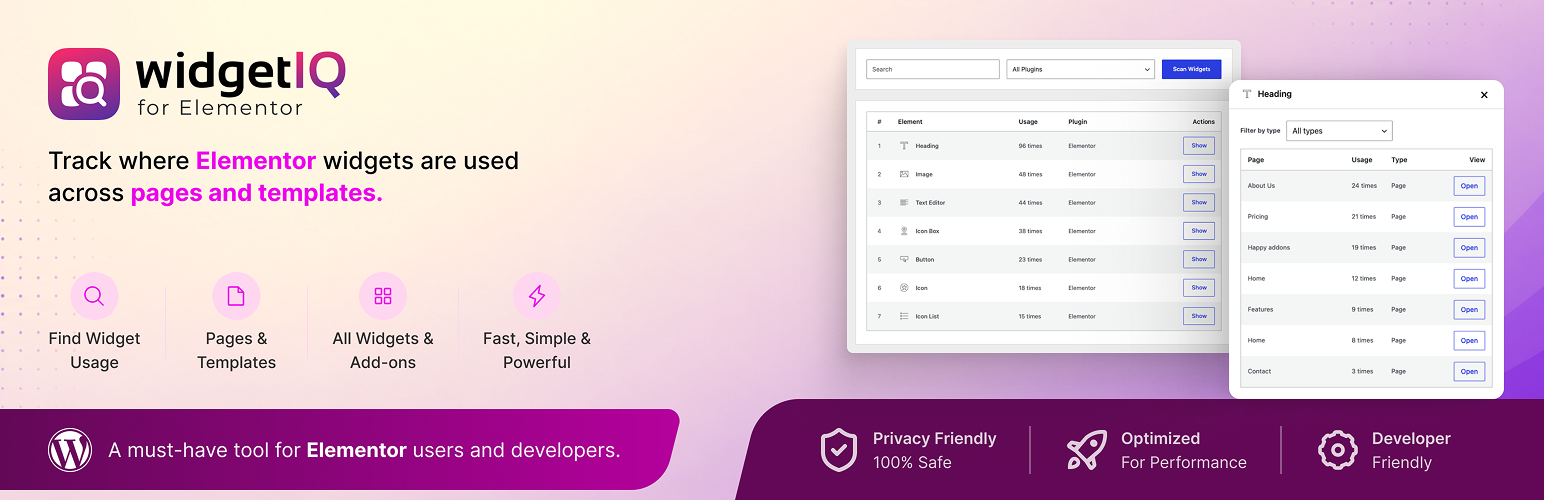
widgetIQ for Elementor
Description
Ever wondered where a specific Elementor widget is being used across your site?
widgetIQ gives you the answer in seconds.
Whether you’re doing a site audit, planning a migration, or just trying to clean
up an old build — widgetIQ scans your entire WordPress site and shows you exactly
which pages and posts use each Elementor widget.
Why you’ll love it:
🔍 Scan Elementor content across pages, posts, templates, and supported addon content
📋 See exactly where every widget is used
⚡ Identify inactive widgets from deactivated Elementor addons
🧹 Find orphaned widget references before removing plugins
🔎 Search and filter by widget, plugin, or status
🖱️ Open matching content directly from the results panel
🛡️ Read-only scanning — no Elementor data is modified
Perfect for:
- Auditing Elementor websites
- Cleaning up unused Elementor addons
- Identifying inactive widget dependencies
- Preparing website migrations
- Troubleshooting broken layouts
- Understanding widget usage across large sites
Features
- Scan Elementor widgets across your site
- Detect widgets from Elementor and third-party addons
- Active / Inactive widget status detection
- Usage count per widget
- Usage count per document
- Usage details popup
- Plugin filtering
- Status filtering
- Live search
- Direct edit links
- Lightweight admin interface
- Read-only scanning
- Developer-friendly workflow
Installation
- Upload the plugin files to the
/wp-content/plugins/widgetiq-for-elementordirectory, or install the plugin through the WordPress Plugins screen directly. - Activate the plugin through the “Plugins” screen in WordPress.
- Navigate to Settings widgetIQ.
- Click Scan Widgets to analyze your Elementor content.
Screenshots

widgetIQ dashboard with widget scanning in progress.

Widget inventory displaying widget usage statistics across the site.

Usage details modal showing where a widget is used, including page types and usage counts.
Faq
Yes. widgetIQ detects Elementor core widgets as well as many third-party Elementor addon widgets automatically.
No. widgetIQ is completely read-only. It does not modify Elementor data, content, templates, or settings.
Yes. Very large Elementor websites may take longer to scan, depending on the amount of Elementor content stored on the site.
widgetIQ for Elementor requires Elementor to be installed and activated. The plugin has been tested with Elementor versions 3.33.3 through 4.1.1 and WordPress 7.0. Earlier Elementor versions may work, but they have not been tested.
Reviews
Super helpful plugin!
By 
WidgetIQ for Elementor is a lifesaver for anyone managing Elementor sites. It quickly scans the entire website and shows exactly where each widget is being used. Super clean interface, fast, and completely safe (read-only).
Helped me clean up unused addons in minutes. Highly recommended! 👍
Changelog
1.0.1
- Added: Active / Inactive widget status detection.
- Added: status filtering for easier widget audits.
- Added: detection of widgets from deactivated Elementor addon plugins.
- Added: plugin source identification for inactive widgets.
- Improved: scanning accuracy across Elementor templates and addon-generated content.
- Improved: usage details popup with additional document information.
- Improved: admin interface layout and responsiveness.
- Improved: empty-state, loading-state, and modal behavior.
- Improved: compatibility with Elementor ecosystem plugins.
- Fixed: multiple widget counting inconsistencies.
- Fixed: various UI spacing and layout issues.
1.0.0
- Initial public release.
- Scan Elementor widgets across pages and templates.
- Detect widgets from Elementor addons dynamically.
- View widget usage locations in a modal window.
- Search and filter widgets by plugin.
- Added security and code quality improvements.