Show Stock Status for WooCommerce
Show Stock Status for WooCommerce
Description
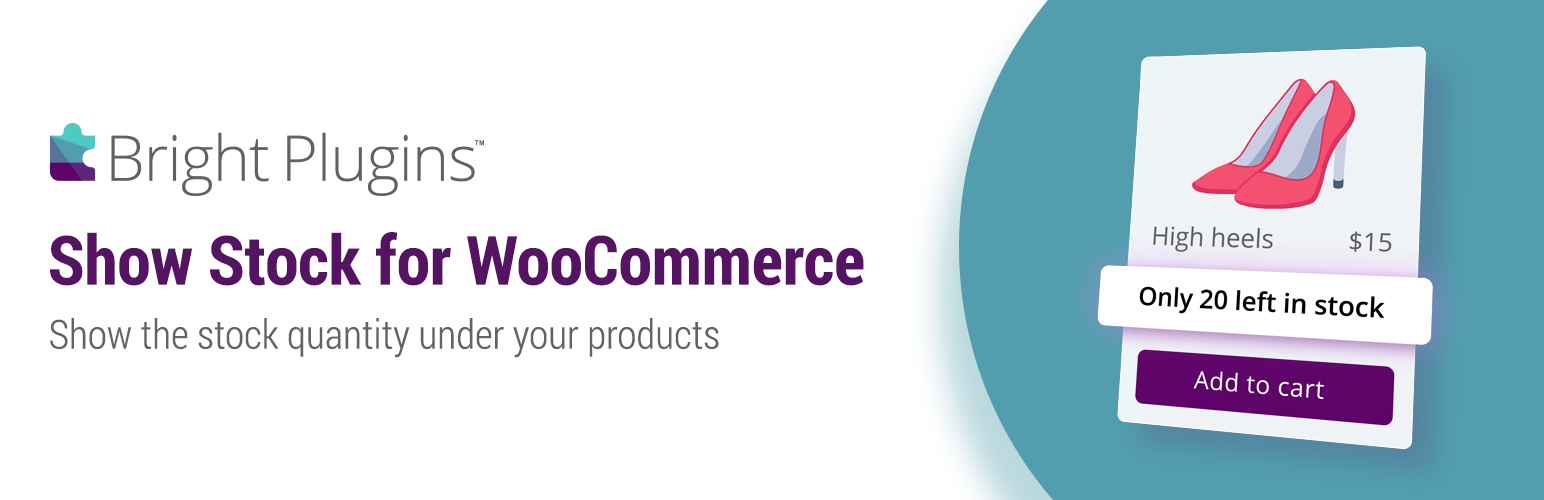
The goal of this plugin is to show the “stock quantity” under each product in the shop, category and archive pages (wherever there is a loop). The code is based on this tutorial: https://businessbloomer.com/woocommerce-add-stock-quantity-on-shop-page/
🔥 SOME OF OUR FREE PLUGINS
Preorder for WooCommerce – Ultimate Preorders Plugin for WooCommerce.
Order Status Control for WooCommerce
Custom Order Status for WooCommerce
Installation
- Upload the folder
woo-show-stockto the/wp-content/plugins/directory - Activate the plugin through the ‘Plugins’ menu in WordPress
- That’s it!
Screenshots

Show stock on the shop page

Stock settings
Reviews
Exactly what I wanted!
By 
This is great for the customer to know exactly how many of an item I have in stock.
good plugin and support
By 
bon support et excellent plugin
Best Support!
By 
Very good
By 
Simple Perfect Plugin
By 
Cool plugin!
By 
Great plugin
By 
Works fine
By 
not working
By 
Works
By 
Changelog
1.0.6 – 09 Sept 2026
- Support for WooCommerce 11.1.x
- Support for WordPress 7.1
1.0.5 – 8 May 2024
- Update: HPOS compatibility declare
- Support for WooCommerce version 8.8.3
1.0.4 – 4 Jan 2022
- Update: .pot file for translation
- Bug fix
1.0.3 17 Feb 2022
- Update: .pot file
- Added: custom wrapper class for stock status text.
-
Fixed: Warning: A non-numeric value encountered…
-
Support for WooCommerce version 6.2
1.0.2 6 Nov 2021
- Added: plugin support Link
- Update: .pot file
- Support for WooCommerce version 5.8.x
1.0.1 – 10 Mar 2021
- Fixed : ‘printf’ variable error.
1.0 – 9 Mar 2021
- Update : .pot file
- Update : Code refactor
- Fixed: PHP fatal error
- Fixed: ‘Out of stock’ message not showing.
- Fixed: ‘Low stock’ message not showing.
- Fixed: html div element not wrrap the stock message.
- Fixed: WC 5.0 version compability