Custom Branding for WooCommerce
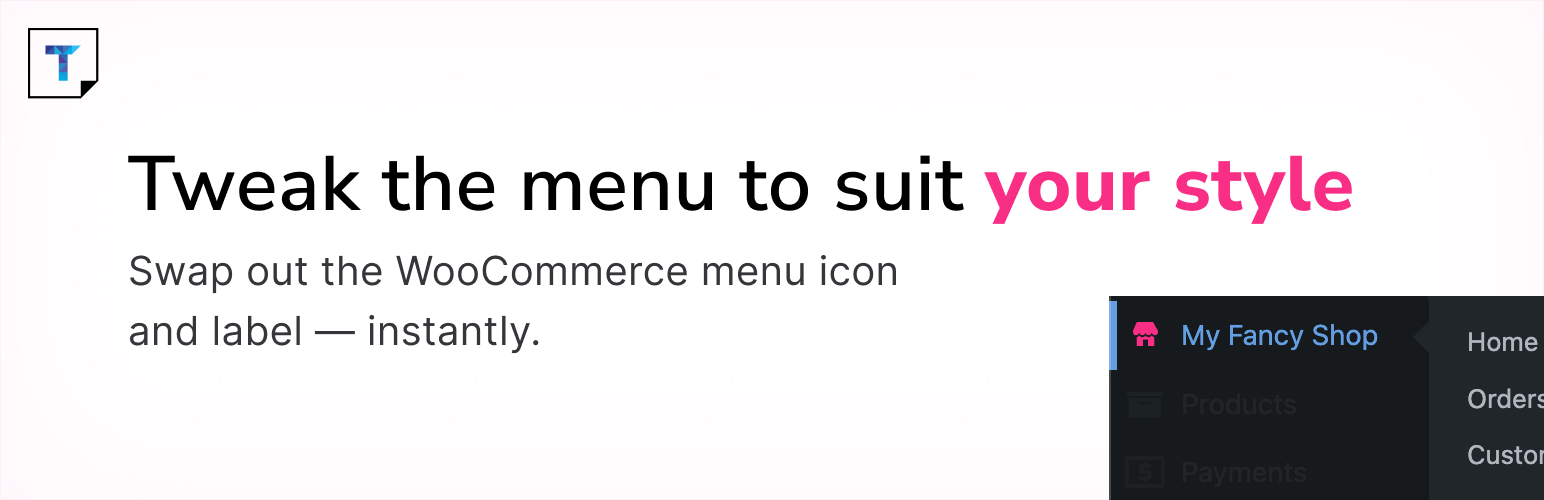
Custom Branding for WooCommerce
Description
This plugin allows you to quickly rebrand WooCommerce in the WordPress admin area by replacing the default WooCommerce name and menu icon with your own.
It’s perfect for developers who build client sites and want to customise the admin experience.
If you find this plugin useful, please consider leaving a review. It helps others discover the plugin and supports continued development.
Installation
- In your WordPress dashboard, go to Plugins Add New.
- Search for Custom Branding for WooCommerce.
- Click Install Now and then Activate.
- Go to Settings WC Branding to customise the branding.
Faq
You can use the support forum on WordPress.org to report bugs or ask questions.
Reviews
Great!
By 
It is what I was looking for. Great Job
Changelog
1.1.0 – (28 July 2025)
- Removed
wp_enqueue_media()and custom JavaScript for cleaner settings page - Added visibility declarations to all class methods
- Escaped all translatable and dynamic output using
esc_html__(),esc_attr(), andesc_url() - Used strict comparison (
true) inin_array()checks - Sanitized and unslashed
$_GET['page']in settings asset loader - Added full docblocks to all public methods for better developer clarity
- Cleaned up code formatting and ensured PHPCS compliance
1.0.1
- Minor internal code improvements and documentation updates
1.0.0
- Initial release