Article Feedback
Article Feedback
Description
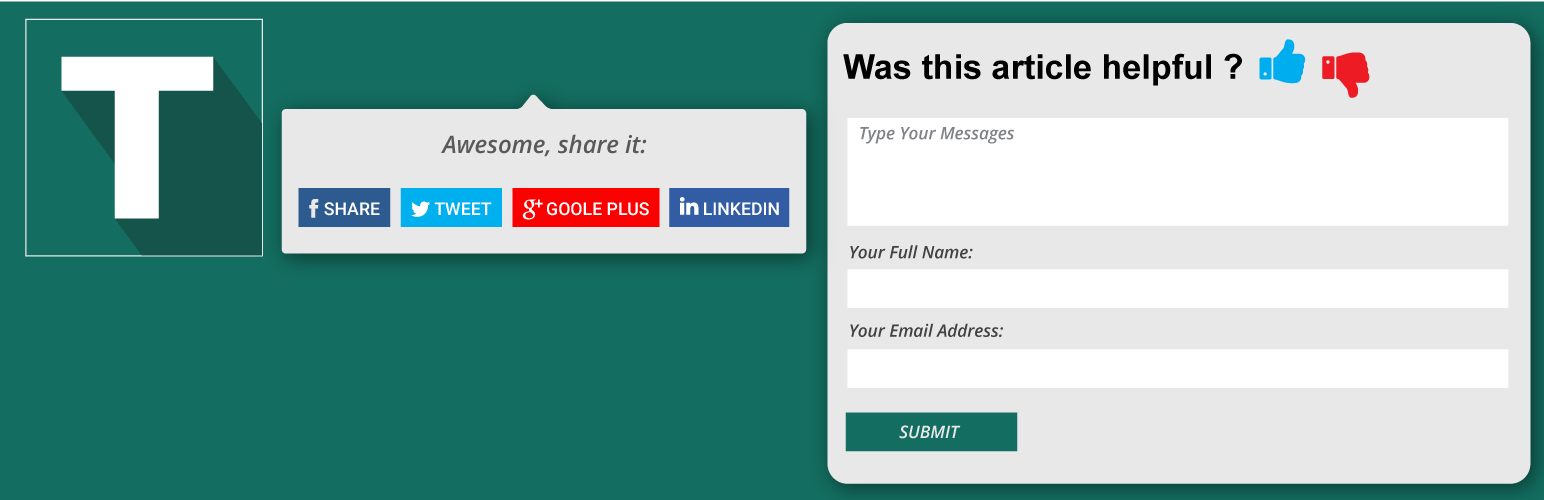
Add “Was this article helpful?” at the end or start or both of article with thumbs up and thumbs down . Thumbs up would make to share and thumbs down would make to provide feedback to author via email
Features
- Options to add “Was this article helpful?” at the End of the content.
- Options to add “Was this article helpful?” at the Start of the content.
- Options to add “Was this article helpful?” at the Start and End of the content.
- Email Address for the Feedback from users can be changed.
- Option to change Font Size and color for Thumbs Up and Thumbs Down Icon.
- Text “Was this article helpful?” can be changed according to users choice.
- Language Compatability.
Shortcode
Don’t want to worry about HTML tags? You can use a shortcode in your posts, pages to dispaly Article Feedback.
The shortcode to use is [feedback_prompt].
Examples
[feedback_prompt]
License
Good news, this plugin is free for everyone! Since it’s released under the GPL, you can use it free of charge on your personal or commercial blog. But if you enjoy this plugin, you can thank me and leave a rating for the time I’ve spent writing and supporting this plugin. And We really don’t want to know how many hours of my life this plugin has already eaten 😉
Translations
The plugin comes with various translations, please refer to the WordPress Codex for more information about activating the translation. If you want to help to translate the plugin to your language, please have a look at the wp-article-feedback.pot file which contains all definitions and may be used with a gettext editor like Poedit (Windows).
Installation
-
Upload the plugin files to the
/wp-content/plugins/plugin-namedirectory, or install the plugin through the WordPress plugins screen directly. -
Activate the plugin through the ‘Plugins’ menu in WordPress.
-
Use one of the two usage methods (HTML, Shortcode) within the content of your posts or pages.
-
Use either the HTML or Shortcode methods inside your text widgets.
Screenshots

Article Feedback Backend Settings.

Article Feedback Front End Look with Thumbs Up and Thumbs Down.

Article Feedback Front End Look when Thumbs Up is clicked.

Article Feedback Front End Look when Thumbs Down is clicked.
Faq
A question that someone might have
An answer to that question.
What about Article Feedback?
Add “Was this article helpful?” at the end or start or both of article with thumbs up and thumbs down . Thumbs up would make to share and thumbs down would make to provide feedback to author via email
Reviews
Just can't edit title text
By 
Great work !!!!
By 
It is simple and easy to use. Easy to manage on the back-end. Great work !!!!!!!!
Doesn't work
By 
I installed this plugin and it looks great. It's exactly what I need in a feedback plug-in. However, when I test the thumbs down feature to send feedback, I keep getting the message, "There was a problem. Please try again". I went to the support forum and it seems this error is common. Each article used to address the situation was cut off. So, there is no way to diagnose the error. Great idea but poor support.
Great plugin!
By 
People are hesitant about leaving comments so I thought I would give this a try. No conflicts. Would like ability to choose font and font size but for a start this is a nice plugin.
Works as promised
By 
The plugin does what it promises. It is simple and easy to use.
I wish it had custom post types support too so that users can get feedback on not just articles but other content types as well.
Awesome Plugin
By 
Awesome Plugin, this would be great for use in the article/ blog sites to provide perfect feedback for article writer or author.
Changelog
1.0
- Default:Add “Was this article helpful?” at the Start/End or on both of content with Thumbsup to Share and Thumbsdown for feedback to author.
1.1
- Resolved the issue with keep getting the message, “There was a problem. Please try again”.
1.2
- Font size and color for thumbs up and thuumbs down is added.
- Localization also added.
1.3
- Version 1.2 color, erroe resolved
1.4
- Version 1.3 jQuery fixed for $, and new notes added