WP Avatar
WP Avatar
Description
WordPress avatar is now easier by WP Avatar. WP Avatar allows you to use any photos uploaded into your Media Library as an avatar instead of using Gravatar.
Features
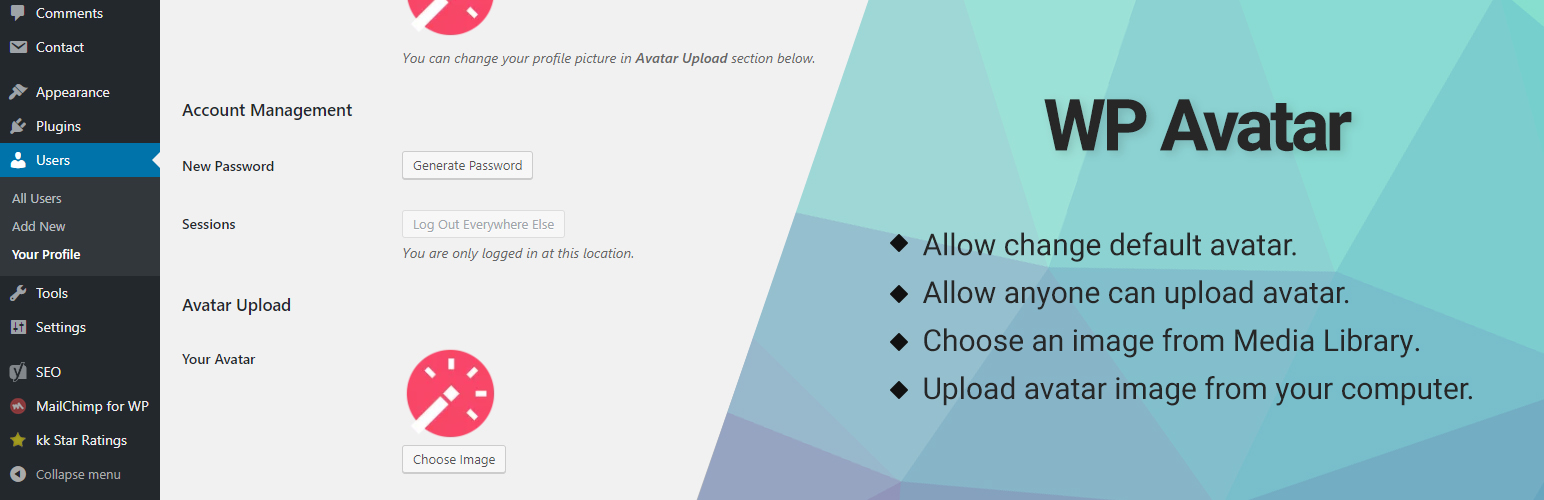
- Upload avatar image from your computer.
- Choose an image from Media Library.
- Allow anyone can upload avatar (Subscriber can upload avatar).
- Automagically remove old image when you upload a new avatar (Avoid data redundancy).
- Allow change default avatar.
Feedback
If you like this plugin, then please consider leaving us a good rating and a review feedback.
If would like, you can follow us on Facebook
Installation
- Upload the plugin files to the “/wp-content/plugins/wp-avatar/” directory, or install the plugin through the WordPress plugins screen directly.
- Activate the plugin through the “Plugins” screen in WordPress.
- Go Edit Profile -> find “Avatar Upload”.
Screenshots

screenshot-1.png

screenshot-2.png

screenshot-3.png
Faq
How to allow Subscriber can upload avatar?
- Go Settings -> Discussion
- Find “Allow anyone can upload avatar”, check it.
- Save Changes.
Reviews
Not working in 5.8.1 anymore
By 
Not working in 5.8.1 anymore. PHP notices in broken images.
Excellent
By 
I tried many plugins, only this one allows avatar to be seen in blog posts with elementor. It's perfect.
It's really useful! Keep your good work 🙂
By 
It's really useful! Keep your good work 🙂
Changelog
0.1.2
- Fixed: error can’t upload default avatar if image size smaller than thumbnail size.
0.1.1
- Added: allow change default avatar.
0.1.0
- Initial Release.