WP BunVC
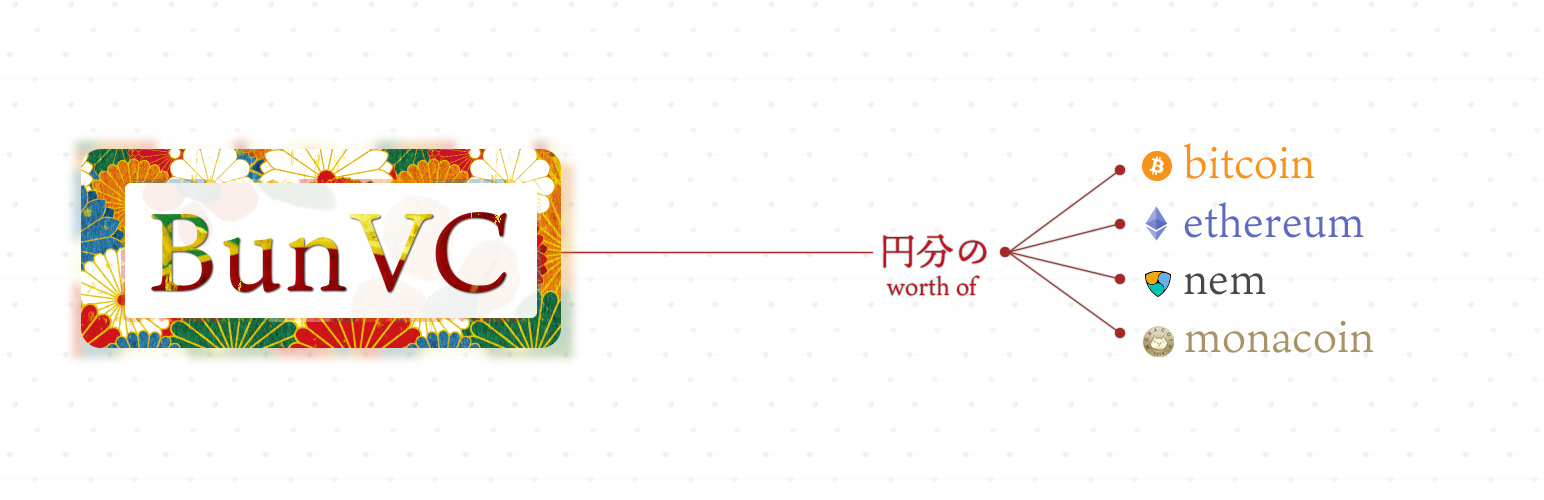
WP BunVC
Description
Plug-in for smooth payment of virtual currency
Major features in WP BunVC include:
- Supports multiple virtual currencies
- Button text change function
- Suitable for smartphone
- Automatic language designation (ja / en) depending on user’s environment
- Updat the market every minute.
Supported virtual currency
- Bitcoin
- Bitcoin Cash
- Ethereum
- Monacoin
- NEM
Corresponding source currency
- USD
- 円(JPY)
Installation
FROM YOUR WORDPRESS DASHBOARD
- Visit ‘Plugins > Add New’
- Search for ‘WP BunVC’
- Activate WP BunVC from your Plugins page. (You’ll be greeted with a Welcome page.)
FROM WORDPRESS.ORG
Download WP BunVC.
Upload the ‘wp-bunvc’ directory to your ‘/wp-content/plugins/’ directory, using your favorite method (ftp, sftp, scp, etc…)
Activate WP BunVC from your Plugins page.
Screenshots

PC screen

Smartphone screen
Faq
Installation Instructions
FROM YOUR WORDPRESS DASHBOARD
- Visit ‘Plugins > Add New’
- Search for ‘WP BunVC’
- Activate WP BunVC from your Plugins page. (You’ll be greeted with a Welcome page.)
FROM WORDPRESS.ORG
Download WP BunVC.
Upload the ‘wp-bunvc’ directory to your ‘/wp-content/plugins/’ directory, using your favorite method (ftp, sftp, scp, etc…)
Activate WP BunVC from your Plugins page.
Reviews
Changelog
1.1.6
- BugFix: layout
1.1.5
- BugFix: babel-polyfill
1.1.4
- BugFix
1.1.3
- BugFix: IE, Firefox, Safari
1.1.2
- BugFix: NEM link
1.1.1
- Change Style
1.1.0
- Supported USD
- Supported Japanese
- Fiexd Bug
1.0.2
- Speeding up
1.0.1
- Set minimum unit
1.0
- release