Super Page Cache
Super Page Cache
Description
Super Page Cache is a powerful full page cache plugin for WordPress that caches static files (CSS, JS, images) and HTML webpages at both server disk-level and the global Cloudflare CDN. Get enterprise-level performance with zero configuration required.
Works right out of the box with or without Cloudflare. Powerful disk caching saves files locally on your server. To use Cloudflare CDN, just enter your API Key or Token. The intuitive dashboard includes detailed settings and built-in documentation, though most users won’t need to change the defaults.
⚡ Quick Links
- Documentation Complete setup and configuration guide
- Support Forum Community help and expert support
- YouTube Videos Step-by-step visual guides for every feature
- Go Pro Advanced features and priority support
🚀 How Does The Plugin Work?
Disk Caching (Works Without Cloudflare): Server-level caching saves HTML pages and static files directly to your server, loading pages instantly without any CDN.
Cloudflare CDN (Optional): Connect your Cloudflare account to leverage 200+ edge locations using modern Cache Rules. Works with FREE Cloudflare Plan – no paid account required. Achieve higher Pingdom and GTmetrix scores with edge delivery.
Supports Free, Pro, and Enterprise Cloudflare plans with auto-purging, cron jobs, and integrated metrics.
🔥 Core Features (Free Version)
🚀 Complete Caching Solution
- Disk Caching: Lightning-fast server caching with Cloudflare fallback
- CDN Integration: Optional Cloudflare CDN with 200+ edge locations
- Cache Controls: Exclude cookies, query params, URIs, AMP, feeds, REST API
- Cache Lifespan: Custom expiration or never-expire settings
- Header Management: Preserve critical response headers
- Cache Buster: Logged-in users never see cached content
- Performance Metrics: Track cache effectiveness
⚡ Performance Optimization
- Google Fonts: Combine and serve locally for better Web Vitals
- Lazy Loading: Images, videos, iframes, background images
- Lazy Load Exclusions: By keywords, URL patterns, or CSS classes
- Assets Manager: Enable/disable CSS/JS per page
- Browser Caching: Auto-configure
.htaccessrules
🛠️ Advanced Cache Management
- Auto-Purging: Clear cache on content updates including related pages
- Granular Purge: HTML only or entire cache with assets
- Preloader: From sitemaps, menus, or recent posts (manual/CRON)
- Background Processing: Uses
Action Scheduler - Queue-Based Purging: Prevent server overload
- Backend Bypass: Prevent admin dashboard caching
- Per-Page Control: Exclude via editor metabox
- Toolbar Purging: Instant purge from WP toolbar
🔧 Developer & Power User Features
- Redesigned Dashboard: Intuitive navigation with grouped settings
- Built-in Documentation: Tips within the dashboard
- Cache Backends:
advanced-cache.phpor cURL-based - Defer JS Filter:
spc_defer_scriptto exclude scripts - Role Permissions: Control who can purge cache
- Cloudflare API: All plans via API Key or Token
- Export/Import: Settings as JSON
- Preserve on Deactivation: Retain settings for staging
🗄️ Database Optimization
- Database Cleanup: Remove revisions, auto-drafts, trash, spam, transients
- Scheduled Maintenance: Daily, weekly, or monthly
- Table Optimization:
SQL OPTIMIZE TABLEfor defragmentation - Selective Cleanup: Choose which data types to clean
🌐 Universal Compatibility
- Premium Hosts: Kinsta, WP Engine, SpinupWP, and more
- eCommerce: WooCommerce, Easy Digital Downloads
- Server Caches: Varnish, OPcache auto-purge
- Prefetch: Internal links via Instant.page
💎 Super Page Cache PRO with Advanced Performance Features
- Ignore Marketing Parameters: Better cache hit rate (UTM, affiliate, tracking codes)
- Defer JavaScript: Eliminate render-blocking JS. Learn more
- Delay JavaScript: Load JS on interaction only. Learn more
- Advanced Lazy Loading: Viewport detection, above-the-fold optimization
- Advanced Exclusions: Exclude specific JS/pages from caching
- Priority Support: Faster email response times
🎯 Usage Note
Disable page caching in other plugins (WP Rocket, LiteSpeed Cache, W3 Total Cache). Safe to use alongside Optimole, Autoptimize, Perfmatters, ShortPixel for asset optimization.
⭐ What Users Say
★★★★★ “Response times dropped from 400ms+ to below 200ms. Almost the same as my static S3 site—using the free version!” – @jurijs0
★★★★★ “A game-changer for our website’s performance! Noticeable improvement in loading times, boosted engagement and SEO.” – @brandnexusstudios
Leave a review | Follow us on Twitter | YouTube
Super Page Cache is backed by Themeisle, powering 1M+ WordPress sites with 450+ five-star Trustpilot ratings.
Installation
FROM YOUR WORDPRESS DASHBOARD
- Visit “Plugins” > Add New
- Search for Super Page Cache
- Activate Super Page Cache from your Plugins page.
FROM WORDPRESS.ORG
- Download Super Page Cache
- Upload the “wp-cloudflare-super-page-cache” directory to your “/wp-content/plugins/” directory, using ftp, sftp, scp etc.
- Activate Super Page Cache from your Plugins page.
Screenshots
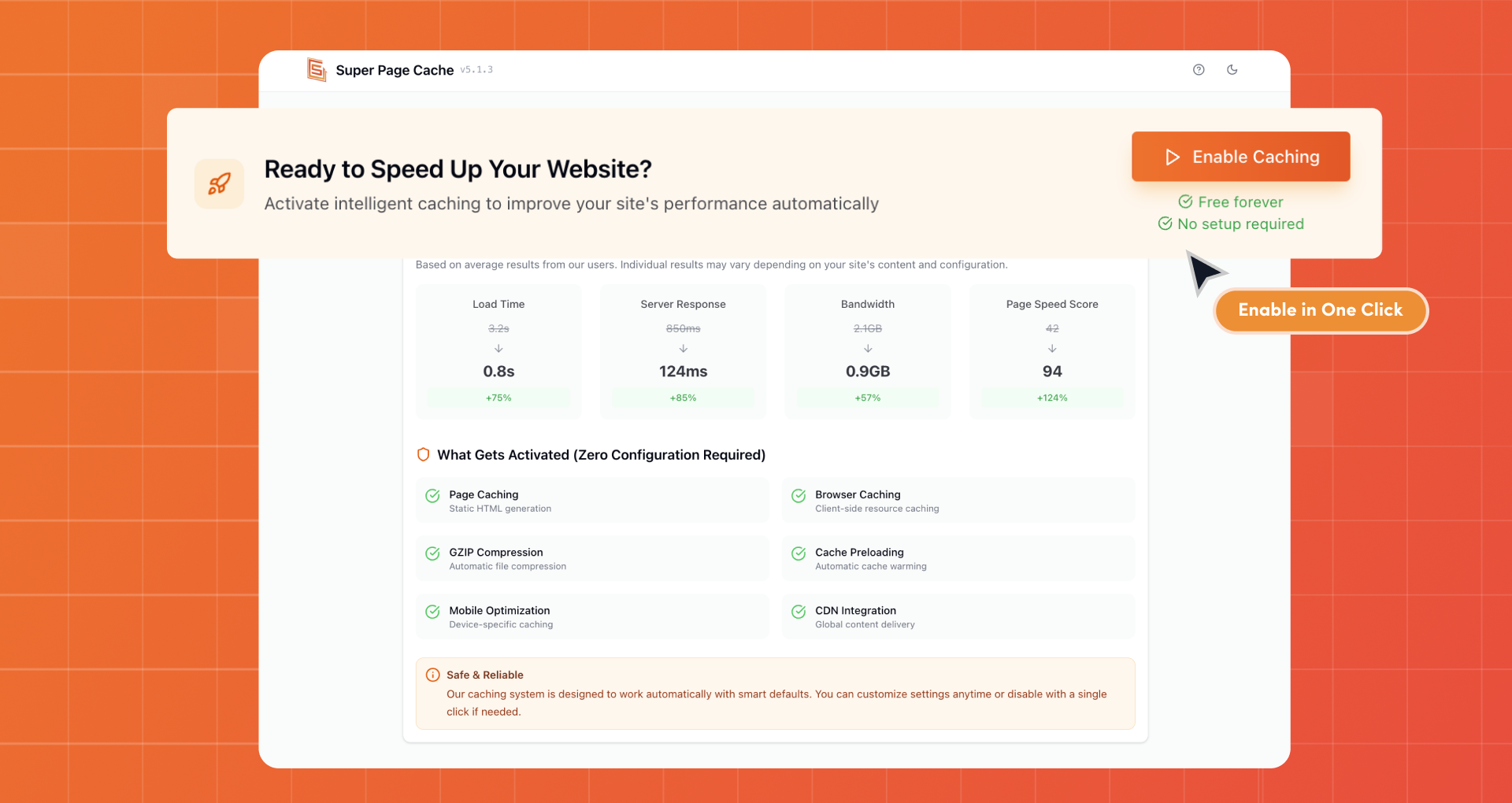
Enable Caching in One Click
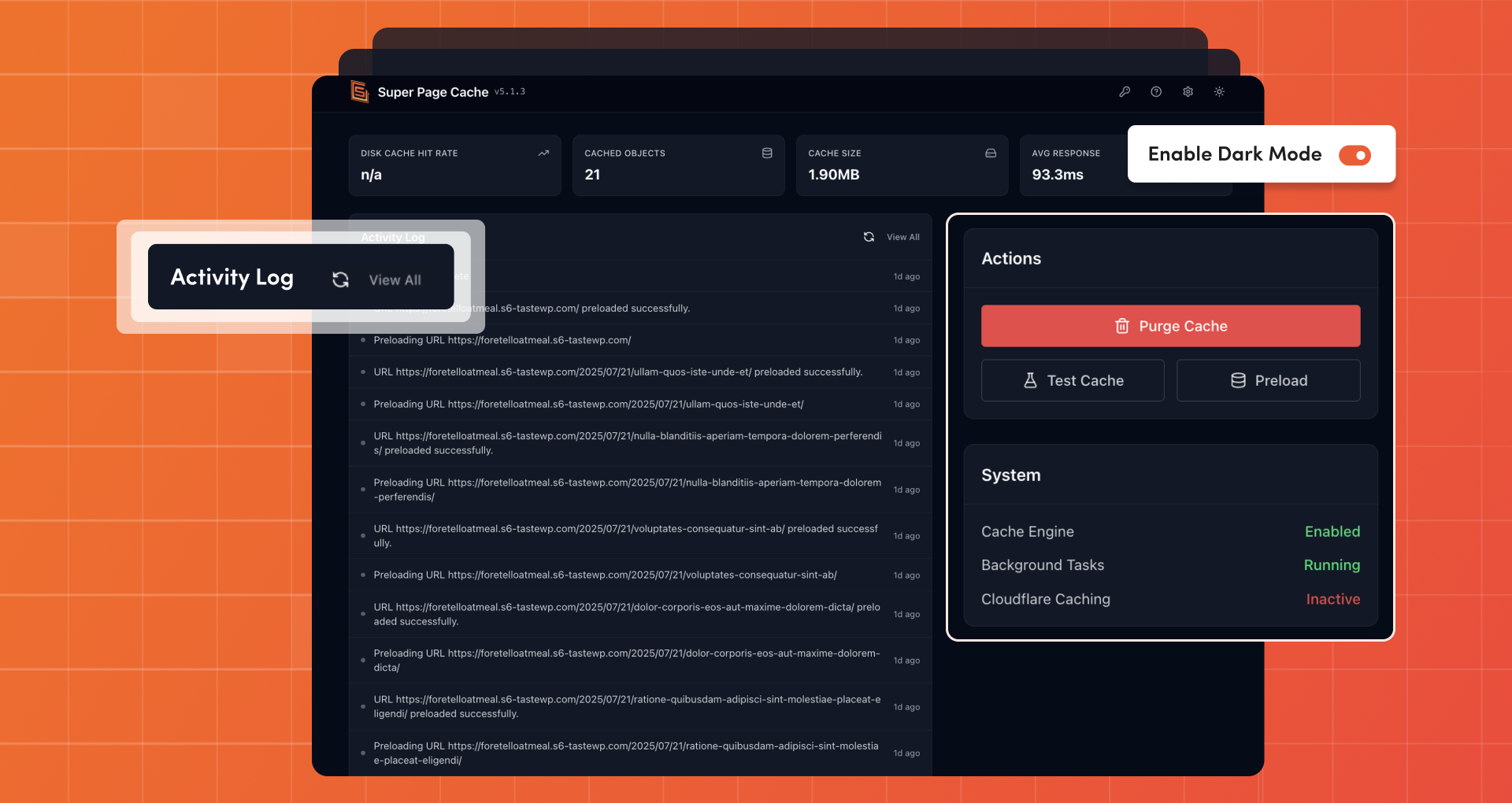
Cache Management with Activity Log
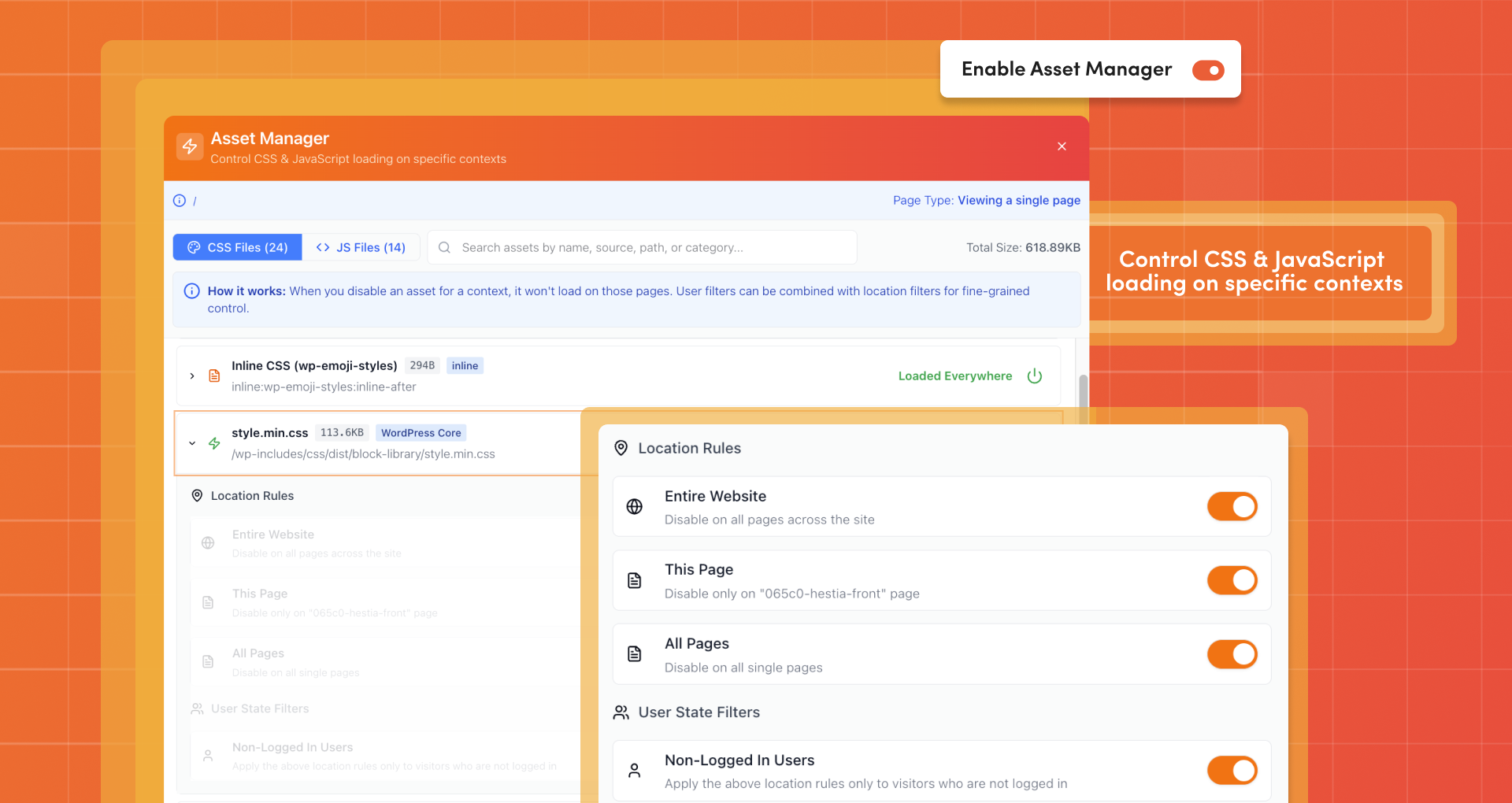
Asset Manager
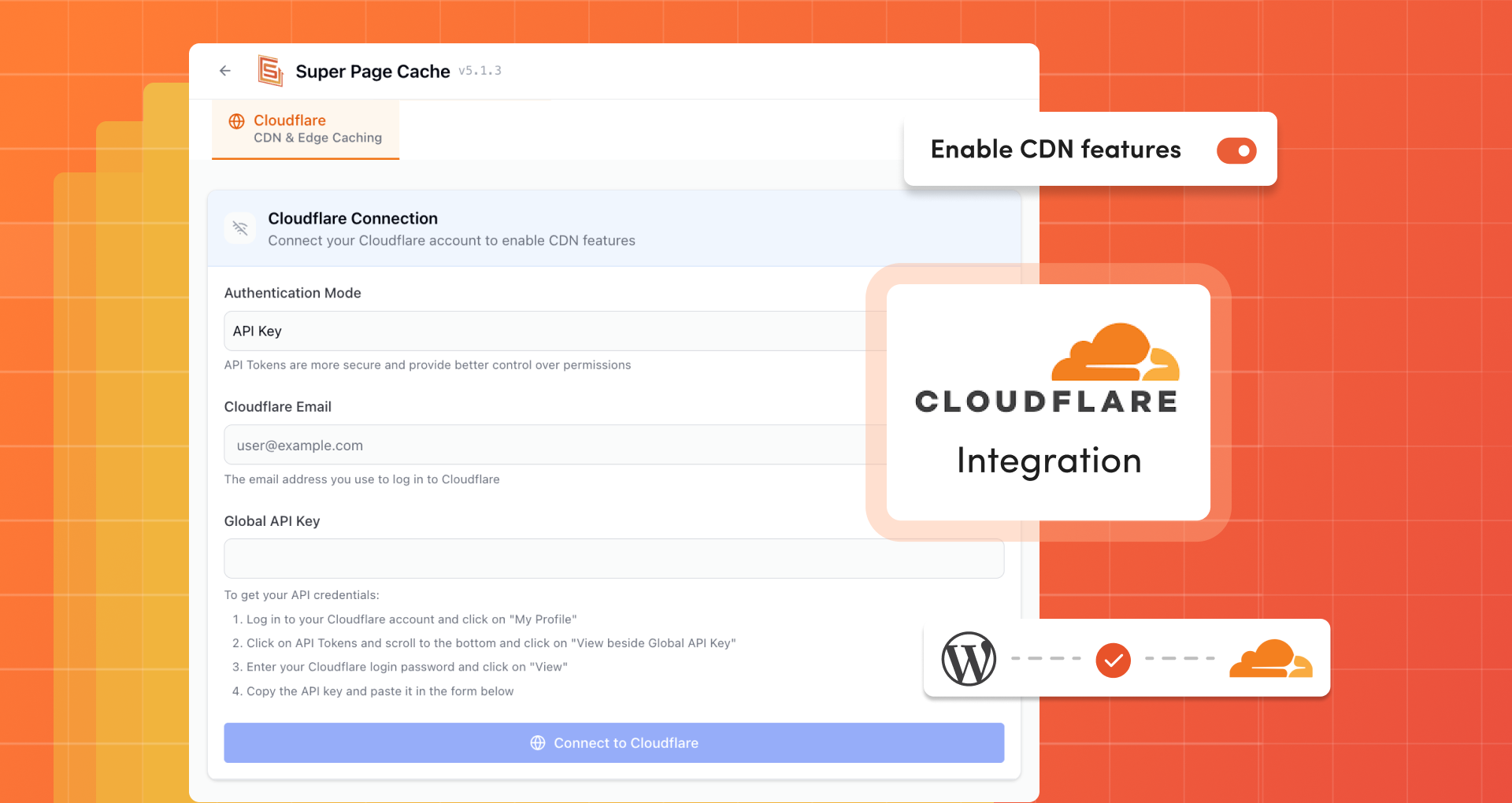
Cloudflare (CDN & Edge Caching)

Lazy Loading
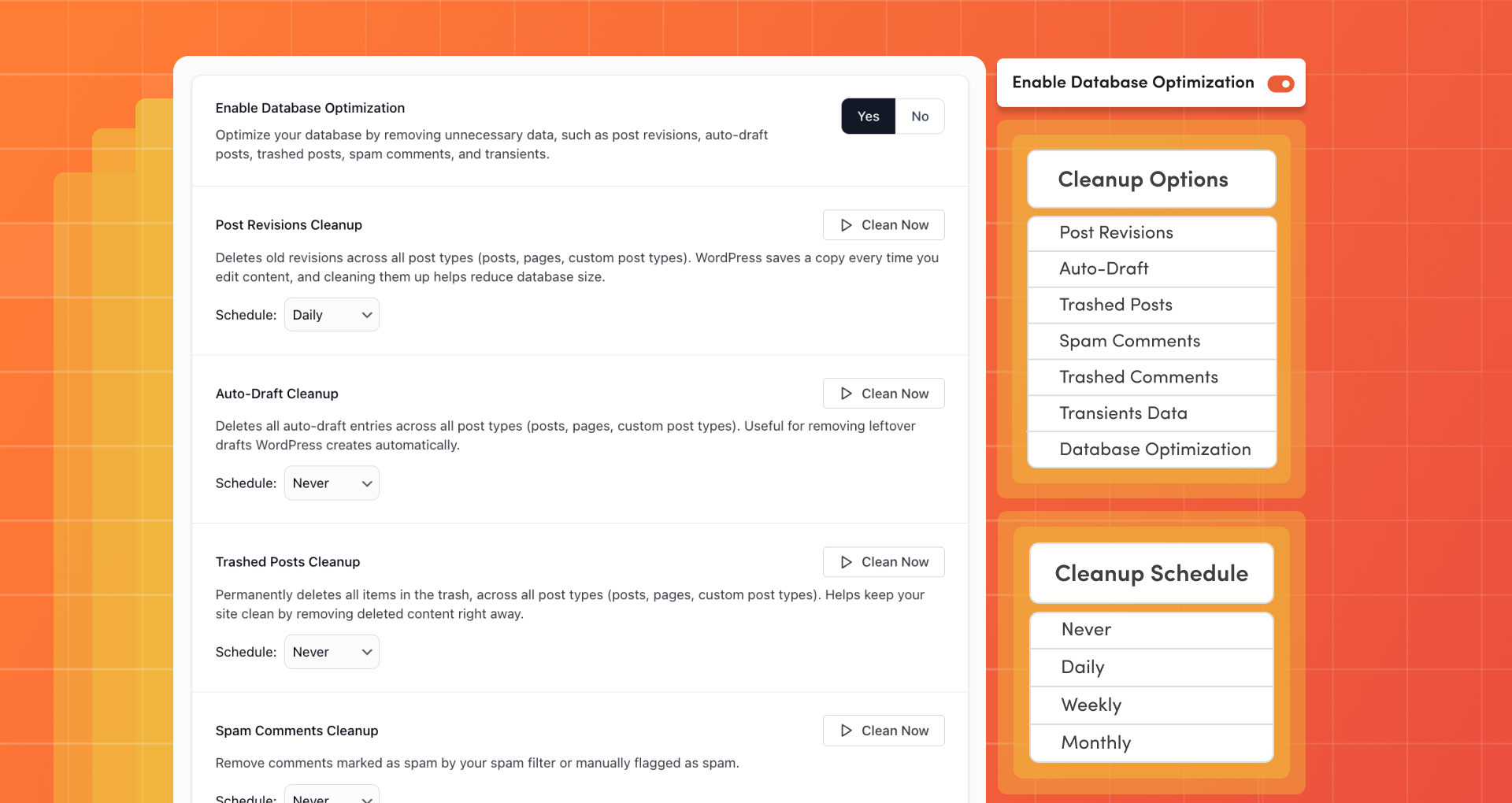
Database Optimization

Import and Export Settings
Faq
Cloudflare APO uses Workers & KV Storage to push cache to all edges instantly. It costs $5/month for free accounts (free for paid accounts).
Our plugin enables FREE account users to leverage Cloudflare’s Cache Rules with more features, functionality, and third-party plugin integration than APO offers. Read a detailed comparison.
Check HTTP response headers in Incognito mode:
- x-wp-cf-super-cache:
cache= active,no-cache= disabled for this page - x-wp-cf-super-cache-active:
1= page placed in Cloudflare cache - cf-cache-status:
HIT= served from cache,MISS= refresh page,BYPASS= excluded,EXPIRED= cache expired
Yes. This is the main purpose of this plugin.
It is a cache buster. Allows you, while logged in, to bypass the Cloudflare cache for pages that could be cached.
Yes, you can enable this option from the settings page.
Yes, there is a reset button.
Disable the plugin first to restore Cloudflare settings, then delete. The plugin removes all stored data to keep your WordPress installation clean.
You will not be able to use them anymore. However, there is an option to enable browser caching rules.
Yes but it must be installed separately for each website in the network as each site requires an ad-hoc configuration and may also be part of different Cloudflare accounts.
Yes, you can. Read the FAQ section in the plugin settings page for further information
Check the FAQ tab in plugin settings first. If needed, enable log mode and send us the log file with steps to reproduce. Ensure you’re using the latest version.
Reviews
Muito bom
By 
Foi o plugin que resolveu a velocidade do meu site. Não funciona bem se tiver cloudflare com css configurado pra arquivo externo, mas depois que mudei para incorporação interna resolveu.
Bad support
By 
Bad support, reported bugs are not fixed
möhkem
By 
tek kelime ile wonderfull
Easily the Best Out There For Speed If Well Configured
By 
It has taken me 2 weeks before coming here to make this review. This plugin is truly a game-changer for those on budget shared hosting (currently on Hostinger business shared). The only hurdle I encountered was trying to get all my cache and performance plugins to work together while making sure to disable all their overlapping functions which are shared with Super Page Cache.
Easily getting TTFB of 40ms and LCP below 500ms down from 1.5s. Incredible!
Please keep the good work. Greetings from Cameroon.
Five stars for an A rating every time
By 
I have been using the free Cloudflare CDN with this plugin, and it is fantastic.
My average loading time for over 40 websites on GTmetrix is around a second.
I try to keep my number of plugins under ten, but this one is on all my sites.
Wow!
By 
Works seamlessly with Cloudflare and really speeding things up. Simple to use. Nice!
A good, powerful plugin
By 
A good, powerful plugin. The only downside is that for Nginx servers, it requires making configuration changes and then restarting the server. Still, I give it 5 stars.
Functionality is great, but advertises in dashboard
By 
Site's I have used this on, the speed is great, but I cannot stand plugins hijacking the dashboard with advertisements to buy product.
I don't have a problem with plugins using their own option pages for advertisements, but displaying ads on the main dashboard overview feels really intrusive.
Excellent lightweight plugin!
By 
Excellent lightweight plugin! My site scripts load much faster now, and I love the option to defer non-critical JS. It's simple, effective, and doesn't break anything.
Good app
By 
Works as intended. I like it.
Changelog
Version 5.2.4 (2026-03-19)
- Improved error handling in by logging and safely aborting if the file cannot be parsed.
- Enhanced cache URL logic to handle missing or , logging issues and preventing invalid cache entries.
- Hardening Security
- Fixed usage of in for more reliable directory path generation.
- Adjusted module loading order for in to ensure proper initialization.
- Updated cache purge logic to handle post status transitions both to and from publish/private, improving cache consistency.