Commerce7 for WordPress

Commerce7 for WordPress
Description
A free plugin for Commerce7 customers who wish to integrate their javascript widgets into a WordPress site. Commerce7 is a state of the art SaaS platform for breweries and wineries to offer modern DTC ecommerce solutions. It also offers a point of sale software, clubs, CRM, and tasting room reservations. This plugin is being used by hundreds of wineries around the world to easily add Commerce7 to their website.
Plugin Features
- Automatically create the needed pages and pass-through redirects for proper Commerce7 Integration
- Embed Commerce7 widgets into any page through the use of shortcodes or pagebuilder elements
- Full integration with popular pagebuilders like Cornerstone, Elementor, Beaver Builder, and WPBakery
- Full integration with Gutenberg
This plugin relies on a third party service for it’s functionality provided by Commerce7. As an ecommerce solution, an SSL certificate is required on your website. Your privacy policy should be ammended to include the use of third party software for order processing.
Read the Commerce7 for WordPress website to get started.
Plugin Removal
Removing this plugin will render your widgets inactive, but will not remove them or the pages created.
Installation
- Upload your plugin folder to the ‘/wp-content/plugins’ directory, or install directly from the plugin repo.
- Activate the plugin through the ‘Plugins’ menu in WordPress.
- Go to settings page and enter your Tenant ID.
- Read the docs and start selling!
Screenshots
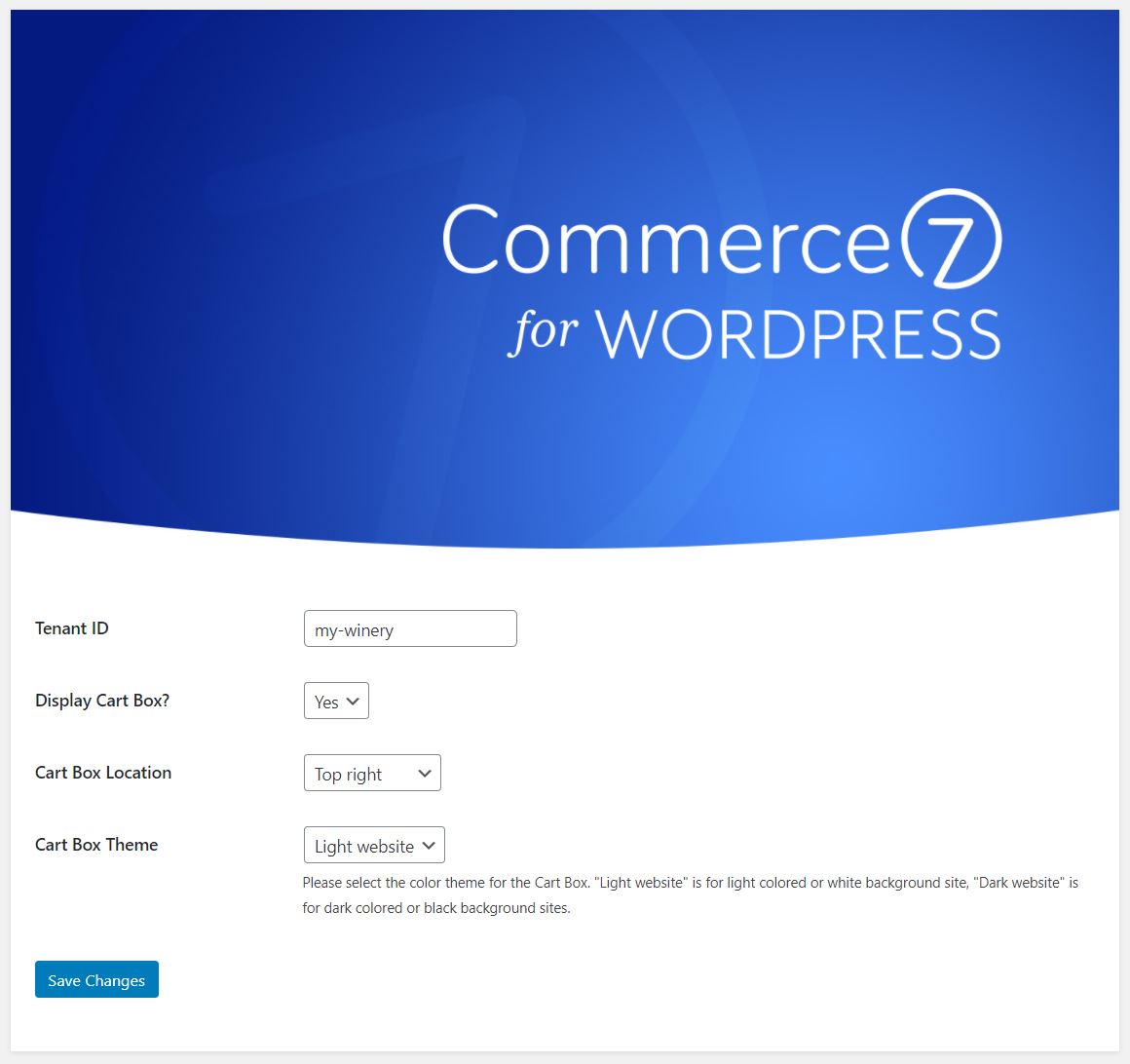
Plugin Settings - Easy to install and set up, in many cases all you have to do is provide your tenant ID.
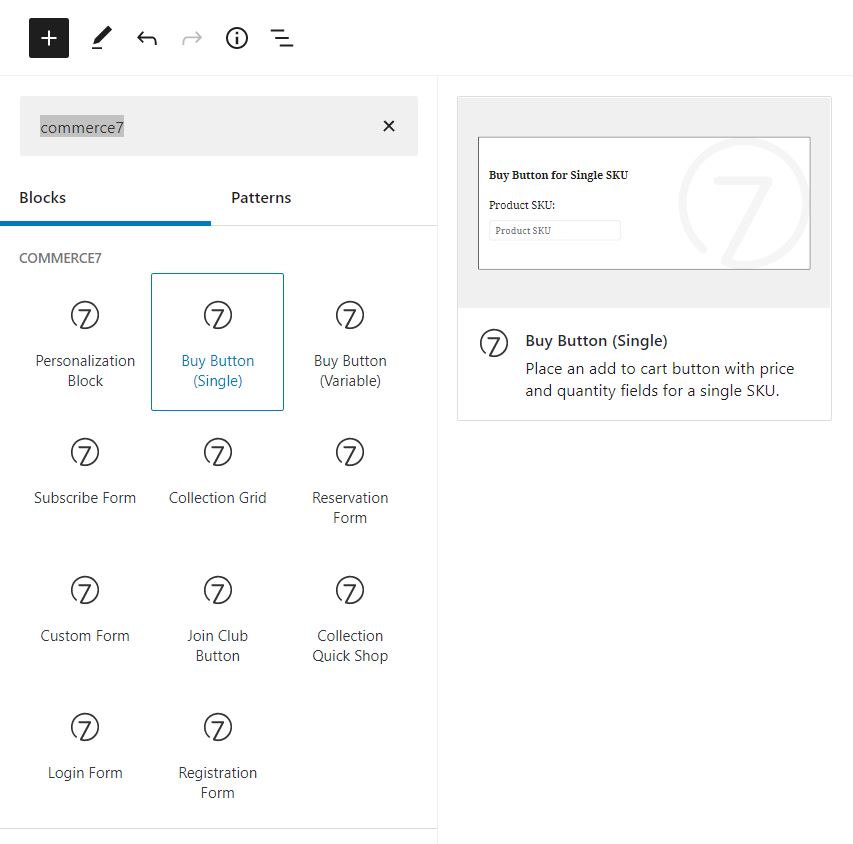
Gutenberg Integration - Native Gutenberg blocks for all your Commerce7 front-end widgets.
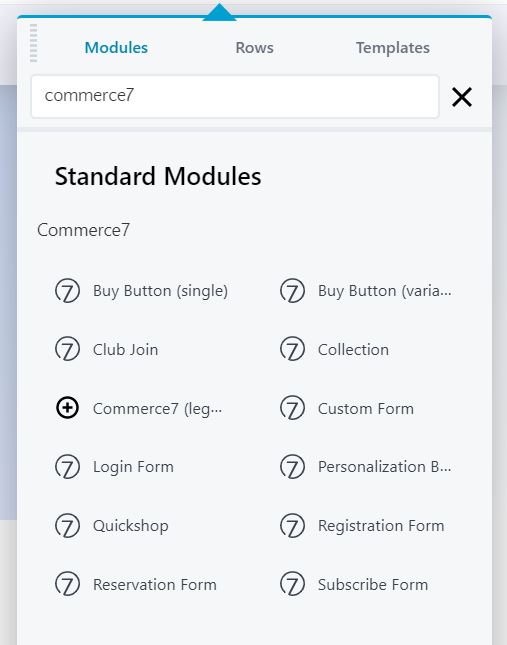
Beaver Builder - Native Beaver Builder modules for easy to use, drag and drop Commerce7 front-end widgets.
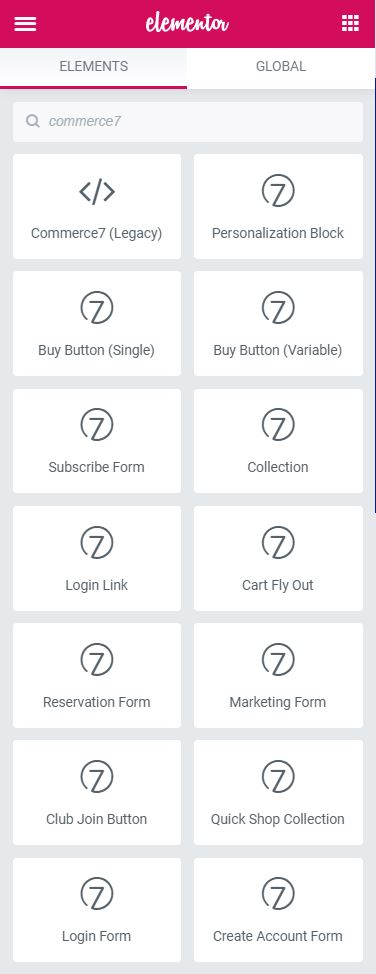
Elementor Integration - Native Elementor widgets for easy to use, drag and drop Commerce7 front-end widgets.
Faq
You can integrate your Commerce7 ecommerce account with your WordPress website, saving the hassle of manual integration.
You bet! This plugin is 100% free, however it relies on a 3rd party service from Commerce7 that has multiple price points.
Both! Simply choose which version you’d like to use in the plugin settings. Reasave your permalinks after switching!
First, make sure you aren’t using a subfolder install for WordPress, Commerce7 can only work on root domains and subdomains.
Second, resave your permalinks in WordPress by going to Settings > Permalinks, make sure pretty links (post name) is chosen, and hit save.
Third, make sure your core C7 pages are set up with the proper slugs and the c7-content div or “default content” block. Deactivate and reactivate the plugin if you’ve deleted these pages.
Fourth, email Commerce7 for support.
Reviews
Excellent tool for Commerce 7
By 
Makes integrating with Commerce 7 ecommerce simple and easy. Excellent support and even modules for many page builders to make designing custom store and club pages a breeze
Changelog
1.5.4
- Fix: Gutenberg block settings for old beta frontend
- Fix: Login widget redirect path on V2 frontend
- Fix: Club Selector block conflict with Oxygen page builder front end edit mode
1.5.3
- Fix: fatal error in Beaver Builder
1.5.2 – June 5, 2025
- Added: New “Collection List” block – Outputs a list of links to all Collections with a Web Status of “Available”
1.5.1 – May 29, 2025
- Fixed: Allow multiple club selectors per page using the new Radio Group Name field. You may have to recreate your existing selectors, or at the very least, press the “attempt recovery” button when you edit them next.
1.5.0 – May 11, 2025
- Added: Club selector block for Gutenberg.
- Added: Admin notice management.
- Changed: Slight UI tweaks in options page.
- Added: Default Content widget for Elementor. The legacy widget will be deleted in the next version, please replace those on all of your pages asap.
- Added: Default Content widget for Beaver Builder. The legacy widget will be deleted in the next version, please replace those on all of your pages asap.
1.4.9 – April 15, 2025
- Updated: Elementor custom widget markup.
1.4.8 – January 2, 2025
- Fix: Disable C7 JS in Oxygen’s frontend builder to prevent conflicts.
1.4.7 – December 13, 2024
- Fix: Proper widgets loading when using compatibility mode.
1.4.6 – October 11, 2024
- Fix: undefined array offset warning
- Added: more translatable strings and updated translation files
- Edited: verbiage in widget descriptions and labels
- Edited: Elementor widget appearance in editor mode.
1.4.5 – January 20, 2024
- Minor edit. Added clarifying language to default block messages.
1.4.4
- Added: V2 Compatibility Mode for some sites that have trouble rendering Commerce7 widgets.
1.4.3
- Removed: Automatically create missing Commerce7 pages on plugin update. Some installations may be handling these pages in a custom way and therefor our plugin will not recreate them. These pages will still be created on installation.
1.4.2
- Update: Commerce7 editor stylesheet loaded into after_theme_setup hook at a low priority so theme styles can better override it.
1.4.1
- Update: lower PHP version to 7.4 to allow some sites to catch up. This will be temporary, all sites need to update to PHP 8+ soon.
1.4.0
- Update: all Gutenberg blocks have been reworked for better visual representation while editing.
- Update: Commerce7 stylesheet will now render in the editor to support expected widget markup. This can be disabled with the
c7wp_enqueue_c7_css_adminfilter set to false.
1.3.7
- Add: Login Form widget for V2
- Add: Club button
addandedittext support
1.3.6
- Minor code formatting
1.3.5
- Update cleanup, re-add Gutenberg blocks (blame SVN)
1.3.4
- Fix update error
1.3.3
- Added SEO improvements on dynamic routes
- Updated for better PHP 8+ compatibility
1.3.2
- Fixed possible fatal error if required pages are missing
- Bump required PHP version to 7.4
1.3.1
- Fixed
Buy Buttonblock not showing in Gutenberg
1.3.0
- Updated c7-base override file
- Updated admin UI help text
- Nulled C7 JS and CSS version info for better Cloudfront compatibility
- Added support for custom routing in V2 frontend
- Fixed PHP warning on X Theme and Pro Theme sites by Themeco
1.2.7
- Added two new filters for developers:
c7wp_enqueue_c7_cssdefaults to true and controls the base C7 stylesheet being loaded, andc7wp_enqueue_c7_css_overridedefaults to false, controlling whther or not you load our c7-base override file with all globally scoped styles removed and Google fonts removed.
1.2.6
- Fixed block category depreciation warning in Gutenberg
1.2.5
- Added new routes for V2 frontend users
- Changed admin screen right panel callouts
1.2.4
- Small tweak in default page content on plugin installation.
1.2.3
- Small CSS tweak for users on V2 and still using the floating cart box.
1.2.2
- Fix login widget for V2 frontend
- Add Buy Button to V2 frontend
- Adjust V2 widgets in pagebuilder supports
1.2.1
- Fix small error in previous v1 frontend settings.
1.2.0
- Added support for Commerce7’s new V2 Front End. As per their docs, some front end widgets no longer exist. Be sure to read their designer docs and undertsand what needs to be done on your end prior to upgrading.
1.1.3
- Added ‘default content’ Gutenberg block for better visualization when editing dynamic C7 pages. (too many people deleted the original div by accident)
1.1.2
- Small tweaks.
1.1.1
- Fixed Subscription widget error in Gutenberg
- Changed default code to HTML blocks for required pages.
- Text update to Buy Button (slug) to reference Bundles.
1.1.0
- Full Gutenberg support with custom blocks for all Commerce7 widgets
- Massive expansion to Elementor page builder elements
- Massive expansion to Beaver Builder page builder elements
- Added new front end widgets: Quick Shop, Login Form, Create Account Form, Buy Button (Slug support for variable products)
- Code structure and formatting cleanup
- Better internationalization support
1.0.5
- Added support for the new “Join Now / Edit Membership” magic button for clubs, which should be used on landing pages you’ve created for your clubs.
1.0.4
- Fix activation error
1.0.3
- Added support for Commerce7 forms widgets
1.0.2
- Fixed compatibility when Woocommerce and Elementor Pro are installed
1.0.1
- Added support for the new reservations system. If you are upgrading to this version, please create a new Page in WordPress and give it the slug: reservation, or deactivate and activate this plugin after upgrade.
1.0.0
- Initial Public Version