WP Count
WP Count
Description
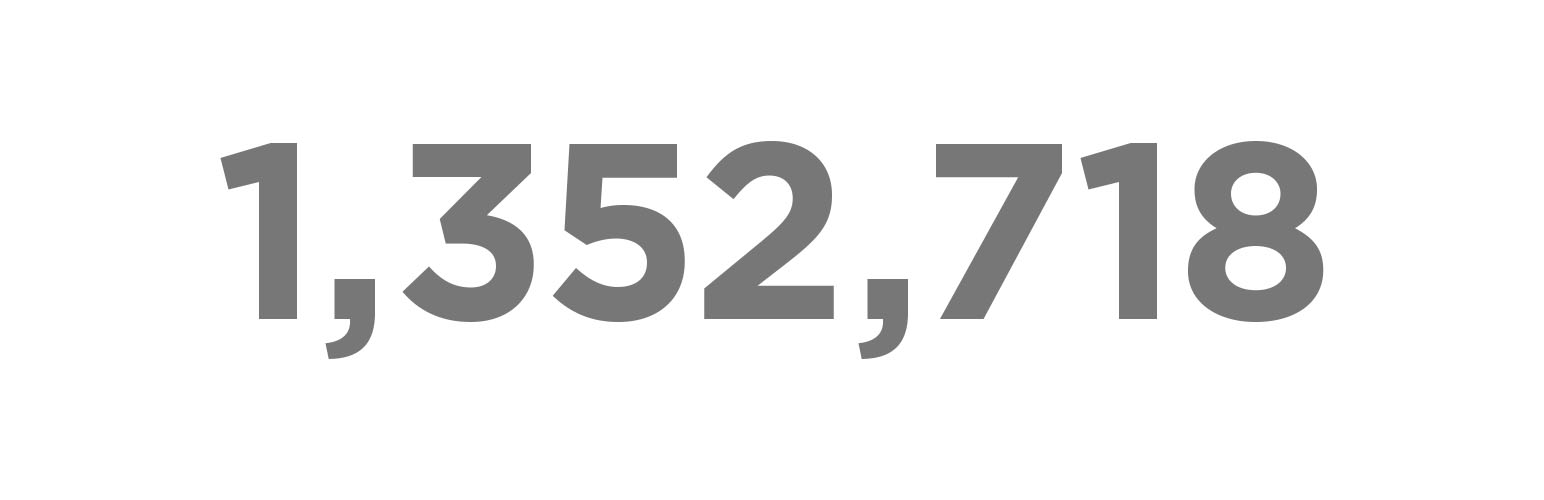
Two simple shortcodes to quickly display the total download count, in plain text, of any theme or plugin, using:
[theme-download-count slug="theme-slug-here"]
or
[plugin-download-count slug="plugin-slug-here"]
That’s it; simple and clean; the plain text number for you to display and style how you like.
Installation
There are no settings to adjust. Simply use [theme-download-count slug="theme-slug-here"] or [plugin-download-count slug="plugin-slug-here"] on any page, post, or text widget or in your theme code, use <?php echo do_shortcode( '[theme-download-count slug="theme-slug-here"]' ); ?>.
Faq
Things to check:
- The slug is entered exactly as it appears in https://wordpress.org/themes/this-portion-of-the-url/
- The theme or plugin is still live and active on wordpress.org, and that it isn’t banned, suspended, or otherwise gone
- The count might not match what is shown on wordpress.org exactly because of caching and other variables, but it should be very close
Reviews
Changelog
0.1
- New