WP Dashboard Quick Search
WP Dashboard Quick Search
Description
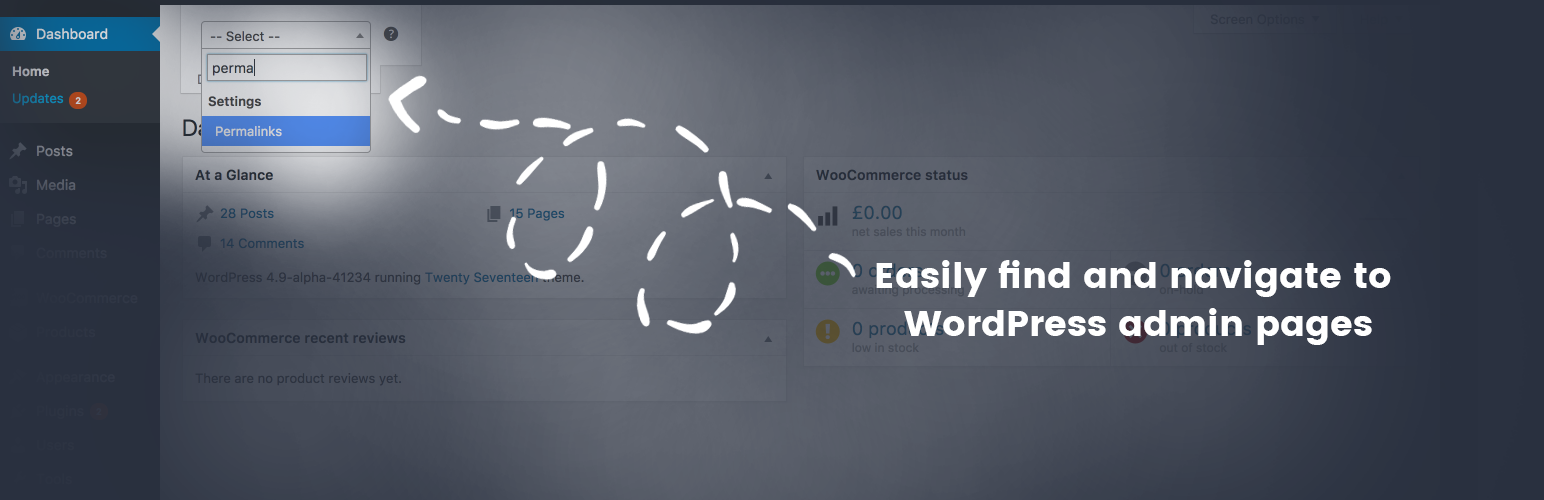
This plugin allows you find WordPress admin menu items easy.
Resources
Select2, The jQuery replacement for select boxes
Licenses: MIT
jQuery Cookie by Klaus Hartl
Licenses: MIT
Installation
- Upload the entire
wp-dashboard-quick-searchfolder to the/wp-content/plugins/directory. - Activate the plugin through the ‘Plugins’ menu in WordPress.
After activating the plugin the quick search will be added to your dashboard. all you need is to press Ctrl+Space bar and type the menu item inside the quick search field and press enter.
Faq
Installation Instructions
- Upload the entire
wp-dashboard-quick-searchfolder to the/wp-content/plugins/directory. - Activate the plugin through the ‘Plugins’ menu in WordPress.
After activating the plugin the quick search will be added to your dashboard. all you need is to press Ctrl+Space bar and type the menu item inside the quick search field and press enter.