WP Dev Flag
WP Dev Flag
Description
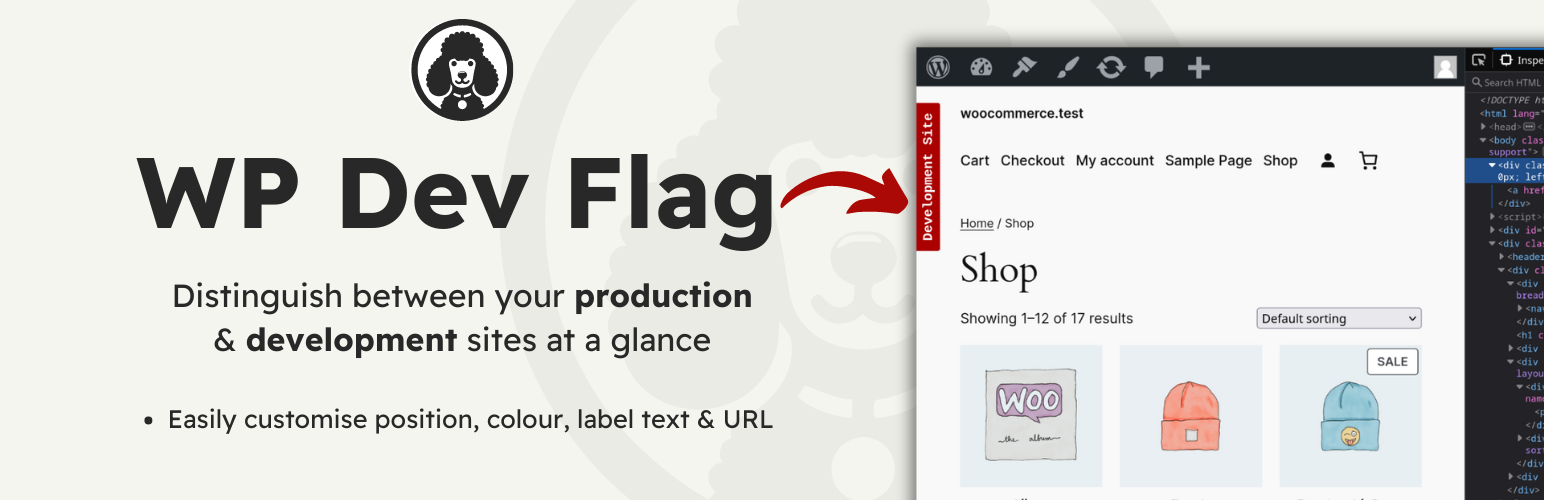
This plugin makes it easy to distinguish between your local development site, and your live site.
I created this because I often use a local duplicate of my live site, for development, with the same DB, and the same URL.
I needed a quick & easy way of distinguishing between my live and development sites at a glance. This plugin acheives that in the simplest way possible.
There are settings for colour, positioning and the text displayed on the badge. It is also possible to add a link onto the badge.
Installation
From your WordPress dashboard
- Visit ‘Plugins > Add New’
- Search for ‘WP Dev Flag’
- Activate ‘WP Dev Flag’ from your Plugins page.
- Visit ‘WP Dev Flag Options’ in the ‘Plugins’ submenu to access the settings.
From WordPress.org
- Download ‘WP Dev Flag’.
- Upload the ‘wp-dev-flag’ directory to your ‘/wp-content/plugins/’ directory, using your favorite method (ftp, sftp, scp, etc…)
- Activate ‘WP Dev Flag’ from your Plugins page.
- Visit ‘WP Dev Flag Options’ in the ‘Plugins’ submenu to access the settings.
Screenshots

This is what the default badge looks like.

This is the Trigger Options tab.

This is the Display Options tab.

This is the Link Options tab.
Faq
Currently, you can customise the colour, text and position of the badge. The ability to add a custom class is coming in the next release.
Feel free to just style .wp-dev-flag yourself though.
I will also explore additonal options such as custom fonts & href functionality.
No, it detects the current server environment and if it doesn’t match the environment that was set originally, the plugin will not display the badge. You can simply click update to set the new environment if required.
Yes, as of Version 1.3.0 you can add your own link and toggle it to open in a new tab.
Reviews
Alternative
By 
if (defined('WP_DEBUG') and true === WP_DEBUG) {
  // add a green dot at the bottom left of the screen
  // when WP_DEBUG in wp-config is true
  function devTag () {
    echo '<div style="background:green;border-radius:10px;bottom:20px;height:10px;left:20px;position:fixed;width:10px;z-index: 9999;"></div>';
  }
  add_action('wp_body_open', 'devTag');
}
Useful plugin
By 
Handy plugin
By 
Changelog
v2.0.1
- Bug fixes & customiser error fix.
v2.0.0
- Full codebase rewrite. Remove code fluff, restructure code.
v1.3.1 – 23 May 21
- Bug fix: Add default option values to fix possible PHP notices.
v1.3.0 – 02 Jan 21
- Enhancement: Added a link options settings tab. This allows you to add a link and toggle it to open in a new tab.
v1.2.0 – 25 Jun 19
- Enhancement: Added a setting to toggle the badge on the front end. You now have control over the display of the badge on both front end and dashboard, independently.
v1.1.0 – 02 Jun 19
- Enhancement: Added the ability to show a badge in the admin dashboard. This will appear in the admin bar, to avoid obscuring any menu options.
v1.0.0
- First Version.