WP Disable Block Editor

WP Disable Block Editor
Description
This plugin will WP Disable Block Editor & enable the Classic Editor and original Edit Post screen (TinyMCE, meta boxes, etc all).
- Disable Block Editor on page and Enabled Old Editor.
- Admin Option for Enabled/Disable Gutenberg Block Editor.
Installation
- Unzip the zipped file and upload to the
/wp-content/plugins/directory - Activate the plugin through the ‘Plugins’ menu in WordPress
- Dashboard > Settings > WP Disable Gutenberg
Screenshots
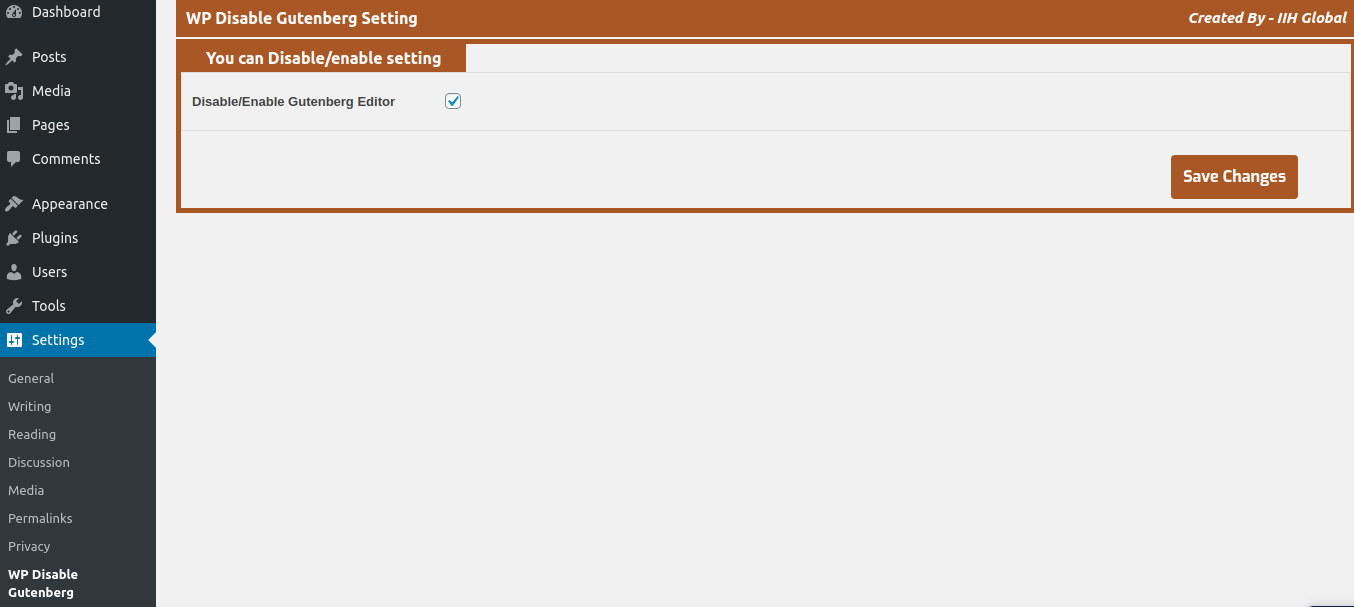
Setting page
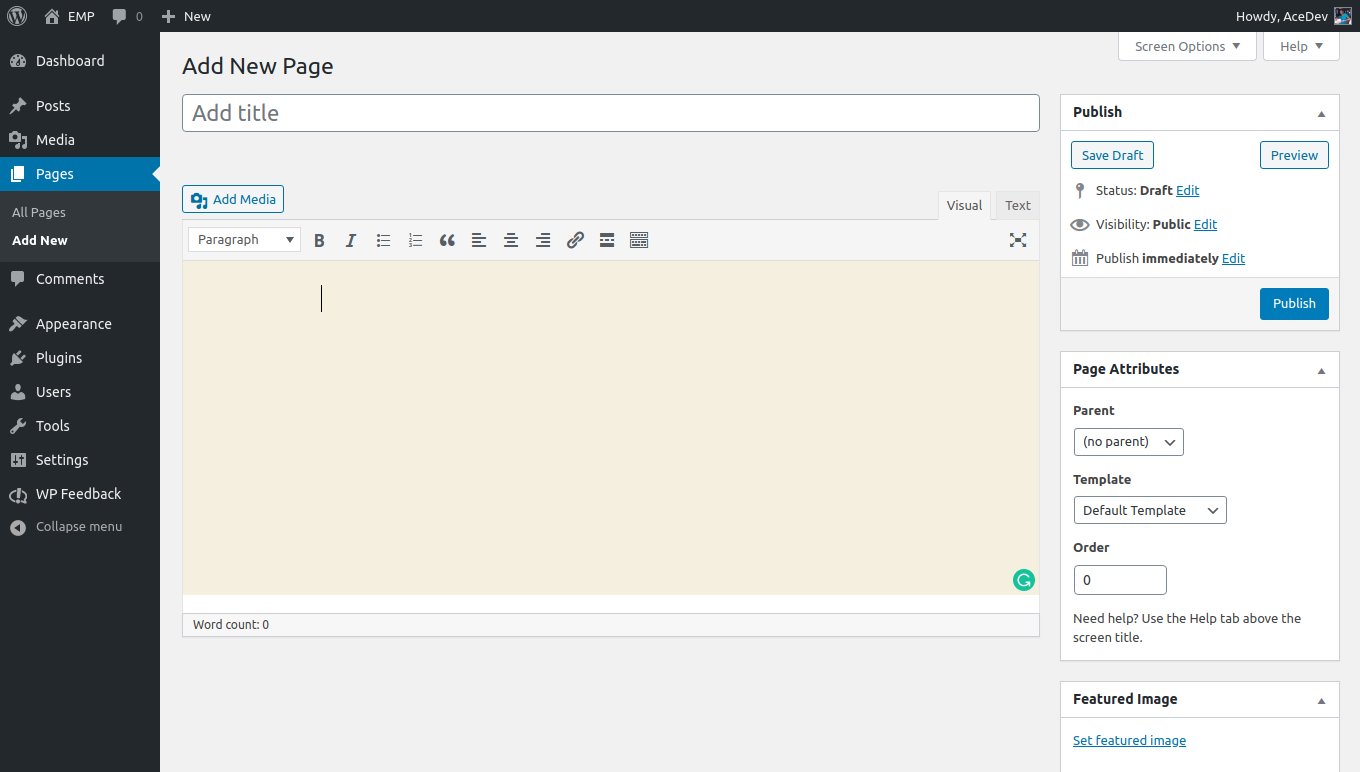
page edit page
Faq
- This plugin is released under a GPL license.
Reviews
Changelog
1.0.2
- Fix some conflicting issue with new WP version
- Tested with latest version
1.0.1
- Fix some security issue & custmize code
- Tested with latest version
1.0
- Initial Commit.