WP Featured Screenshot
WP Featured Screenshot
Description
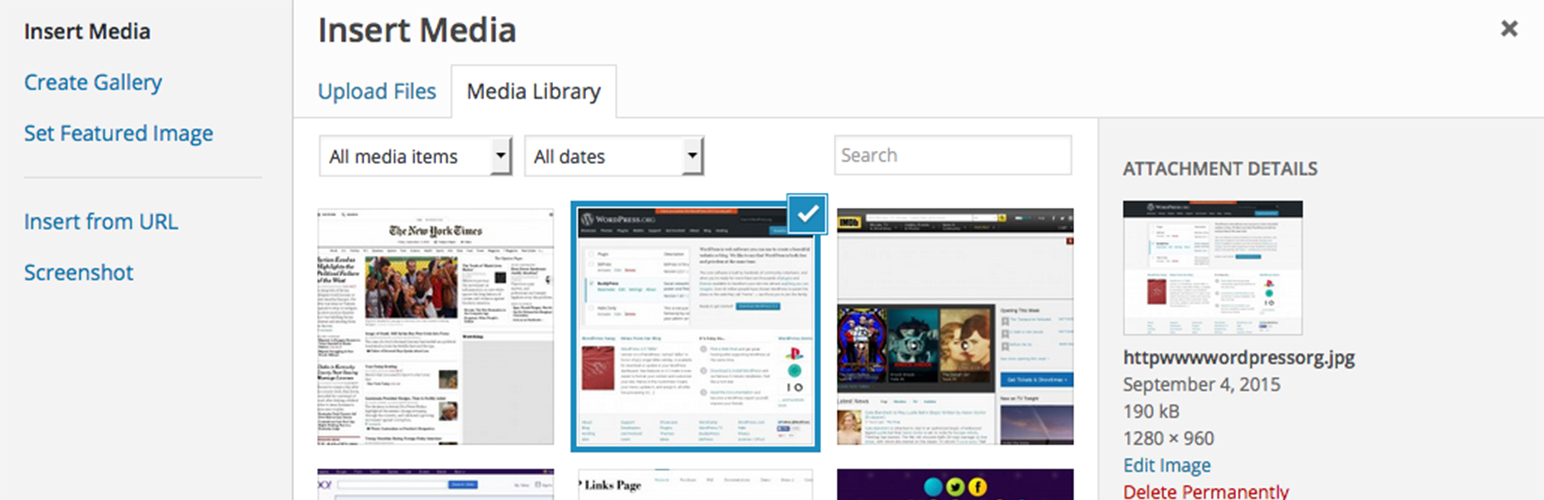
This plugin allows you add screenshots to your media library to use throughout your wordpress site as you would with any other image. It creates a copy of the screenshot on your web server to reduce the overhead on your site.
Please check out our WP Links Page Pro at http://wplinkspage.com/
Usage
- When adding a new post, click ‘Add Media’.
- Then click the ’Screenshot’ tab to the left.
- Type in the web address to use for the screenshot, and click ‘Add Screenshot’.
- The screenshot will appear in the table below the ‘Add Screenshot’ form, click the screenshot in the table.
- From here you can set the screenshot as your featured image or insert it into the post as you would with any other image in your media library.
For more information please visit http://wplinkspage.com/
Installation
Installation
Uploading via WordPress Dashboard
Navigate to the ‘Add New’ in the plugins dashboard
Navigate to the ‘Upload’ area
Select wp-featured-screenshot.zip from your computer
Click ‘Install Now’
Activate the plugin in the Plugin dashboard
Using FTP
Download wp-featured-screenshot.zip
Extract the wp-featured-screenshot.zip directory to your computer
Upload the wp-featured-screenshot.zip directory to the /wp-content/plugins/ directory
Activate the plugin in the Plugin dashboard
Screenshots
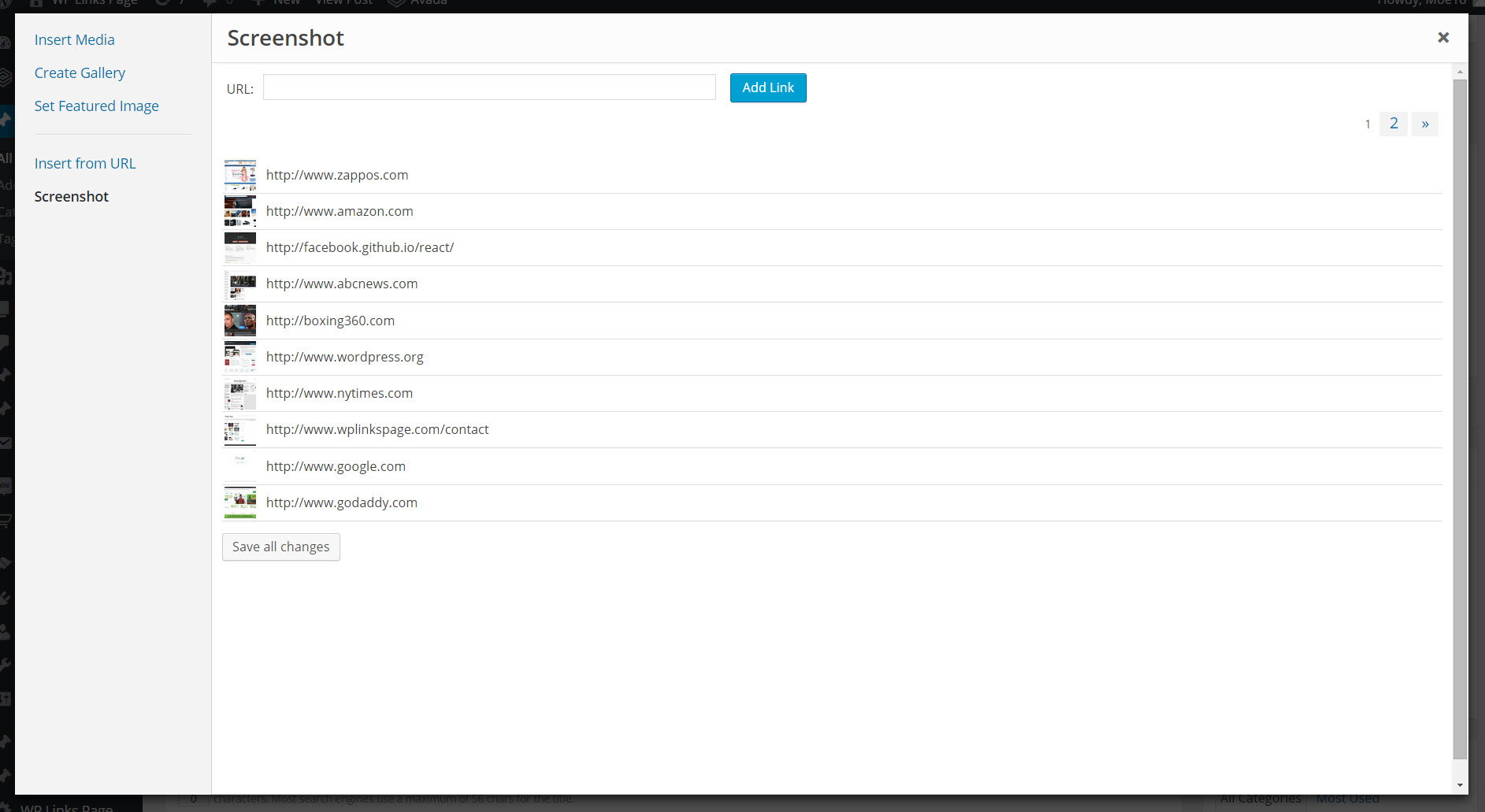
The Screenshot tab is added to the media library.

The image detail screen, used to add the screenshot to your post.
Faq
Installation Instructions
Installation
Uploading via WordPress Dashboard
Navigate to the ‘Add New’ in the plugins dashboard
Navigate to the ‘Upload’ area
Select wp-featured-screenshot.zip from your computer
Click ‘Install Now’
Activate the plugin in the Plugin dashboard
Using FTP
Download wp-featured-screenshot.zip
Extract the wp-featured-screenshot.zip directory to your computer
Upload the wp-featured-screenshot.zip directory to the /wp-content/plugins/ directory
Activate the plugin in the Plugin dashboard
Reviews
great usability
By 
Nice Idea
By 
Sadly, this does not work with latest version
Button absent in Media Library
Nice but where are UPDATES?
By 
I like this plugin but I cannot update my wordpress to newer version. @Developer please update this plugin asap!
Featured on iThemes Training Plugin Roundup Nov 2, 2015
By 
Nice work on this plugin!
Easy to use
By 
This plugin will allow you to take a screenshot of a website using the url and add it to your media library.
Changelog
Version 1.0
- Initial version of this plugin.