WP Figlet

WP Figlet
Description
Installation
- Upload the whole plugin folder to your /wp-content/plugins/ folder.
- Go to the Plugins page and activate the plugin.
- Use the Options page to change your options
You can write ASCII text by using the [ascii] code in your posts. For example:
[ascii]WordPress rocks[/ascii]
You can supply font and smalltext parameters as well:
[ascii font=”straight.flf” smalltext=”for real!” ]WordPress rocks![/ascii]
Screenshots
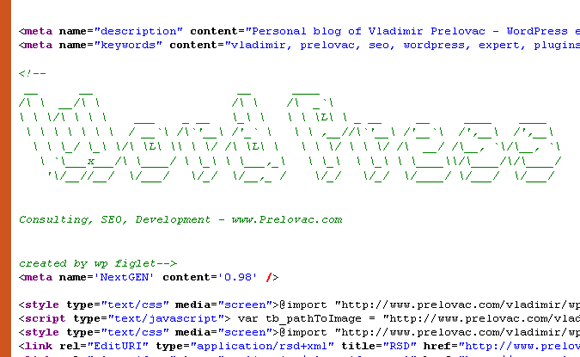
WP Figlet in action on my home page