Keybase.io Verification

Keybase.io Verification
Description
This plugin enables you to verify your site through keybase.io.
- Download from WordPress Plugin Directory: https://wordpress.org/plugins/wp-keybase-verification/
- WordPress Plugin Directory SVN repository: https://plugins.svn.wordpress.org/wp-keybase-verification/
- Github repository: https://github.com/Jamesits/wp-keybase-verification
Don’t worry if the WordPress plugin page tells you “This plugin hasn’t been tested with the latest 3 major releases of WordPress”. This plugin does not need frequent upgrade. If it does not work for you, create an issue at GitHub or use the support forum for WordPress plugins.
Disclaimer: This plugin and it’s developer is not affiliated with Keybase.io in any way.
Features
- Add your keybase.txt file without needing FTP/SSH to upload and download files.
Installation
Download and Upload:
- Download the plugin files.
- Upload the plugin’s folder to the “/wp-content/plugins/” directory
- Activate the plugin through the “Plugins” menu in WordPress
- Select “Settings”
Screenshots
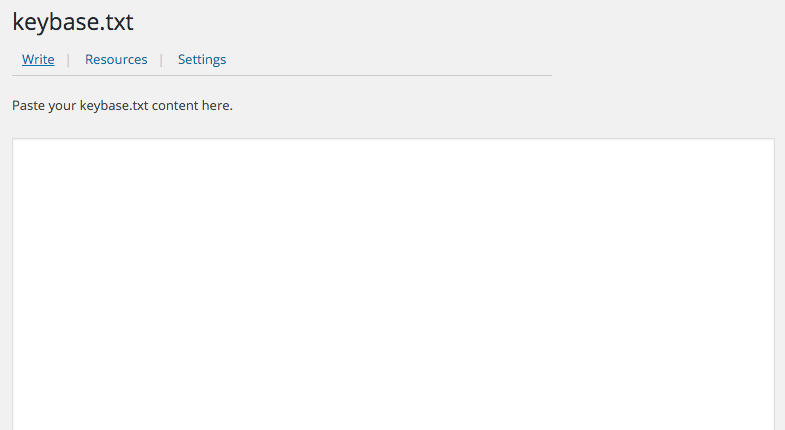
The keybase.txt text editor
Faq
Keybase.io requires a your.domain/keybase.txt or your.domain/.well-known/keybase.txt to be present, so if your WordPress installation is under some directory, e.g., example.com/blog/, then this plugin will not work for you. Of course you can set up the server to redirect that URI, but it’s another story and I’m not providing support for it.
Reviews
Easy peasy lemon squeezy
By 
Still works in 4.9.6 even with MU Support
By 
Awesome
By 
I was having a heck of a time trying to get my keybase.txt to show with the correct URL.
This made it so easy and fast.
Thank you!
Changelog
1.4.6
- Added CSRF validation to the admin form.
1.4.5
- Fix bug: you don’t have permission to view this page.
1.4.4
- Modify documentation
1.4
- Removed unused code.
- Changes to meet WordPress plugin submission requirements.
1.3
- Published