WP Link Preview

WP Link Preview
Description
This plugin will add a button to your post/page editor which can be used to generate and embed a link preview for a given URL. The link preview consists of a title, description and image which will result in a similar look as sharing a link on Facebook.
The link preview can also be generated with shortcode: [wplinkpreview url=””]
Installation
- Uncompress the download package
- Upload the folder to the
/wp-content/plugins/directory. - Activate the plugin through the ‘Plugins’ menu in WordPress.
Screenshots
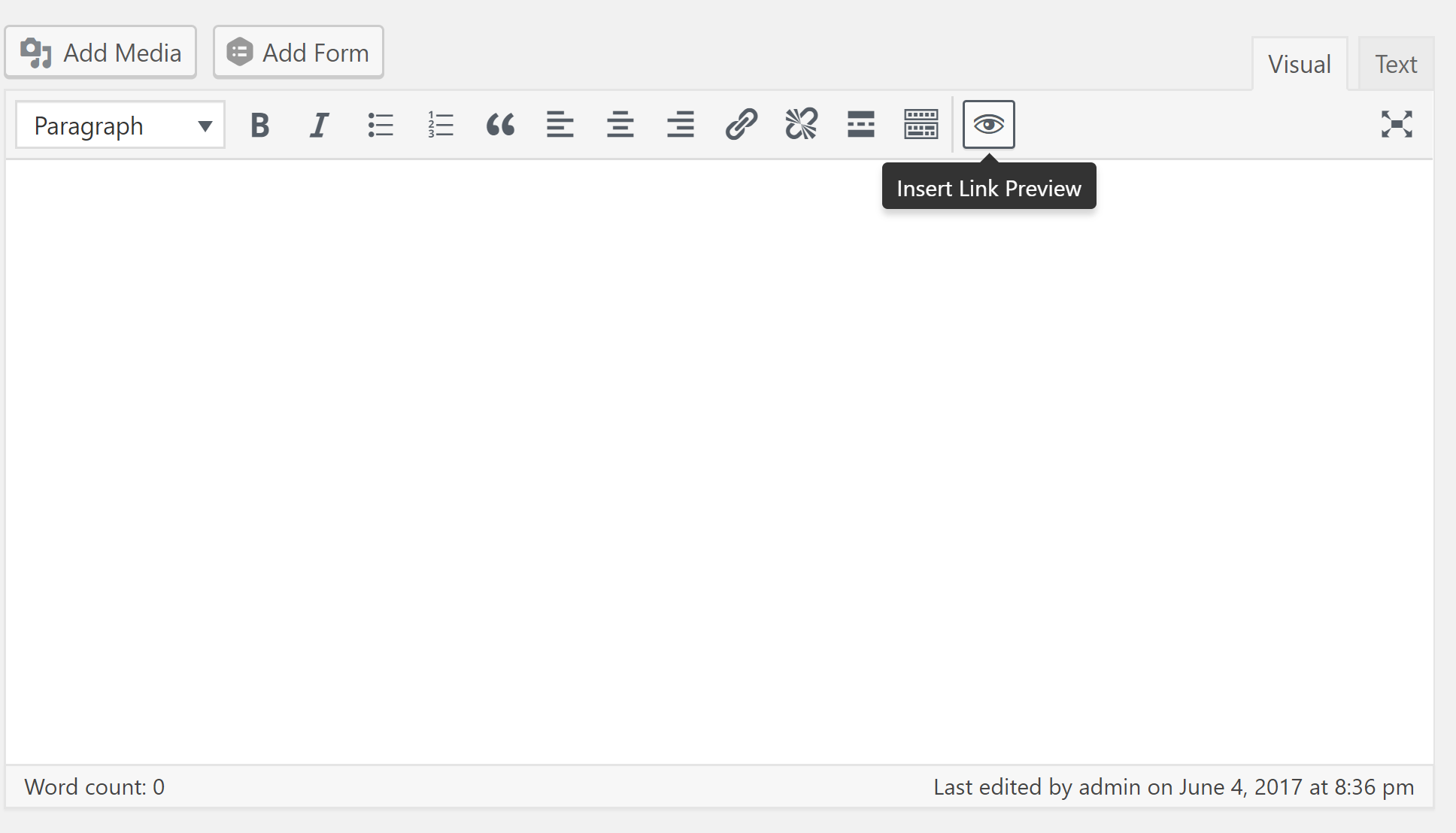
screenshot-1.png
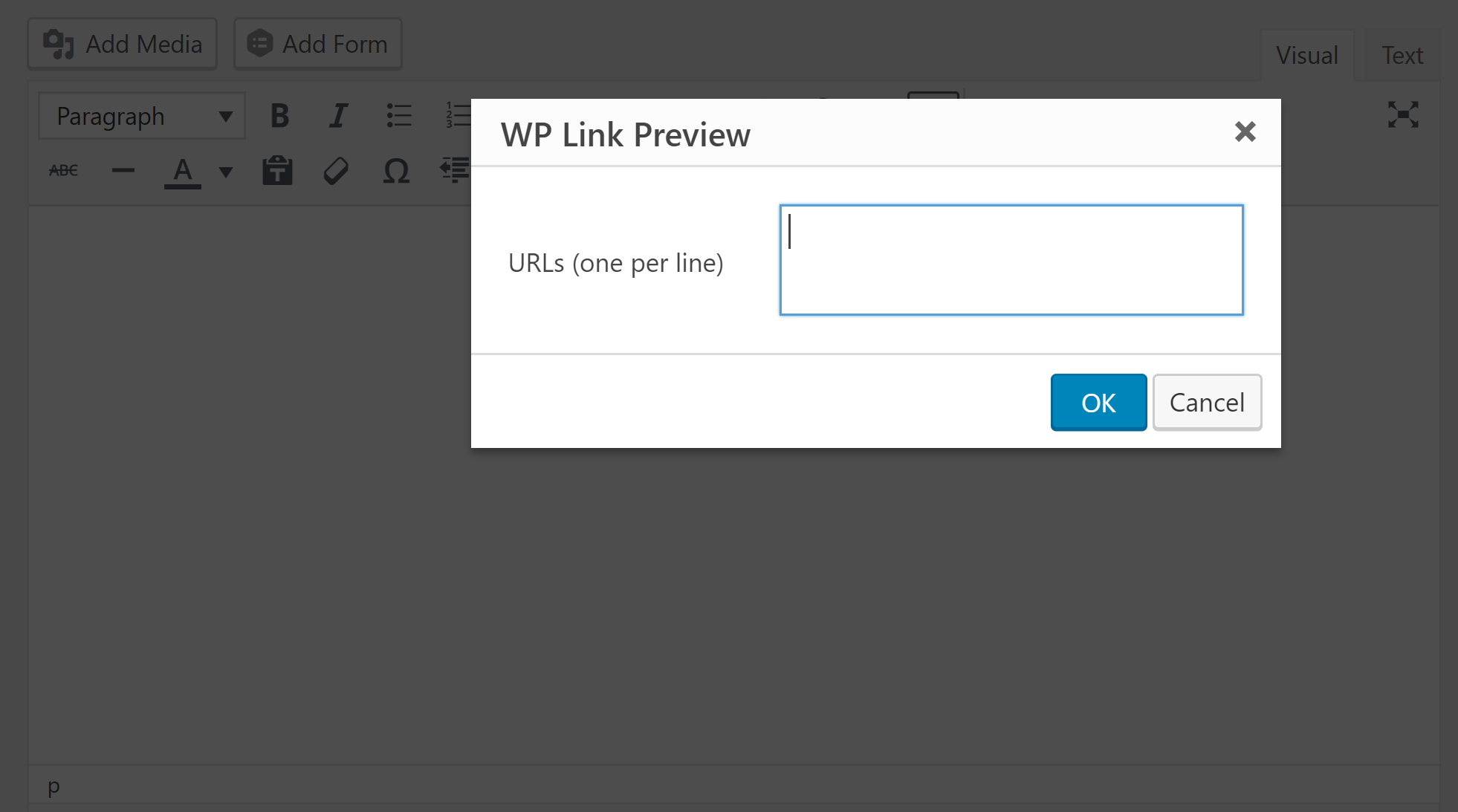
screenshot-2.png

screenshot-3.png
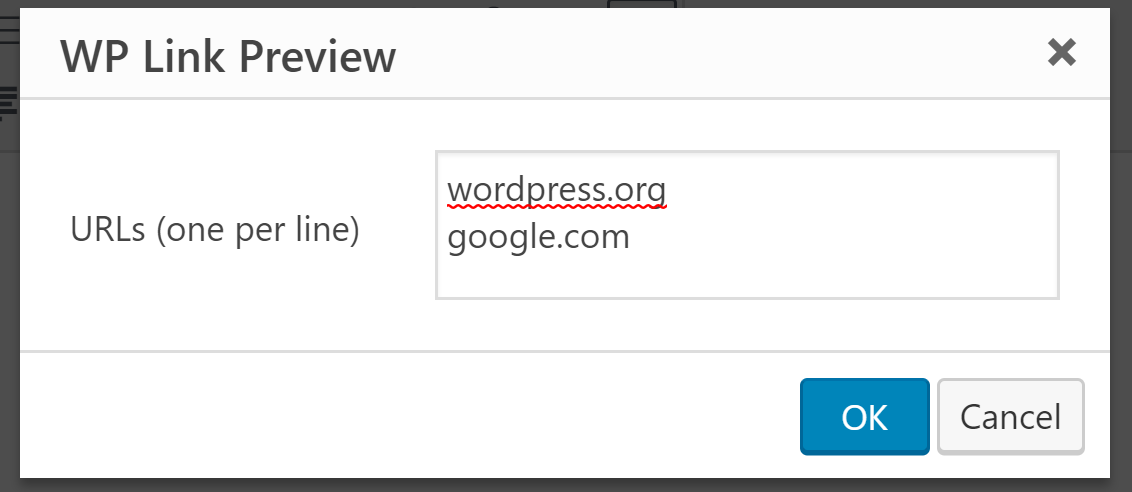
screenshot-4.png
Faq
Installation Instructions
- Uncompress the download package
- Upload the folder to the
/wp-content/plugins/directory. - Activate the plugin through the ‘Plugins’ menu in WordPress.
Reviews
Not work with cyrillic symbols
By 
Not work with cyrillic symbols
Great for posting links by email
By 
This was exactly what I was looking for to post links to a blog by email, using the WP Link Preview shortcode.
There are a few little issues, like " showing up as ?, but these are not a problem for me.
Thanks!
Works great!
By 
This plugin works fine for me. I had to edit my .conf file on my DigitalOcean droplet since I am using Content Security Policies, so the images would show up.
Here is the post that I tried with the plugin. https://appsbytravis.com/adobe-spark-first-creation/.
If I am not allowed to post links, let me know, as this is my first review for a plugin, so yea. 🙂
Good plugin
By 
The plugin works fine almost 100% and I'm happy about it, because I've been searching for something like this for a long time.
Sometimes it does not import images from the link, but probably it depends from the sites I link.
Good job 🙂
Changelog
1.4.1
- Remove ‘user-agent’ from HTTP request to fetch preview
1.4
- Fix character encoding issues
- Use ‘og:url’ when possible to display the source URL
- Validate favicon url to ensure its a valid absolute URL
1.3
- Ability to generate link preview using shortcode (ex. [wplinkpreview url=”wordpress.org”])
1.2
- Batch input of URLs to generate links previews for
- Show loading message while link preview is being fetched
1.1
- Remove output of extra HTML when any or all meta data does not exist