WP Map Route Planner
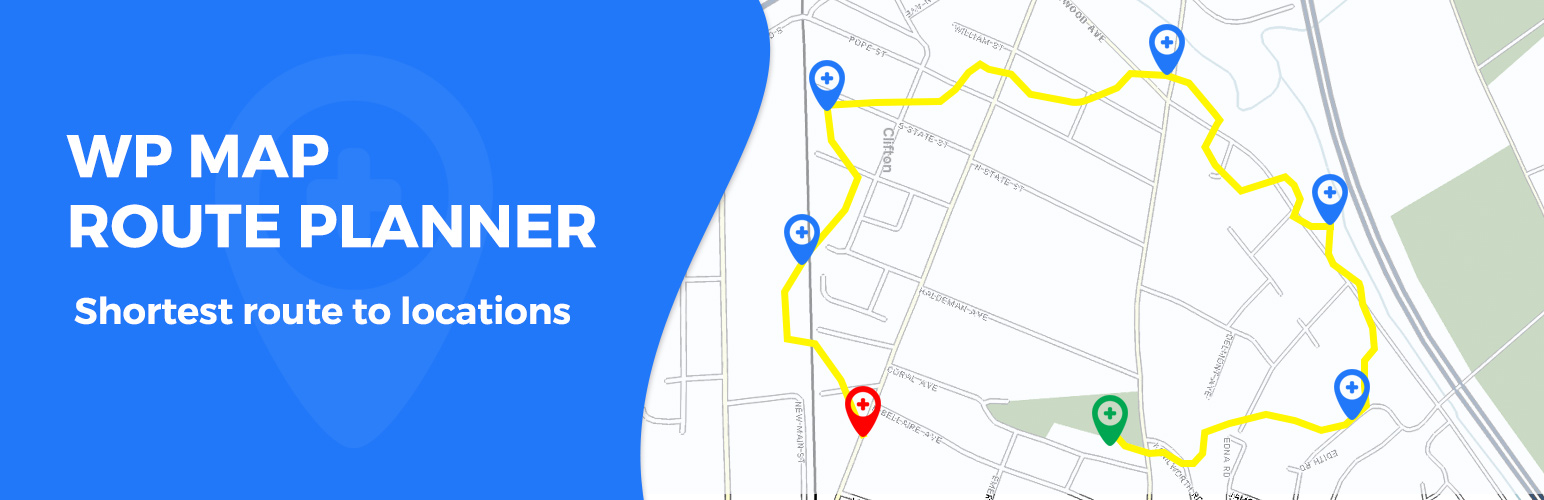
WP Map Route Planner
Description
Help you to locate specific and most direct route, such as WooCommerce order delivery routes or your’s custom added route, it integrates a Route Planner based on Google Maps and generates a catalogue of that route.
The way of the plan can be quickly and easily be changed to your needs and also possible to create more than one route, for example to find single or multiple order delivery address.
The important interface of Google Maps to find routes quickly, in a way around. With a simple input field the administrator can specify the Start point and End point with multiple location address or pincode to get the directions in a map with the marked path.
The plugin has built in geocoding functionality to make sure orders will pin on the map. When being exported, orders can be further edited or you can plan a route consisting of your orders and make a successful delivery.
Features
- Quick Search and view the best shortest routes on Google map.
- Integrated with WooCommerce orders.
- Single/Multiple order route plan.
- Built in geocoder.
- More than one location route planner.
- Provision to print the view of searched route plan.
- Mark routes on a map.
- Add multiple routes point and generate routes map.
- Get the total distance of the route.
- Get the individual distance between two route segments.
Need Support? wp.support@vsourz.com
License
GPLv2 – https://www.gnu.org/licenses/gpl-2.0.html
Installation
Install via WordPress Admin
- Ready the zip file of the plugin
- Go to Admin > Plugins > Add New
- On the upper portion click the Upload link
- Using the file upload field, upload the plugin zip file here and activate the plugin
Install via FTP
- First, unzip the plugin file
- Using FTP go to your server’s wp-content/plugins directory
- Upload the unzipped plugin here
- Once finished login into your WP Admin and go to Admin > Plugins
- Look for ‘WP Map Route Planner’ and activate it
Screenshots

Map Settings screen.

Route Planner Displayed Map after adding locations.

Woocommerce Orders Initial.

Woocommerce Orders Displayed Map.

Woocommerce Orders Search.
Faq
Installation Instructions
1) Upload the wp-map-route-planner folder to the /wp-content/plugins/ directory.
2) Activate the plugin through the ‘Plugins’ menu in WordPress.
3) Create a Google API Key and set them on the settings page.
Is it compatible with Woo-commerce Orders?
Yes, it is compatible with Woo-commerce Orders. Administrator need to select the orders which they find route on map.
Can we search particular orders?
Yes, we have provided the provision to search orders based on Date (From- To), Order Id, Post code, Country, User details, Status and Payment method.
Reviews
I want to this to work!
By 
Works perfectly
By 
Doesn't work
By 
Great Plugin Does The Trick
By 
Changelog
1.0.0
- Initial