WP Related Post With Pagination
WP Related Post With Pagination
Description
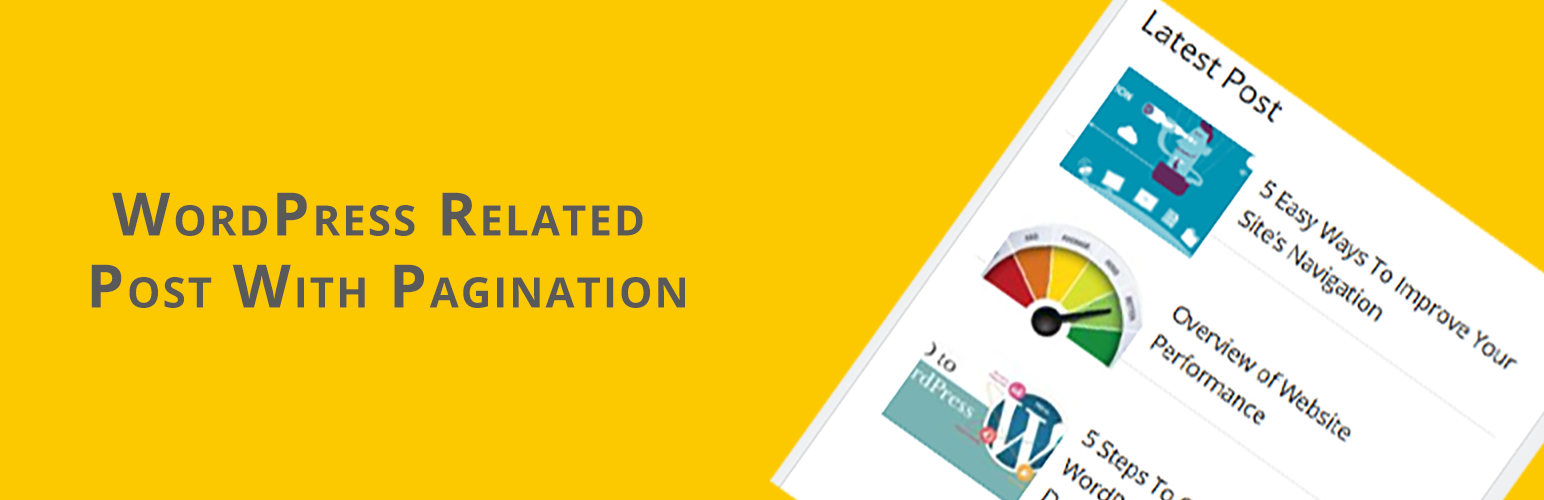
Easy to use and gives you control on what is displayed as related to each item. If you want to add a widget in your sidebar with image and pagination. This allows you to custom image sizes.
Usage
- Go to
WP-Admin -> Appearance -> Widgets. - Find the widget and drop to your sidebar.
No support
I, Ashish Jangra, will not be offering support for this plugin anymore (either free or paid).
Installation
You can either install it automatically from the WordPress admin, or do it manually:
- Unzip the “wp-related-post-with-pagination” archive and put the folder into your plugins folder (/wp-content/plugins/).
- Activate the plugin from the Plugins menu.
Screenshots

Widget Config
Reviews
Changelog
1.0
- initial release