WP Responsive Demo Switch Bar
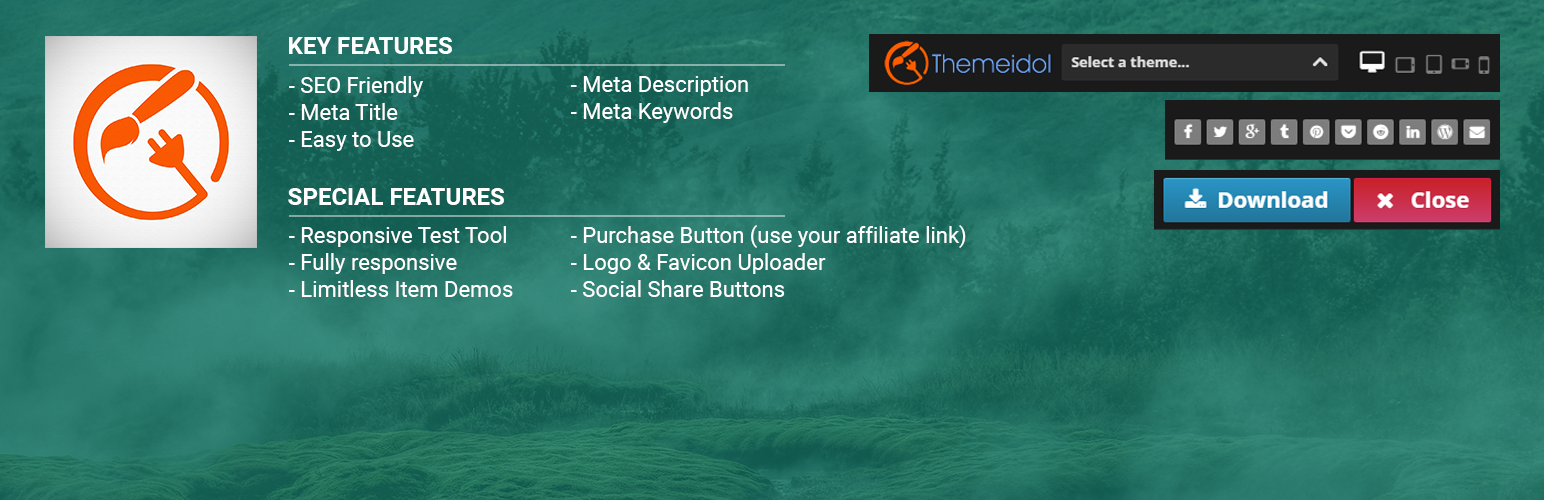
WP Responsive Demo Switch Bar
Description
Installation
__Using The WordPress Dashboard_
1.Navigate to the ‘Add New’ in the plugins dashboard
2.Search for demo-bar
3.Click Install Now
4.Activate the plugin on the Plugin dashboard
Uploading in WordPress Dashboard
1.Navigate to the ‘Add New’ in the plugins dashboard
2.Navigate to the ‘Upload’ area
3.Select demo-bar.zip from your computer
4.Click ‘Install Now’
5.Activate the plugin in the Plugin dashboard
Using FTP
1.Download wp-responsive-demo-switch-bar.zip
2.Extract the demo-bar directory to your computer
3.Upload the demo-bar directory to the /wp-content/plugins/ directory
4.Activate the plugin in the Plugin dashboard
Screenshots

WP Responsive Demo Switch Bar Backend Settings.

WP Responsive Demo Switch Bar Add Demo.

WP Responsive Demo Switch Bar Front End.
Faq
There is something cool you could add…
Nice, make a post on the Support Forum and let us know. We are always looking for ways to improve our plugins.
Reviews
Fantastic plugin
By 
Broken
By 
Good
By 