WP Responsive Slideshows

WP Responsive Slideshows
Description
WP Responsive Slideshows Plugin for Adding Multiple Resposive Slideshow into WP Sites.
Installation
This section describes how to install the plugin and get it working.
- Install plugin from WordPress add new plugin
- Activate the plugin through the ‘Plugins’ menu in WordPress
- Place [WRS slideshow_id=id] on posts and pages
Screenshots

Add New Slideshow Panel.
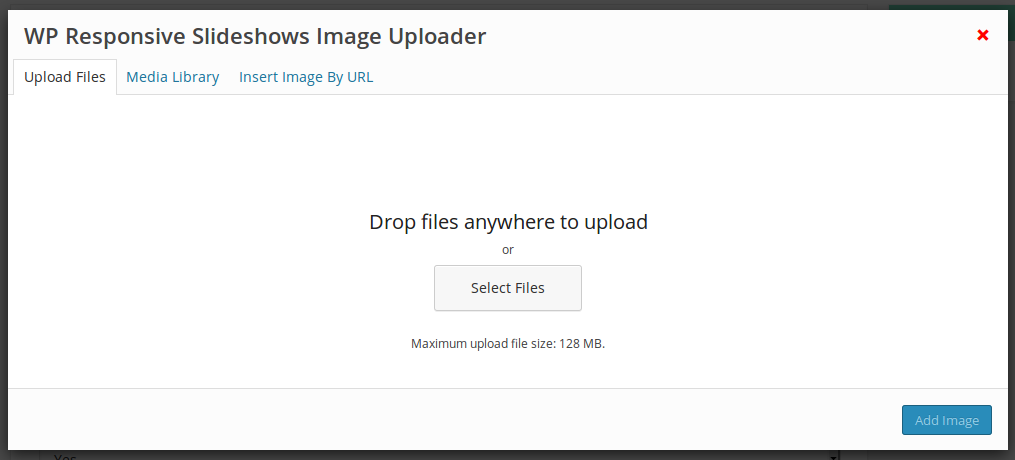
Add Slideshow Images Panel.

Add Slideshow Images By URL Panel.

Add Slideshow Videos Panel.

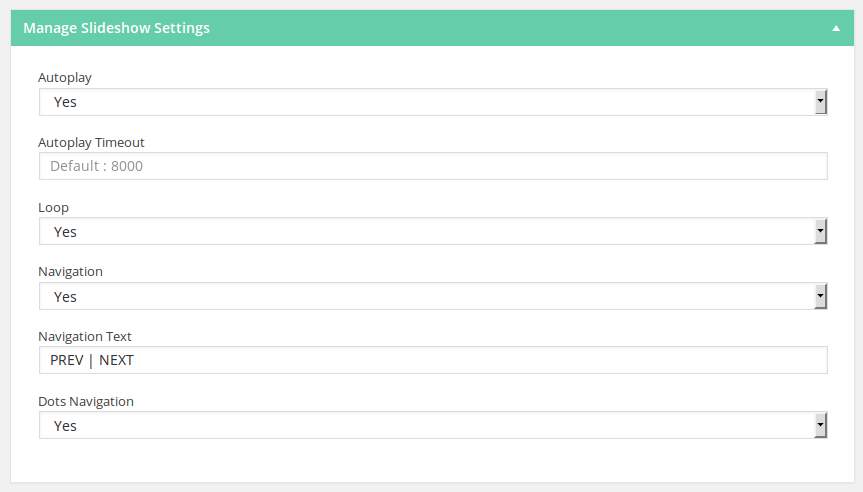
Add Slideshow Settings Panel.
Add Slideshow Shortcode Button on Posts and Pages WP Editor.

Add Slideshow Shortcode Panel.