WP Smart Banner
WP Smart Banner
Description
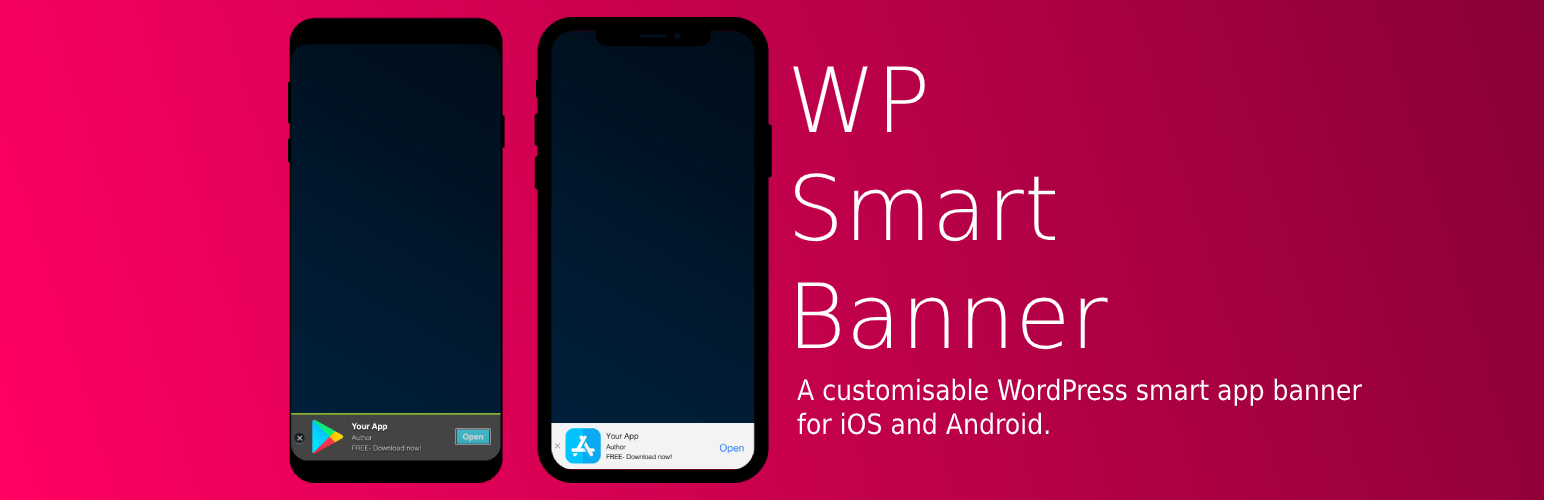
WP Smart Banner uses a small portion of the screen on a mobile website to inform and encourage users to open or install the native app.
Installation
Simply install, activate and configure the plugin:
- Upload
wp-smartbannerto the/wp-content/plugins/directory - Activate the plugin through the ‘Plugins’ menu in WordPress
- Edit the settings on the Smartbanner settings page
Screenshots

The WordPress smart app banner on iOS devices.

The WordPress smart app banner on Android devices.
Faq
Can I translate the plugin?
Yes you can. You can choose to overwrite the default settings or use a translations plugin (Loco Translate, WPML) to tranlate the widget.
Can I only the banner for iOS or Android?
Yes you can. Go to the settings page and enable/disable the iOS and Android specific settings.
Reviews
Perfect
By 
Nice plugin!
Changelog
1.0.1
- Added positioning settings.
1.0.0
- Initial plugin setup.