WP Steam Auth
WP Steam Auth
Description
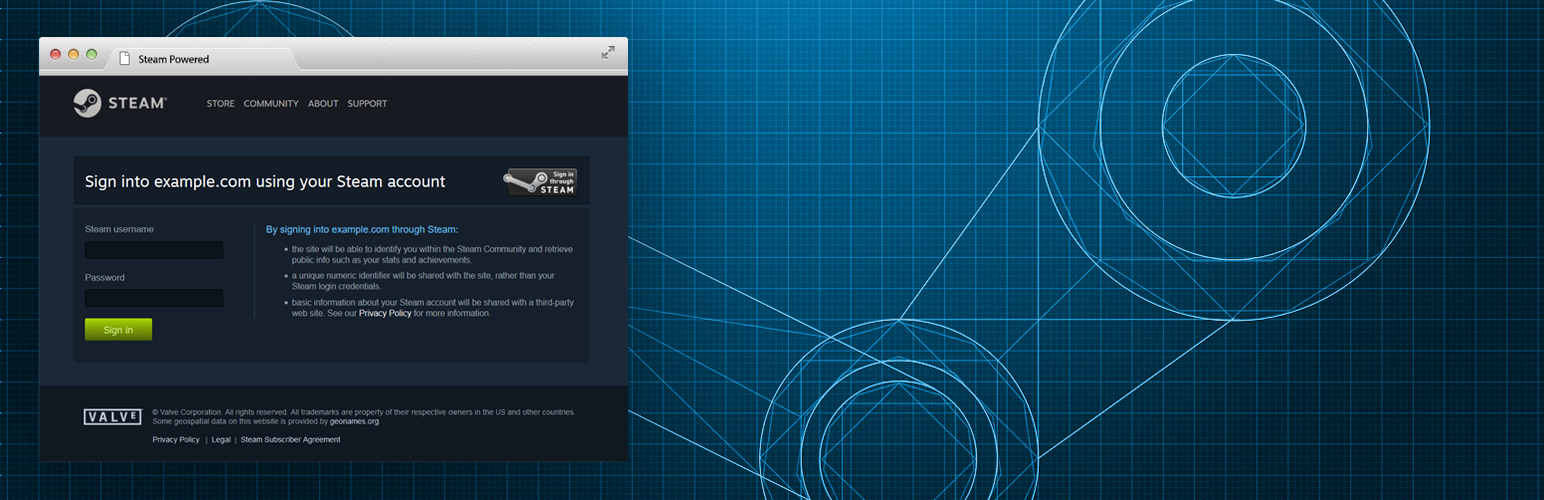
This plugin will let your visitors register & login to your WordPress via their Steam account using one and unique button.
All new authentification will create a new WordPress legacy user and will be automatically logged in the process. Once they are registered via Steam, users may login to your WordPress using the same Steam button.
Old WP users (registered before the plugin activation) have the possibility to synchronize their account with Steam once loggedin with the legacy WordPress system.
Note: WP Steam Auth Plugin is fully compatible with WordPress & Buddypress. Steam profile data is stored in the WP_user meta data. WP Steam Auth doesn’t interfere with the legacy WP Login/Registration system, it means that you’ll be always able to login with the legacy method.
Features:
- Register/Login with one unique button
- Automatically create a new WordPress legacy user
- Automatically Upload the Steam avatar during registration
- Choose to use the wordpress avatar or the steam avatar
- Synchronize button available for old WP Users
- Customize the Post-login & Post-Logout URL, or use Referer instead
- Customize URLs & base slugs (Login / Sync. / Logout)
- Login/Register via a popup for a better user experience
- Manage users Steam synchronization in WP users dashboard
- Force ReSync. for specific (or bulk) users
- Remove Sync. for specific (or bulk) users
Contributions:
- Improved version of PHP library Steam Authentification by SmItH197 (demo)
- The original Steam Openid script by JTX
- The LightopenID library
My Other Plugins:
Installation
WordPress Install
- Upload the plugin files to the
/wp-content/plugins/wp-steam-authdirectory, or install the plugin through the WordPress plugins screen directly. - Activate the plugin through the ‘Plugins’ screen in WordPress
- Setup your Steam API via: http://steamcommunity.com/dev/apikey
- Use the Settings->Steam Auth screen to configure the plugin
- Add the shortcode [wp_steam_auth] in your page or use available php functions
Available Shortcode
[wp_steam_auth][wp_steam_auth login_text="Login via Steam"][wp_steam_auth login_class="my_class1 my_class2"][wp_steam_auth login_image="http://..."][wp_steam_auth logout_text="Logout"][wp_steam_auth logout_class="my_class1 my_class2"][wp_steam_auth logout_image="http://..."][wp_steam_auth show_sync="1"][wp_steam_auth sync_text="Synchronize"][wp_steam_auth sync_class="my_class1 my_class2"][wp_steam_auth sync_image="http://..."]
Available PHP Functions
<?php wpsap_button_login(); ?><?php wpsap_button_sync(); ?><?php wpsap_button_loggout(); ?><?php echo wpsap_button_login_url(); ?><?php echo wpsap_button_sync_url(); ?><?php echo wpsap_button_loggout_url(); ?><?php if(!wpsap_is_user_synced()){ wpsap_button_sync(); } ?>
Screenshots

WP Steam Auth Settings

WP Users Dashboard

WP User Profile with "Steam" section
Faq
Installation Instructions
WordPress Install
- Upload the plugin files to the
/wp-content/plugins/wp-steam-authdirectory, or install the plugin through the WordPress plugins screen directly. - Activate the plugin through the ‘Plugins’ screen in WordPress
- Setup your Steam API via: http://steamcommunity.com/dev/apikey
- Use the Settings->Steam Auth screen to configure the plugin
- Add the shortcode [wp_steam_auth] in your page or use available php functions
Available Shortcode
[wp_steam_auth][wp_steam_auth login_text="Login via Steam"][wp_steam_auth login_class="my_class1 my_class2"][wp_steam_auth login_image="http://..."][wp_steam_auth logout_text="Logout"][wp_steam_auth logout_class="my_class1 my_class2"][wp_steam_auth logout_image="http://..."][wp_steam_auth show_sync="1"][wp_steam_auth sync_text="Synchronize"][wp_steam_auth sync_class="my_class1 my_class2"][wp_steam_auth sync_image="http://..."]
Available PHP Functions
<?php wpsap_button_login(); ?><?php wpsap_button_sync(); ?><?php wpsap_button_loggout(); ?><?php echo wpsap_button_login_url(); ?><?php echo wpsap_button_sync_url(); ?><?php echo wpsap_button_loggout_url(); ?><?php if(!wpsap_is_user_synced()){ wpsap_button_sync(); } ?>
Do I need a Steam API key?
Yes, you can get one for free here: http://steamcommunity.com/dev/apikey
How can I display the “Login via Steam” button?
Use the following Shortcode:
[wp_steam_auth]
Or the following PHP functions:
<?php wpsap_button_login(); ?><?php wpsap_button_sync(); ?><?php wpsap_button_loggout(); ?><?php echo wpsap_button_login_url(); ?><?php echo wpsap_button_sync_url(); ?><?php echo wpsap_button_loggout_url(); ?><?php if(!wpsap_is_user_synced()){ wpsap_button_sync(); } ?>
What is the “Force ReSync.” feature?
This will instantly logout the user. On the next login with Steam, the WP Steam Profile will be updated with latest Steam data (Profile URL, Avatar, Sync. date etc…)
What is the “Remove Sync.” feature?
This will instantly logout the user & remove the WP Steam Profile. The user won’t be able to log back via Steam. He will need to login via legacy WP method and then synchronize manually. Cannot be undone.
Reviews
Works but...
By 
It does work
By 
It's not working
By 
Super fast and easy steam auth intergration
By 
Removed
By 
Great plugin, great support
By 
Awesome
By 
Fatal Error can't activate script
By 
Need to change the code
By 
Changelog
0.6.4
- Added Shortcode functionality: [wp_steam_auth]. More details on settings page.
0.6.3
- Fixed Javascript bug on popup closure when website use hashtags.
0.6.2
- Fixed a bug for PHP < 5.5 version: “Can’t use function return value in write context”
0.6.1
- Added Buddypress compatibility: Avatars via bp_avatar_filter()
0.6.0.3
- Fixed typo & code
0.6.0.1
- Fixed screenshots with description
0.6
- Added JS in admin for better UX
- Added WP Users dashboard Sync date
- Added Steam Profile section in the WP User Profile
- Added to capatibility to force ReSync. for specific users (This will instantly logout the user. On the next login with Steam, the WP Steam Profile will be updated with latest Steam data: Profile URL, Avatar, Sync. date etc…)
- Added to capatibility to Remove Sync. for specific users (This will remove the WP Steam Profile. The user won’t be able to log back via Steam. He will need to login via legacy WP method and then synchronize manually.)
- Improved code & requires
0.5.2
- Added URL Rewriting Settings (Login / Sync / Logout)
- Added Logout Redirection + Referer options
- Improved code
0.5.0.2
- Removed session_start()
0.5.0.1
- Checking if LightOpenID already exists before require
- Better ABS path names
- Better custom filters names
- Better session_start encapsulation
- Removed ob_start()
0.5
- Initial Release