StoryMap Plugin

StoryMap Plugin
Description
Create Storymaps using native WordPress content and display an interactive map in the editor and on the public page. Each Storymap can use OpenStreetMap, satellite, hybrid, relief, cycling, or world street map tiles; the overview map always uses OpenStreetMap. Each Storymap can have an introductory description and image, shown at the start of the information panel. Public maps display the selected Storymap’s points connected in order by a red dashed line, with a small overview map in the lower-left showing the full extent of its points. The information panel contains the introduction and all points in order; scrolling through a point title centers the map on that point. Side arrows remain available to scroll through points in order, with directional slide transitions, and their color can be customized in Storymap settings (black by default). On wide maps, the panel fills the map height on the right and the map keeps the selected point in the uncovered area; on mobile, the panel is placed at the bottom. Maps fill the screen width by default; enter a pixel width in Storymap settings to use a custom width. Map height uses the Storymap settings. Each Storymap has an independent story number, separate from its WordPress post ID. A page or post can contain multiple map blocks, each assigned to a different Storymap. The WordPress admin includes a Leaflet-based point form that saves points to the existing legacy points table, using the selected Storymap’s number in the legacy storyId field.
We are continuously working on new developments and features.
For personalized plugin development or other inquiries, contact:
Keepyourphoto.com
See an example at keepyourphoto
Installation
Requirements: WordPress 6.8 or later and PHP 7.4 or later.
- Log in to your WordPress dashboard and go to Plugins > Add New Plugin. Search for StoryMap in the WordPress.org Plugin Directory, click Install Now, and then click Activate.
- Alternatively, download the plugin ZIP file. In your dashboard, go to Plugins > Add New Plugin > Upload Plugin, select the ZIP file, click Install Now, and then click Activate Plugin.
- You can also extract the ZIP file and upload the
wp-storymapfolder to/wp-content/plugins/. Then go to Plugins in your dashboard and activate StoryMap.
- You can also extract the ZIP file and upload the
- In the dashboard, go to Storymaps > Add New. Enter a title and publish the Storymap. Its map block is added automatically.
- Go to Storymaps > Add Point. Select the Storymap, choose a location on the map, enter the point’s title and description, optionally add an image, and save the point. Repeat to add more points.
- To display a Storymap on another page or post, edit that page or post, add the Storymap Map block, select the Storymap in the block settings, and publish or update the page.
- Set a point’s Position when adding or editing it to control its order in the Storymap. Points are shown in that order when visitors use the arrows or scroll through the information panel.
- Use Storymaps > All Points to manage your points. Select Edit for full editing, Quick Edit to change a point’s title, description, Storymap, or position, or Trash to hide it temporarily. Trashed points can be restored from the Trash view.
The plugin creates its required story and point tables automatically when they are missing. Existing legacy tables are left unchanged.
If you are upgrading from a version earlier than 3.0, back up your database and files before updating, and test the update on a staging site. Storymaps created with earlier versions may not be fully compatible.
More information on how to install at keepyourphoto
Screenshots

Page to create and edit stories.

Page with all your stories.
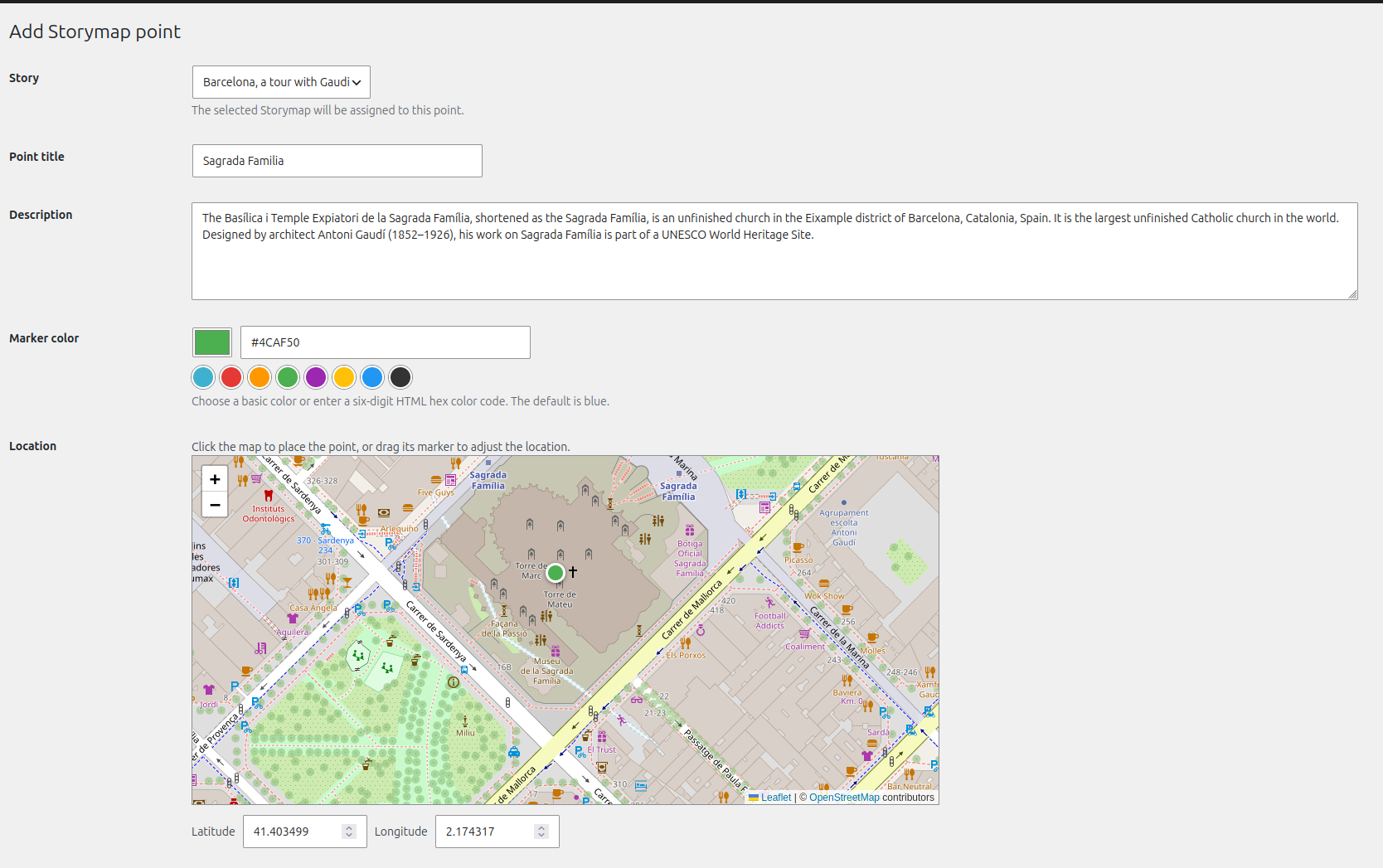
Page to create and edit points (1).
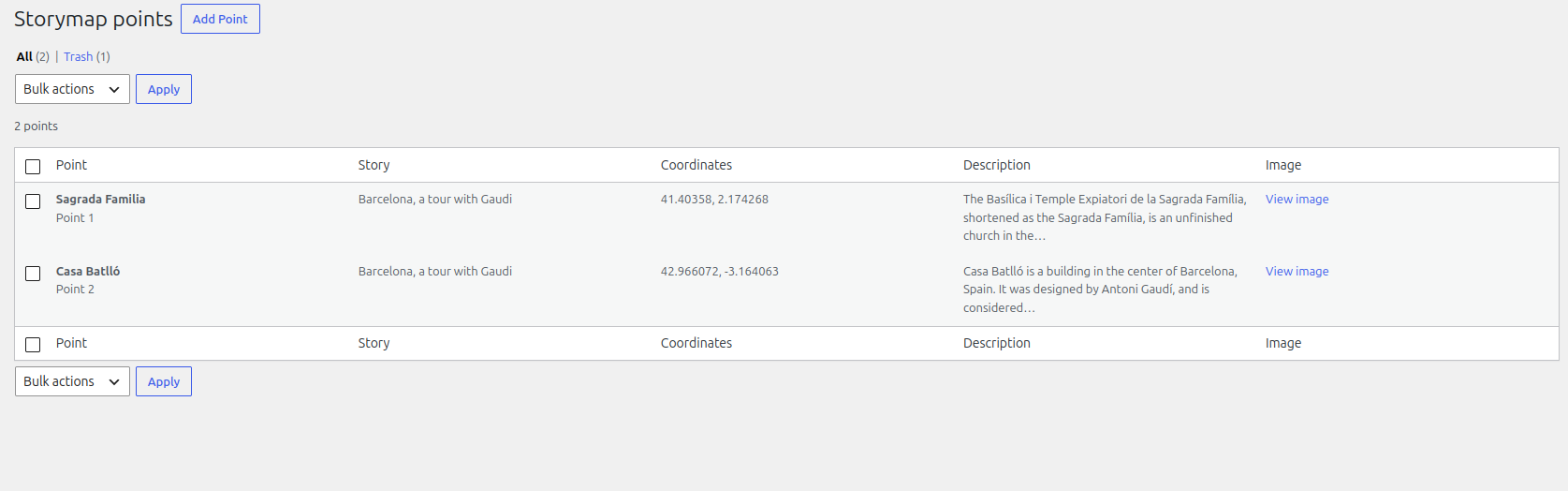
Page to create and edit points (2).
Faq
There are currently no FAQs at this time.
Reviews
Perfect plugin to create storymaps
By 
Changelog
3.2
- Point-to-point connection
- Improve mobile rendering
3.1
- Rebuilt Storymaps as native WordPress content with a Gutenberg map block that can be used on Storymap posts or embedded in other posts and pages.
- Added story settings for map height, custom width, basemaps, navigation arrow color, introductory text, and image.
- Added an interactive, responsive map with ordered points, a scrolling information panel, navigation arrows, and an overview map.
- Added an admin point editor and point list with quick editing, ordering, marker colors, and reversible trash.
- Automatically create the required story and point tables when they are missing, while leaving existing legacy tables unchanged.
1.0
- Initial release