WP Tag Manager Event
WP Tag Manager Event
Description
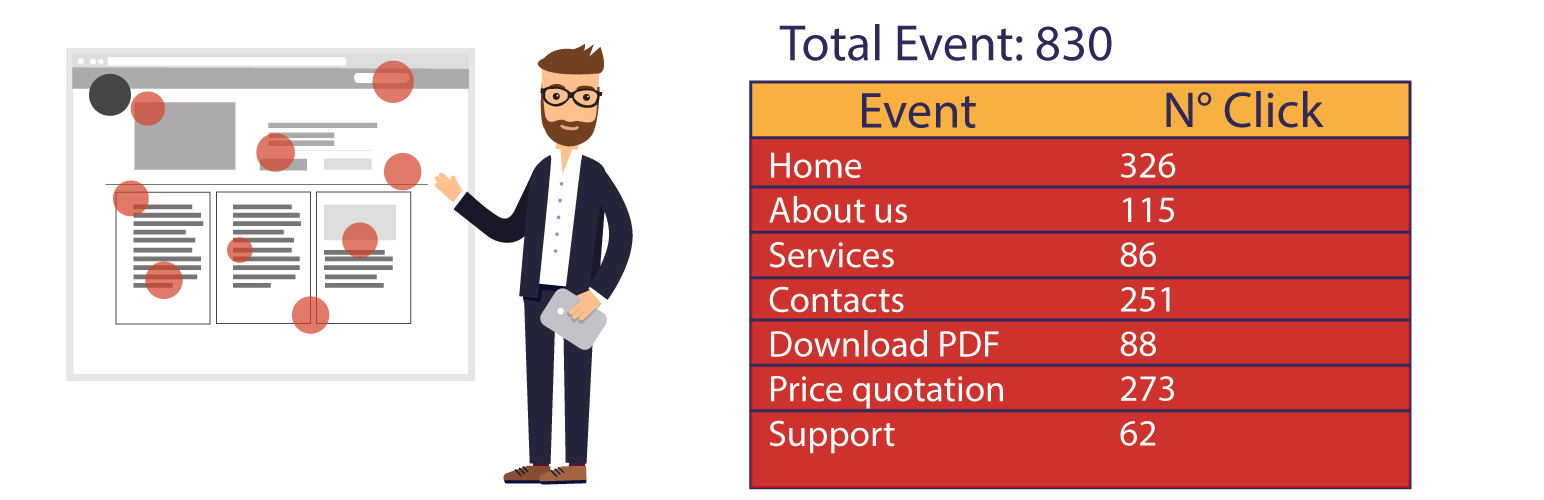
WP Tag Manager Event is an easy tool that helps you create and manage your Google Analytics events
through a simple form and to show all your events in a table.
All you need is to activate the plugin in the panel, go in the option page and create your event.
You can also choose if you want to monitor your event, with the ID, the Class, the Element, or to monitor the page scroll,
and if you don’t need an event anymore, you can simple delete it.
Installation
- Upload the plugin files to the
/wp-content/plugins/wp-tag-manager-eventdirectory, or install the plugin through the WordPress plugins screen directly. - Activate WP Tag Manager Event through the ‘Plugins’ screen in WordPress.
- Use the WP Tag Manager Event panel in the Settings Panel to configure the plugin.
Screenshots

The WP Tag Manager Event panel in the Settings panel

The WP Tag Manager Event panel