WP Term Locks
WP Term Locks
Description
Prevent categories, tags, and other taxonomy terms from being edited or deleted
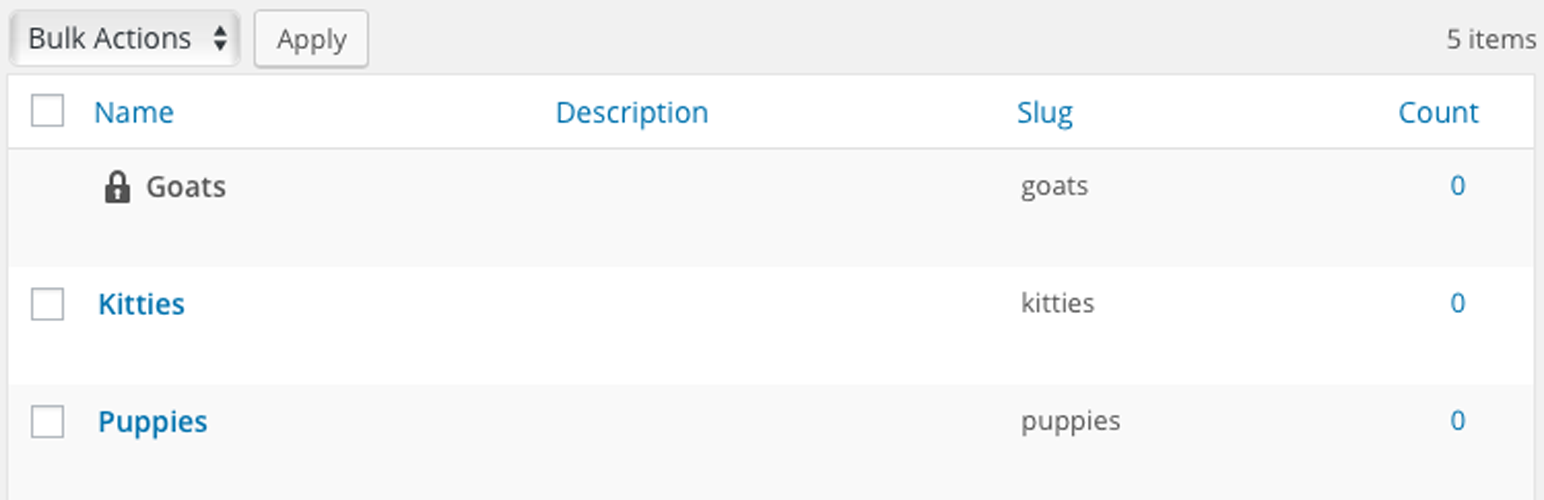
WP Term Locks allows administrators to lock taxonomy terms from being edited or deleted by other capable users
Also checkout
Installation
- Download and install using the built in WordPress plugin installer.
- Activate in the “Plugins” area of your admin by clicking the “Activate” link.
- No further setup or configuration is necessary.
Faq
No. There are no new database tables with this plugin.
No. All of WordPress’s core database tables remain untouched.
With WordPress’s get_terms() function, the same as usual, but with an additional meta_query argument according the WP_Meta_Query specification:
https://codex.wordpress.org/Class_Reference/WP_Meta_Query
$terms = get_terms( 'category', array(
    'depth'      => 1,
    'number'     => 100,
    'parent'     => 0,
    'hide_empty' => false,

    // Query by lock
    'meta_query' => array( array(
        'key'   => 'locks',
        'value' => ''
    ) )
) );
- Basic: https://wordpress.org/support/plugin/wp-term-locks/
- Priority: https://chat.flox.io/support/channels/wp-term-locks/
http://github.com/stuttter/wp-term-locks/
Reviews
Changelog
1.0.1
- Fix single-site capabilities check
1.0.0
- Remove list-table override class
- Bump minimum WordPress version to 4.7
- Restructure files for improved mu-plugins support
- Clean-up unused assets
0.2.0
- Update base class
0.1.4
- Update textdomain
- Update headers & meta
0.1.3
- Updated metadata UI class
0.1.1
- Updated form field classes
0.1.0
- Initial release