WP Video Enhanced

WP Video Enhanced
Description
Extending Native WordPress Player with New Features. Logo & Branding, GDPR Consent, HLS, M(PEG)-DASH, Live Streaming, Configure Initial Volume and lot more.
WordPress makes adding videos easy with its built-in shortcode . However, the built-in player is too limited with its features and not suitable for any advanced usage like playing live streams, showing advertisements, ability to share videos on social media websites, watermarking, etc. WP Video Enhanced provides the solution for these issues by simply extending the native player. So, you no longer need to depend on any third-party player plugins, enjoy showing your video content using the built-in player as you like.
Key Features
- Logo & Branding
- GDPR Consent
- HLS Playback
- M(PEG)-DASH
- Live Streaming
- Configure Initial Volume when the player starts (overridden by user cookie).
Upcoming Features (FREE)
- Google Analytics Event Tracking
- Embed Button
- Social Sharing
- Quality Switcher
- Popup Display
- [+] More
Premium Add-ons
- WP Video Monetize – video advertising.
Links
- WordPress Video Enhanced Plugin – official site.
- View Demo – see plugin frontend.
- Documentation – mainly for users.
Translations
This is a brand new plugin and currently available only in English. But, the plugin is translation ready and you can translate WP Video Enhanced plugin to your language on translate.wordpress.org.
Get Involved
- Wording – I am not a native English speaker, if you find any typo, grammar mistake or etc. please report on our website.
- Translation – If you have translated the plugin into your language, feel free to submit a translation.
- Rate Plugin – If you find this plugin useful, please leave a positive review.
- Submit a Bug – If you find any issue, please submit a bug on our website.
Installation
- Download the plugin.
- From the WordPress Admin Panel, click on Plugins => Add New.
- Click on Upload, so you can directly upload your plugin zip file.
- Use the browse button to select the plugin zip file that was downloaded, and then click on Install Now.
- Once installed, click “Activate”.
For more detailed instructions visit plugin documentation
Screenshots
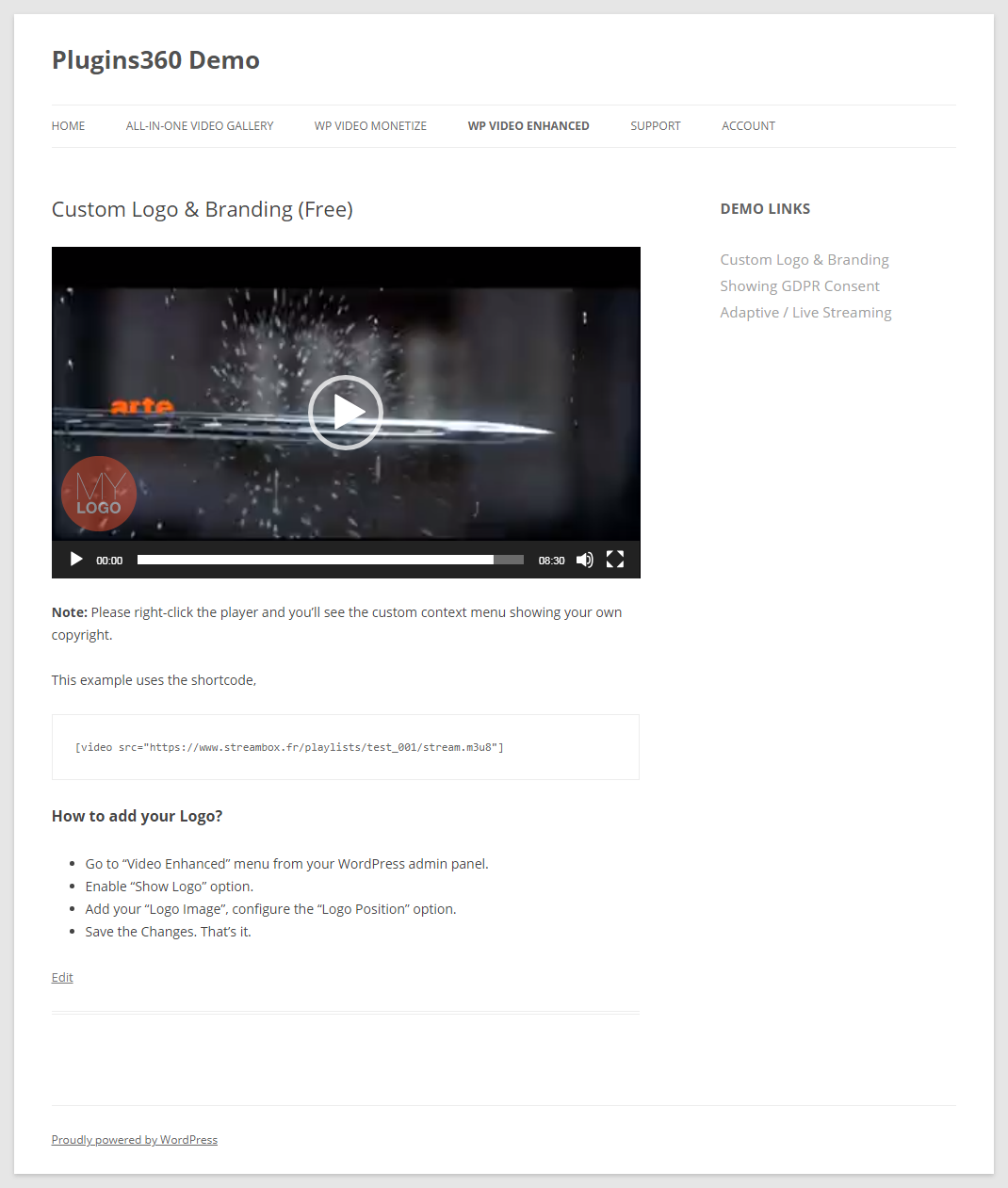
Logo & Branding.
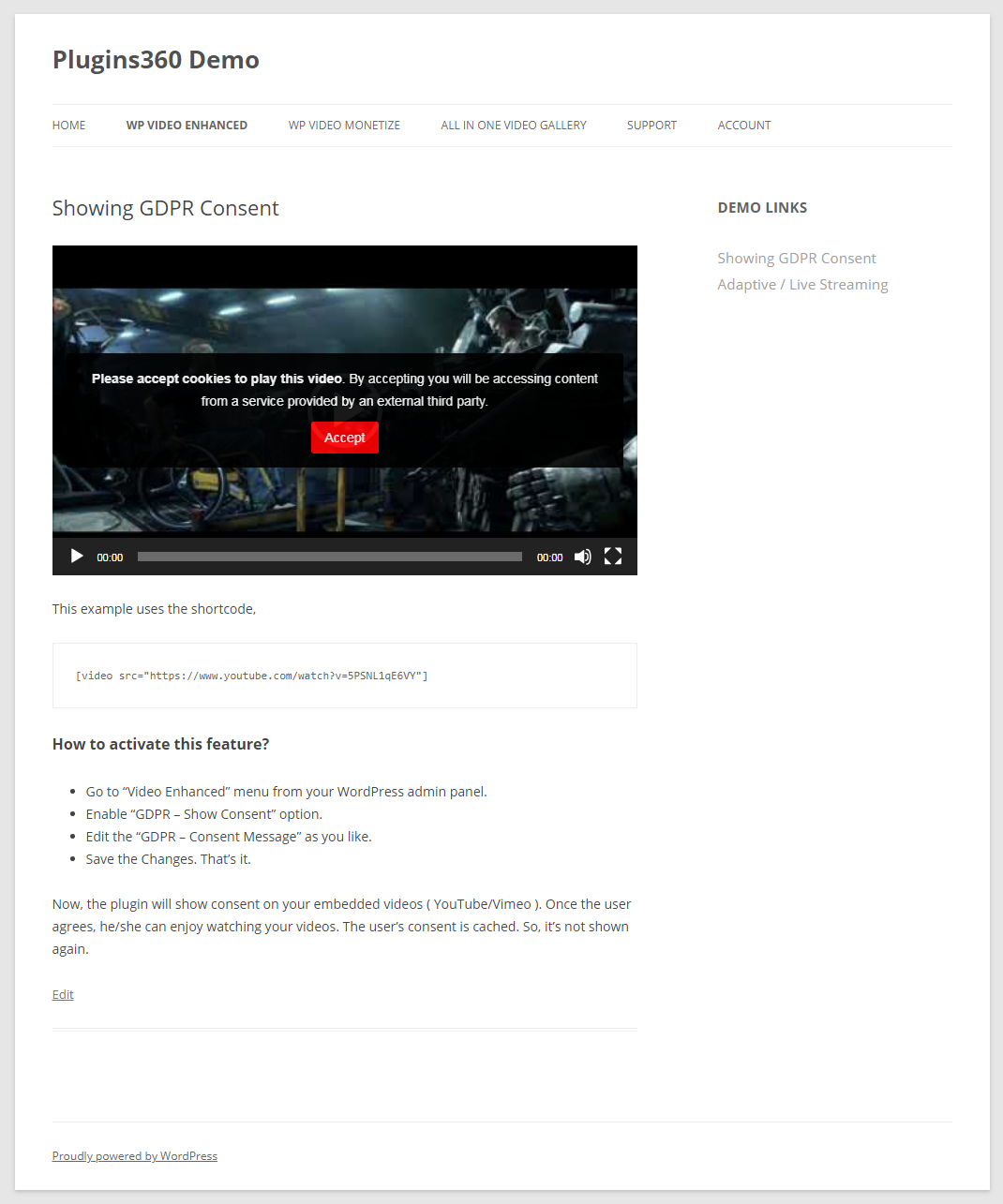
GDPR Consent.
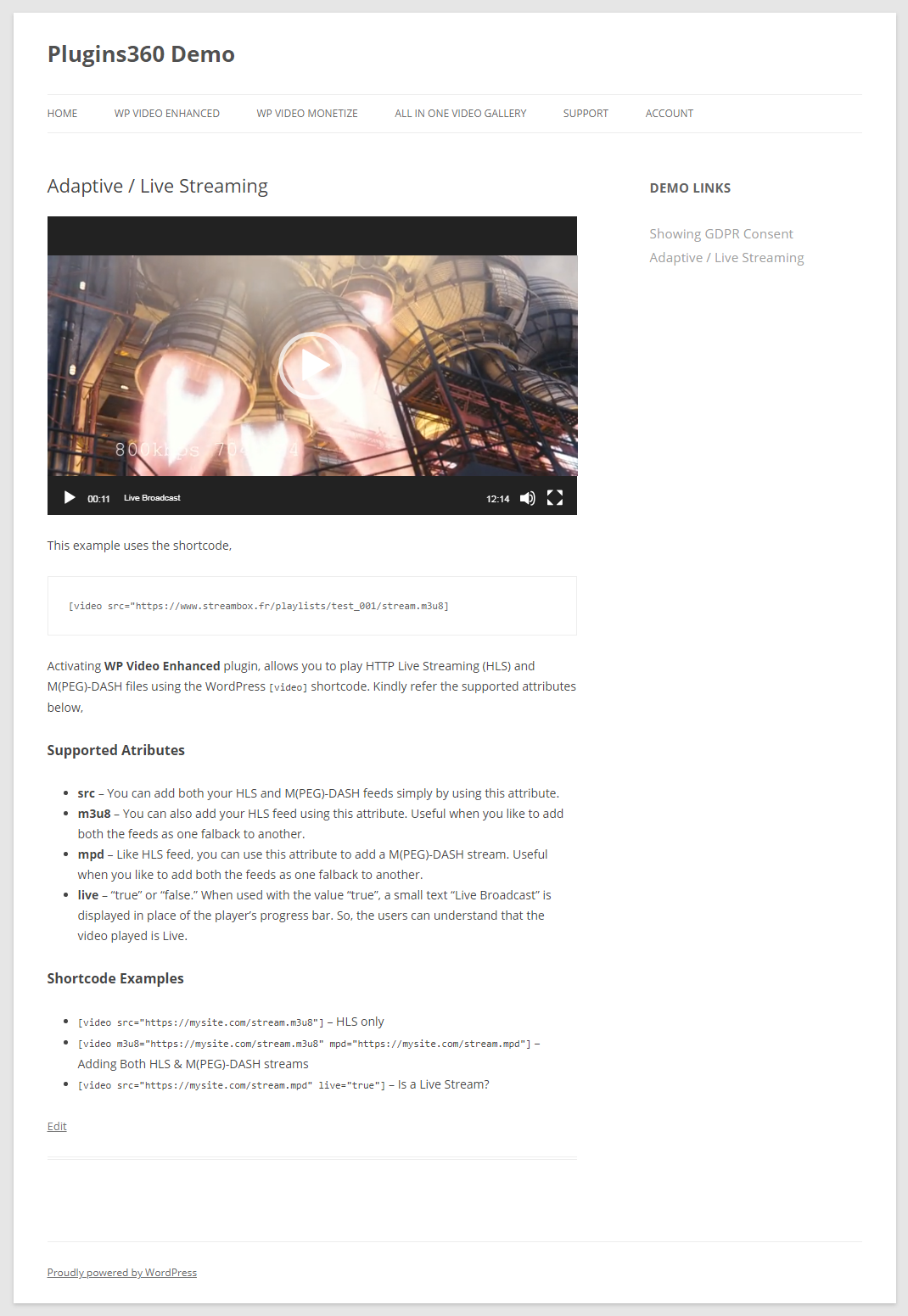
Live Streaming.
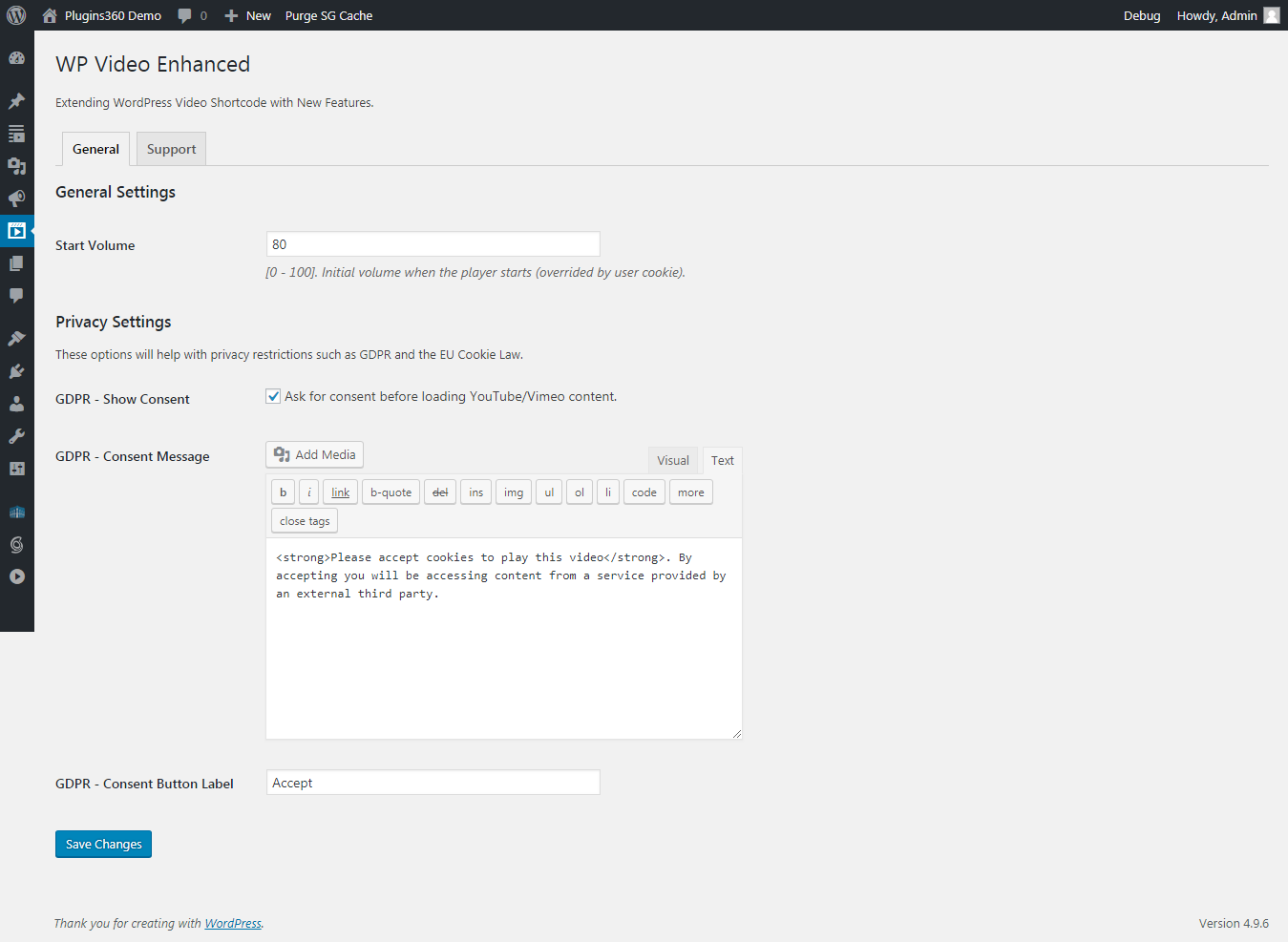
Plugin Settings.
Faq
Installation Instructions
- Download the plugin.
- From the WordPress Admin Panel, click on Plugins => Add New.
- Click on Upload, so you can directly upload your plugin zip file.
- Use the browse button to select the plugin zip file that was downloaded, and then click on Install Now.
- Once installed, click “Activate”.
For more detailed instructions visit plugin documentation
Can I suggest a new feature?
Sure, we are always happy to hear from you. Please contact us through the support section of our website.
When is the next version coming?
We had planned to release a new version every 2 weeks. Kindly be patient.
I’m having a problem with what now?
Please describe your issue and submit a ticket to our plugin support forum, you should receive a reply within 24 hours (except Sunday).
Reviews
Dead plugin
By 
Five years that we are waiting for the "upcoming free features".
Seems that this plugin is completely dead now.
Glad To Have Stumbled Upon This
By 
Goooooood
By 
Nice plugin! It brings live events to WordPress
By 
A Must Have Video Player Plugin
By 
Changelog
1.3.0
- Fix: Custom context menu display issue in Firefox.
1.2.0
- New: Added support for custom query parameters in HLS, M(PEG)-DASH file formats.
1.1.0
- New: Logo & Branding.
1.0.0
- Initial release.