WPB Popup for Contact Form 7 – Showing Contact Form 7 Popup on Button Click
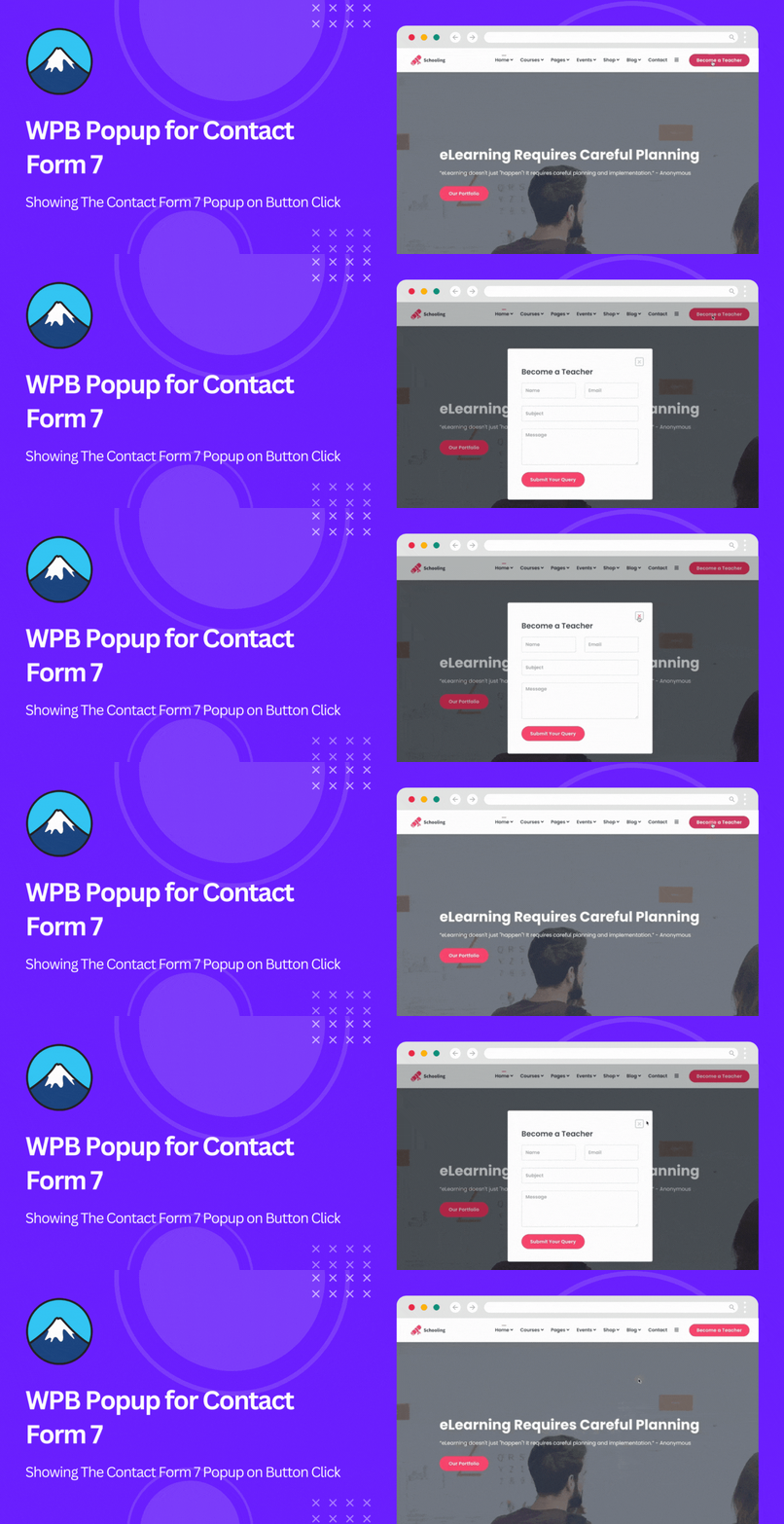
WPB Popup for Contact Form 7 – Showing Contact Form 7 Popup on Button Click
Description
Contact Form 7 popup is a powerful and flexible solution for displaying Contact Form 7 forms in an attractive popup window on your WordPress website. It allows you to open a Contact Form 7 popup instantly when a user clicks a button, improving engagement without redirecting visitors to a separate page.
Live Demo | Documentation | Upgrade to Pro!
If you’re looking for an easy way to show a contact form in a popup on button click, Contact Form 7 popup is the ideal plugin for your site. Using a custom shortcode, you can add the popup button anywhere on your website, including posts, pages, widgets, or custom layouts.
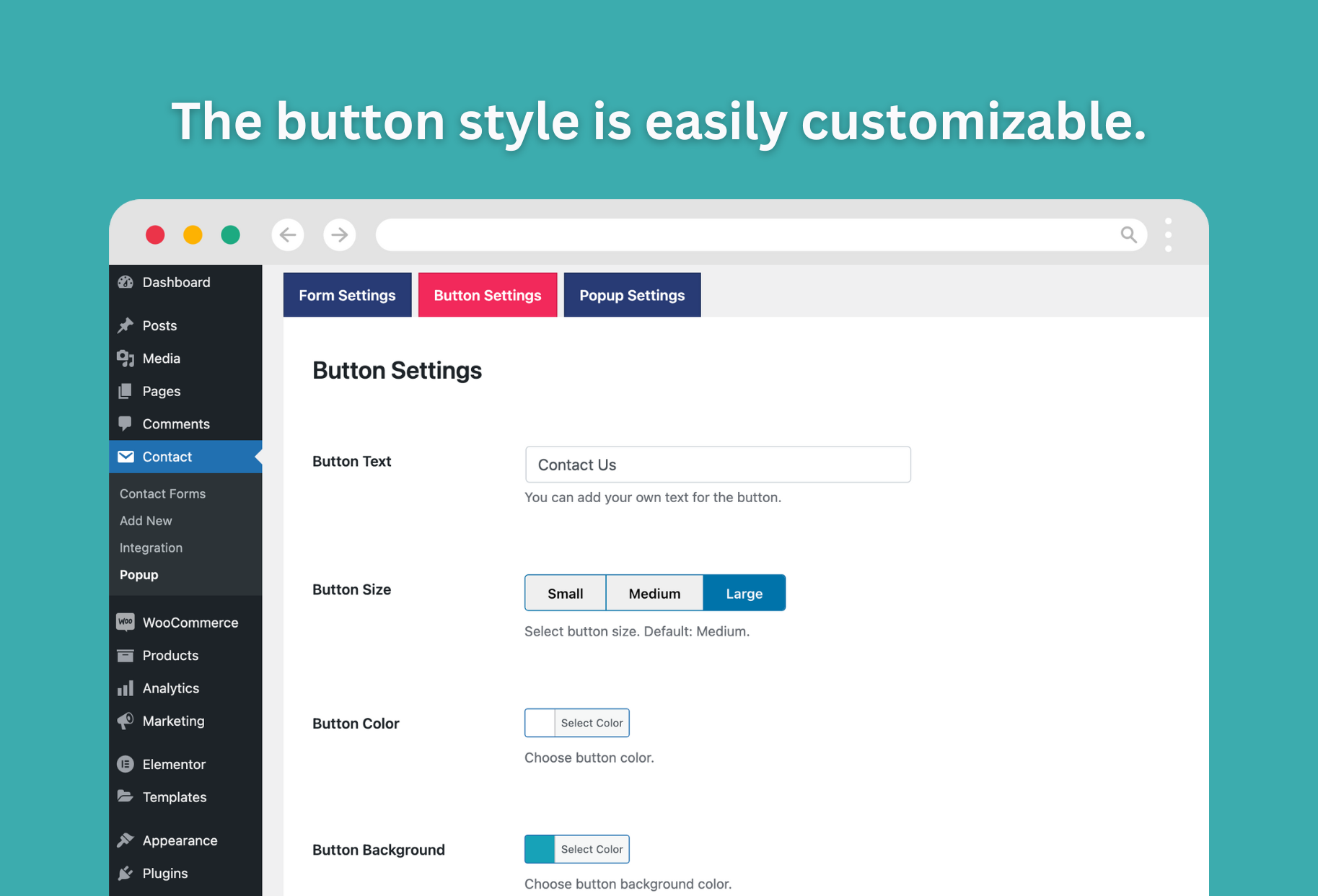
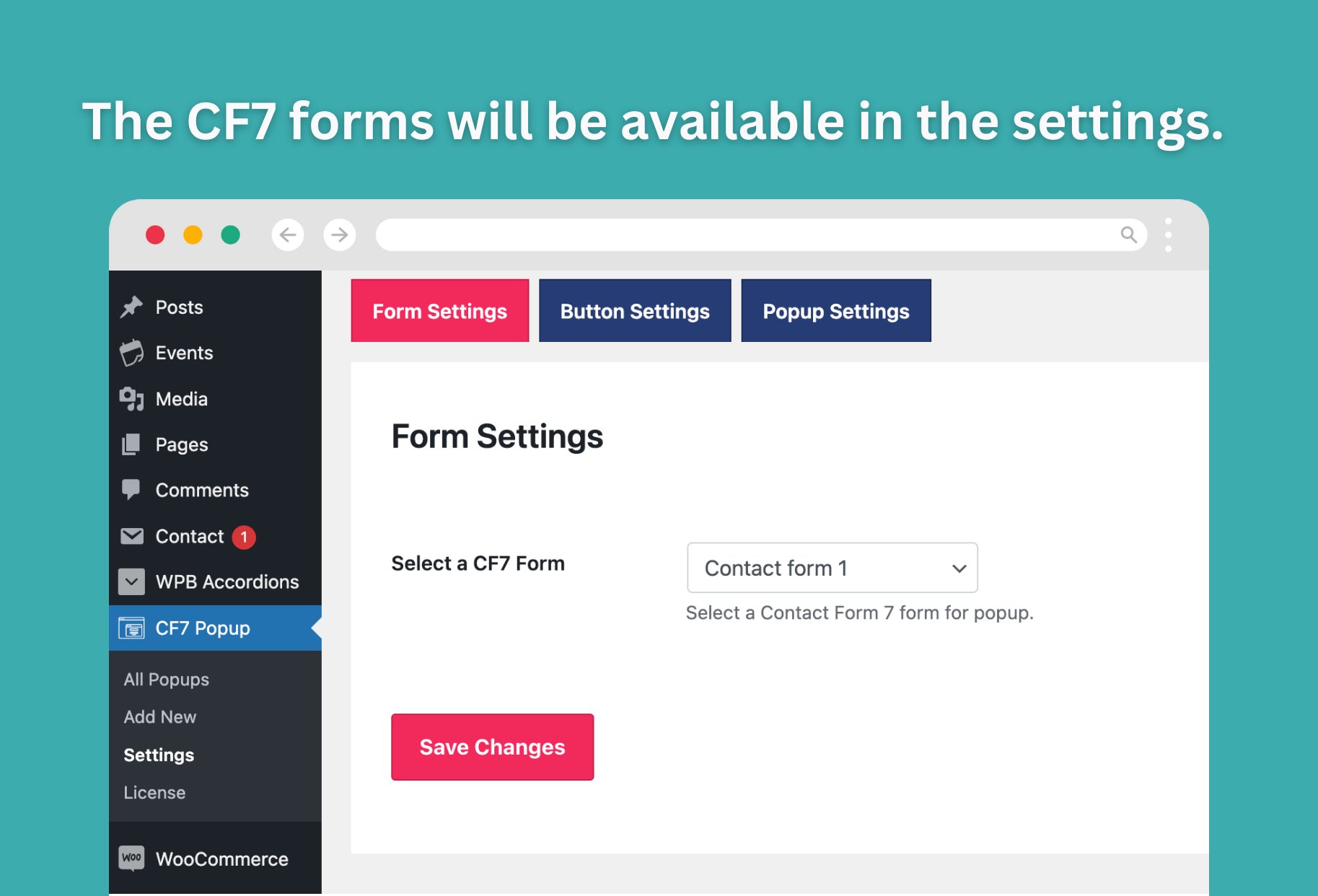
The plugin is built on top of the popular Contact Form 7 plugin, ensuring compatibility and reliability. You can assign different Contact Form 7 forms to different popup buttons and display them in multiple locations across your site. Each popup button can be fully customized, including button text, color, and size, directly from the plugin settings.
It also includes WooCommerce-specific options, allowing you to display the Contact Form 7 popup button on WooCommerce product pages. This makes it easy for customers to submit product inquiries, pre-sales questions, or custom requests directly from the product page.
Contact Form 7 in Popup
You might need to get feedback from users or create leads from site visitors. And you need to add a popup form for this on a certain page. And you want the popup button to be in the middle of the page text. In this case, this is the best option for you. Create contact form 7 popup form quickly and show it smartly.
Looking for other contact form popup?
WPB Contact Form Popup is our new plugin. It is compatible with all of the other popular contact form plugins. Examples include WPForms, Mailchimp, Forminator, Ninja Forms, Formidable, Form Maker by 10Web, weForms, Fluent Forms, HappyForms, WS Form, WPEverest User Registration, WP User Frontend, Bookly, Everest Forms, Kali Forms, and Bit Form. More integrations are on the way.
Popup for Contact Form 7 Key Features
- Display Contact Form 7 popup on button click with ease.
- Fast and smooth AJAX-powered modal popup for Contact Form 7.
- Dedicated Elementor widget for Contact Form 7 popup.
- Add popup buttons using shortcode, PHP function, or action hooks.
- Show different popup buttons with different forms on specific pages.
- Advanced button and popup style customization options.
- Beginner-friendly and easy to set up.
- Fully RTL and translation ready.
Premium Key Features
- Create unlimited popup buttons for Contact Form 7 forms.
- Display buttons via shortcodes, PHP functions, and action hooks.
- Assign different popup buttons and forms to different locations/pages.
- Add popup trigger links in navigation menus.
- Trigger popups automatically without button click.
- Auto popup triggers based on page load, exit intent, scroll, or hover.
- Target specific URLs, pages, or post types for auto popups.
- Advanced design and styling controls for popup and buttons.
- Customizable open and close popup animations.
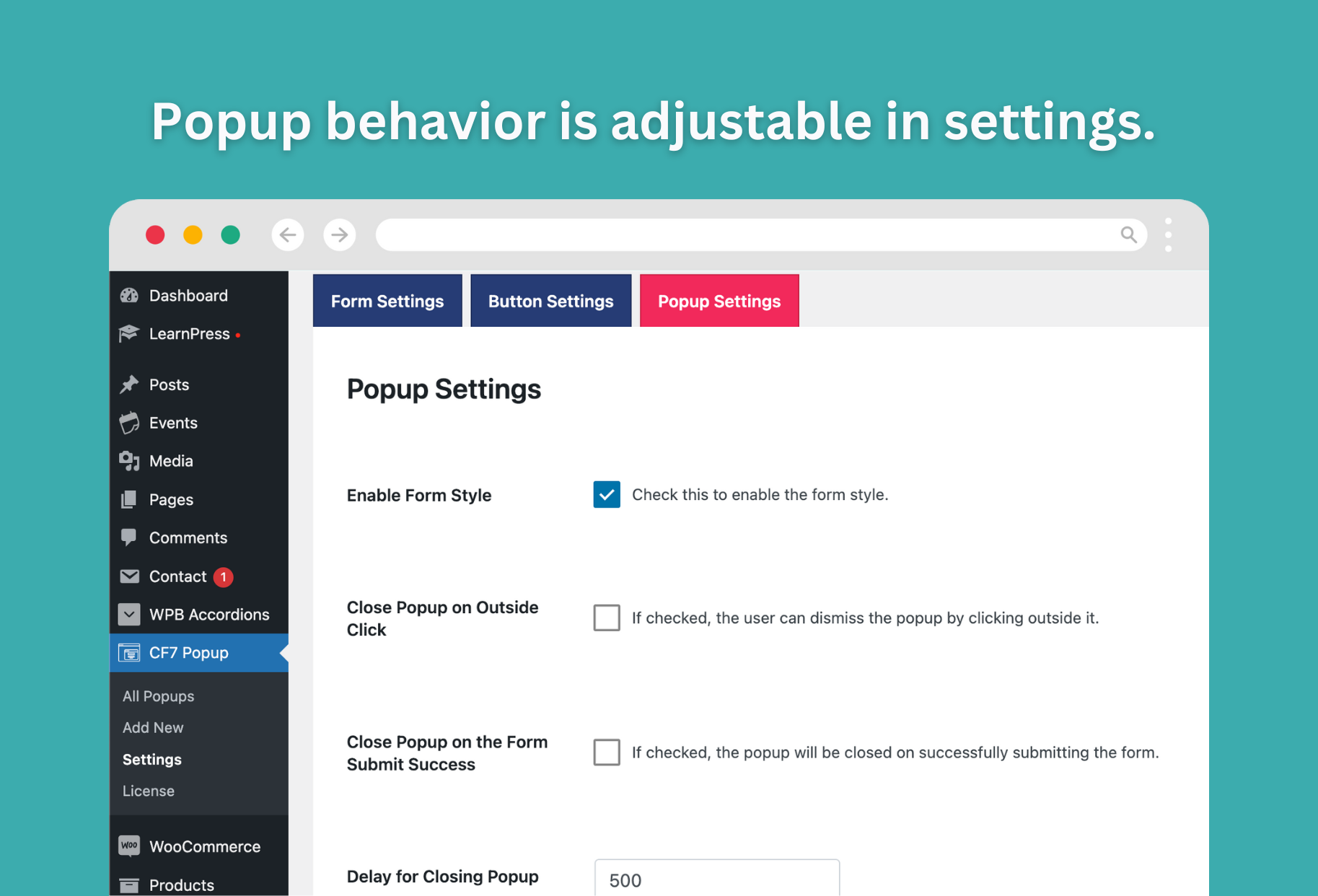
- Option to auto-close popup after successful form submission.
- Powerful Elementor widget integration.
- Use as a standalone popup or inside Elementor layouts.
- Advanced popup button generator for multiple designs.
- Display popup buttons via any WordPress action hook.
- Clean and modern popup form design UI.
- Fully responsive, RTL, and mobile-friendly.
- Easy to customize and manage.
- Includes detailed documentation and video tutorials.
- Reliable premium support with free installation (if needed).
- Tested with popular themes and plugins.
- Fully compatible with the Gutenberg editor.
- Regular updates and improvements.
Video Credit: WP Design Lab.
Addons Support
- Conditional Fields for Contact Form 7 By Jules Colle.
- ReCaptcha v2 for Contact Form 7 By IQComputing.
- Drag and Drop Multiple File Upload – Contact Form 7 By Glen Don L. Mongaya.
Support and Documentation
Using this plugin is super easy as we have details online documentation for this. If you are having any issue with this plugin our expert support team always ready for you. Just open a support ticket on our support forum.
Tested with the Following Themes
- Astra
- Ocean WP
- Hestia
- Kadence
- Neve
- Blocksy
- GeneratePress
- StudioPress
- Hello Elementor
- Divi
- Storefront
- Flatsome
- Avada
- Tove
- Raft
- Neve FSE
- The7
- and Many More.
Tested with the Following Page Builders
- Gutenberg
- Elementor & Elementor Pro
- Divi
- WPBakery
- Visual Composer
- Beaver Builder
- Oxygen
- GeneratePress
Installation
- Install it as a regular WordPress plugin.
- The Contact Form 7 plugin is required for this plugin. So if you don’t have the Contact Form 7 plugin installed, make sure you install this plugin as well.
- After installing the plugin, activate it. Then go to Dashboard > Contact > Popup. Configure the plugin settings and save the settings.
- After installing the plugin follow our step by step online documentation.
Screenshots
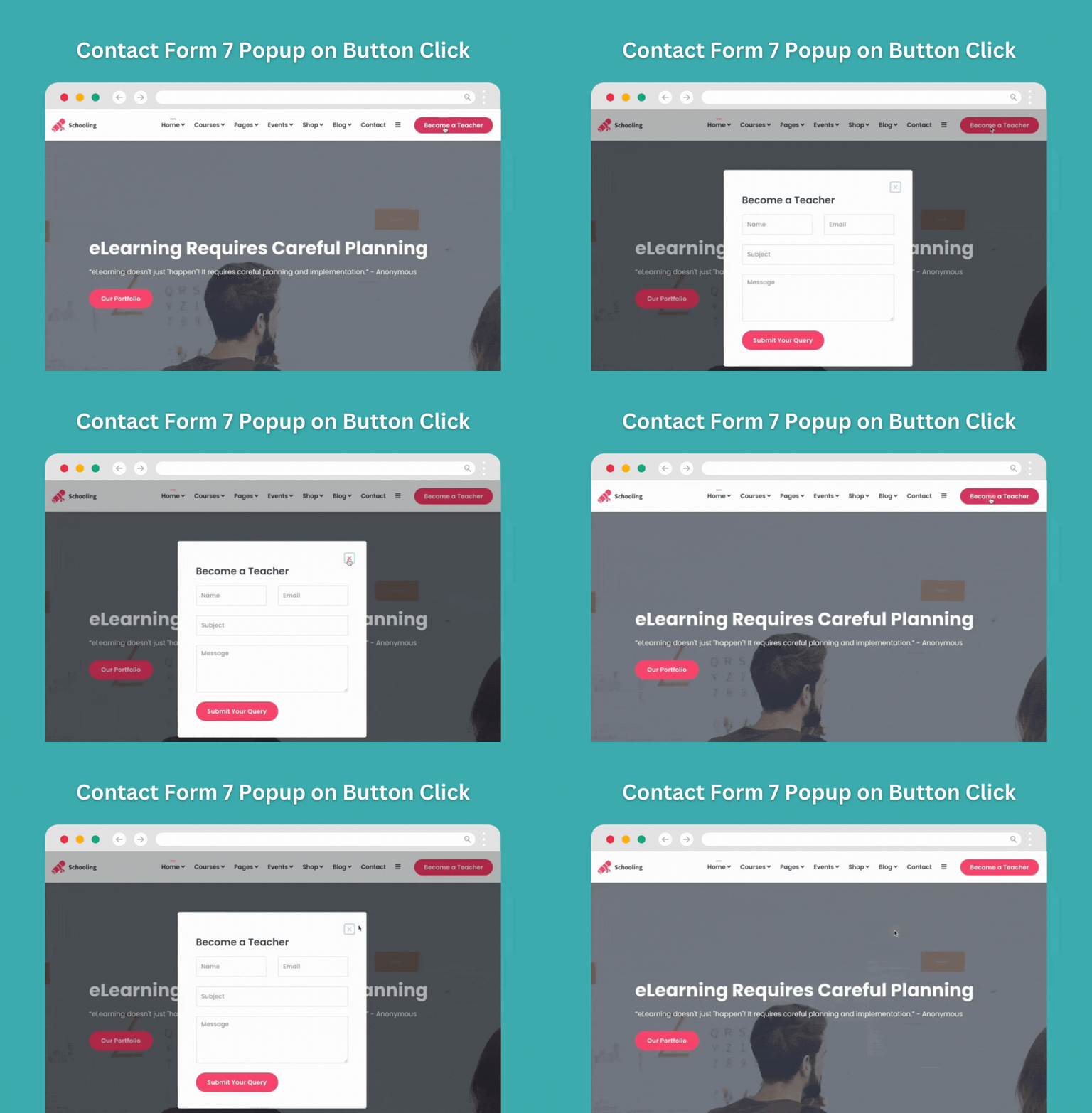
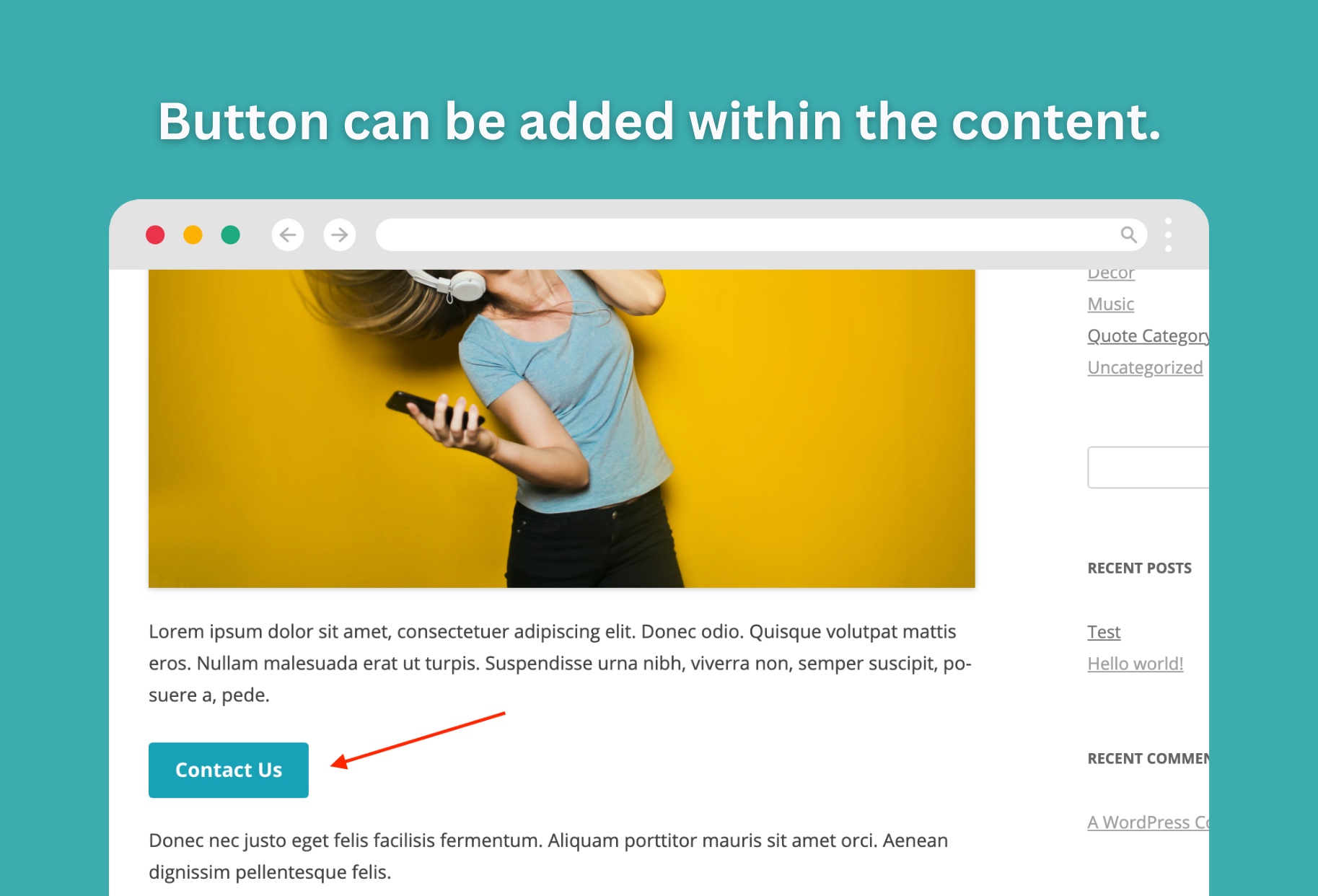
Popup for Contact Form 7.
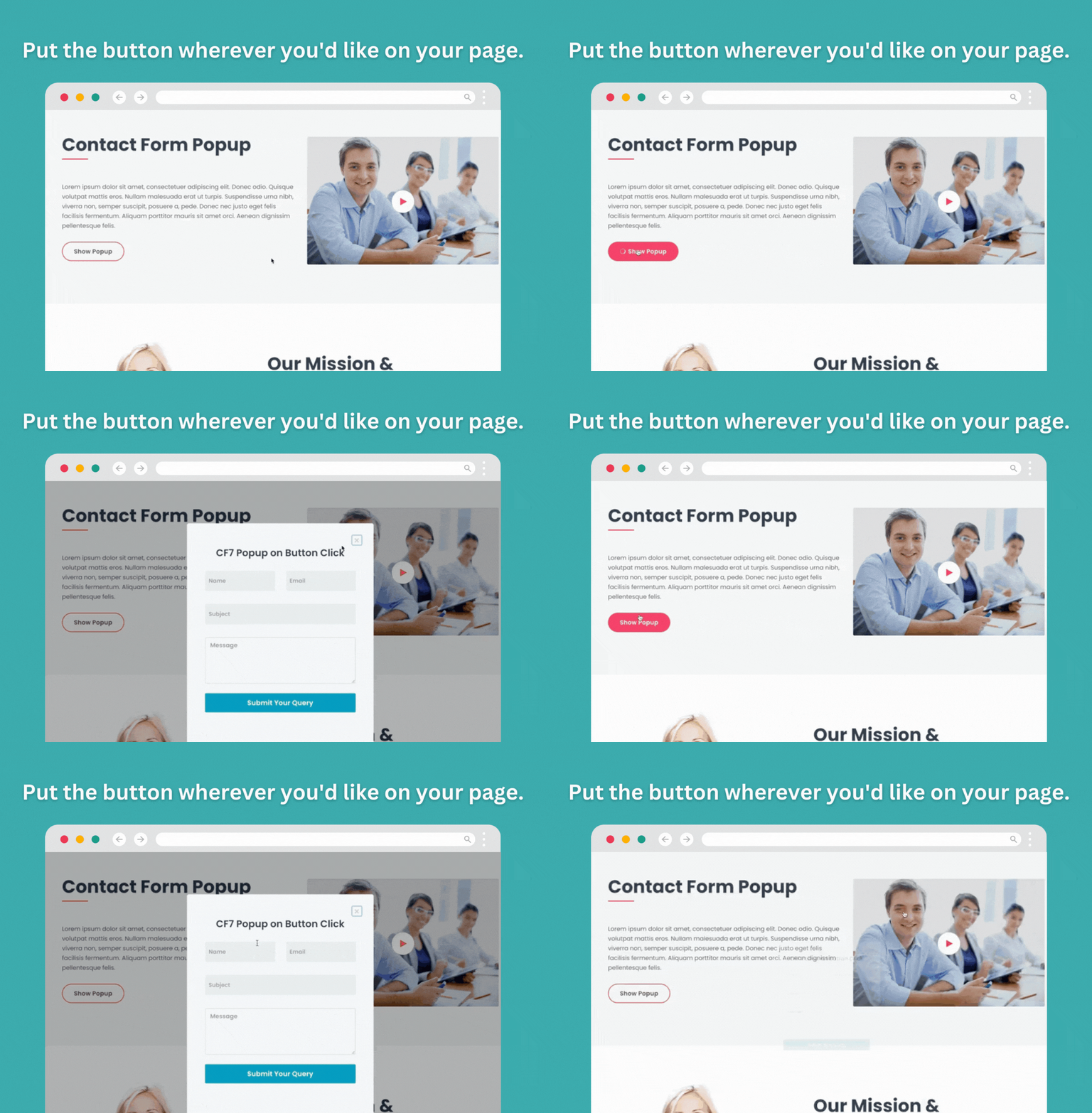
Contact Form 7 Popup plugin button.
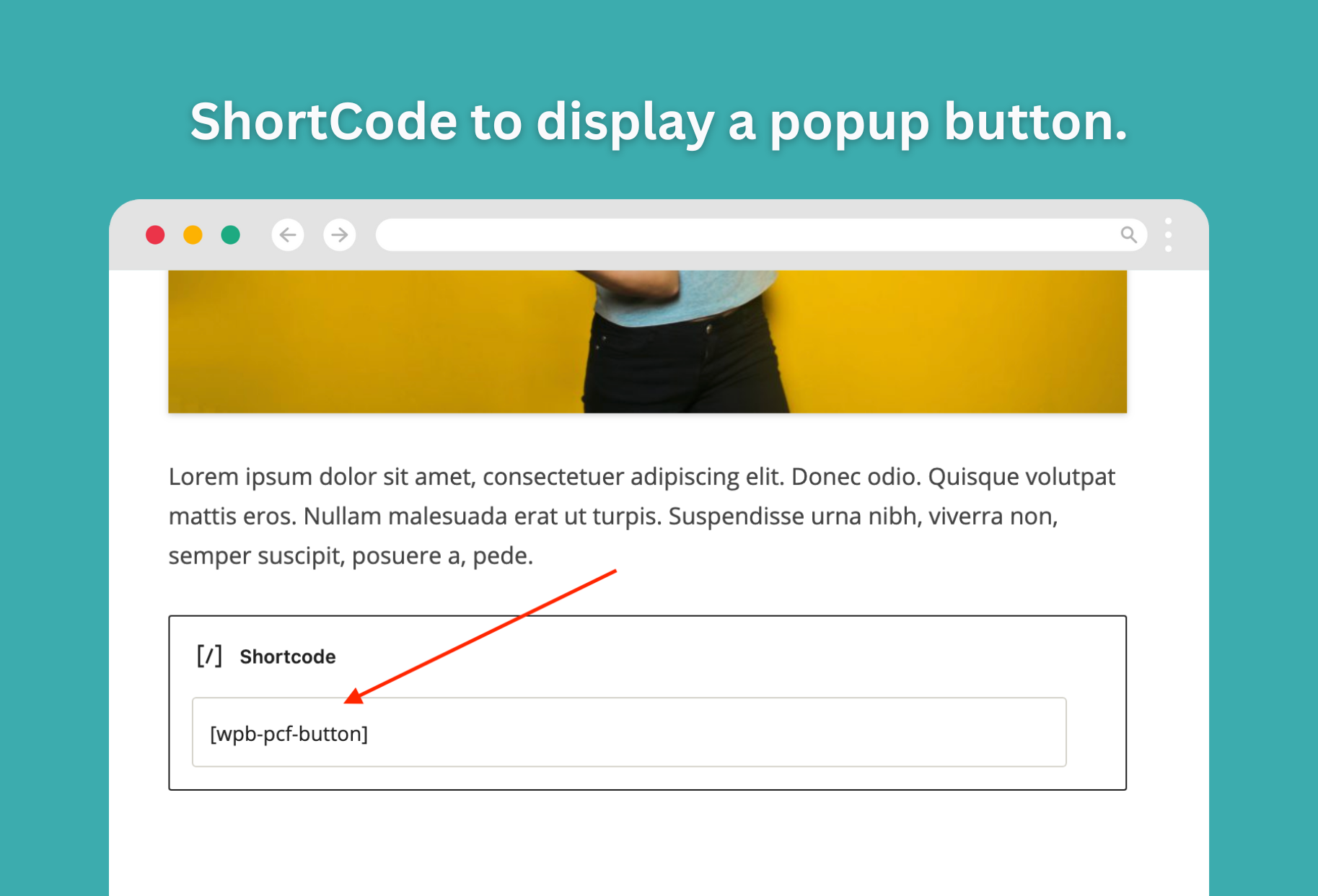
The Popup Button ShortCode.
WordPress popup contact form 7 settings
Faq
This plugin works only with the Contact Form 7. We have another contact form popup WordPress plugin that works with all of the form plugins. It’s called WPB Contact Form Popup.
So many free and paid themes are used to test this plugin. Standard WordPress themes should be able to use it.
This plugin comes with a “Contact Form 7 Popup Elementor” widget that shows the popup button.
Our shortcode can be used in the Divi builder to show the pop-up button.
Our shortcode can be used in the Gutenberg to show the pop-up button.
Unlike other plugins, this plugin is designed specifically for Contact Form 7, offering a simplified setup process without requiring extra configuration.
It integrates seamlessly with all FSE themes.
Yes, it works seamlessly with various page builders, including Gutenberg, Divi, WPBakery, and Beaver Builder. It also includes an Elementor widget for easier integration.
Yes, you can use custom CSS to modify the popup’s design to better fit your website’s theme and style.
Yes, the plugin is responsive and works on both desktop and mobile devices, although some settings may need adjustments for mobile optimization.
Yes, you can create and use multiple popups with different Contact Form 7 forms on the same page by configuring them separately.
Yes, the plugin has a premium version that includes advanced features, like more customization options and priority support.
Reviews
it invalidates the required fields and redirects to a blank page with "0"
By 
I'm trying to test this plugin.
When I try to submit the form, it invalidates the required fields and redirects to a blank page with "0," even though I haven't filled anything out.
This happens because there is a conflict with the Asset CleanUp: Page Speed Booster plugin.
ok
By 
I use the popup with contact form 7. It is fine with desktop although it is unusually bigger than I expected.
Great support and plugin
By 
Fast and effective support, easy-to-use and super practical plugin
Great support and plugin
By 
I have had an issue with plugin and menu editor and they fixed it in 1 hour.
Great support.
Free version too limited
By 
Waste of time. Free version almost do nothing.
I need this plugin for a long time! 5 stars!
By 
I have been looking for a plugin to do this for a long time!
Thank you! 5 stars!
Plugin is not for Russia
By 
The plugin uses sweetalert2, so it plays the hymn of Ukraine on sites in the domains ru, su, рф.
Critical Error
By 
Simple and function
By 
Top notch code & support
By 
Changelog
Version 1.0
- Initial release
Version 1.1
- Docs added on the settings page.
Version 1.2
- Settings contact form select issue fixed.
Version 1.3
- Tested with the Contact Form 7 plugin new version 5.4
Version 1.3.1
- The premium version released.
Version 1.3.2
- The premium version features list added.
Version 1.3.3
- Regular Update.
Version 1.3.4
- Tested with WordPress 5.8.1
Version 1.3.5
- Fixed E_PARSE error on activation
Version 1.3.7
- Tested with the WordPress 5.9 and the Contact Form 7 5.5.4
Version 1.3.8
- CF7 Special mail-tags issue fixed.
Version 1.3.9
- Button not init issue fixed.
Version 1.4.0
- Add support for – Drag and Drop Multiple File Upload – Contact Form 7
Version 1.4.1
- Fixed popup form post ID issue.
Version 1.4.2
- New settings option added for the closing the popup on outside click.
Version 1.4.4
- Added support for a few Contact Form 7 popular addons.
Version 1.4.5
- wpcf7cf undefined issue fixed.
Version 1.5.3
- Tested with Contact Form 7 version 5.7.3
Version 1.5.4
- CF7 Force Loading JavaScript and stylesheet when it is deactivated by speed optimize plugins.
Version 1.5.5
- Added service dash widget.
Version 1.5.6
- Sweetalert2 is downgraded to v11.4.8.
Version 1.5.7
- Fixed nav menu admin page error issue.
Version 1.5.8
- Tested with WordPress 6.4.1.
Version 1.5.9
- Cyber Monday notice added.
Version 1.6
- Discount notice removed.
Version 1.7
- Added support for – Simple Cloudflare Turnstile – CAPTCHA Alternative.
Version 1.7.1
- Added support for – WP Armour – Honeypot Anti Spam By Dnesscarkey.
Version 1.7.2
- Improved code quality by following WordPress coding standards.
Version 1.7.3
- Sweetalert2 backdrop parameter added.
Version 1.7.4
- Discount page added.
Version 1.7.5
- Tested with WordPress 6.7
Version 1.7.6
- Ajax do_shortcode security issue fixed.
Version 1.7.7
- Added support for CF7 hash for popup ID.
Version 1.7.8
- Disabled the nonce varification for the caching issue.
Version 1.7.9
- Removed discount page.
Version 1.8
- Fixed Textdomain issue.
Version 1.8.1
- Added support for the Country & Phone Field Contact Form 7 addon by Narinder Singh Bisht
Version 2.0
- Added new instant popup opening option.
Version 2.1
- Removed the hire notice.
Version 2.2
- Improved the settings page layout.