WPB Category Slider for WooCommerce – Product Categories Carousel & Grid

WPB Category Slider for WooCommerce – Product Categories Carousel & Grid
Description
This plugin enables you to display the WooCommerce product categories slider with various contents and styles. Each product category can have a custom icon added, and the icons can be shown in a slider. A few different types of content are supported for the category slider.
Plugin Features:
- WooCommerce Product Category Slider or Grid.
- Category Slider with Category Icon.
- Category Slider with Category Image.
- Category Slider with Sub Categories.
- Slider Loop and Autoplay.
- Material Design, Responsive and Modern Design.
- Shortcode System.
- Setting Panel for Color Customize.
- All Modern Browser Support.
- Translation & RTL Language ready.
- Very Lightweight & many More
- WPML, Polylang, GTranslate and all others multi-language plugin support.
Pro Version Features:
- Show the categories slider with couple of different CSS3 hover effects.
- Show any of your custom taxonomy or category instate of the product category in slider.
- Category icon picker with couple of different icon packs.
- Category Slider with Category Image Background, Icons, Sub Categories, button etc.
- Super easy ShortCode builder for generating customized slider ShortCodes.
- Priority support to our support forum.
- Free installation if you need.
- Free CSS customization if you need.
- Tested with most of the popular premium WordPress themes.
You may also like our some other WooCommerce plugins
WPB WooCommerce Products Slider | WPB WooCommerce Related Products Slider | Woocommerce Image Zoom | WooCommerce LightBox | WooCommerce WooCommerce Custom Tab Manager
Installation
-
Install it as a regular WordPress plugin
-
Before install the plugin make sure you have WooCommerce plugin installed already.
Method 1 (Upload):
-
Go to your WordPress admin then go to Plugins > Add new > Upload
-
Then select the installable file fom you download folder.
-
Upload and active the plugin and you are ready to go.
Method 2 (FTP):
-
Upload the plugin to your server plugin directory and make sure you don’t upload the zip file.
-
Then go back to your WordPress admin and go to Plugins > Installed Plugins
-
If you successfully upload the plugin You will find WPB WOO Product Slider here.
-
Active the plugin and you are ready to go.
Screenshots
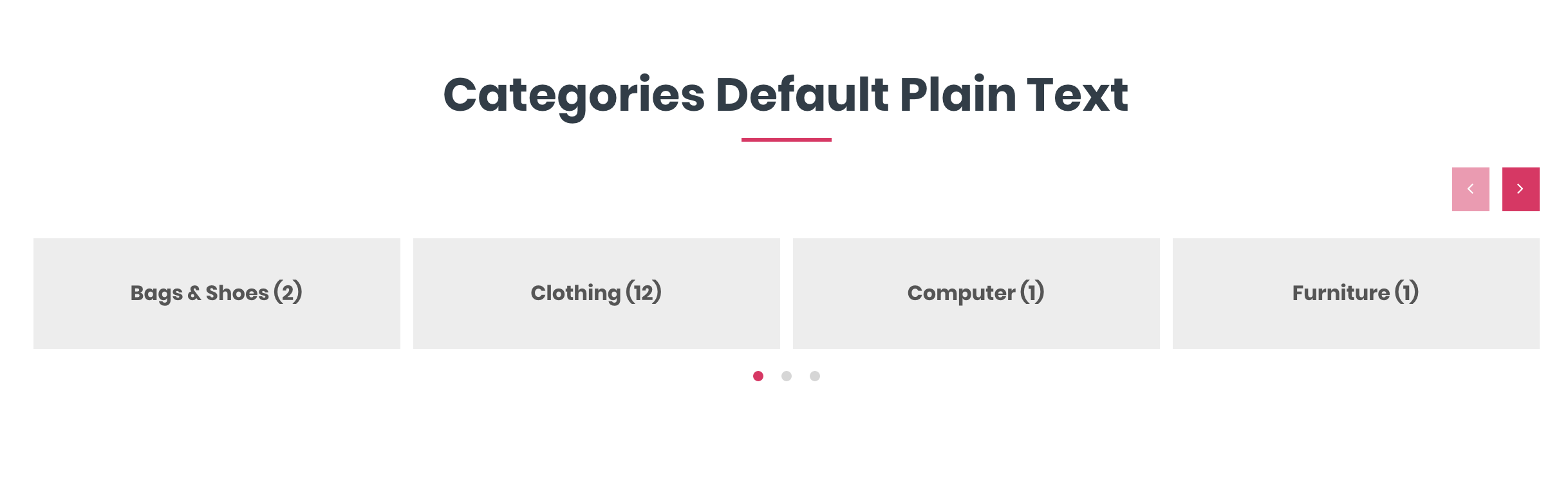
Categories Default Style
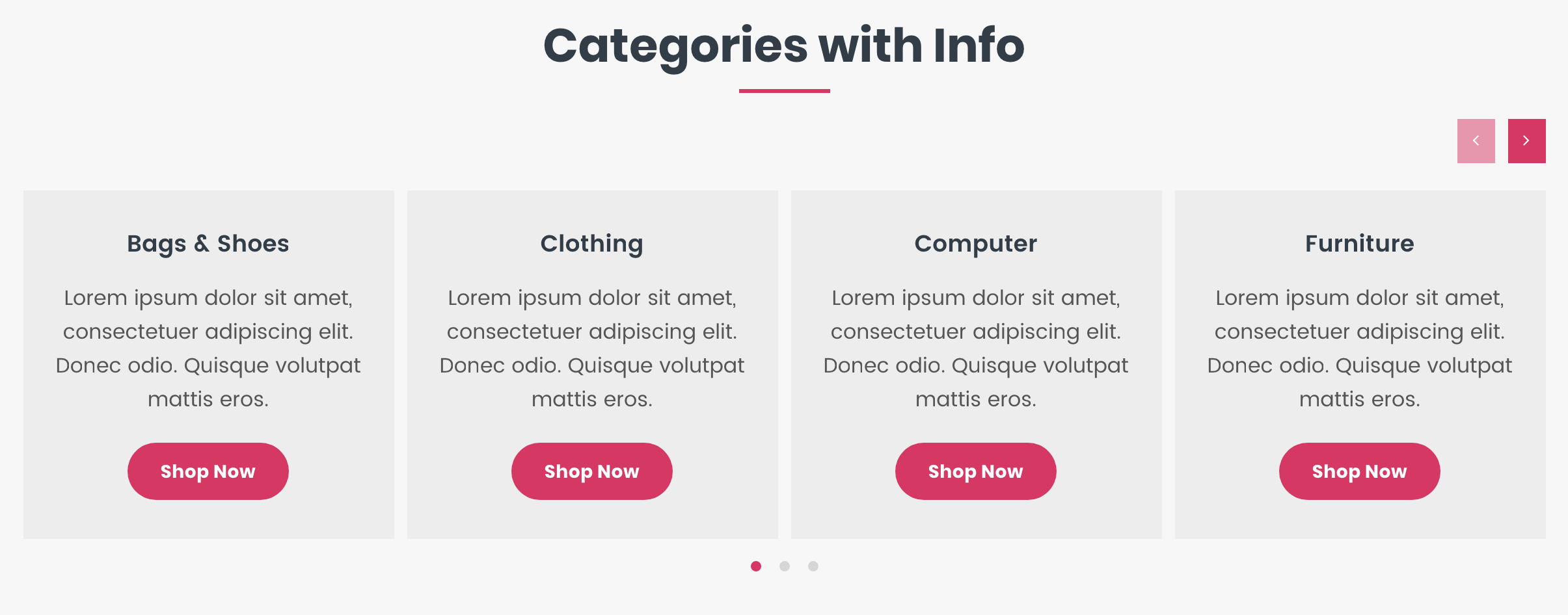
Categories with informations
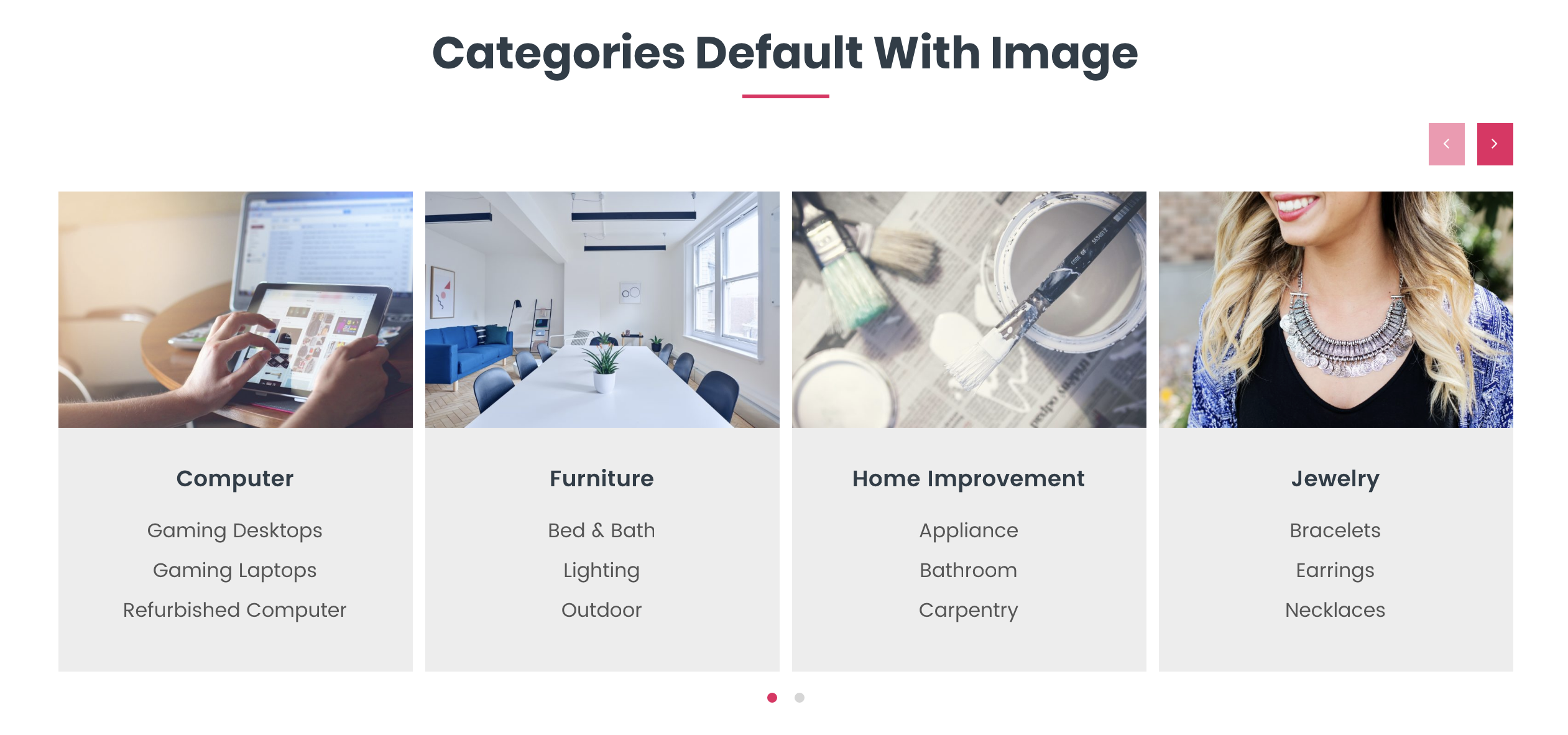
Categories with image
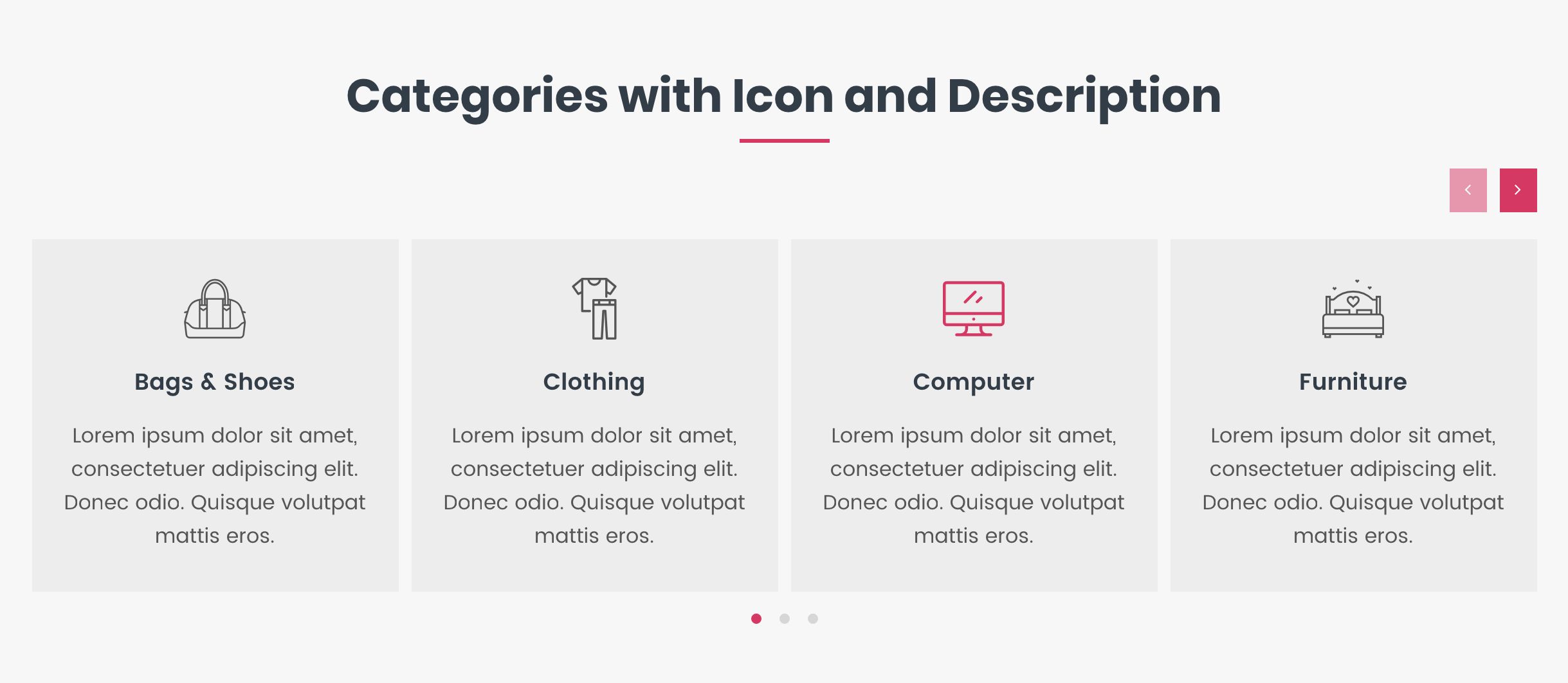
Categories with icon and description
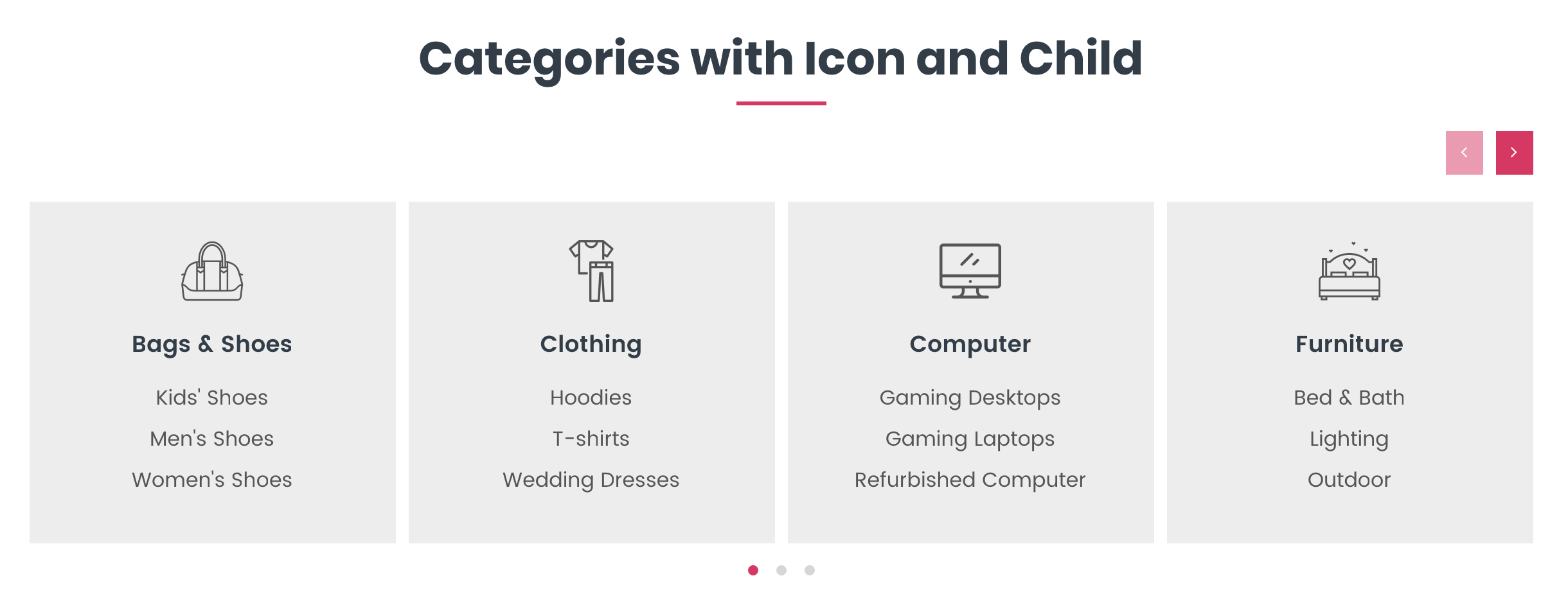
Categories with icon and child
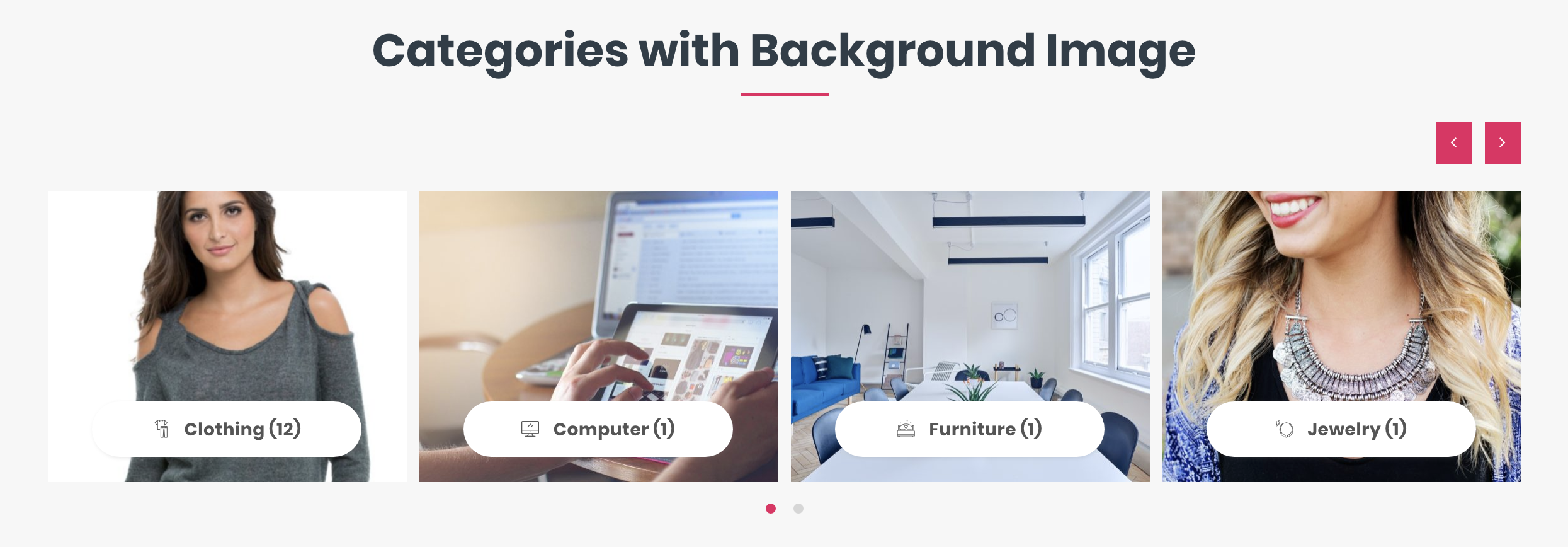
Categories with background image
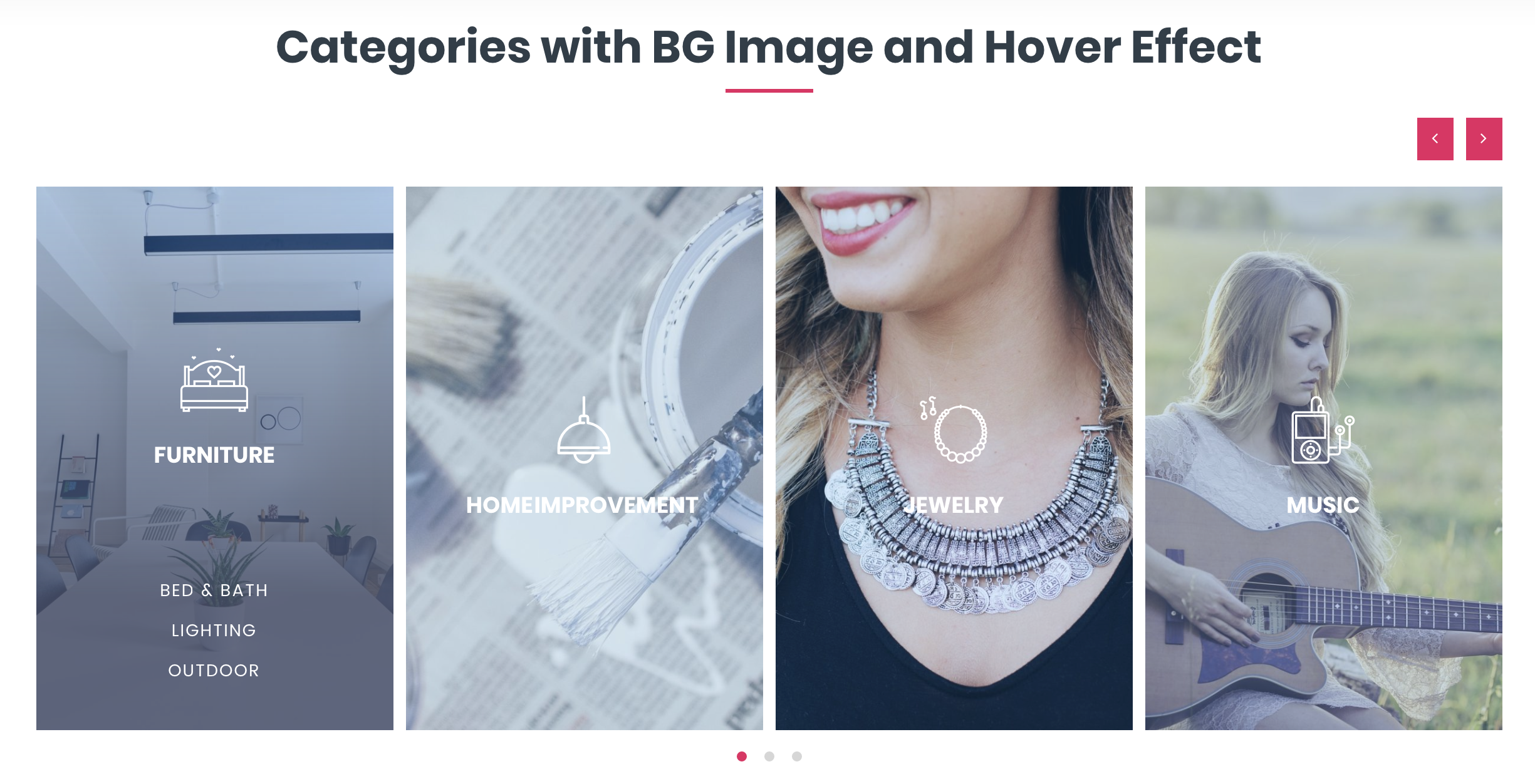
Categories with background image and hover effect

Categories with background image and hover effect 2

Categories with background image and hover effect 3

Categories grid example
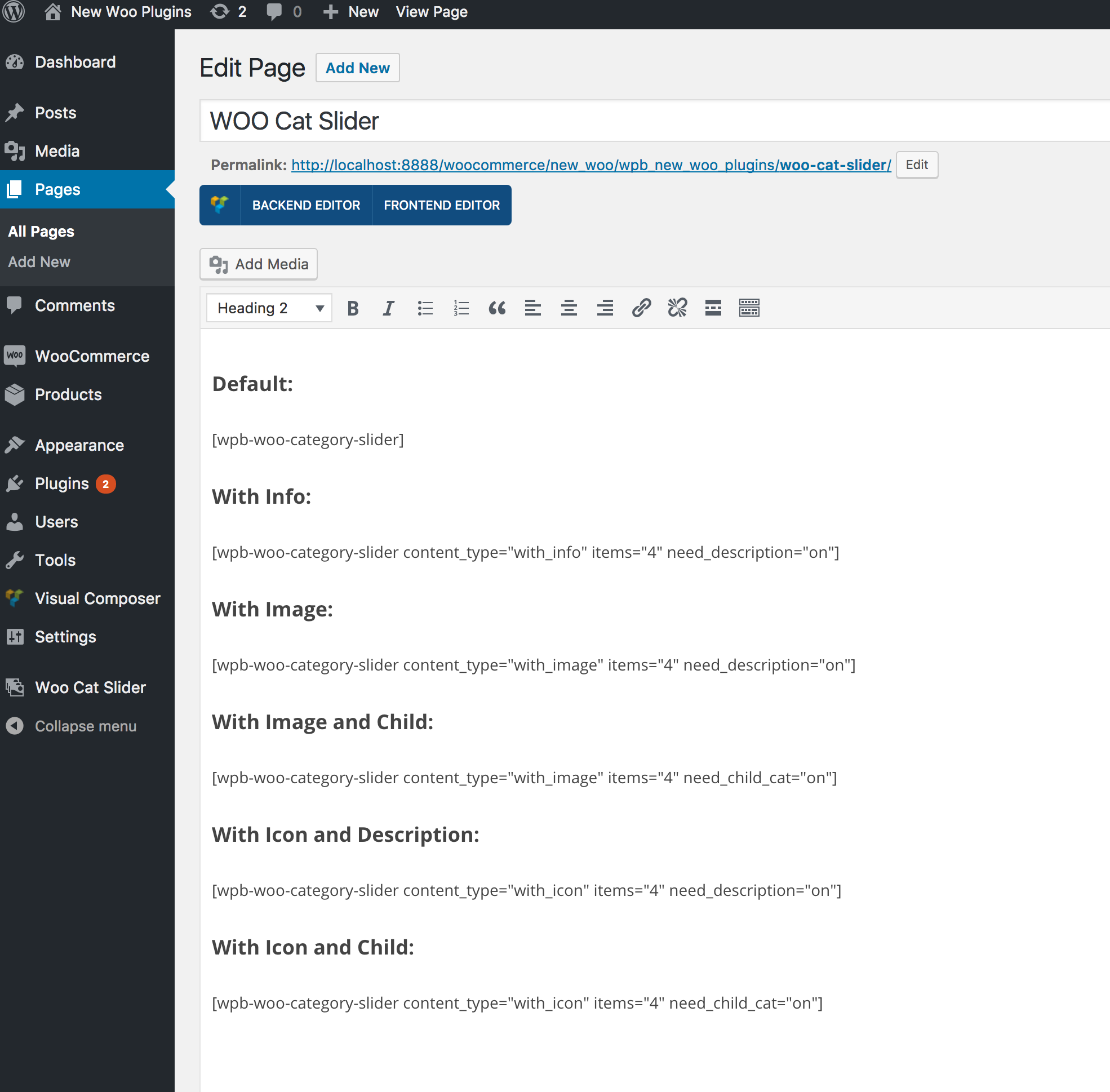
Category Slider ShortCodes
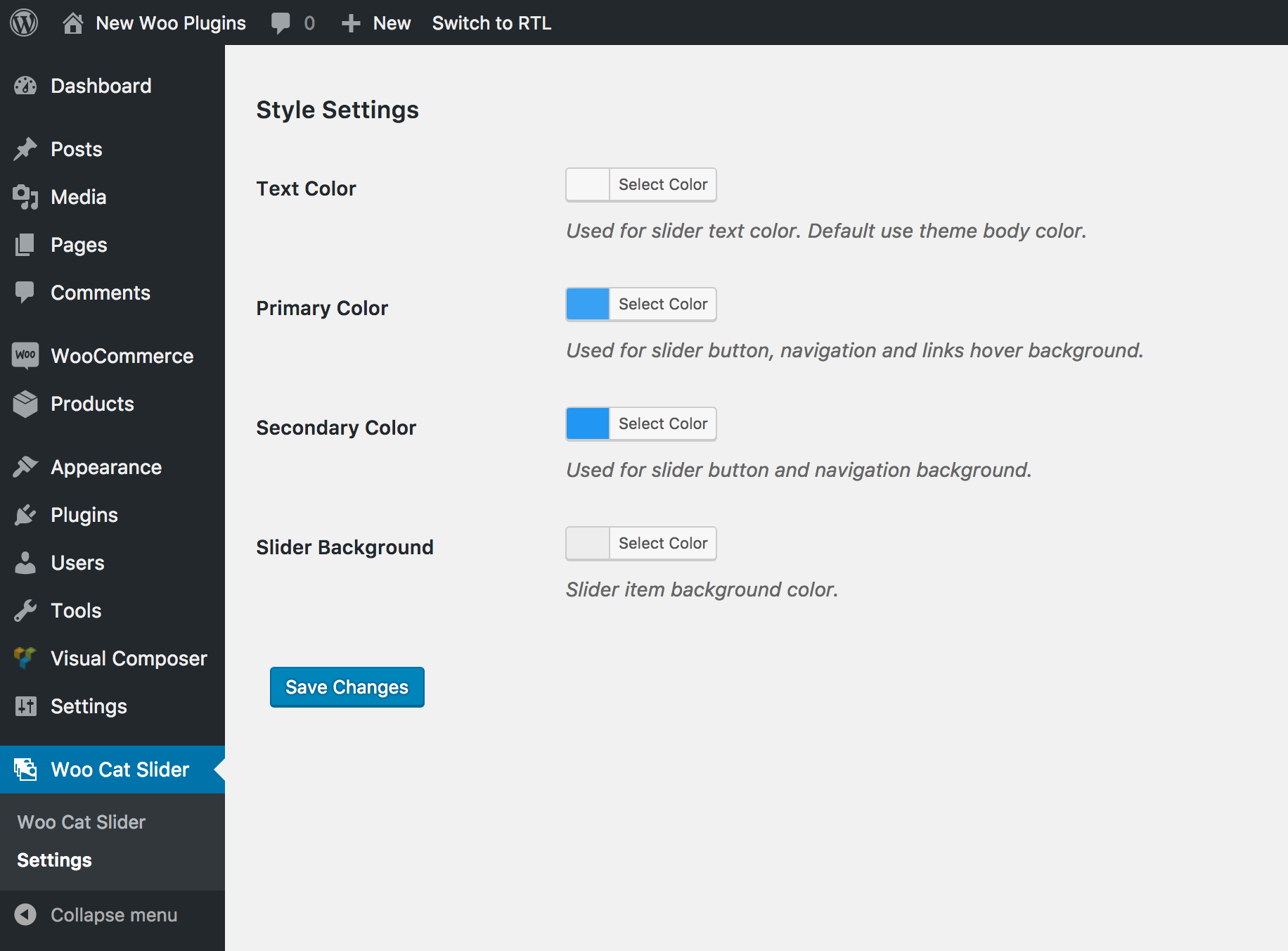
Category Slider style settings
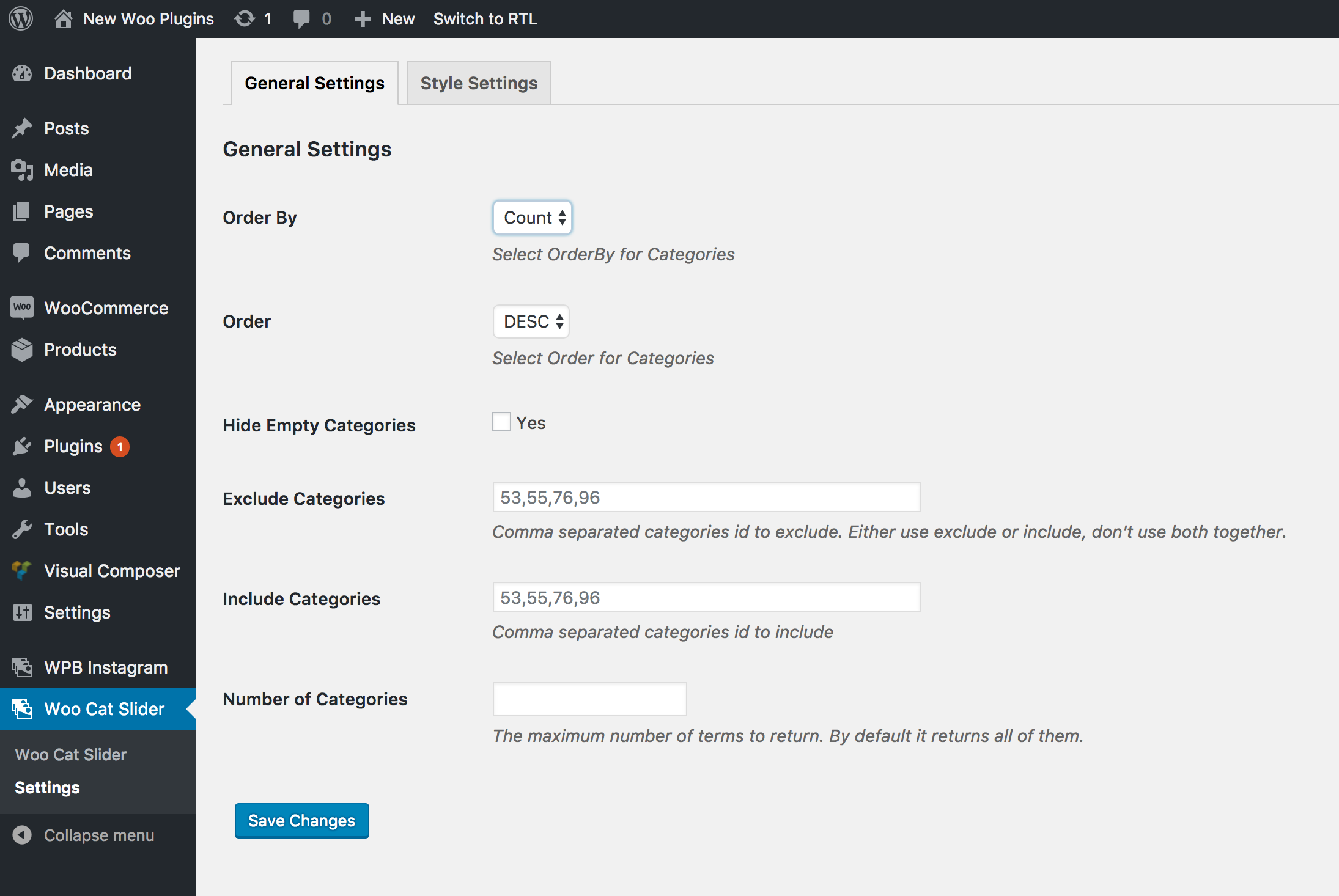
Category Slider general settings
Faq
Use this plugins shortcode for showing the slider.
Go to our documentation site or Plugin info page for getting the shortcodes.
Reviews
it's helpfull
By 
i use it for my website and it so good
Terrible plugin and terrible service!
By 
Shortcode doesn't work
By 
Great product and support
By 
Works great!
By 
Very good Plugin
By 
Easy to use and great support!
By 
Great Plugin!
By 
Changelog
version 1.0
- Initial release
version 1.0.1
- Add more options in settings.
- Add more parameters in ShortCode.
version 1.0.2
- Small issue fixed.
version 1.0.3
- Small issue fixed.
version 1.0.4
- WordPress 4.9 and WooCommerce 3.2.3 support added.
version 1.0.5
- Setting link chnaged.
version 1.0.6
- Taxonomy column content issue fixed.
version 1.0.7
- Added WordPress 4.9.6 and WooCommerce 3.3.5 support.
version 1.0.8
- Added WordPress 5.0.2 and WooCommerce 3.5.3 support.
- Gutenberg compatibility added.
version 1.0.9
- Added categories grid support.
version 1.1.1
- Added WordPress 5.1.1 and WooCommerce 3.6.1 support.
version 1.1.2
- Added WordPress 5.2 and WooCommerce 3.6.2 support.
version 1.1.3
- Added a new parameter in shortcode.
version 1.1.4
- Added WordPress 5.2.1 and WooCommerce 3.6.4 support.
version 1.1.5
- Added WordPress 5.2.4 and WooCommerce 3.7.1 support.
version 1.1.6
- Added WordPress 5.3 and WooCommerce 3.8.1 support.
version 1.1.7
- Added WordPress 5.3.2 and WooCommerce 3.8.1 support.
- Free and premium condition added.
version 1.1.8
- Admin notice issue fixed.
version 1.1.9
- OwlCarousel updated.
version 1.2.0
- Added WordPress 5.4.1 and WooCommerce 4.1.0 support.
version 1.2.1
- Small issue fixed.
version 1.2.2
- Regular update.
version 1.2.3
- Added WordPress 5.4.2 and WooCommerce 4.2.2 support.
version 1.2.4
- Added template override system. Directory: theme/wpb-woocommerce-category-slider
version 1.2.5
- Tested with WordPress 5.6 and WooCommerce
version 1.2.6
- Tested with WordPress 5.6.1 and WooCommerce 5.0.0
version 1.2.7
- Regular Update.
version 1.2.8
- Tested with WordPress 6.1.1 and WooCommerce 7.3.0
version 1.2.9
- Tested with WordPress 6.2 and WooCommerce 7.5.0
version 1.3
- Tested with WordPress 6.4.1 and WooCommerce 8.3.1
version 1.4
- Discount page added.
version 1.5
- Tested with WordPress 6.7
version 1.6
- Tested with PHP 8
version 1.7
- Fixed $content_type escaping security issue.
version 1.7.1
- Code improvement.