WPMS Site Maintenance Mode

WPMS Site Maintenance Mode
Description
Plugin allows a super admin to put his/her entire network, main site, or subsites into maintenance mode.
Installation
- Extract wpms-site-maintenance.zip to the /wp-content/plugins/ directory.
- Visit Network Admin > Plugins and activate the plugin Network wide.
- Visit Network Admin > Settings > WPMS Sitedown and choose the site operational option and edit the maintenance message to your liking.
Screenshots
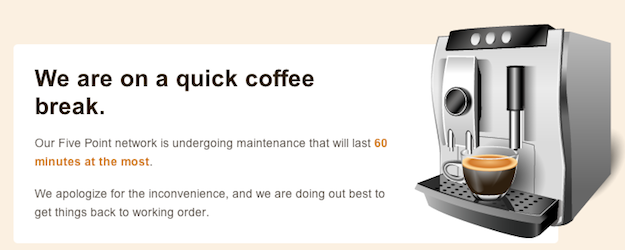
Site maintenance message
Reviews
Changelog
1.0.3 (2012-08-27)
- Updated installation instructions since the admin url has been relocated
1.0.2 (2012-08-27)
- Fixed some admin url issues
1.0.1 (2012-08-27)
- Fixed WP_PLUGIN_URL
1.0 (2011-10-31)
- Initial Release