WS Custom Checkout
WS Custom Checkout
Description
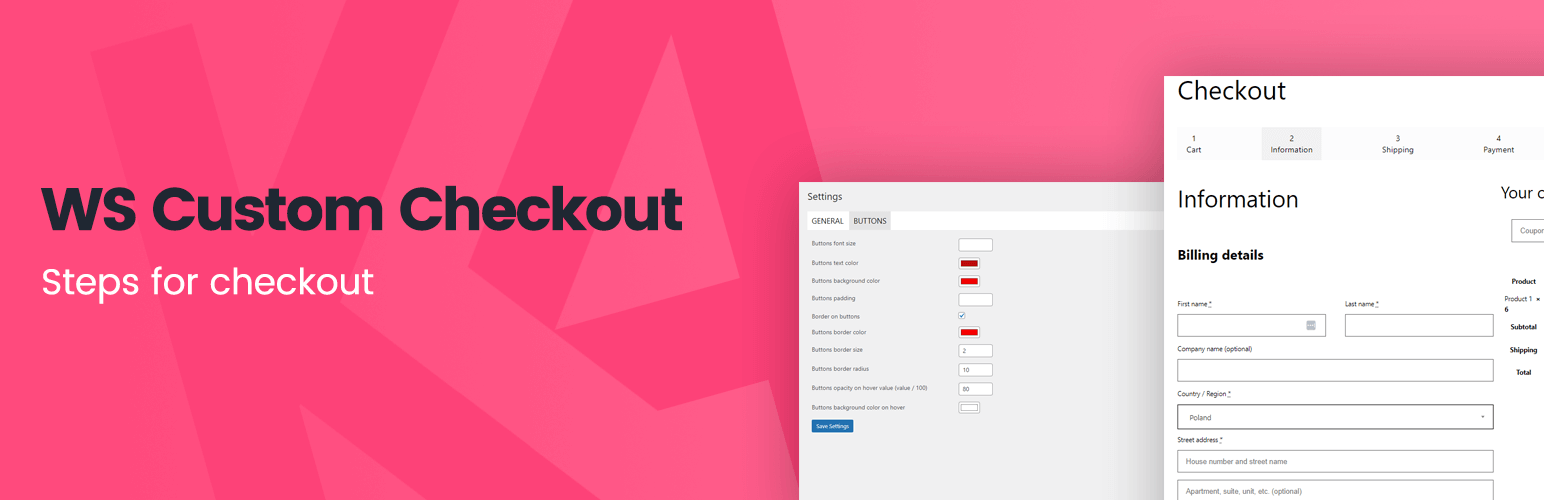
This plugin adds shopping steps to the checkout page.
Installation
- Upload the plugin folder to your /wp-content/plugins/ folder.
- Go to the Plugins page and activate the plugin.
- Activate shopping steps in the plugin settings.
Screenshots

Customization of the plugin.

The information section of the Tab-based checkout.

The shipping section of the Tab-based checkout.

The payment section of the Tab-based checkout.
Faq
To use this plugin, follow these steps:
Set up the plugin on the settings page.
To uninstall the plugin:
Deactivate the plugin.
Delete the plugin.
Reviews
Changelog
1.0
- Plugin released.