X3P0: Media Data
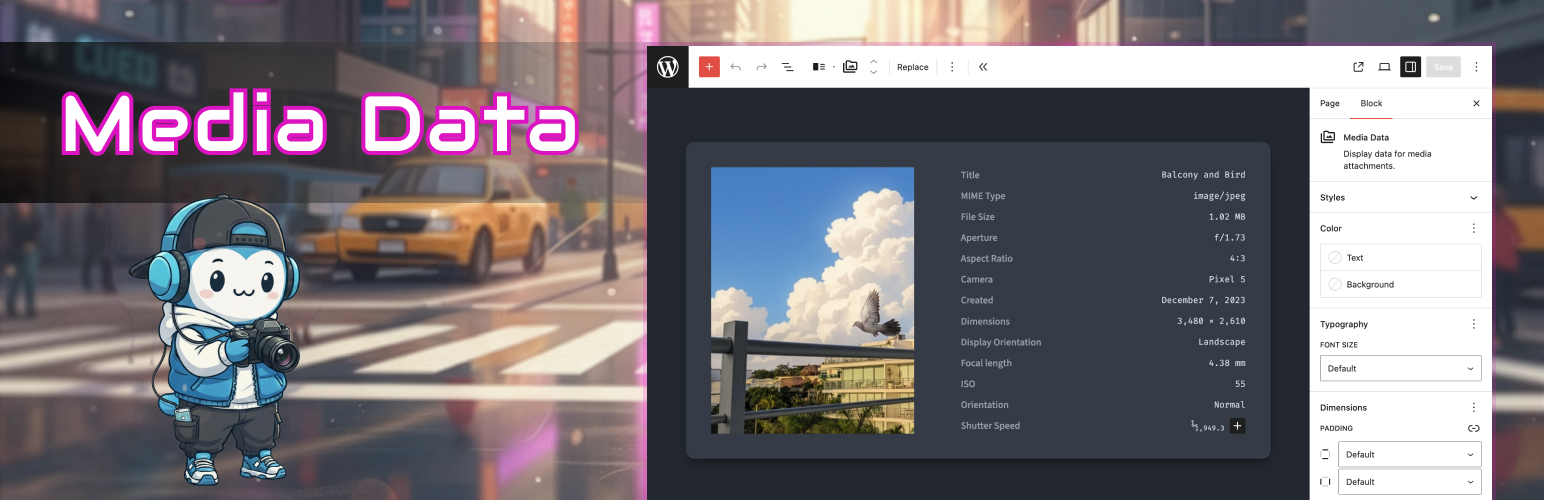
X3P0: Media Data
Description
Your photos, songs, and videos hold more information than you might think—camera settings, recording details, dimensions, and more. WordPress quietly saves all of that data when you upload a file but doesn’t make it easy to showcase it. X3P0: Media Data changes that.
Media Data introduces powerful yet simple blocks for showing metadata from any WordPress media file. Whether you’re a photographer displaying EXIF details, a podcaster highlighting episode metadata, or an archivist cataloging digital assets, this plugin brings your media’s data to the forefront—right from the block editor.
Why You’ll Love It
- Display EXIF, ID3, and other file metadata directly in your posts or pages.
- Works with all standard WordPress media types: images, audio, video, and beyond.
- No coding required—just add blocks and select what to show.
- Highly flexible: rename or hide labels, mix fields, and adjust layout visually.
- Integrates seamlessly with any block theme.
How It Works
- Add the Media Data block to any post or page.
- Upload or select a media file from your library.
- Automatically, common fields (like file name, size, and dimensions) appear.
- Add Media Data Field blocks to display custom metadata like:
- Camera model, exposure, and ISO
- Audio artist, album, and duration
- Video resolution, length, and codecs
- Customize field labels directly in the editor, or manage them through sidebar controls.
X3P0: Media Data taps into metadata already stored by WordPress—no extra processing or plugins required.
Perfect For
- Photographers who want EXIF details under their images.
- Podcasters and musicians showing ID3 tags like track title and artist.
- Filmmakers or educators displaying resolution or duration info.
- Bloggers and archivists curating digital collections.
Plugin GitHub Repository
This plugin is developed within the x3p0-dev/x3p0-media-data GitHub repository. You can find all of its source code there.
Screenshots
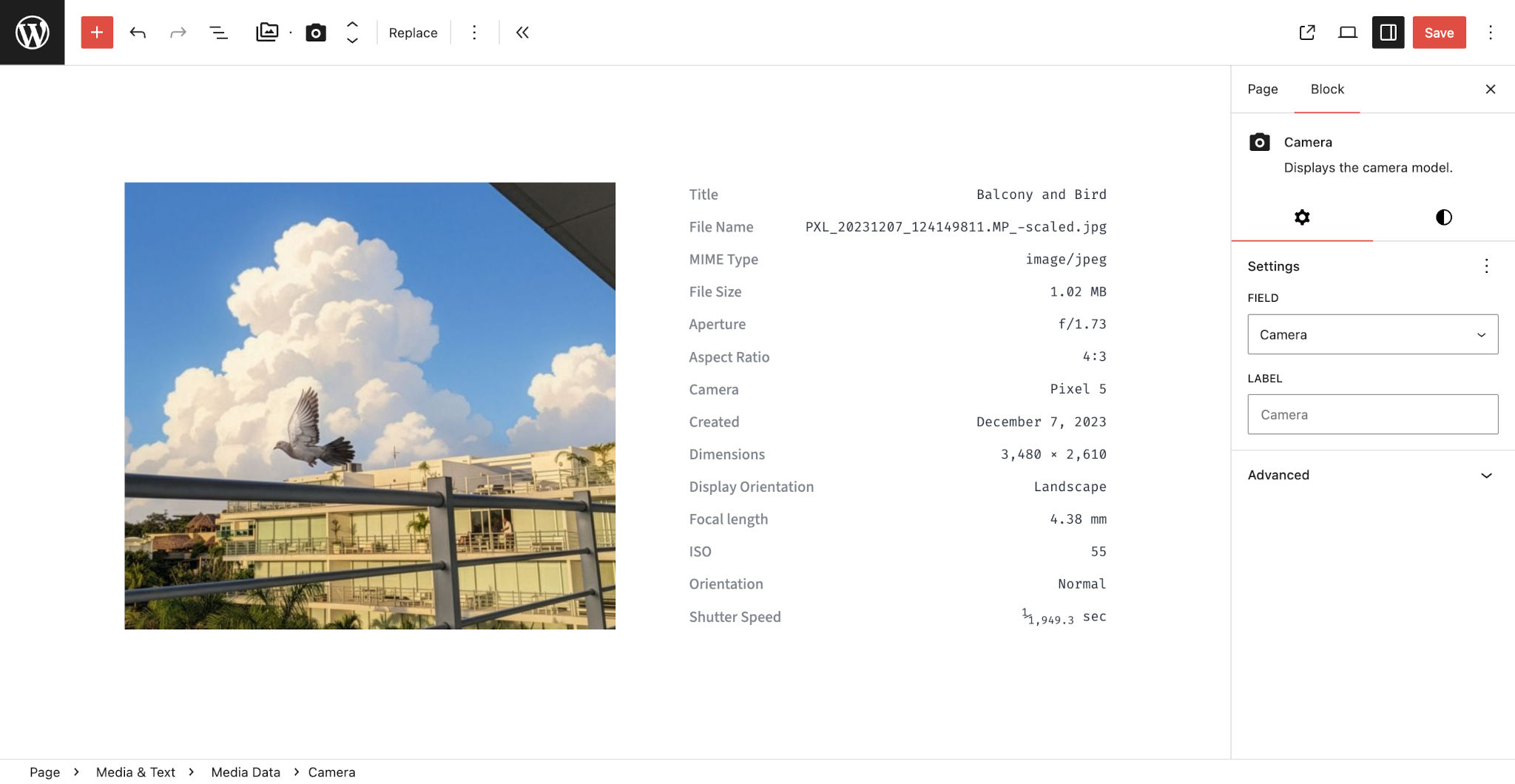
Editing the Camera field for the Media Data Block, which sits next to an image.
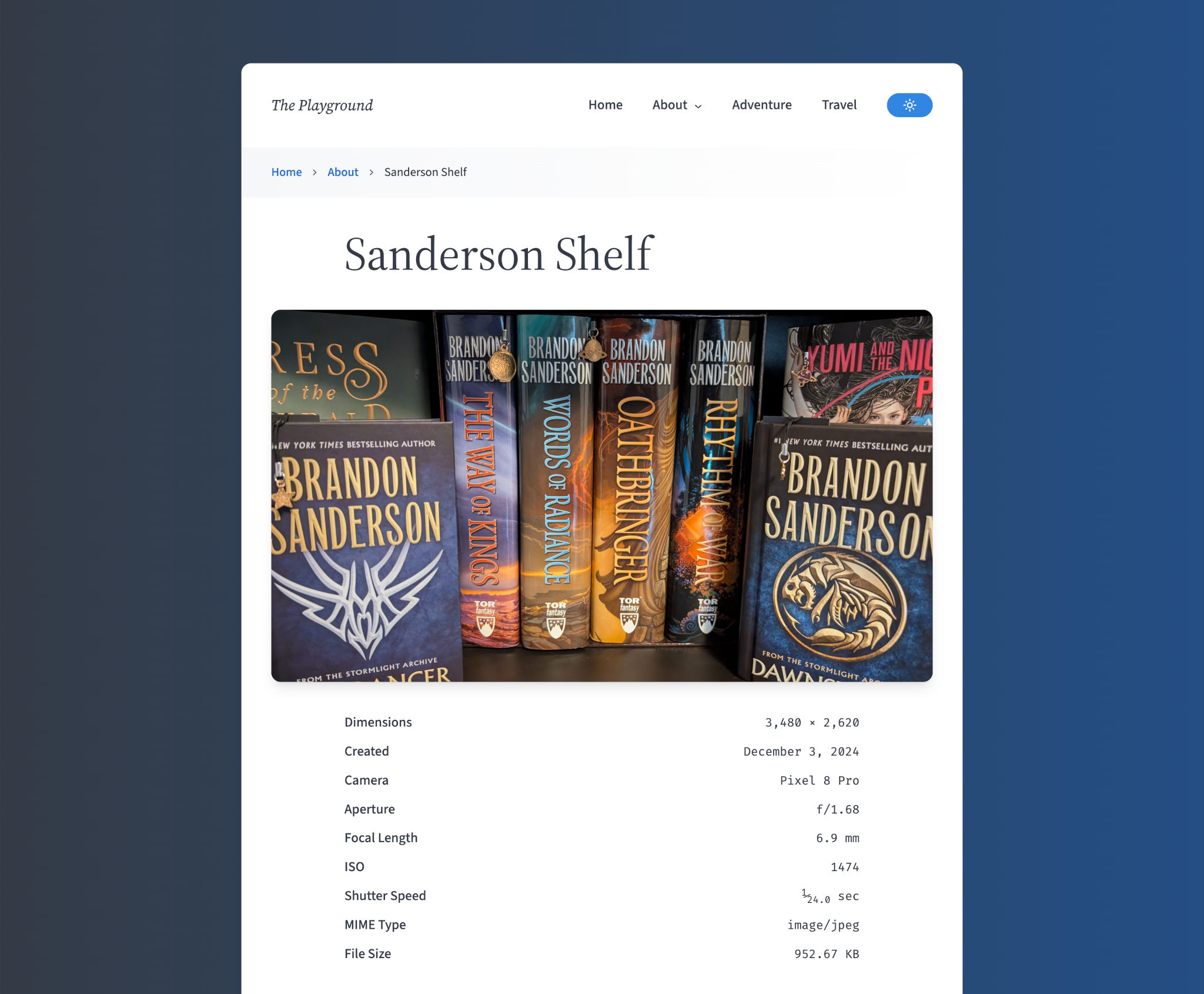
Front-end view that shows an image above the Media Data block.
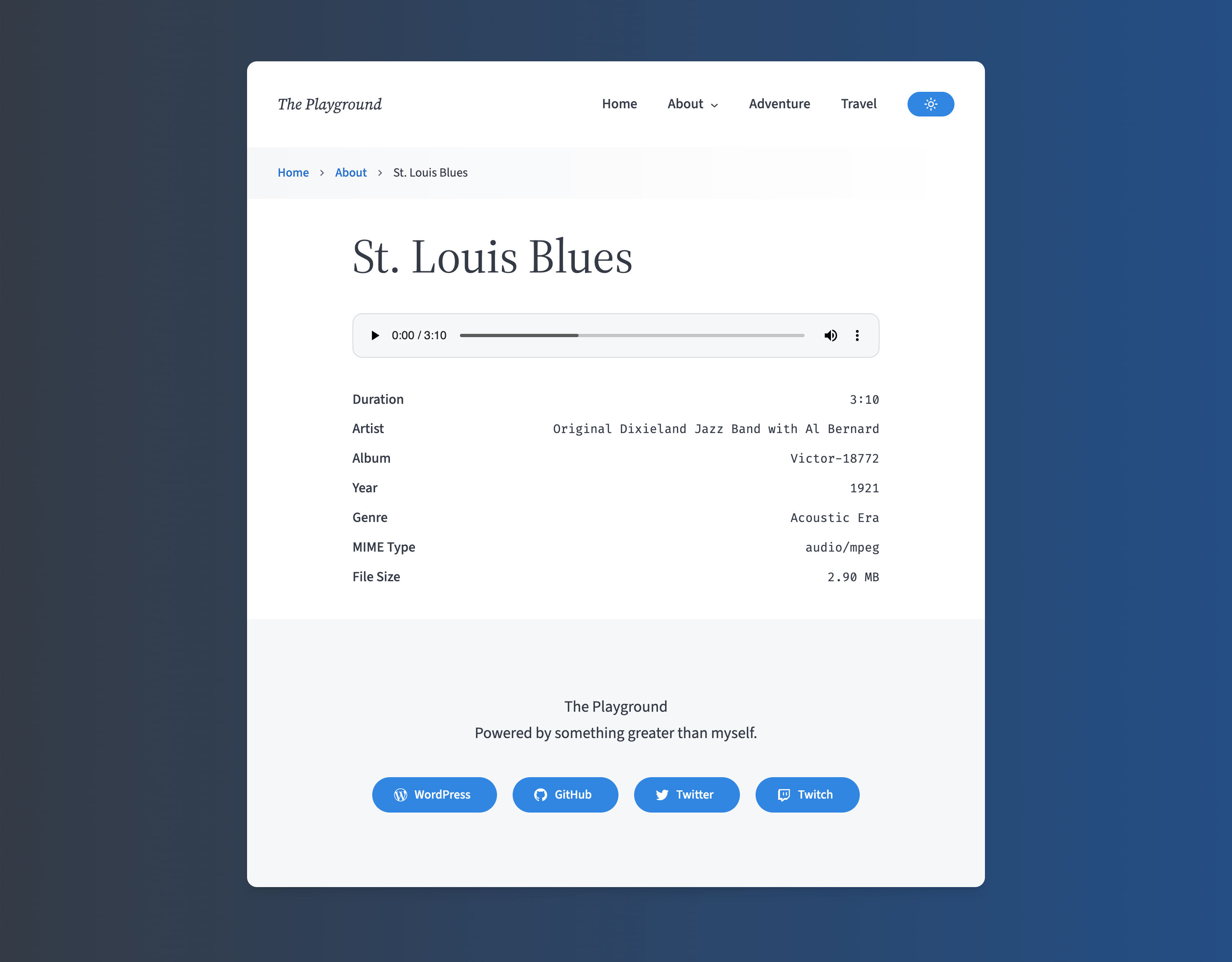
Front-end view that shows an audio player above the Media Data block.
Faq
Yes. It’s fully compatible with block themes and works with classic themes using the block editor.
No, all metadata is read-only. Media Data retrieves information stored by WordPress and displays it dynamically.
Absolutely. If you have a block theme or a classic theme that supports block templates or template parts, you can use the block. It can be placed in any block-ready content area.
You have full control over what fields appear—simply omit fields you don’t want to display publicly.
Yes. If running WordPress 6.9 or newer, developers can add custom bindings for the x3p0/media-data block’s mediaId attribute. This will automatically pass the ID to the nested field blocks.
Reviews
Changelog
1.0.0
Added
- 🎉 Literally everything. This is version 1.0, after all.
For complete version history, see the changelog on GitHub.