XT Event Widget for Social Events

XT Event Widget for Social Events
Description
Facebook Event Widget
renamed to XT Social Event Widget.
NOTICE:
You need below things to work Custom Facebook Event widget using API.
- Facebook app (Here is how to create FB app)
- Your site need to HTTPS (SSL certificate)
- You need to mark events as interested or going on facebook to get imported
Also, We have added support for Facebook’s Embeddable page widget. So, you can show your page’s event on your website using it.
XT Widget for Facebook Events allow you to display Facebook events from your Facebook page to your website using widget or shortcode.
- Display facebook event in your website
- Real time updates of facebook event in your website
- Use shortcode or widget to display events
- Multiple style & screen for widget design
- Responsive design
- Gutenberg Block for Facebook Events (PRO)
- Responsive & Elegent Event Grid using Shortcode [wpfb_events page_id=”YOUR_PAGE_ID” max_events=”10″] (PRO)
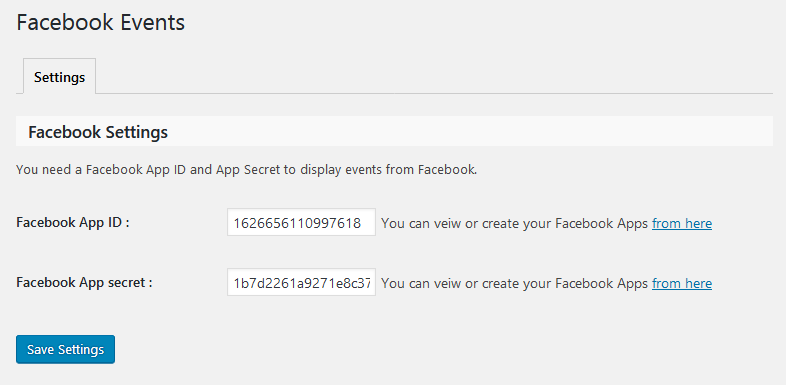
You can add Facebook App ID and Facebook Secret in “Facebook Events” Menu.
2 Ways for display Facebook Events using Facebook’s Embeddable page widget
- Using Shortcode: You can display Facebook Events (Facebook’s Embeddable page widget) any where in your website using Shortcode. example shortcode: [fb_event_widget page_url=”https://www.facebook.com/redbull/” width=”340″ height=”500″ hide_cover=”false” hide_cta=”true” small_header=”true”]
- Using WP widget: You can display Facebook Events (Facebook’s Embeddable page widget) using WP widget called “Facebook Page Event Widget”.
New All in one Event Import Tool!
We’ve developed bulk events import tool. This add-on service for The Events Calendar allows you import events from your favorite sources like Facebook, Meetup, Eventbrite, iCalendar, and ICS.Check out WP Event Aggregator now.
Our Plugins for importing events!
Installation
This plugin can be installed directly from your site.
- Log in and navigate to Plugins & Add New.
- Type “XT Widget for Facebook Events” into the Search input and click the “Search” button.
- Locate the “XT Widget for Facebook Events” in the list of search results and click “Install Now”.
- Click the “Activate Plugin” link at the bottom of the install screen.
It can also be installed manually.
- Download the “XT Widget for Facebook Events” plugin from WordPress.org.
- Unzip the package and move to your plugins directory.
- Log into WordPress and navigate to the “Plugins” screen.
- Locate “XT Facebook Events” in the list and click the “Activate” link.
Screenshots
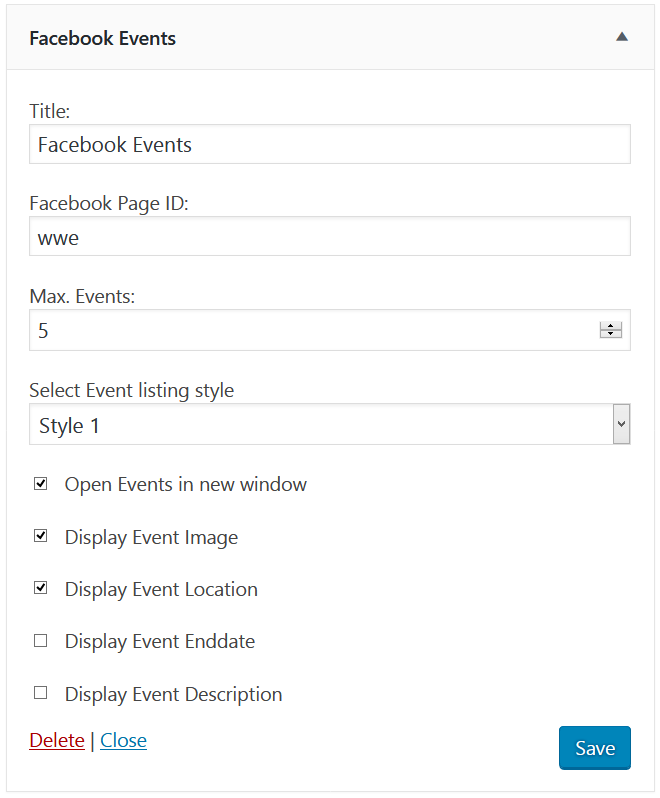
Facebook events widget.
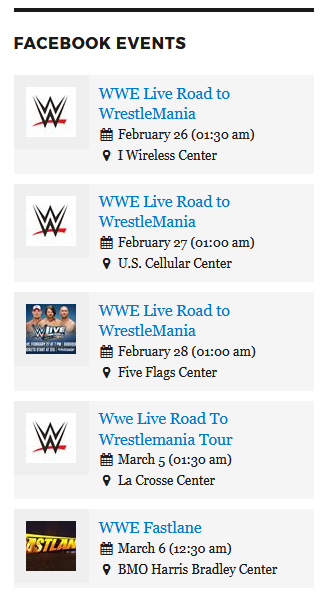
Display Facebook events widget front-end side.
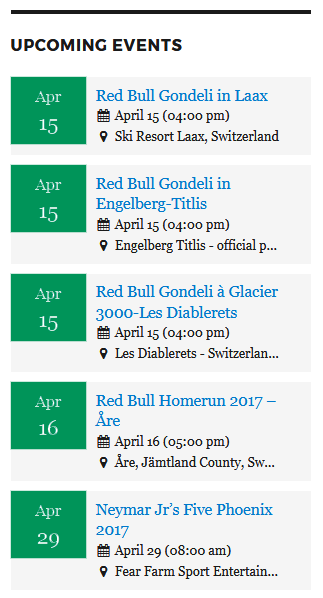
Display Facebook events widget front-end side without images.
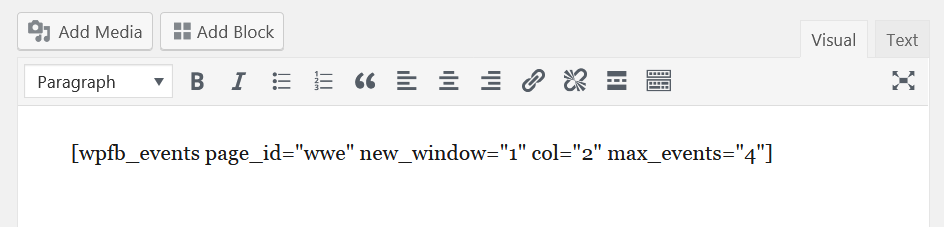
Shortcode for display events in page/post.
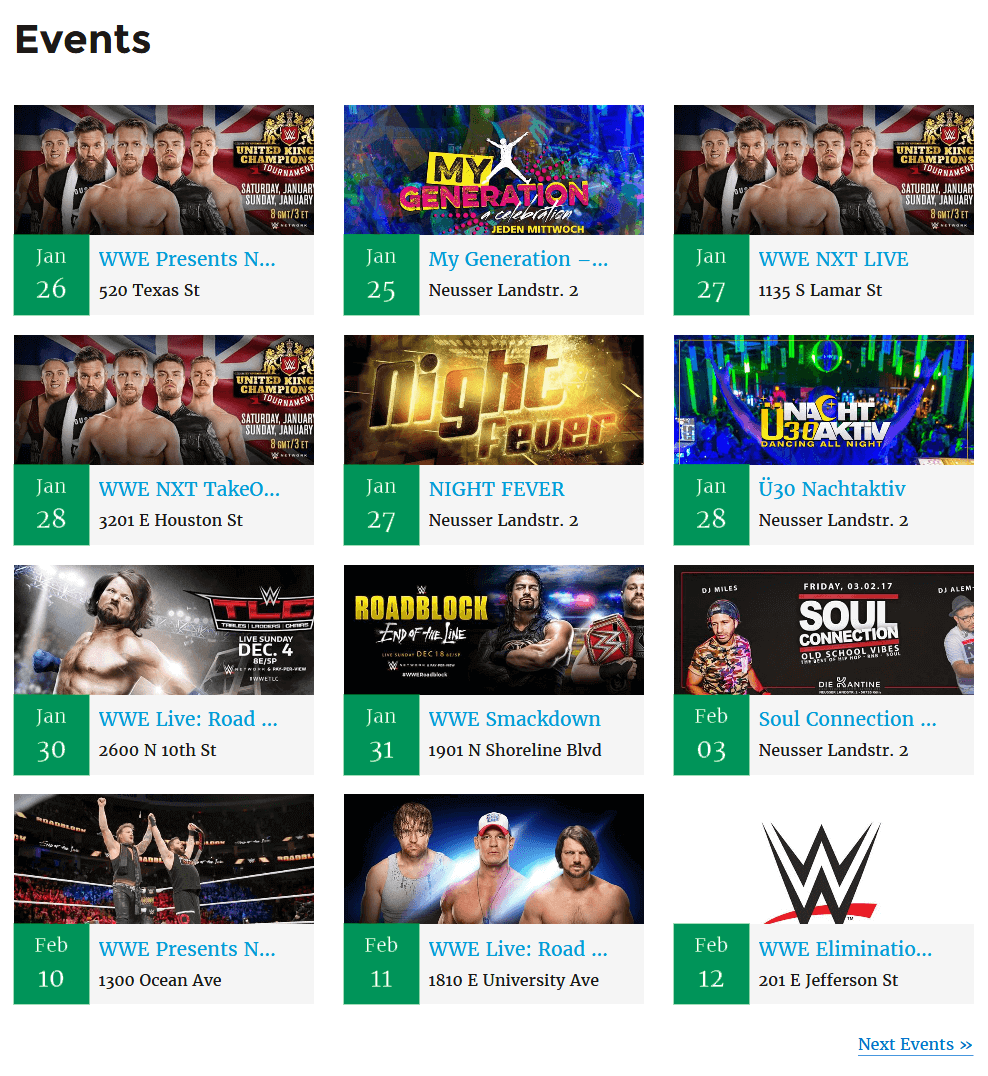
Facebook Events with 2 column layout.
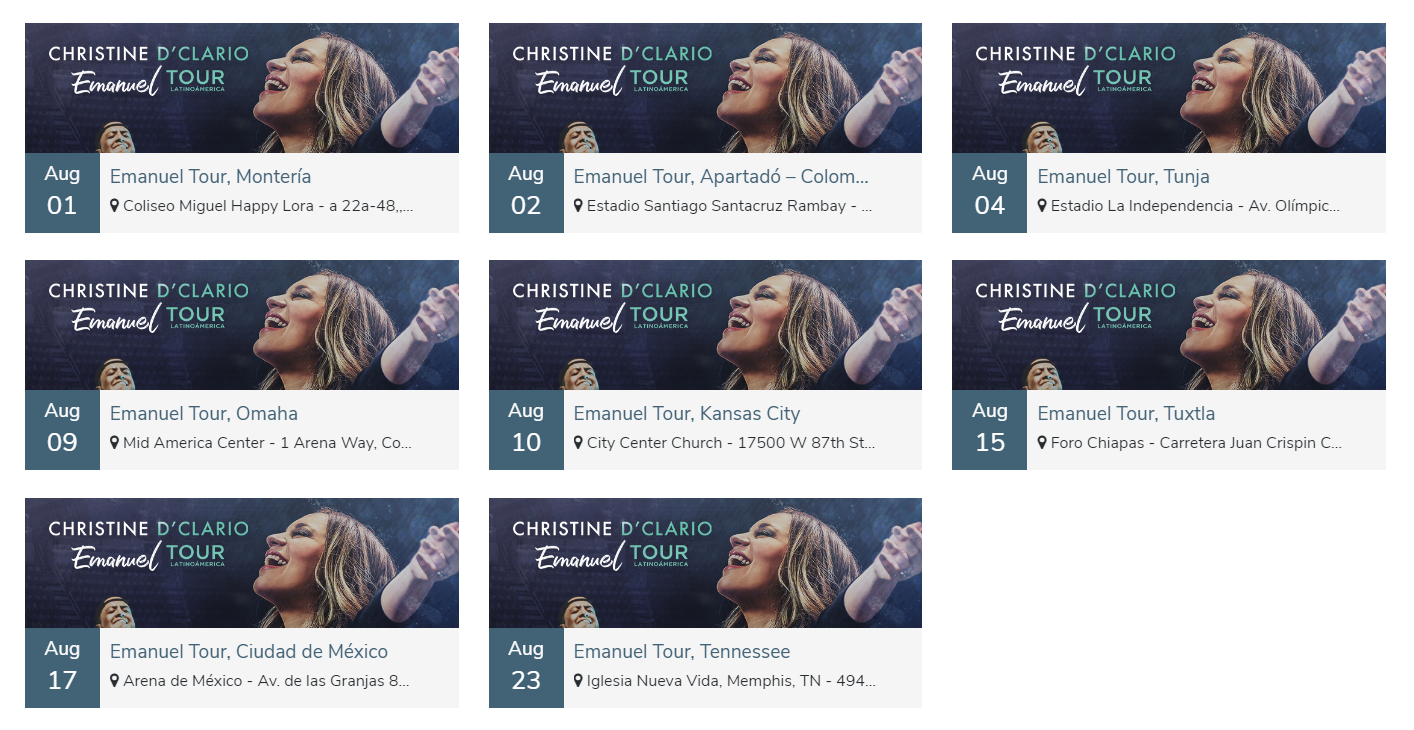
Facebook Events with 3 column layout.
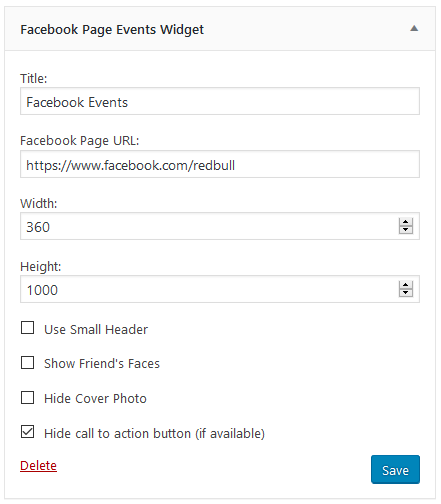
WP widget for display Facebook's Embeddable page widget.
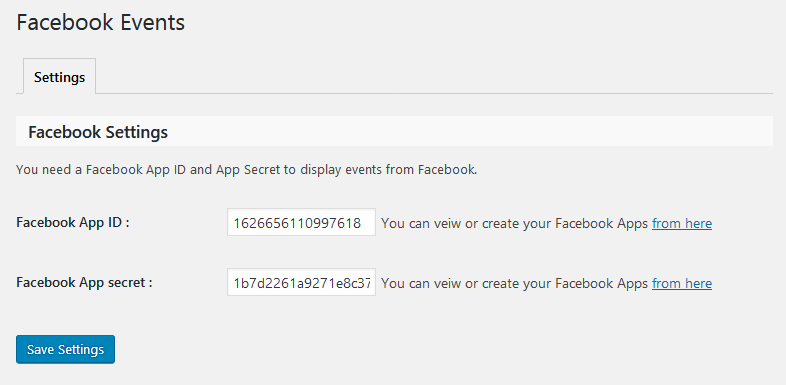
Settings.
Reviews
GREAT support
By 
Had some issues getting the events to display on my site.
Raised a support ticket and within hours everything was sorted.
Plugin is working perfectly now.
Best support I have ever had
By 
My problem was quite a thing, making the plugin work with my WordPress theme of choise - Newspaper.
The support team really went beyond their ways to help me, and now everything works.
See the plugin in action at judoroland.com
Love the support - great plugin
By 
Great Plugin
By 
Excellent Plugin
By 
Great customer support!!
By 
Great plugin
By 
So long, and thanks for all the fish...
By 
Awesome plugin with great support
By 
Great potential here
By 
Changelog
1.1.8
- ADDED: Widget View Shortcode
- IMPROVEMENTS: Improved security and compatibility with WordPress coding standards.
- IMPROVEMENTS: Support for WP 6.8
1.1.7
- IMPROVEMENTS: Text changed and Added Feedback from the header
1.1.6
- IMPROVEMENTS: Updated Facebook API version to v19.0
- IMPROVEMENTS: Added Support for PHP 8.3 and some design and security fixes.
1.1.5
- ADDED: Event New Grid View Layout. ( PRO )
- ADDED: Responsive grid view style 1 Support.
- IMPROVEMENTS: Facebook App Authentication ( Connect Facebook Account Without Creating App ).
- IMPROVEMENTS: Support for WP 6.3
1.1.4
- ADDED: Support and Docs link in plugin list page
- IMPROVEMENTS: Gutenberg Block
- IMPROVEMENTS: Support for WP 6.2
1.1.3
- ADDED: Localized Date lables.
- IMPROVEMENTS: Updated to Facebook API Version 7.0
- FIXED: few pages were not fetching events issue.
- FIXED: showing past events for /me page id issue.
1.1.2
- ADDED: Recurring Events Support
- ADDED: Accent color settings
- IMPROVEMENTS: Some Code imporvements.
- FIXED: Some bug fixes.
1.1.1
- ADDED: Clear Cache button for manually clear cache.
- IMPROVEMENTS: Reduced Cache TTL.
- IMPROVEMENTS: Some Code imporvements.
- FIXED: Some bug fixes.
1.1.0
- ADDED: Facebook Authorization for make custom Facebook widget working.
- ADDED: support for WP 5.0
- ADDED: Gutenberg Block for Facebook Events.
- IMPROVEMENTS: Add caching support for events.
- IMPROVEMENTS: Some Code imporvements.
- FIXED: Some bug fixes.
1.0.2
- ADDED: Support for Facebook events using Page widget (Facebook’s Embeddable page widget)
- ADDED: Shortcode for Facebook Page widget example: [fb_event_widget page_url=”https://www.facebook.com/redbull/” width=”340″ height=”500″ hide_cover=”false” hide_cta=”true” small_header=”true”]
- ADDED: WP Widget for Facebook Page widget
- FIXED: Some bug fixes.
1.0.1
- FIXED: Some bug fixes.
- FIXED: Wrong Time Display (Timezone Error) issue.
1.0.0
- Initial Version.