YOGO Booking
YOGO Booking
Description
This plugin enables YOGO integration on your WordPress website.
Installation
- Activate the plugin.
- Go to the YOGO Booking settings page and enter your YOGO domain. It will look something like
mystudio.yogobooking.com. - Try typing
[yogo-calendar]on one of your pages. It should show the schedule for your studio. - If nothing happens, check that you entered your domain correctly.
- You’re done!
Faq
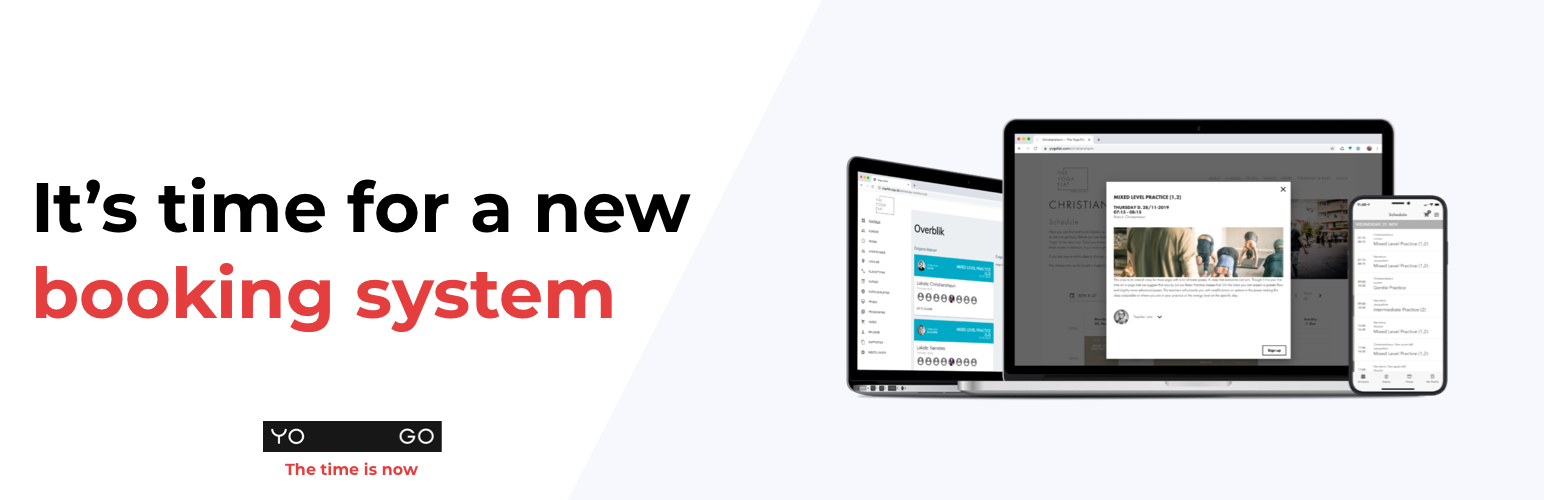
YOGO is a booking system. This plugin makes it easy to embed your schedule, price list, events, teacher list and more into your WordPress website.
The plugin itself is free and open source, but you will not have any use for it without a YOGO account.
As part of the service connection, the plugin reports its own status to YOGO: plugin version, chosen settings, your YOGO domain, and your WordPress/PHP versions. It never sends any visitor or customer data.