Z-Downloads
Z-Downloads
Description
The convenient download manager for WordPress.
Z-Downloads makes file delivery simple: upload, place a shortcode, done. It automatically builds ZIP archives, keeps them updated when files change, and gives you clear stats and a clean UI.
Example use case: A single file is present in multiple ZIP archives (e.g., press kits). Update the file once—every affected ZIP is rebuilt automatically.
Benefits
- User-friendly interface with inline help
- Time-saving automation (auto-rebuild of ZIP archives)
- Reliable performance with smart caching
Top features
- GDPR compliant: IP address anonymization by default
- Built-in security: direct file paths remain hidden
- Download statistics + dashboard widget
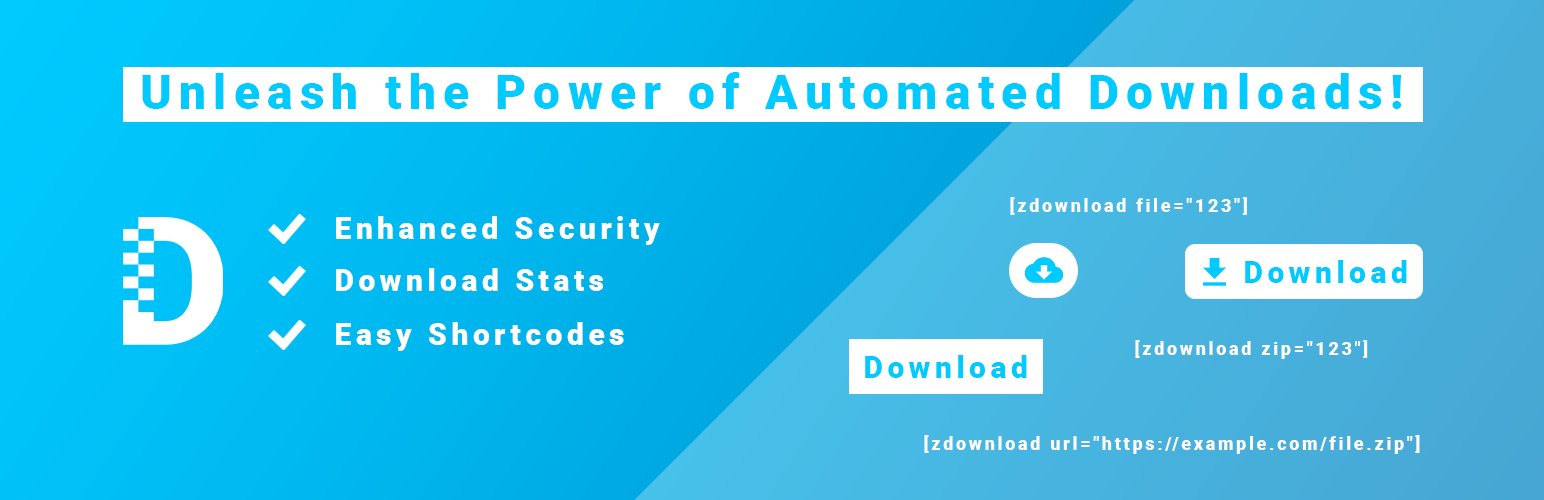
- Shortcodes for files, ZIPs, lists, audio, and video
- Download button (with optional icons)
- Display info like file size or download count
- Generate file lists
- Embed an audio player
- Embed a video player
- Show MD5 and SHA1 hashes in the frontend (Premium)
- Option to activate direct URL paths for PDF files
- Centralized file management
- Automatic ZIP archive creation
- Drag-and-drop file upload
- Log page to trace actions and troubleshoot
- Safe uninstall option to remove all plugin data on request
- PHP 8 compatible
- Ready for internationalization (English & German included)
- Multilingual
- And more…
Effortlessly embed download buttons with shortcodes
Upload your file, then add this shortcode to a post or page:
[zdownload file="123"]
Embed automatically generated ZIP archives with shortcodes
Create a ZIP entry in the backend, link your files, then use:
[zdownload zip="123"]
Embed external files with shortcodes
Link to a file hosted elsewhere and render a download button:
[zdownload url="https://example.com/file.zip"]
Output a list of files linked to a ZIP archive
Display all files attached to an archive as a neat list:
[zdownload_list zip="123"]
Output audio files as an audio player
Turn an audio file (MP3, WAV, OGG, …) into a player:
[zdownload_audio file="123"]
Output video files as a video player
Render a video file directly as a player:
[zdownload_video file="123"]
Languages
Z-Downloads can be translated into multiple languages. Currently supported:
- English
- German
Installation
In the WordPress plugin directory
Search for “Z-Downloads” in your WordPress plugin directory, install, and activate.
Screenshots

Overview of all uploaded files

Overview of all archives

Dashboard widget with download statistics

Detail view of an audio file with audio player

Available shortcodes for an archive

Use case in a post
Faq
Yes. All basic functions are free.
For advanced features there is Z-Downloads Premium — e.g., MD5/SHA1 hash output or unlimited files per ZIP archive.
Site owners who want an easy, fast way to offer downloads and ZIP packages without manual maintenance.
Yes. No personal visitor data is stored. IP addresses are anonymized by default (can be changed in the settings).
The plugin ships in English and is fully translated into German. Other languages can be added easily.
Reviews
War mal ein schönes Plug-in
By 
Vor Jahren habe ich die kostenlose Version eingesetzt, um ein Dutzend selbstgemachte Bilder zum Download bereitzustellen. Die Originale habe ich leider nicht mehr – und die Downloads haben aufgehört zu funktionieren, nachdem ich dem Druck zum Upgrade auf die Premium-Version nicht gefolgt bin. Jetzt ist alles futsch. Wie man so etwas machen kann, ohne die Nutzer der Free-Version deutlich zu warnen, ist mir schleierhaft. Soll man nach jedem Software-Update eines Plug-ins überprüfen, ob es noch genauso funktioniert wie vor der Aktualisierung?
A simple Download Manager
By 
Took me a while to find this one! 😃 I knew I’m not the only one who doesn’t like to deal with Dropbox and GDrive links and just wanted to have a simple solution to generate and manage my own download-links in a safe & secure way to provide clients with their file.
Amazing Simple Plugin
By 
Tolle Funktionen, einfache Bedienung und DSGVO kompatibel
By 
A great download manager
By 
Really Great and Simple plugin.
By 
Genau das was ich gesucht habe
By 
Changelog
- You can find the versions here: Z-Downloads release notes