Zenithium Blocks – Modern Interactive Block Suite
Zenithium Blocks – Modern Interactive Block Suite
Description
Zenithium Blocks is a collection of modern, performant, and interactive WordPress blocks designed to enhance your WordPress block editing experience.
🔗 Live Demo: View Zenithium Blocks Live Demo
Key Features
- Accessible Accordion & FAQ: Expandable content blocks with customizable icons, auto-close behavior, and smooth toggling.
- Modern Interactive Carousel: Fully responsive slider block with customizable slide alignments and smooth transitions.
- Animated Stats Counter: Eye-catching numerical counter block with customizable prefix, suffix, and scroll animations.
- Image Comparison Slider: Interactive before/after image comparison slider.
- Floating Sticky CTA Bar: High-converting sticky call-to-action bar for driving conversions across devices.
- Interactive Flip Card: Engaging 3D double-sided flip card block for showcasing products, features, or team members.
- Lightweight & Fast: Built using native WordPress block components (
@wordpress/block-editor) with zero external bloat. - Full Site Editing (FSE) Ready: Seamlessly integrates with block themes and classic themes alike.
Installation
- Upload the
zenithium-blocksfolder to the/wp-content/plugins/directory, or install directly via the WordPress plugins screen. - Activate the plugin through the ‘Plugins’ menu in WordPress.
- Open the WordPress Block editor on any page or post and search for Zenithium Blocks in the block inserter.
Screenshots
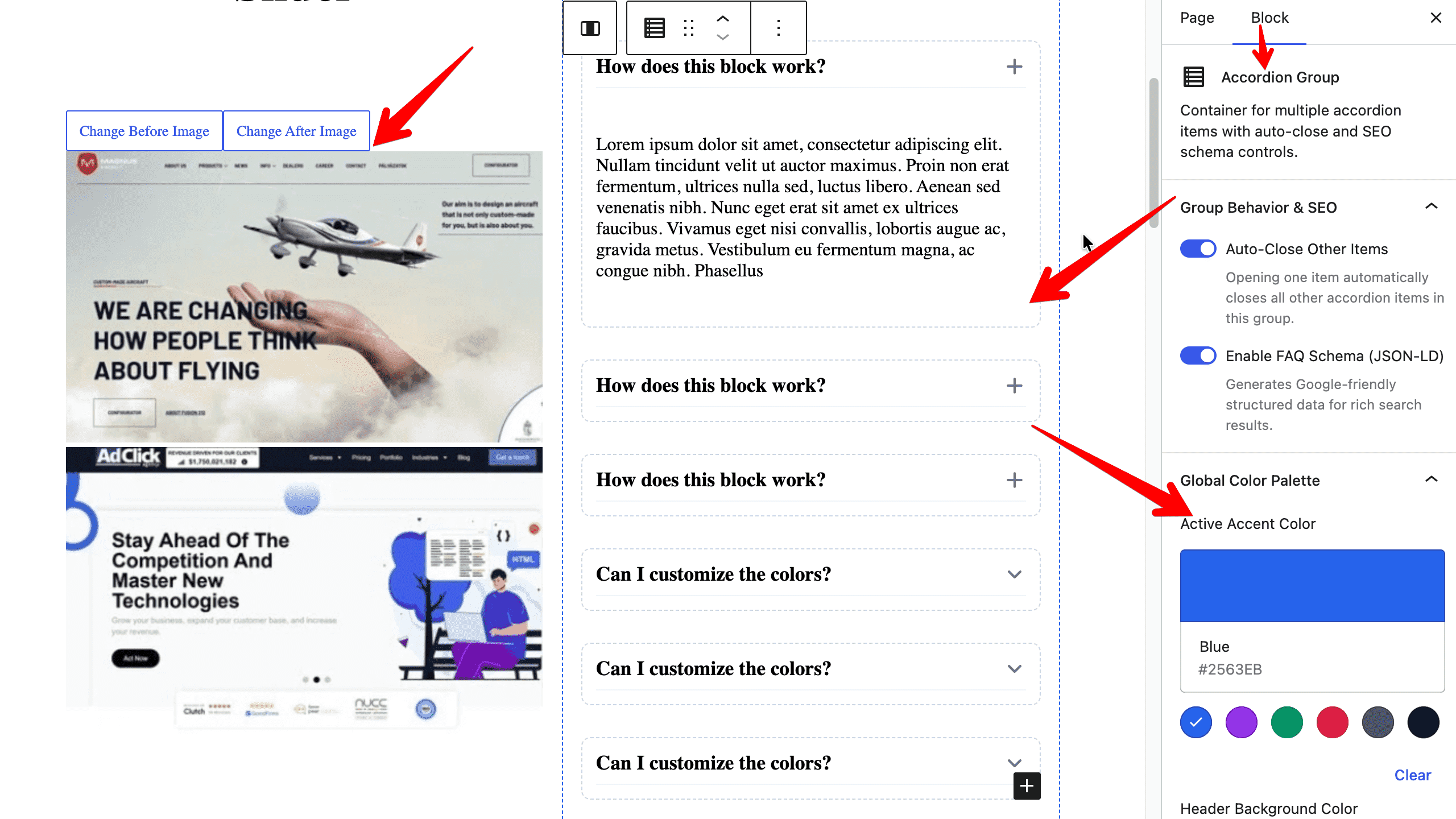
Backend Block Editor controls for the Image Comparison and Accordion blocks.
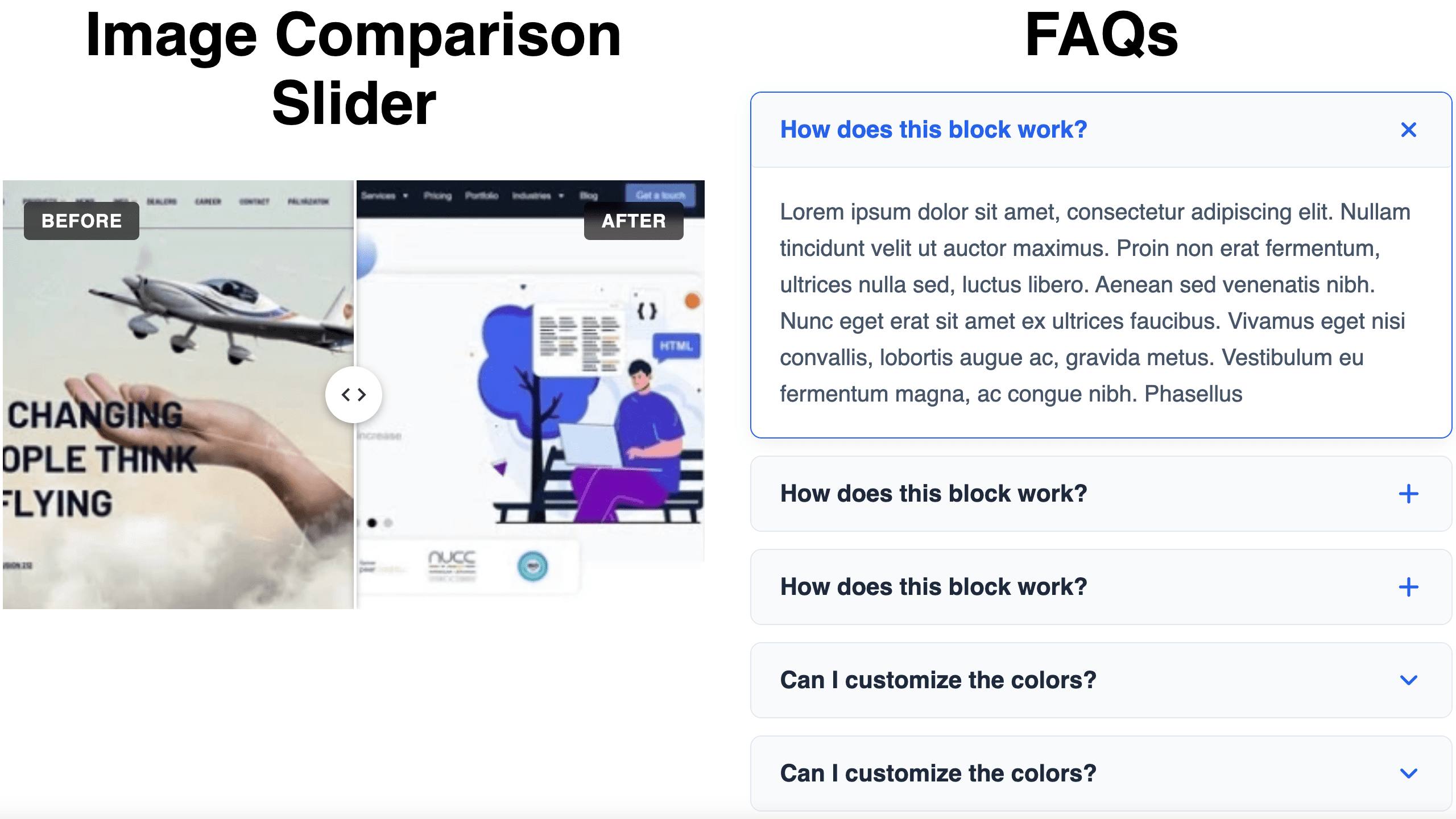
Frontend display of the Image Comparison slider and Accordion block.
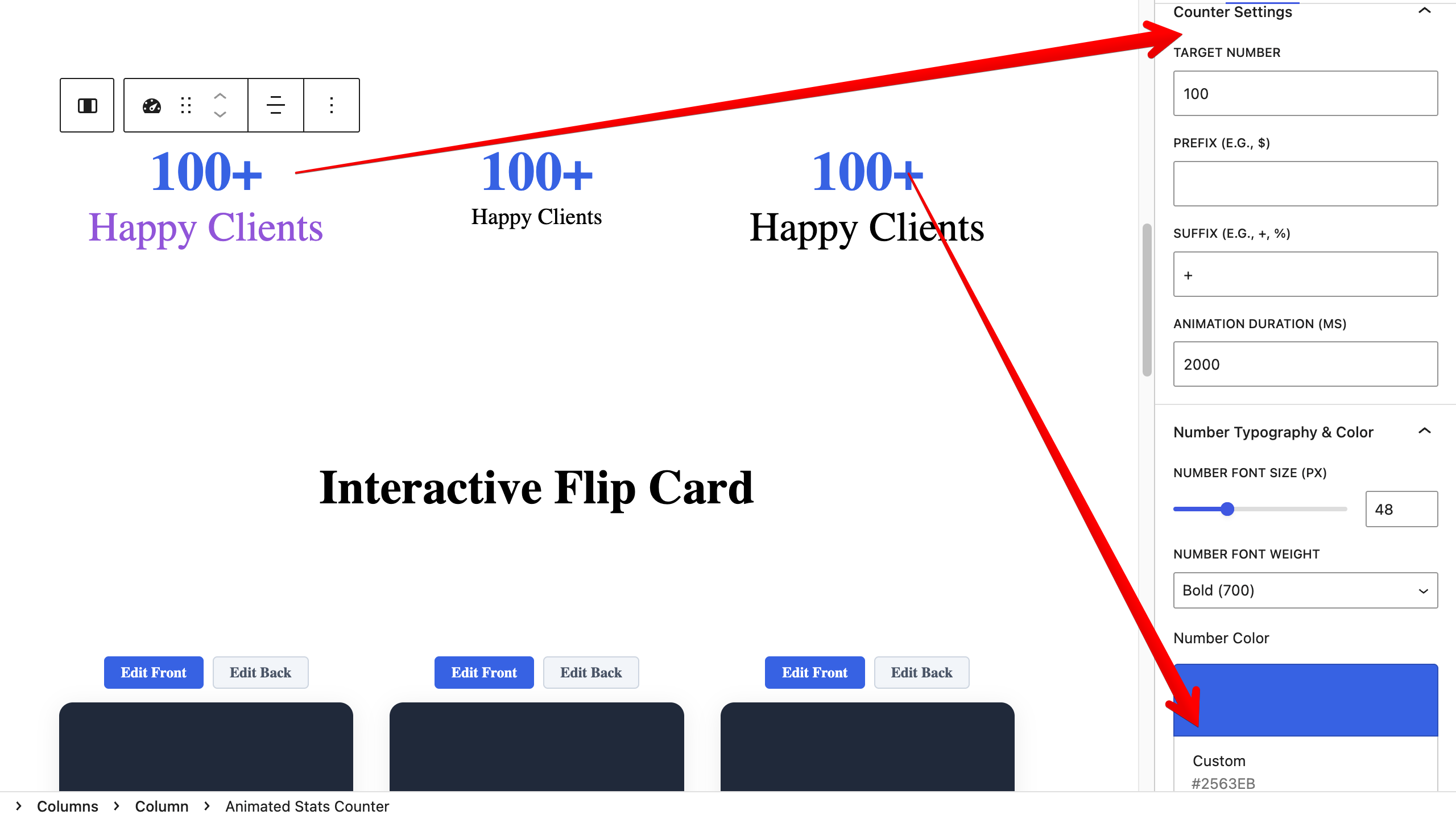
Backend customization options for the Animated Stats Counter block.
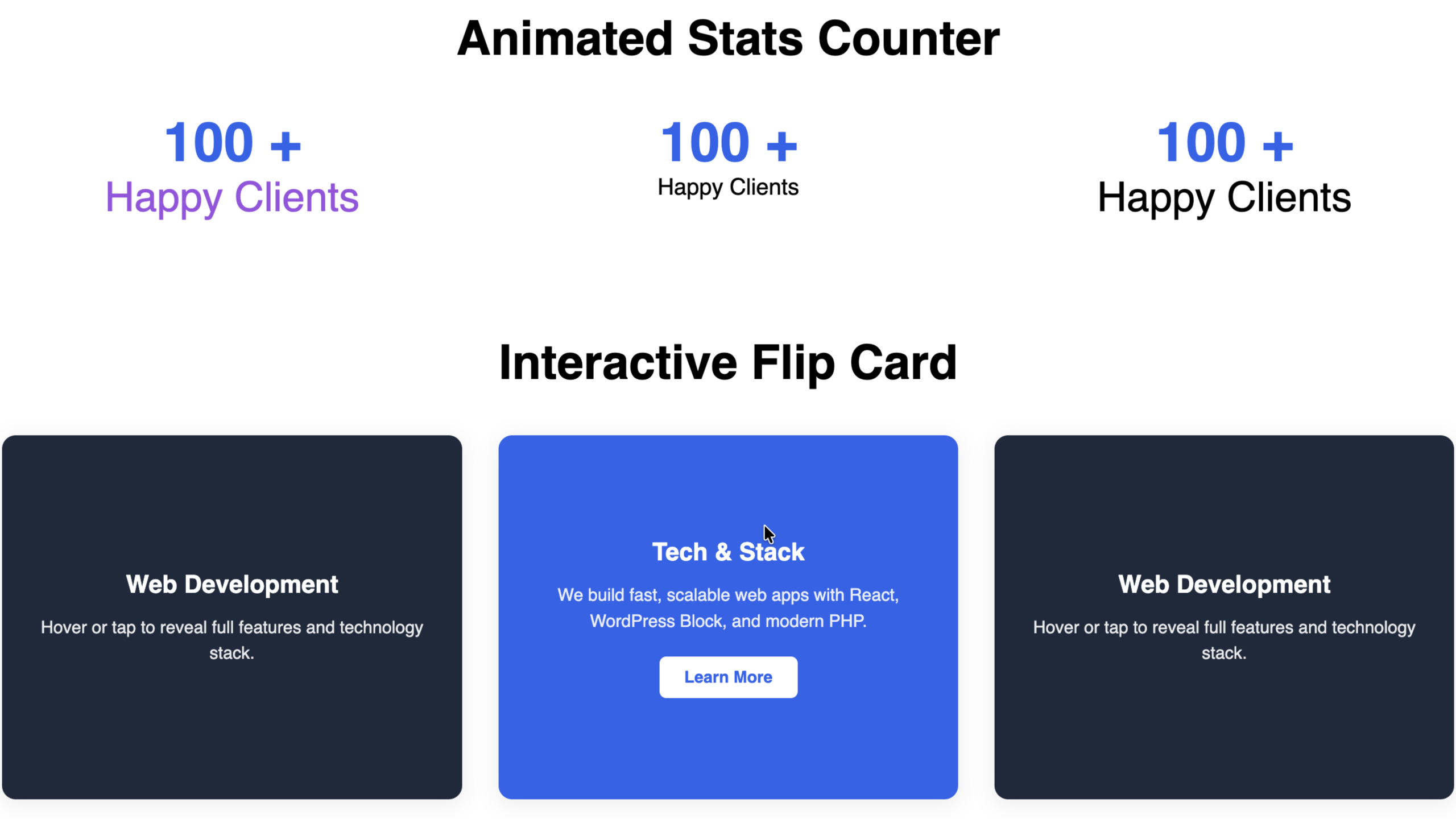
Live frontend view of the Animated Stats Counter and Interactive Flip Card.
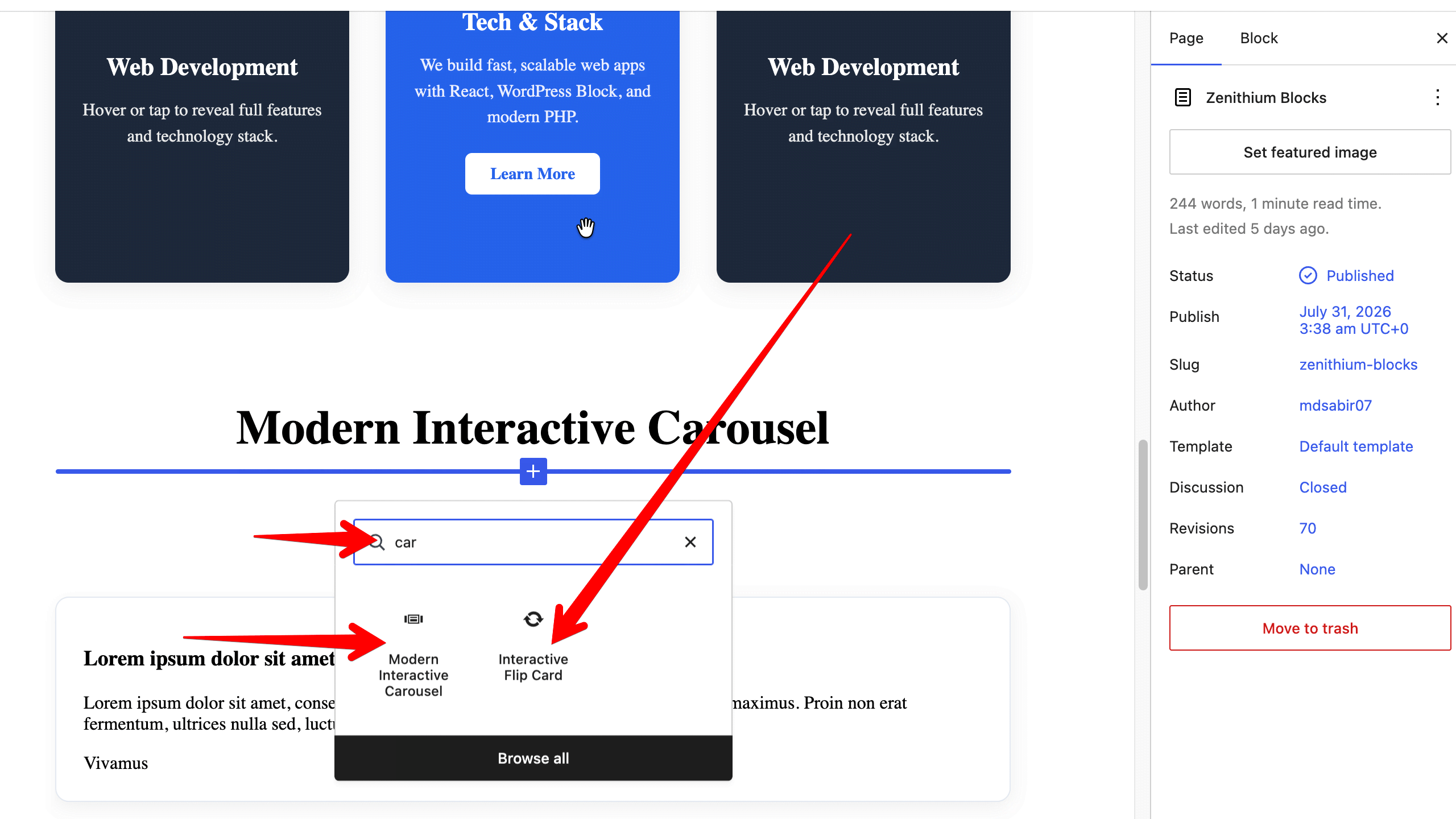
Quick block discovery via the WordPress Block Inserter panel.
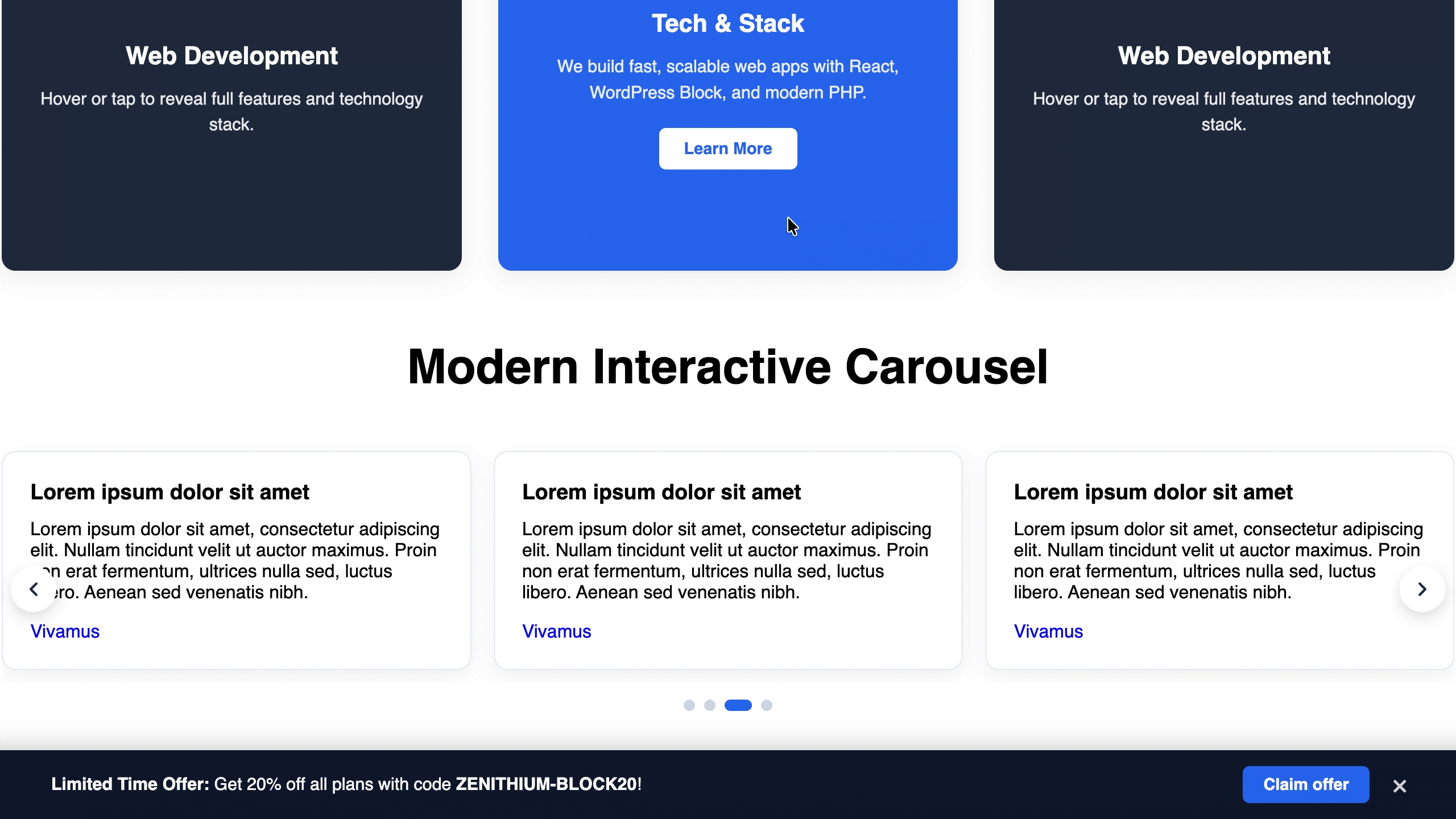
Frontend rendering of the Interactive Carousel and Sticky CTA Bar.
Faq
Yes! Zenithium Blocks is designed to work with all block themes (FSE) as well as classic themes that support block editor.
Reviews
Changelog
1.0.1
- Update: Tested and confirmed compatible with WordPress 7.1.
- Fix: Added Author URI and updated metadata attributes.
1.0.0
- Initial official release.
- Added Accordion & Accordion Group block.
- Added Modern Interactive Carousel block.
- Added Animated Stats Counter block.
- Added Image Comparison block.
- Added Floating Sticky CTA Bar block.
- Added Interactive Flip Card block.