Zenost Shortcodes
Zenost Shortcodes
Description
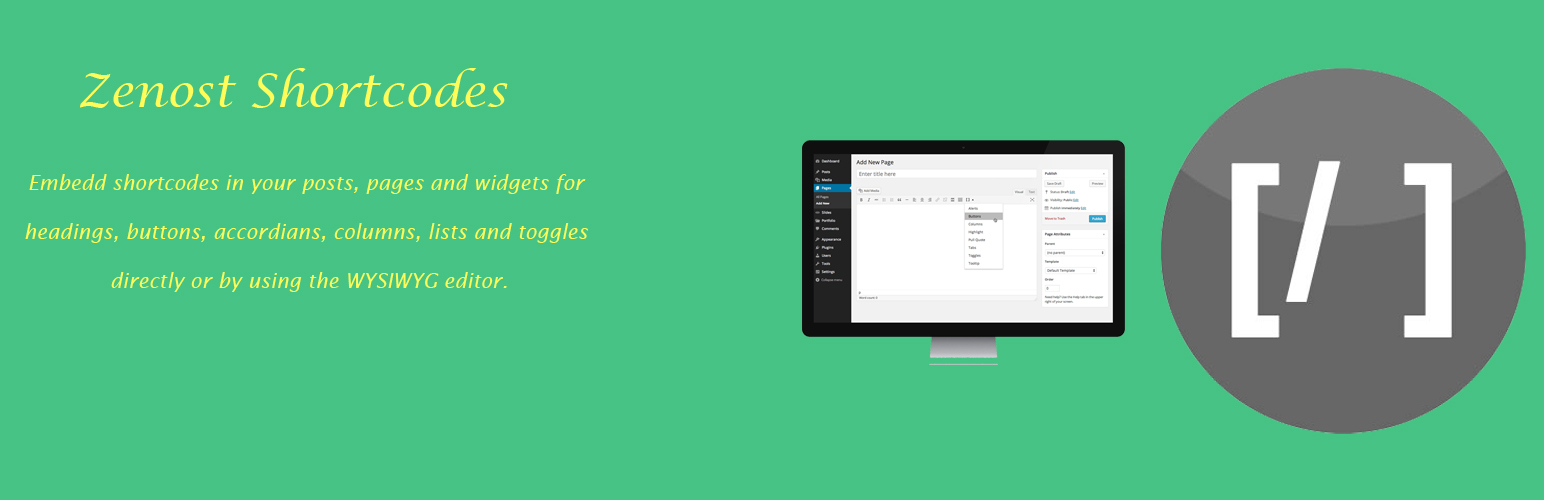
Zenost shortcodes plugin used for shortcodes embedding in your posts, pages and widgets for headings, buttons, accordians, columns, lists and toggles. It is supported by font awesome. Insert directly or use the WYSIWYG editor to insert anywhere.
Installation
- Download the Zensot Shortcodes Plugin.
- In your WordPress Administration, go to Plugins > Add New > Upload, and select the plugin ZIP file.
- Activate the plugin.
- Done!.
Now you can insert shortcodes directly or by using the WYSIWYG editor in posts, pages or widgets.
Support
Contact the plugin author: Imran Ahmed Khan
Developer
Are you a developer want to contribute to develop this plugin? Go to Contact Us.
Credits
The Font Awesome font is licensed under the SIL Open Font License can be found at http://scripts.sil.org/OFL.
Bootstrap is licensed under the MIT License can be found at
Github.
Installation
- Download the Zensot Shortcodes Plugin.
- In your WordPress Administration, go to Plugins > Add New > Upload, and select the plugin ZIP file.
- Activate the plugin.
- Done!.
Screenshots

Editor View

Editor Menu

Accordian

Columns

Headings

Lists

Buttons

Toggles
Reviews
Loads Bootstrap that overrides theme's styles
By 
This plugin loads all of Bootstrap css onto the front end, so this totally changes the appearance of the typography of your theme. It should be scoped to just the shortcodes.
I see this plugin is abandoned anyway, but I would not recommend.
Changelog
1.0
- Initial release