ZoloBlocks – Advanced Gutenberg Blocks, Website Builder & Page Design Toolkit
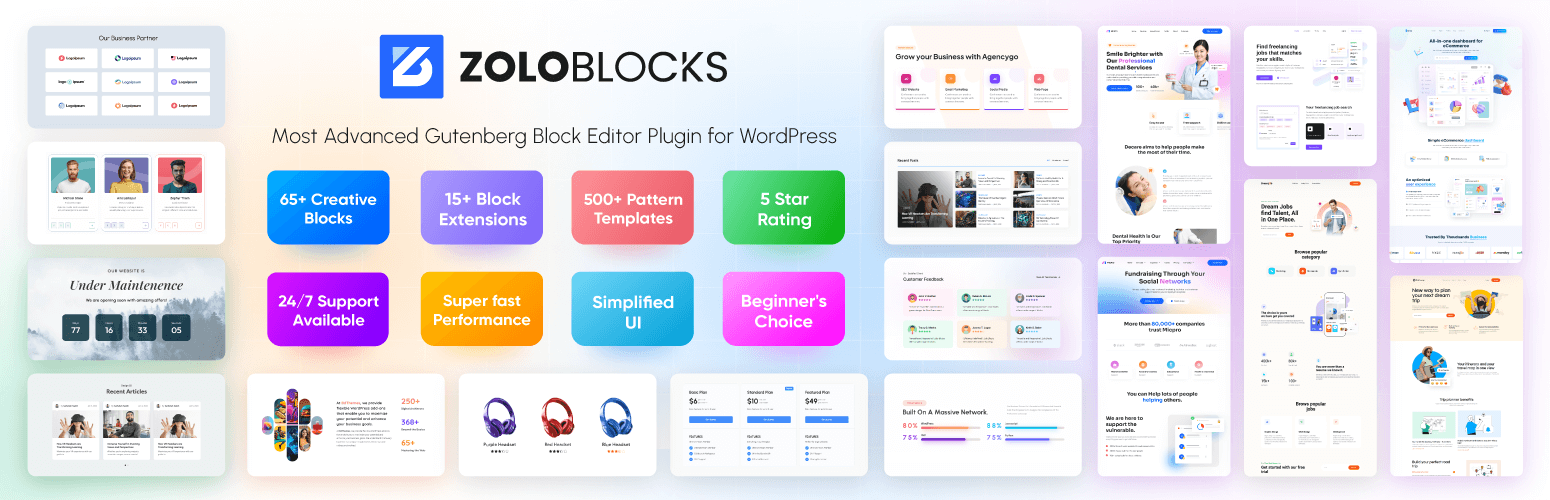
ZoloBlocks – Advanced Gutenberg Blocks, Website Builder & Page Design Toolkit
Description
ZoloBlocks is a collection of blocks, patterns, and page templates for the WordPress block editor. It helps you design complete pages using the native editor without a third-party page builder.
Live Demo | Pro Version | Documentation
What ZoloBlocks Provides
- A library of advanced blocks that extend the default WordPress block editor.
- Pre-designed patterns and page templates you can insert into pages.
- Full Site Editing compatibility with block themes.
- Dynamic content options for site, post, or user data.
- Query loop options for posts, products, or custom post types.
- Animation and visual effect options for supported blocks.
- Optional AI text generation to help draft headings and paragraphs (third-party service, see “External services” below).
- Pattern import and export for reuse across sites.
Key Features
- Layout building with pre-built sections and templates.
- Responsive containers for mobile, tablet, and desktop.
- Mega menu for multi-level navigation.
- Dynamic content and query loop for posts or custom post types.
- Entrance and scroll-based animations on supported blocks.
- Optional AI text generation inside the editor (third-party service).
- Pattern import / export for reuse across pages or sites.
Available Blocks
ZoloBlocks ships 60+ free and pro blocks across categories such as Image, Slider & Carousel, Post, Review, Form, Popup, Utility, Creative, Loop & Animation, Grid & List, Single Page Elements, and Advanced. A full list with live demos is available at https://zoloblocks.com/demo/.
Who Is It For
Website designers, freelancers, agencies, bloggers, content creators, small business owners, portfolio builders, and digital marketers who want to design WordPress pages directly in the block editor.
Support
The team behind ZoloBlocks ships regular updates. For help, contact support. Visit BdThemes for more plugins and documentation.
Source code
The compiled JavaScript and CSS files in the build/ and assets/ directories are generated from the source code in the src/ directory.
Public source repository: https://github.com/bdthemes/zoloblocks
Build instructions:
- Clone the repository.
- Run
npm installto install dependencies. - Run
npm run buildto generate the production assets inbuild/. - Run
composer installto install PHP dependencies (used for development tooling only).
External services
This plugin connects to several third-party services. Each service is only contacted when the related feature is used or configured. No personal data is sent unless the corresponding feature is enabled or the user interacts with it.
1. Google reCAPTCHA
Used by the Form block when the site administrator enables reCAPTCHA protection and provides site / secret keys in ZoloBlocks settings.
– What is sent: the reCAPTCHA token generated in the visitor’s browser, the visitor’s IP address, and the configured secret key, sent to https://www.google.com/recaptcha/api/siteverify on form submission. The Google reCAPTCHA JavaScript (https://www.google.com/recaptcha/api.js) is loaded on pages containing a form when reCAPTCHA is enabled.
– When: only when reCAPTCHA is enabled and a form is submitted.
– Provider: Google LLC. Terms: https://policies.google.com/terms Privacy: https://policies.google.com/privacy
2. Google Maps
Used by the Google Map block when added to a page.
– What is sent: the configured Google Maps API key and a request to load the Google Maps JavaScript API from https://maps.googleapis.com/maps/api/js. The browser of any visitor viewing a page containing a Google Map block will load map tiles from Google.
– When: only when a Google Map block is present on a page.
– Provider: Google LLC. Terms: https://cloud.google.com/maps-platform/terms Privacy: https://policies.google.com/privacy
3. Google Fonts list (WordPress.org mirror)
Optional. Used by the typography controls only when a site administrator enables Settings Editor Options Load Google Fonts catalog (WordPress.org mirror) in the ZoloBlocks dashboard.
– What is sent: a simple HTTP GET request (no personal data) to https://s.w.org/images/fonts/wp-7.0/collections/google-fonts-with-preview.json to retrieve the list of Google Fonts.
– When: only after the option is enabled, and only when the block editor needs to refresh the font list.
– Provider: WordPress.org. Terms and privacy: https://wordpress.org/about/privacy/
4. Zolo AI (AI text generation by Sigmative)
Used by the optional AI text generation feature inside the block editor.
– What is sent: the prompt text entered by the site administrator in the editor, and the API key configured in ZoloBlocks settings, sent to https://ai.sigmative.com/api/prompt/v1/generation/chat/completions.
– When: only when an administrator clicks the AI generation action in the editor.
– Provider: Sigmative. Privacy: https://sigmative.com/privacy-policy
5. Mailchimp (optional Form integration)
Used only when a site administrator configures a Form block to send subscriber data to Mailchimp.
– What is sent: the visitor’s email address, optional first name, the configured Mailchimp API key and list ID, sent to https://<dc>.api.mailchimp.com/3.0/lists/{list_id}/members (where <dc> is the data center prefix derived from the API key).
– When: only when a visitor submits a form whose Mailchimp integration has been configured by the administrator.
– Provider: Intuit Mailchimp. Terms: https://mailchimp.com/legal/terms/ Privacy: https://www.intuit.com/privacy/statement/
6. Custom Webhooks (optional Form integration)
Used only when a site administrator pastes a custom webhook URL into the Form block settings.
– What is sent: the visitor’s email address and optional first name, sent as a JSON POST request to the URL configured by the administrator.
– When: only when a visitor submits a form whose webhook URL has been configured by the administrator.
– Provider: the third-party service chosen by the administrator. The administrator is responsible for ensuring the destination has an appropriate privacy policy.
Installation
Plugin Installation Method:
- Go to the WordPress dashboard
- Got to the Plugins > Add New
- Type “ZoloBlocks” in the search box
- Click on “Install” button
- After install the plugin Activate the plugin
Installation via Zip file:
- Download ZoloBlocks block plugin zip file from WordPress
- Go to site Dashboard > Plugins > Add New > Upload Plugins
- Select the ZoloBlocks zip file and proceed to install
- Activate ZoloBlocks.
Plugin settings:
- Please turn on/off required features from ZoloBlocks dashboard (most features are turned on by default)
Screenshots

ZoloBlocks Page Builder Blocks Addons for Gutenberg

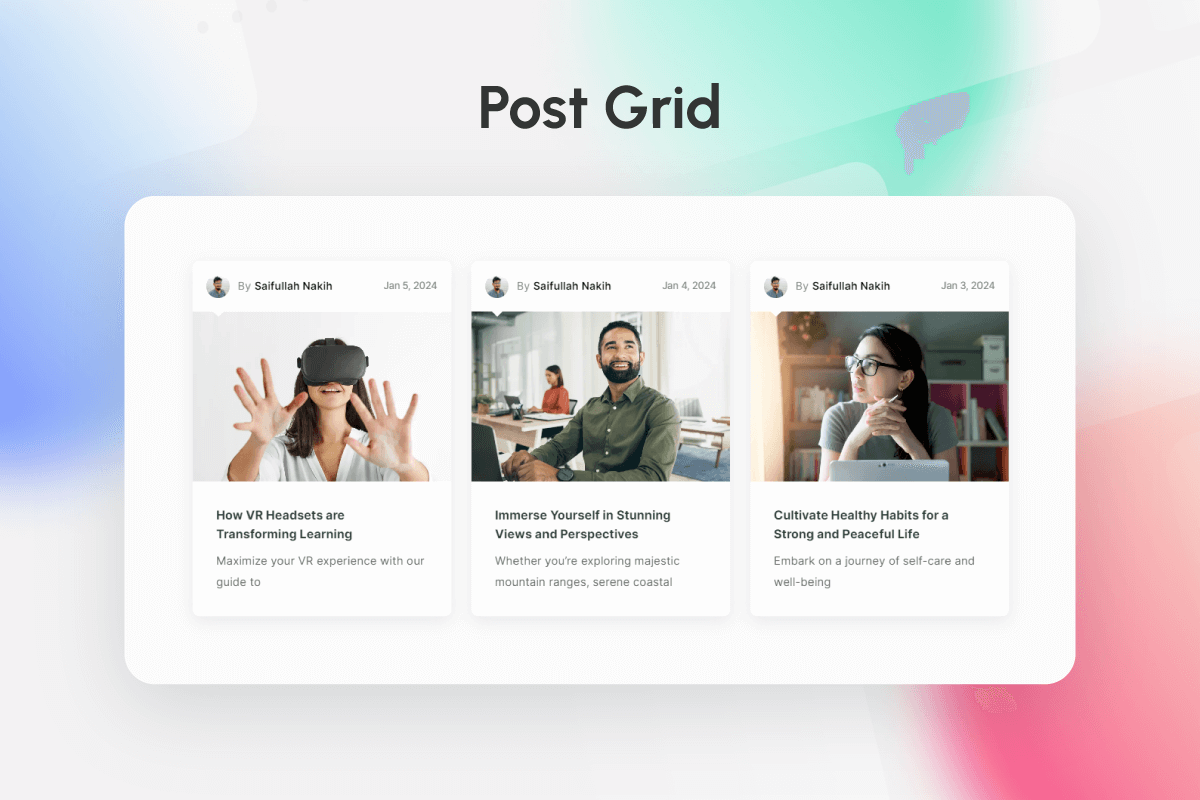
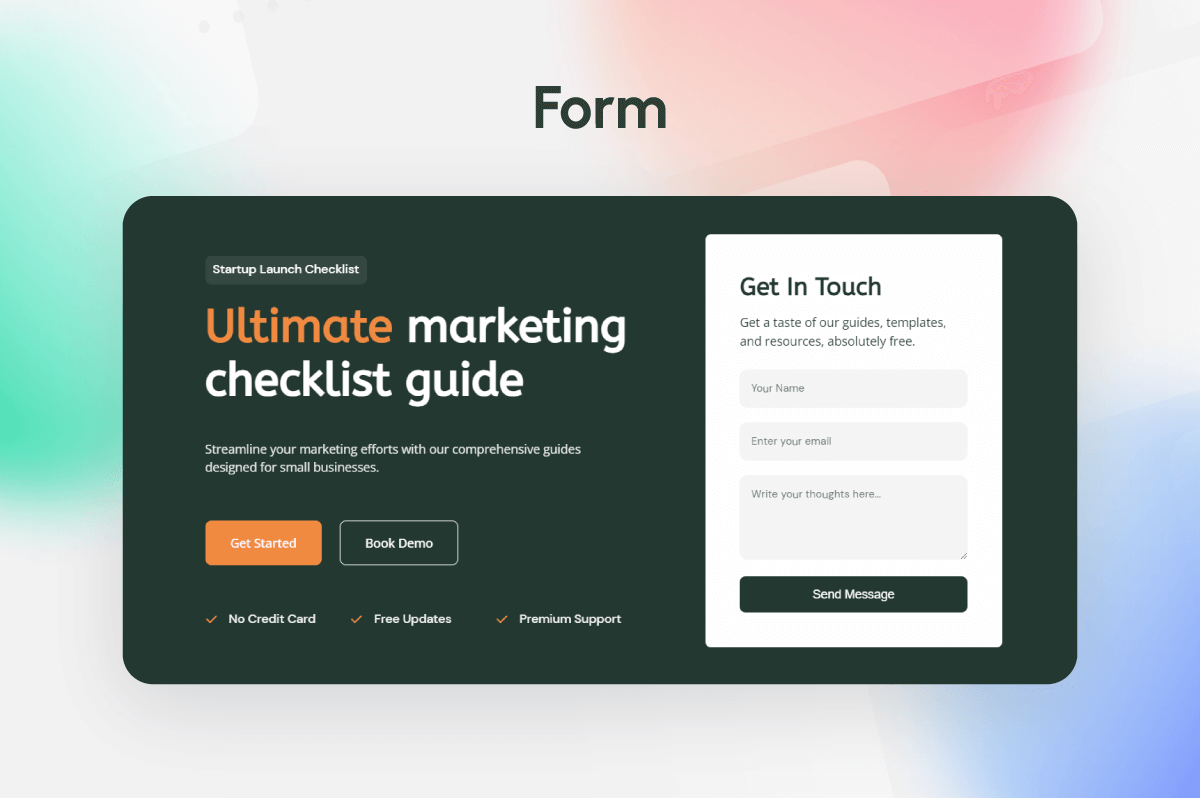
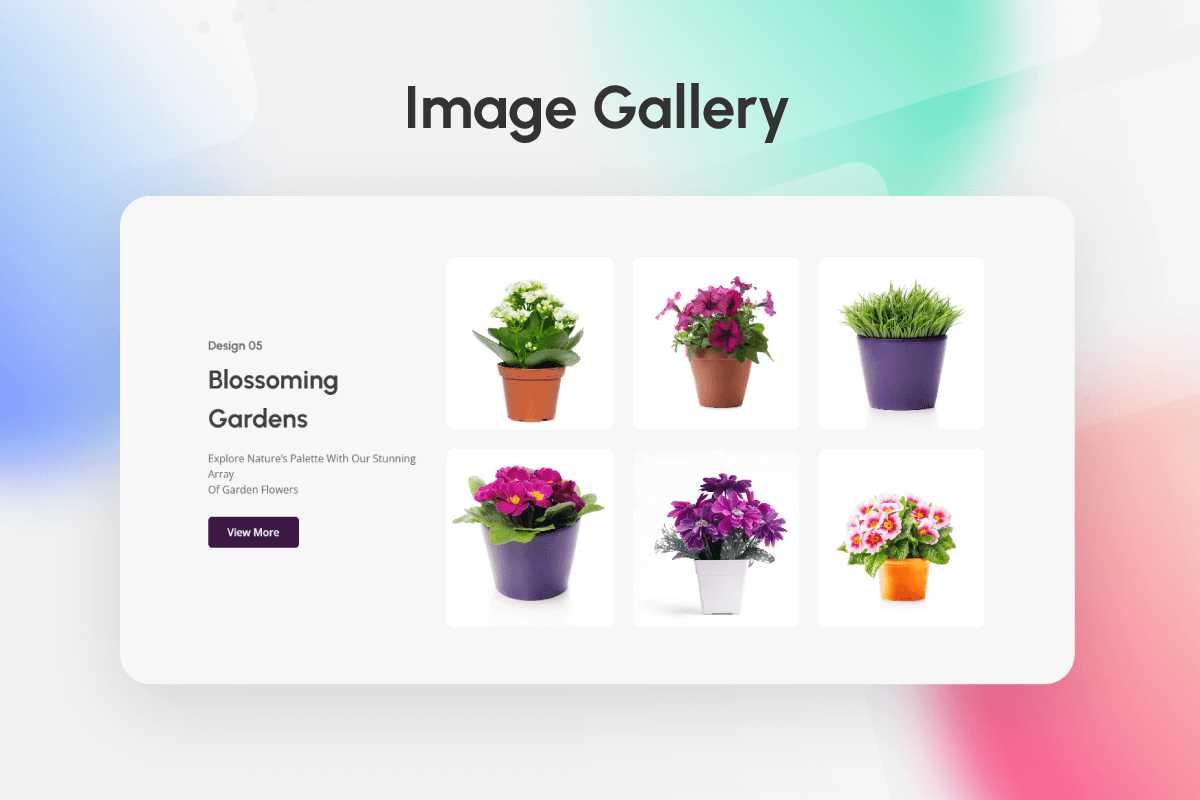
Most Popular Widget List 01

Most Popular Widget List 02

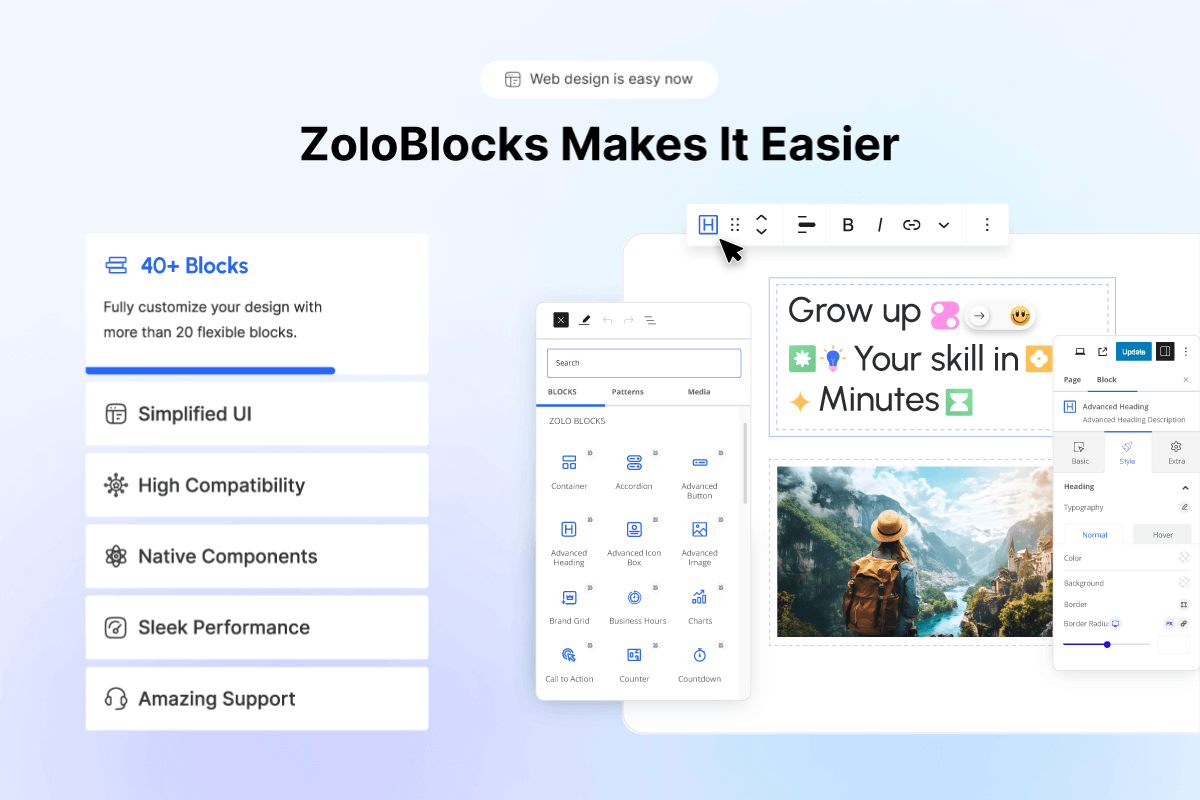
Why you Should use ZoloBlocks

Why you Should use ZoloBlocks

Check out our others popular plugin
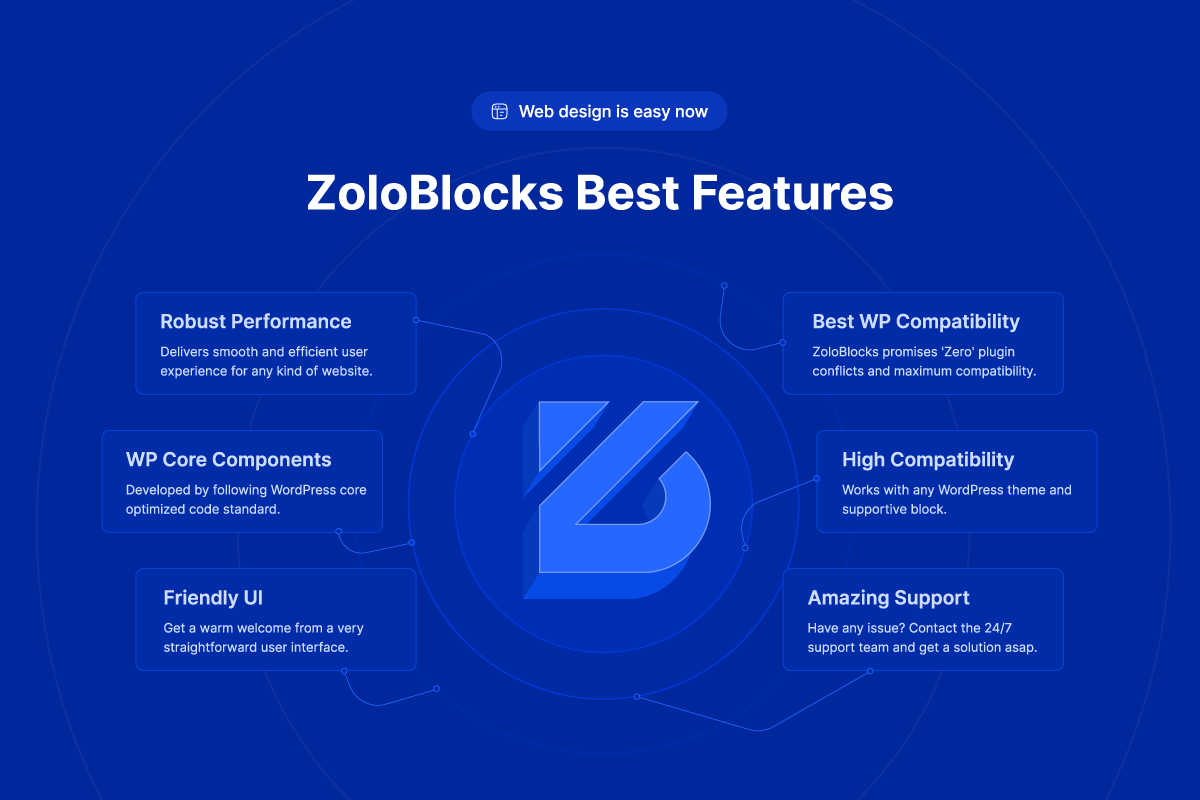

Faq
ZoloBlocks offers a range of features designed to enhance your web design experience. These includes customizable blocks, layouts, patterns, drag-and-drop interface, advanced styling options, flexibility, responsiveness and more.
Most certainly all WordPress themes are compatible with the ZoloBlocks framework as the plugin is built for maximum compatibility with WordPress itself.
If you upgrade to the pro plugin version, you will unlock more unique features and customizations. Additionally, you will be able to receive personalized support from team BdThemes.
No. With this plugin, you will actually replace all popular page builder plugins. On top of that, you can enjoy a similar yet faster and more robust customization experience in the Gutenberg environment.
This plugin will not conflict with any other Gutenberg or page builder plugins. Moreover, developers are consistently maintaining the quality to ensure no conflict occurs.
As a Native Gutenberg plugin, ZoloBlocks does not break your site after new updates. However, a rare case might occur if the plugin fails to properly update. If you are facing such an issue, please roll back to the previous version and contact support for help.
You will continue to receive support as long as the plugin is alive. Also, we promise frequent updates to maintain product quality. So, you can expect a well-scheduled update for the plugin.
Yes, our plugin offers multi-lingual support as a compliment being developed from the raw essence of WordPress.
The White Label option can only be enjoyed by paid customers belonging to a specific tier mentioned in the plugin’s Terms of Use.
Of course. Please expect new features within the frequent plugin updates. Also, you can contribute by suggesting features and your opinions to us.
The plugin has been developed to be used by all WordPress users, regardless of their freelancer-client relationship. And there are paid tiers of the plugin designed especially for giving out client-based web services.
No. In fact, it might be your first day at WordPress and you are using ZoloBlocks for the first time. Still, you will be able to grasp all the features and functionality of the plugin shortly. We also have documentation, feature videos, and Live Chat support to further guide you.
Absolutely no chance of slowing down your website. ZoloBlocks boosts a lightweight framework with only fresh green codes. Best thing can happen is that your site will get faster and more beautiful.
Yes, the plugin is optimized to let you harvest all of your SEO goals easily. With robust WordPress compatibility, the plugin can work alongside popular SEO plugins and makes sure your site ranking is well-preserved.
Not at all. We have optimized all of these blocks for better performance.
Please report security bugs found in the source code of the ZoloBlocks plugin through the Patchstack Vulnerability Disclosure Program. The Patchstack team will assist you with verification, CVE assignment, and notify the developers of this plugin.
Reviews
Excellent plugin!
By 
Lots of options, simple interface and nice output on the frontend!
The best page builder plugin I have found so far (5 years)
By 
I have tried a variety of ways to build my site (belobog.sk - including Elementor, Otter, Stackable, Spectra among others). I decided for Spectra Pro, and now I found that even free ZoloBlocks suits my needs much better than paid Spectra Pro. And it is also a bit more user friendly.
Nice stuff, love from the first sight.
Awesome Gutenberg Plugin!
By 
ZoloBlocks is a game-changer! It offers advanced blocks, dynamic content, and ready-made templates, making web design effortless. It's lightweight, user-friendly, and well-optimized. Highly recommended for anyone using Gutenberg!
Plugin with lot of functionalities
By 
great plugin to use with a dedicated team always available to give a fast and constructive response.
The Easiest WordPress Plugin
By 
I was facing trouble & waste time to build new website name assisThem.com. When I got ZoloBlocks then make new robust website in collaboration with Bidthemes team. Thanks to Bdthemes team for helping.
Complete Gutenberg blocks plugin
By 
They solved my problem in a very short time. Zoloblocks offers a delightful user experience, this is the most complete Gutenberg blocks plugin. Highly recommended.
直感的で使いやすいブロックが多数あり、とても便利
By 
ZoloBlocksを追加することで、Gutenbergでは物足りない感がありましたが、多様なカスタムブロックが増えるのでデザインの幅が広がりました。細かい設定等も直感的に扱え言語による問題はありません。
軽量でパフォーマンスに配慮されているので、ページの表示が遅くなるといった事もなく、またモバイルやタブレットでも綺麗に表示されます。
使いやすいので初心者のクライアントにも、安心して提供することが出来ます。
Finally what was missing in Gutenberg
By 
I started using this plugin since the beta version. I still use it on my website and it makes it very easy to prepare wordpress articles quickly and effectively.
In my opinion it is one of the best Gutenberg extensions on the market.
Great job.
The best for Gutenberg
By 
The zolo blocks is the best thing for present and upcoming changes in Gutenberg for wordpress, the work you want to complete it with in matter of minutes.
Best in Guten era!
By 
Zoloblocks offers a delightful user experience with a wide array of widgets tailored for Gutenberg page building. Its seamless performance makes crafting pages a breeze.
Hoping the Gutenberg era is embraced by Zolo!
Changelog
2.7.10 [September 1, 2026]
Improvements
- Google Fonts: Font list now loads through the WordPress Font Library.
- Security: Added direct file access protection to internal PHP files.
- Compatibility: Tested up to WordPress 7.1.
2.7.9 [August 12, 2026]
Improvements
- Performance: Enhanced overall plugin performance and stability for smoother interactions.
2.7.8 [July 26, 2026]
Improvements
- Dashboard UI: Optimized the dashboard interface for mobile devices with an improved responsive layout that adapts across screen sizes.
2.7.7 [June 21, 2026]
Bug Fixes
- Dashboard UI: Fixed an issue where the bottom blocks were hidden behind the fixed ‘Save Changes’ footer.
Improvements
- Performance: Enhanced overall plugin performance and stability for smoother interactions.
2.7.6 [May 23, 2026]
Bug Fixes
- Editor Controls: Fixed broken control styles (header tabs, iconic button group, reset button, icon picker) in the block editor sidebar.
2.7.5 [May 10, 2026]
Improvements
- Performance: Enhanced overall plugin performance and stability for smoother interactions.
2.7.4 [April 26, 2026]
Compliance
- Trialware: Pro features (blocks and extensions) are no longer rendered as locked entries inside the active Blocks/Extensions lists. They now appear only on a dedicated “Upgrade” tab as plain marketing text, with no toggles.
- Pro registry split:
includes/Extensions/extensions.phpandincludes/Blocks/Blocks.phpcontain only fully functional free entries. Pro marketing metadata moved toincludes/Extensions/pro-extensions.phpandincludes/Blocks/ProBlocks.php. - Phone home: Removed unused
biggopti.js/biggopti.cssadmin assets. - Security: Removed
'sslverify' => falsefrom outbound HTTP requests in the Mailchimp integration and Zolo AI client; SSL verification is now enabled by default for all external calls. - Disclosure: Added Mailchimp and Custom Webhook entries to the readme
== External services ==section. - Readme: Trimmed promotional cross-promo sections.
2.7.3 [April 23, 2026]
Compliance
- WordPress.org review: Form “Save response” and “Save & send” actions work in this plugin without a separate Pro plugin; form entries are available under Form Entries in the admin menu.
- Privacy: Google Fonts catalog fetch from WordPress.org is off by default and can be enabled under ZoloBlocks Settings Editor Options.
- Privacy: Removed promotional admin script code that called a remote recommendations API.
- Security: Escaped block render output and dynamic CSS where flagged; reCAPTCHA site key is escaped in the form block output filter.
- Readme: Documented opt-in for the Google Fonts list; clarified Sigmative privacy link.
2.7.2 [April 20, 2026]
Compliance / Improvements
- Plugin Name: Renamed display title to “ZoloBlocks” to follow WordPress.org plugin naming guidelines.
- Readme: Rewrote description to remove promotional and keyword-stuffed language.
- Readme: Added “External services” section documenting every third-party service used by the plugin, along with terms and privacy policy links.
- Readme: Added “Source code” section with build instructions and a link to the public source repository.
- Settings: Added proper
sanitize_callbackto everyregister_setting()call in the admin Settings. - Admin Menu: Lowered the top-level ZoloBlocks admin menu position so it no longer competes with WordPress core items.
2.7.1 [March 17, 2026]
Improvements
- Typography: Enhanced typography controls and consistency across all blocks. Full Google Fonts library is now available in the typography control.
- Heading Block: Added margin options for improved spacing control.
- List Block: Introduced heading option for better content organization.
Tweaks
- List Block: Removed default Facebook icon from the repeater control.
2.7.0 [March 10, 2026]
New Features
- Tag Cloud Block: Introduced animated skin for enhanced visual appeal.
- List Block: Added badge color options and gap control for improved customization.
- Counter Block: Added hover controls for interactive styling.
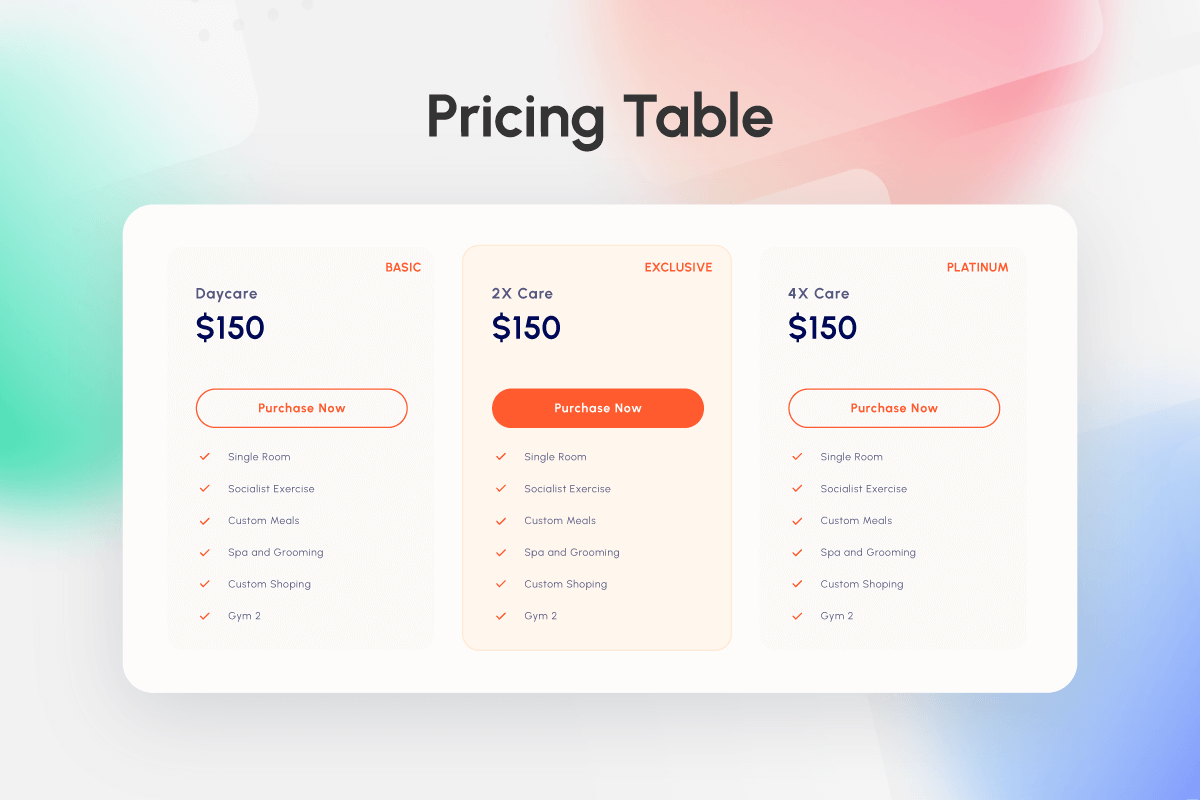
- Pricing Table Block: Added list color, background color, and vertical alignment controls.
- Tabs Block: Added new border style option to the Vertical layout.
- Advanced Heading: Added additional separator options for greater layout flexibility.
- Post List Block: Added read more options for better content display.
Bug Fixes
- Advanced Icon Box Block: Fixed image radius issue in Preset Style 3.
- Navigation Block: Resolved submenu not opening issue.
- Lightbox Block: Fixed animation color issue.
- Advanced Icon Box Block: Fixed image size issue in Preset Style 1 and mobile margin issue.
- Review Carousel Block: Resolved pagination issue.
- Video Block: Fixed video link functionality issue.
- Post Carousel Block: Fixed column number issue.
- Review Carousel Block: Fixed column number issue.
- Post Timeline Block: Fixed pagination issue.
- Media Upload Control: Resolved control not working issue.
- All Blocks: Fixed box sizing issue.
- General: Fixed responsive issues and plugin checker compatibility.
- Multi Block Selection: Fixed error occurring when selecting multiple blocks simultaneously.
- Review Carousel Block: Fixed padding inconsistency affecting layout display.
Improvements
- Optimized overall plugin performance for faster loading and smoother interactions.
- Enhanced Review Carousel, Progress Pie, and Post List blocks with improved UI and functionality.
- Improved Video, Social Share, and Team blocks performance (resolved block recovery issues).
- Replaced image size control with height and width controls in Advanced Icon Block.
- Refined control UI across multiple blocks for better user experience.
2.6.0 [February 05, 2026]
New Features
- Class Manager: Introduced for easy customization.
- Flexbox Block: Extended with overflow option.
Bug Fixes
- Table of Content Block: Resolved various issues.
- Post Category Block: Added style 4 preset.
- Advanced Heading Block: Fixed spacing issue.
2.5.2 [January 13, 2026]
Improvements
- User Interface: Resolved minor inconsistencies for improved user experience.
2.5.1 [January 6, 2026]
New Features
- Image Block: Added Custom Masking option. (pro)
Bug Fixes
- Dual Button: Fixed color issue.
Details changelog here