ZOOMIT Content Layouts for Elementor
ZOOMIT Content Layouts for Elementor
Description
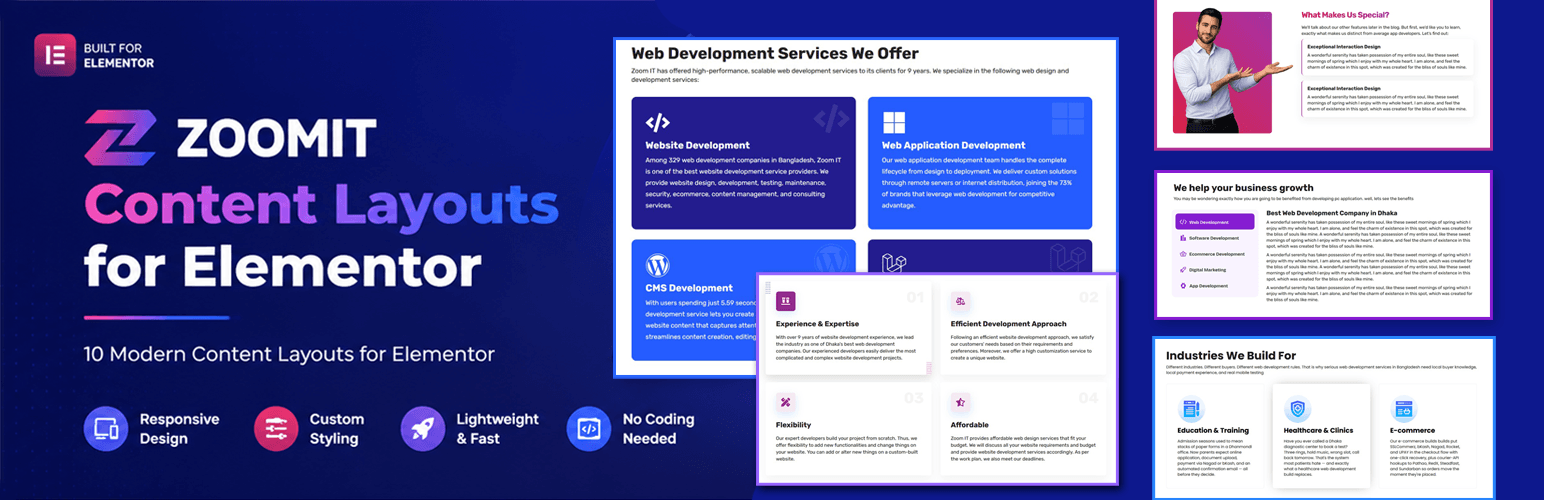
ZOOMIT Content Layouts for Elementor is a feature-rich Elementor addon plugin designed for bloggers, content writers, marketers, and website creators who want to present their articles in a visually attractive way.
The plugin includes 10 unique content designs that help you organize and style your content beautifully inside Elementor without writing any code.
Whether you are creating blog posts, tutorials, affiliate articles, reviews, or landing page content, this plugin helps you improve readability and user engagement.
🎥 Watch Demo Video:
https://www.youtube.com/watch?v=eaSU5VHlie8
Features
- 10 unique content layouts
- Fully responsive design
- Easy drag & drop Elementor widgets
- Typography customization
- Color customization
- Icon support
- Lightweight and fast
- Clean and modern UI
- Beginner friendly
- No coding required
Perfect For
- Blog articles
- Product reviews
- Tutorials
- Affiliate marketing posts
- Landing pages
- News websites
- Magazine websites
Installation
- Upload the plugin files to the
/wp-content/plugins/zoomit-content-layouts-for-elementordirectory, or install the plugin through the WordPress plugins screen directly. - Activate the plugin through the ‘Plugins’ screen in WordPress.
- Make sure Elementor plugin is installed and activated.
- Open Elementor editor.
- Search for “Content Layout” widgets.
- Drag and drop your preferred design into the page.
Screenshots
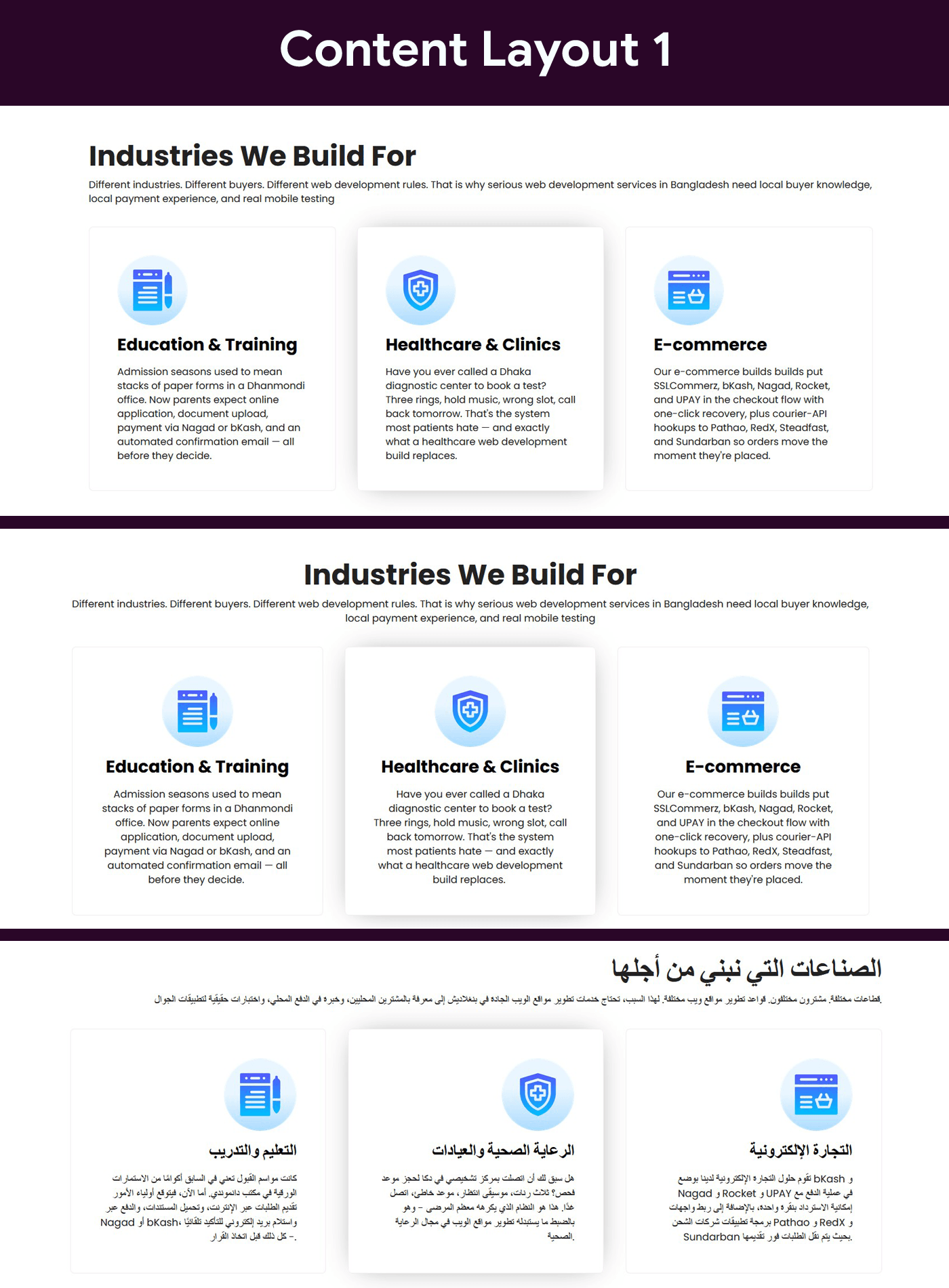
Content Layout One
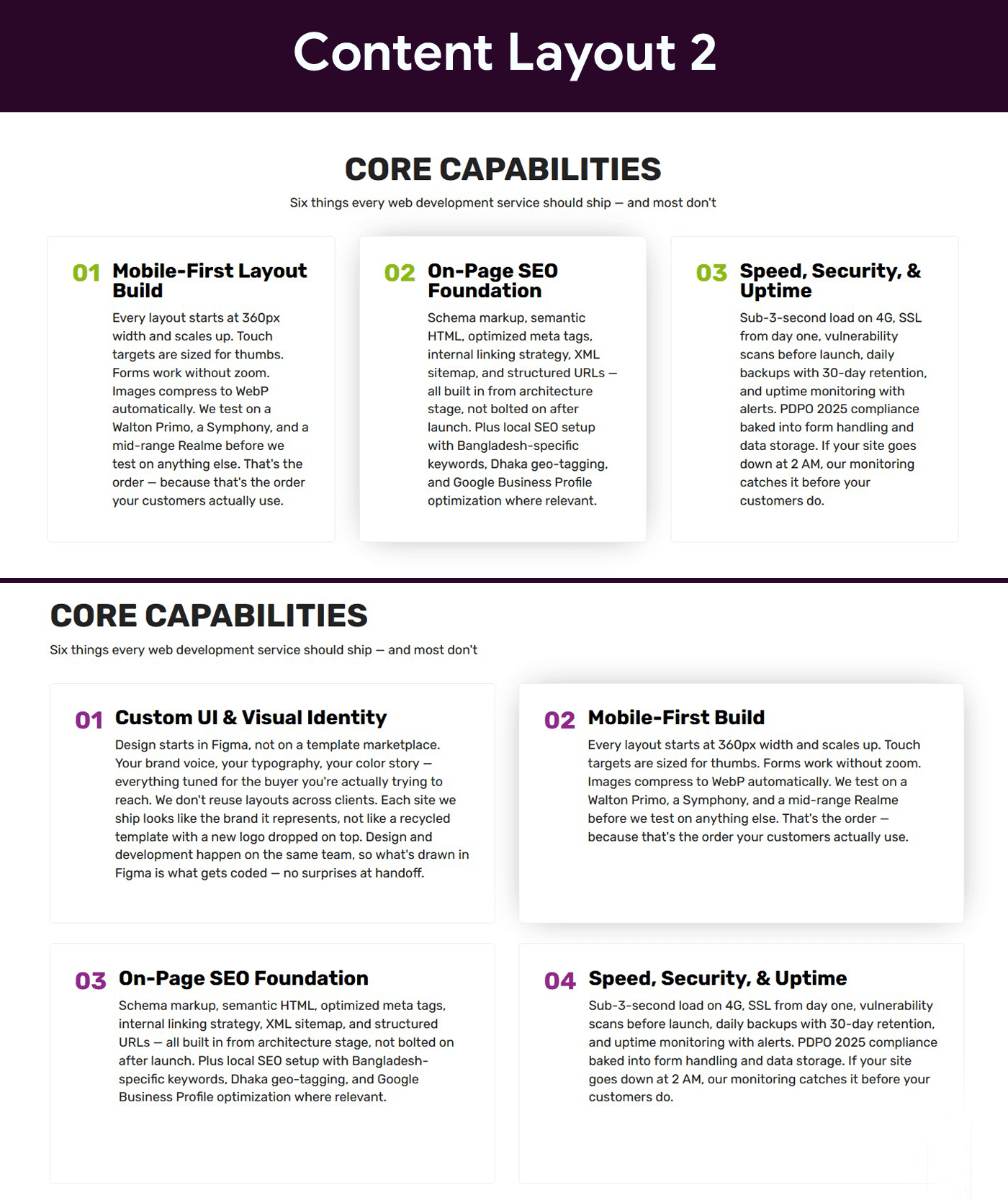
Content Layout Two
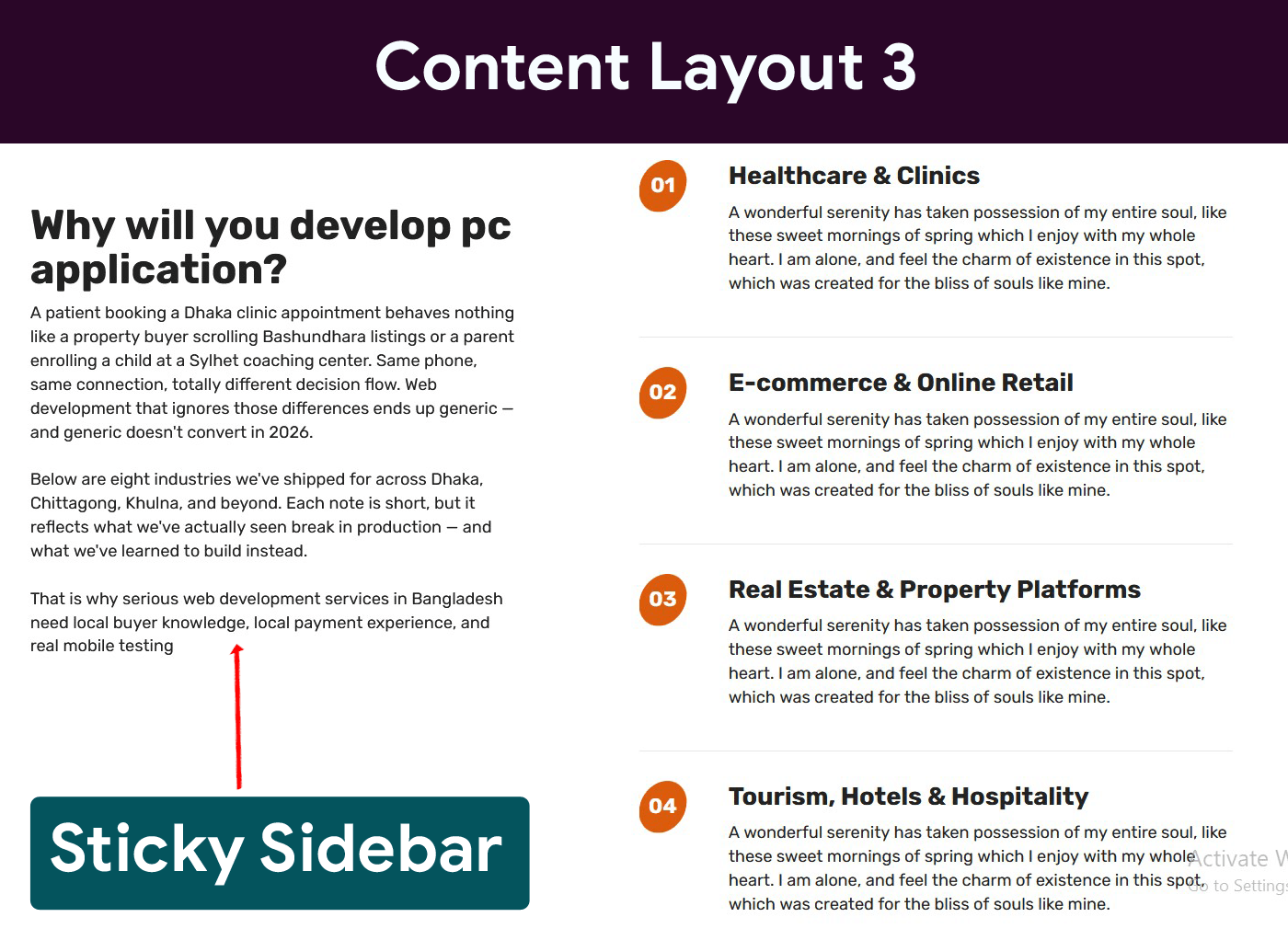
Content Layout Three
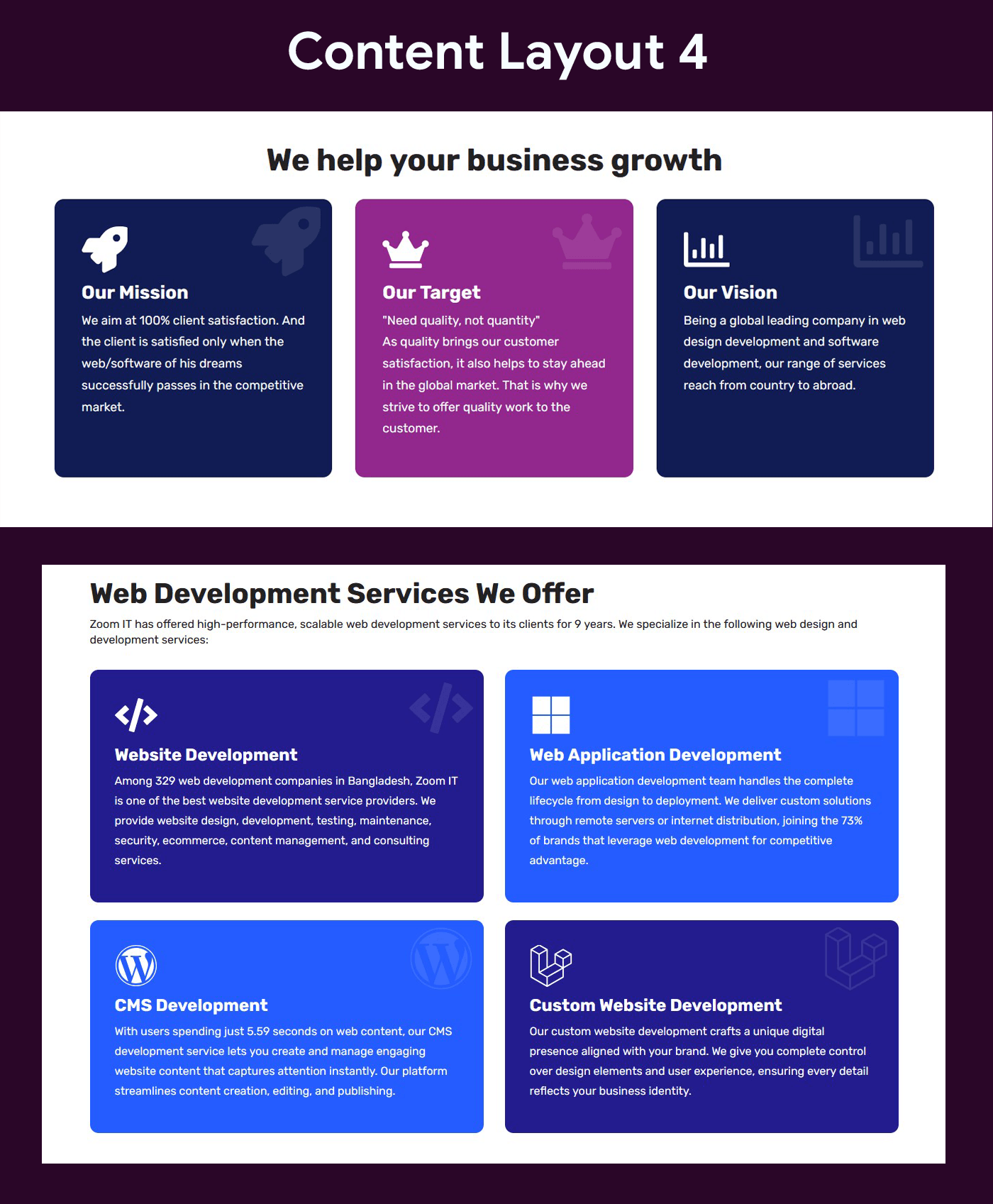
Content Layout Four
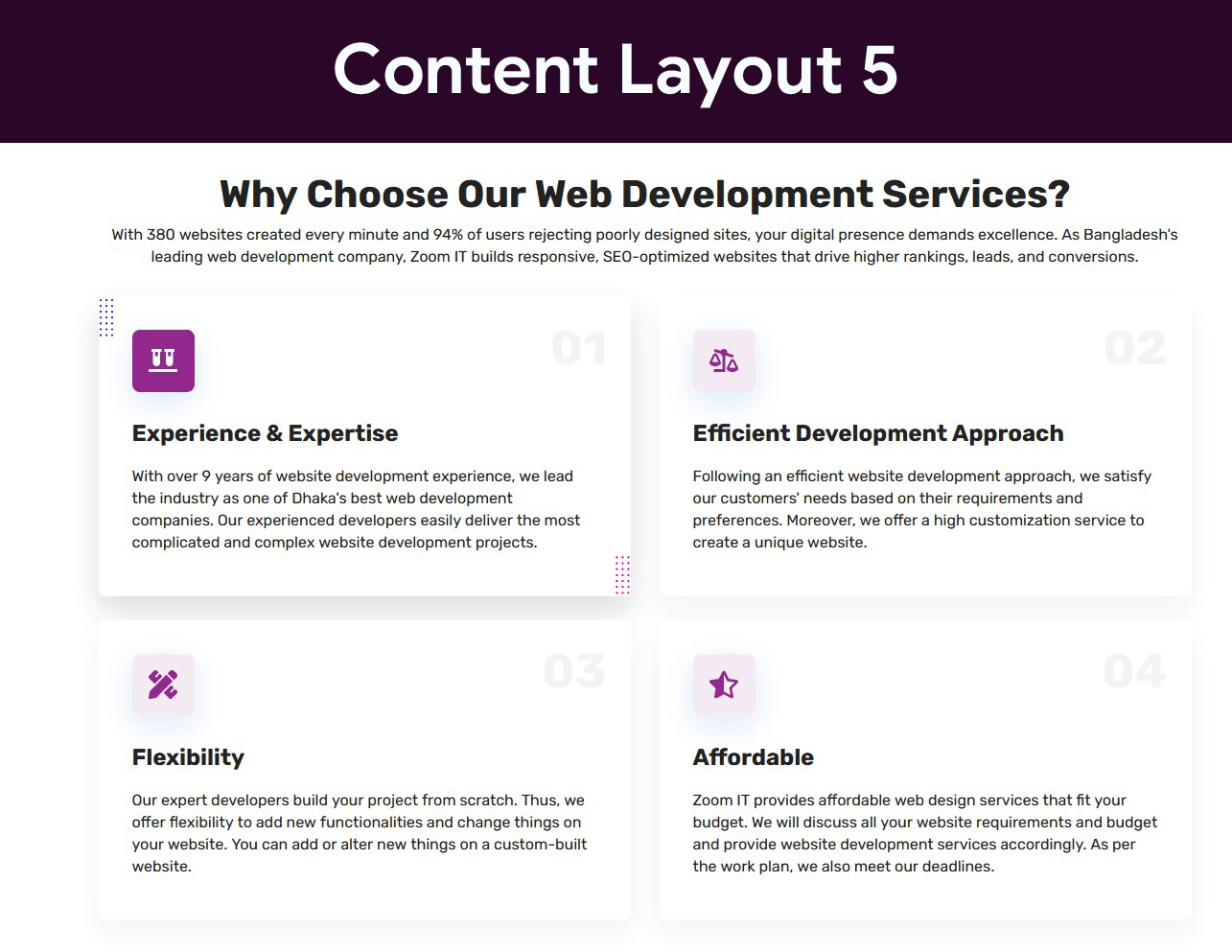
Content Layout Five
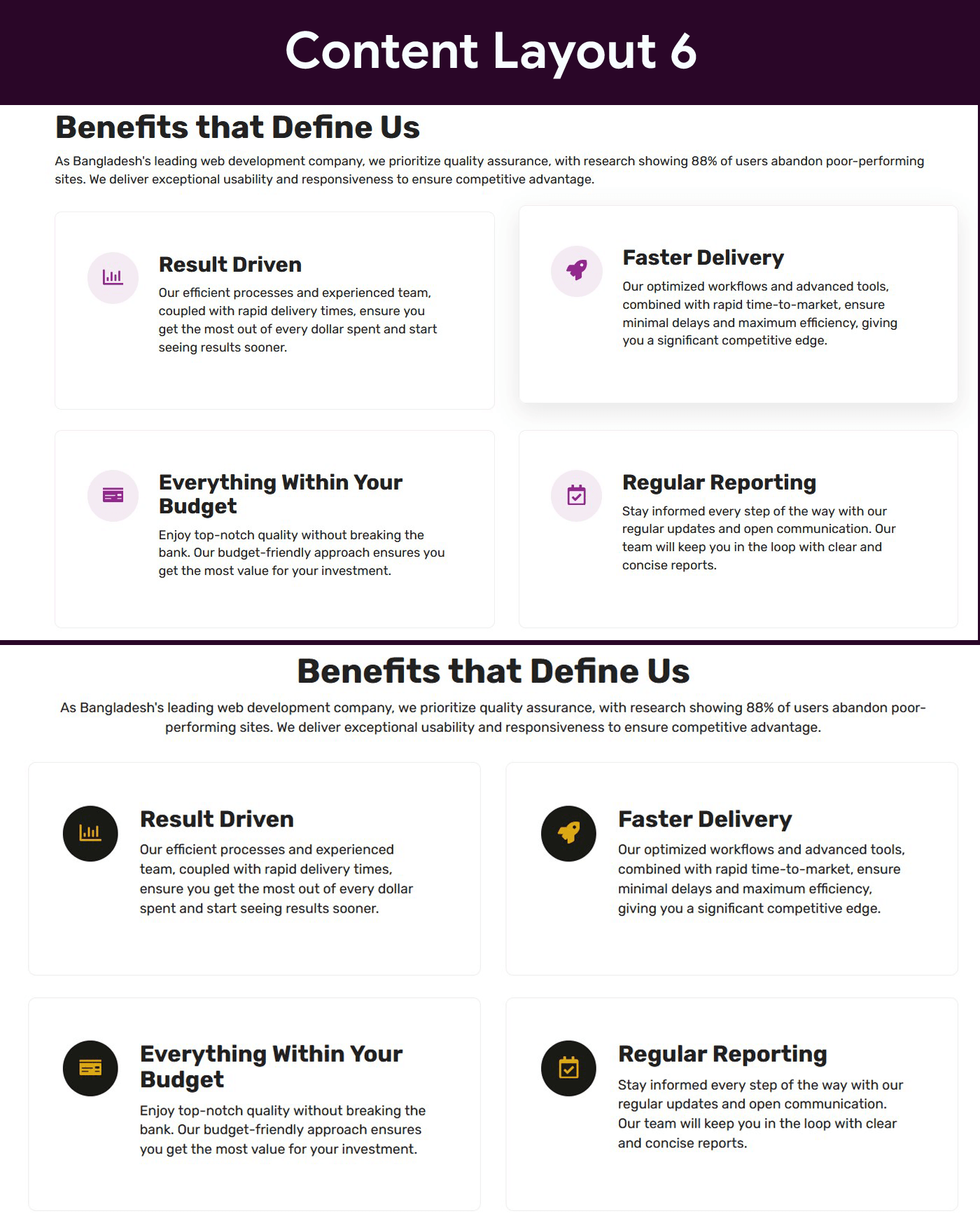
Content Layout Six
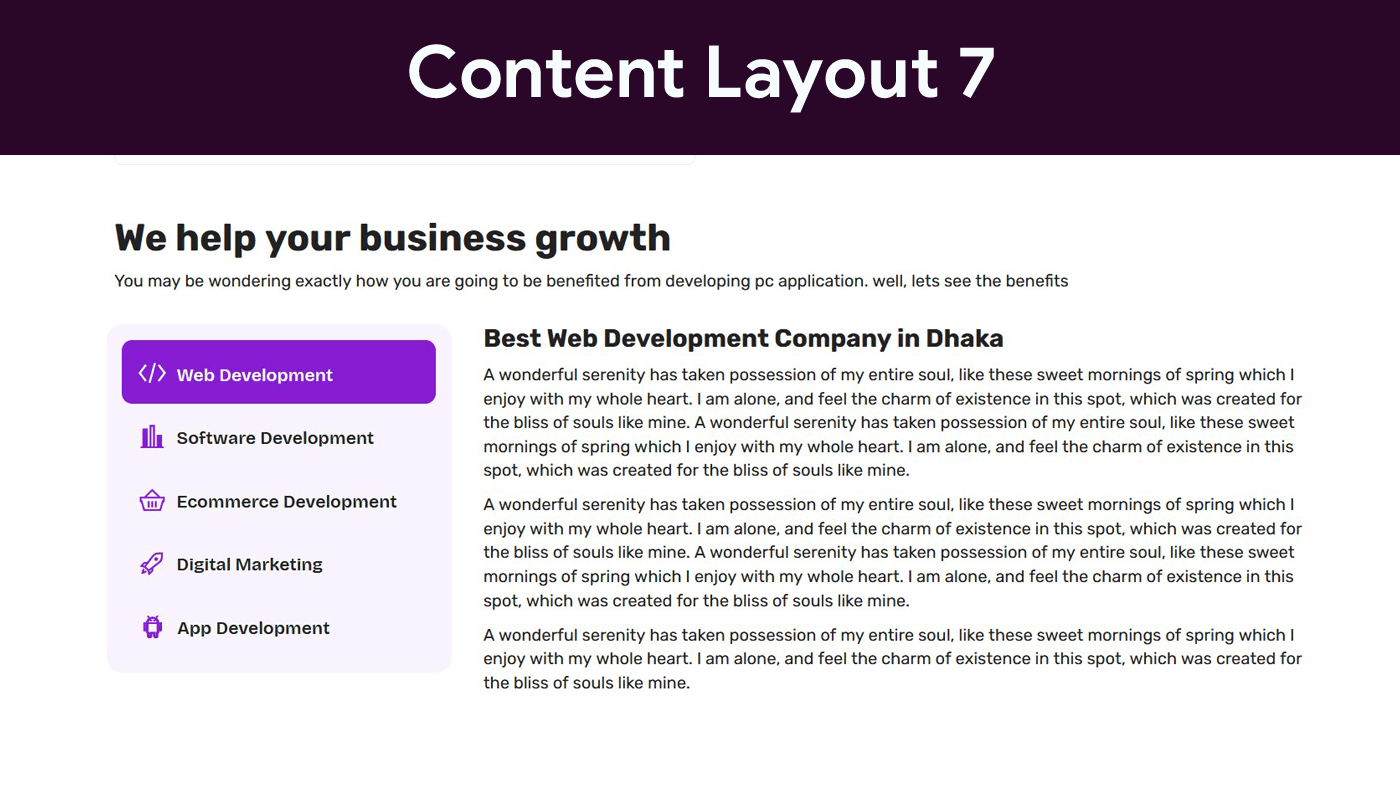
Content Layout Seven
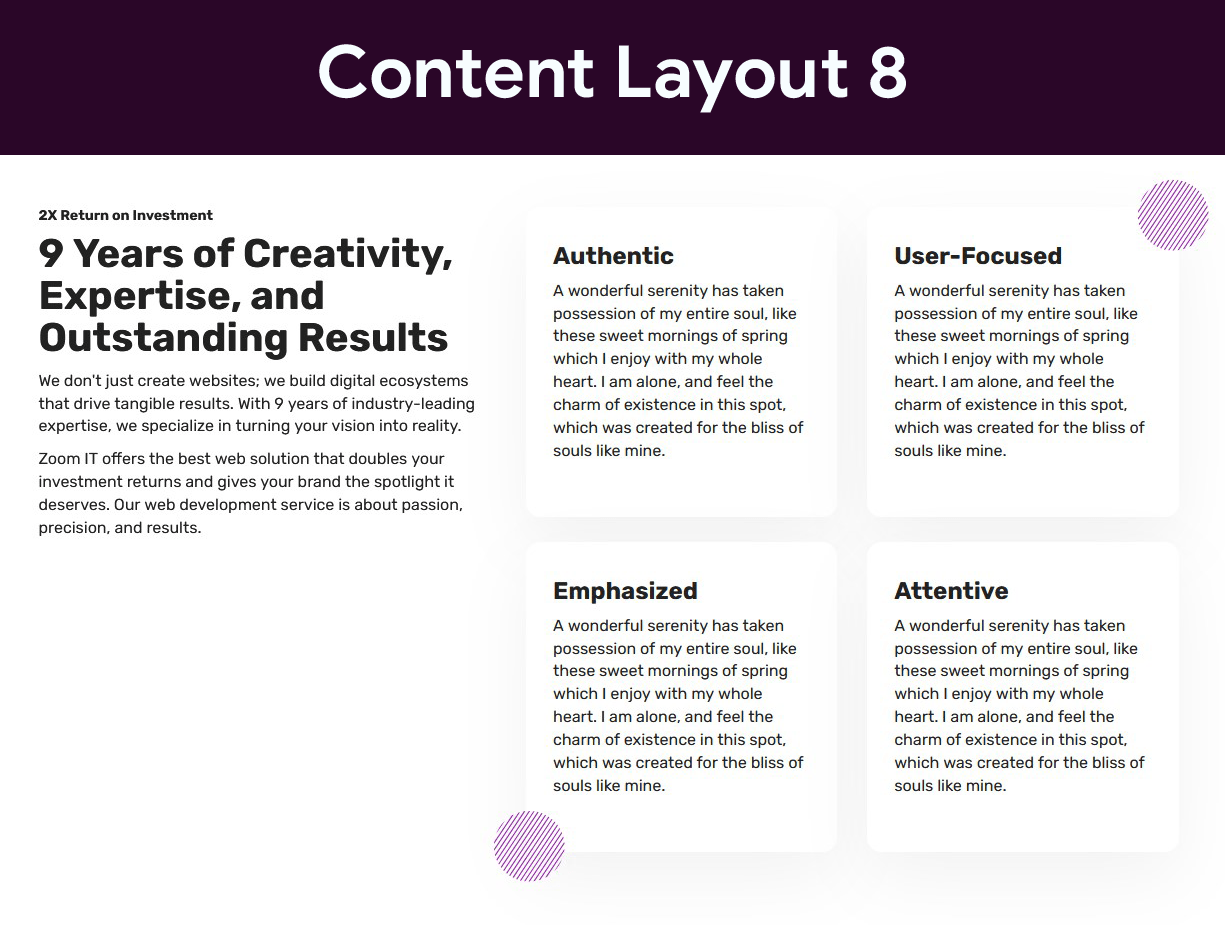
Content Layout Eight
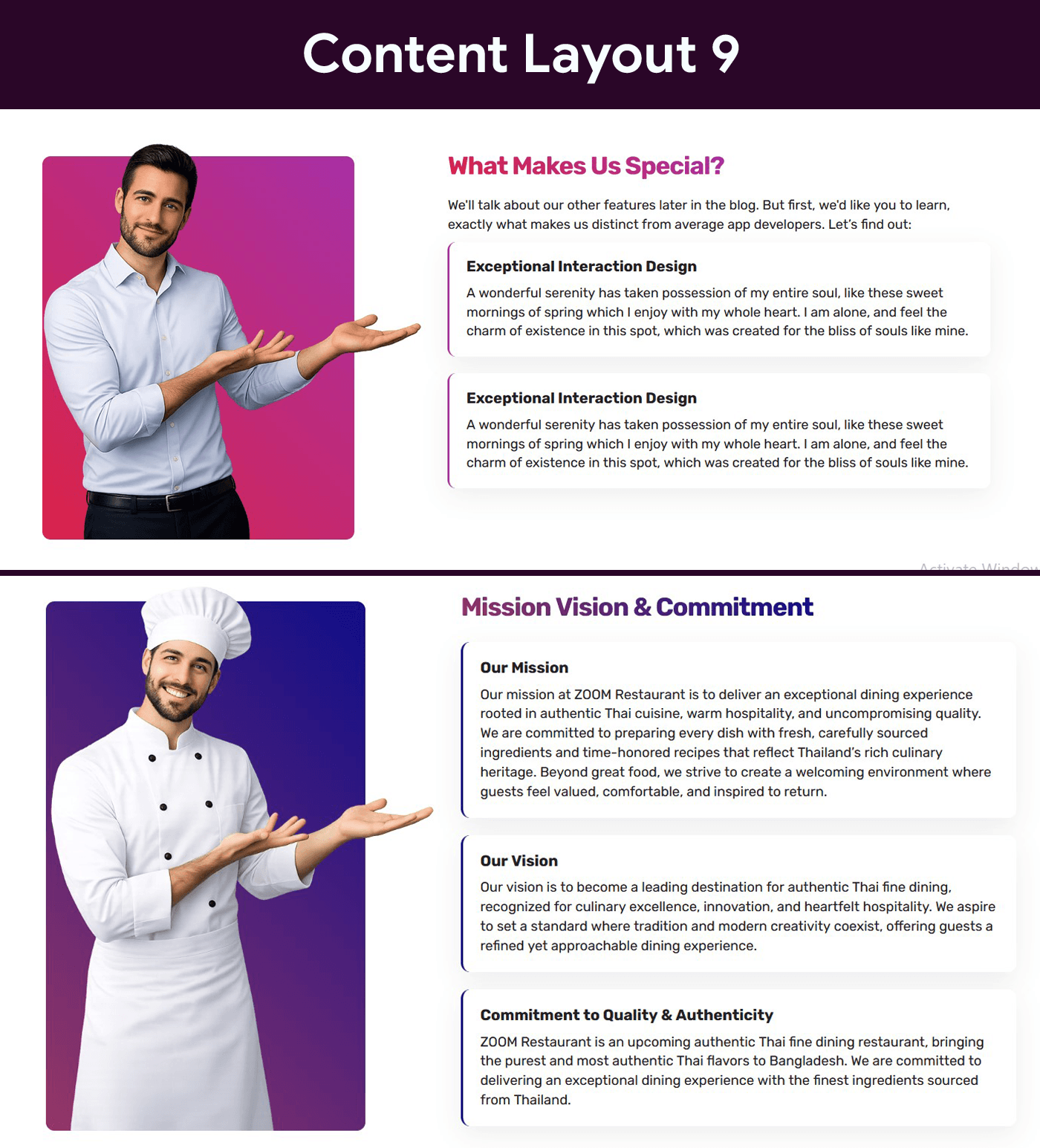
Content Layout Nine
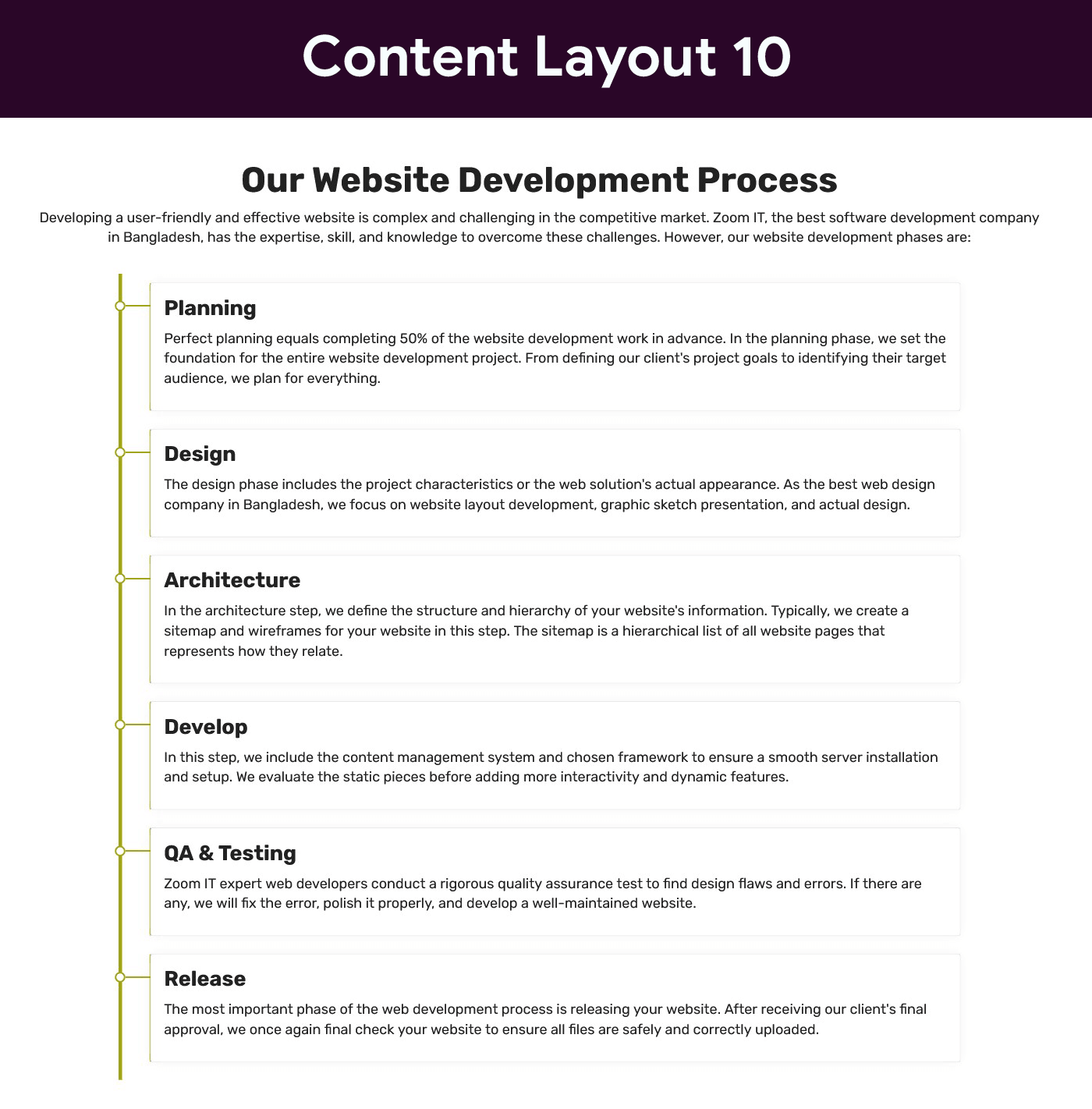
Content Layout Ten
Faq
No. The plugin works with the free version of Elementor.
Yes, all designs are fully responsive.
Yes. You can fully customize colors, typography, spacing, and more from Elementor controls.
Currently, the plugin includes 10 unique content styles.
Reviews
Changelog
1.0
- Initial release